
Introduction
Welcome to the instruction manual for your Wera Click-Torque C3 Torque Wrench. This manual provides essential information for the safe and effective use, setup, operation, and maintenance of your tool. Please read this manual thoroughly before first use and retain it for future reference.
Safety Instructions
General Safety Warnings
- Always wear appropriate personal protective equipment, such as safety glasses, when using tools.
- Ensure the workpiece is securely fastened before applying torque.
- Do not exceed the maximum torque capacity of the wrench (200 Nm).
- Do not use the torque wrench as a breaker bar.
- Keep the tool clean and free from oil or grease to maintain a secure grip.
- Store the torque wrench in a dry, clean environment, preferably at its lowest torque setting to relieve spring tension.
- Regularly check the wrench for any signs of damage or wear. Do not use a damaged tool.
Product Overview
Components and Features
The Wera Click-Torque C3 is a high-precision torque wrench designed for controlled tightening of fasteners within a range of 40-200 Nm. It features a robust design and intuitive operation.

A full view of the Wera Click-Torque C3 Torque Wrench, showcasing its black body, green handle accents, and the torque scale window. The ratchet head is visible on the left.
Audible and Tactile Feedback
The wrench provides a distinct audible "click" and a tactile signal when the set torque value is reached, ensuring precise application.
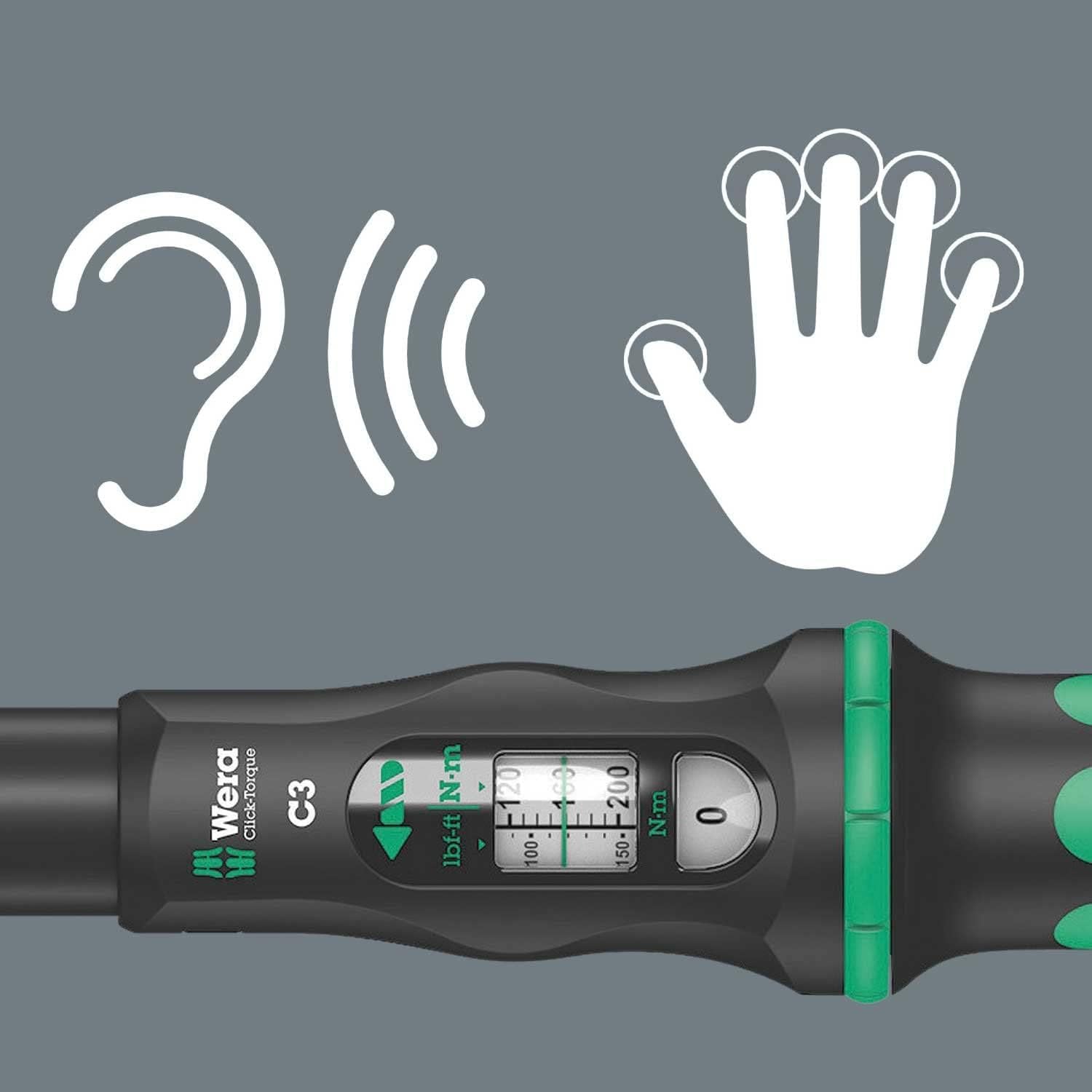
An illustration showing an ear and a hand, symbolizing the audible and tactile feedback provided by the wrench when the set torque is achieved. The torque scale is visible in the background.
Reversible Ratchet Head
The integrated ratchet head allows for both clockwise and counter-clockwise operation, making it versatile for various applications.
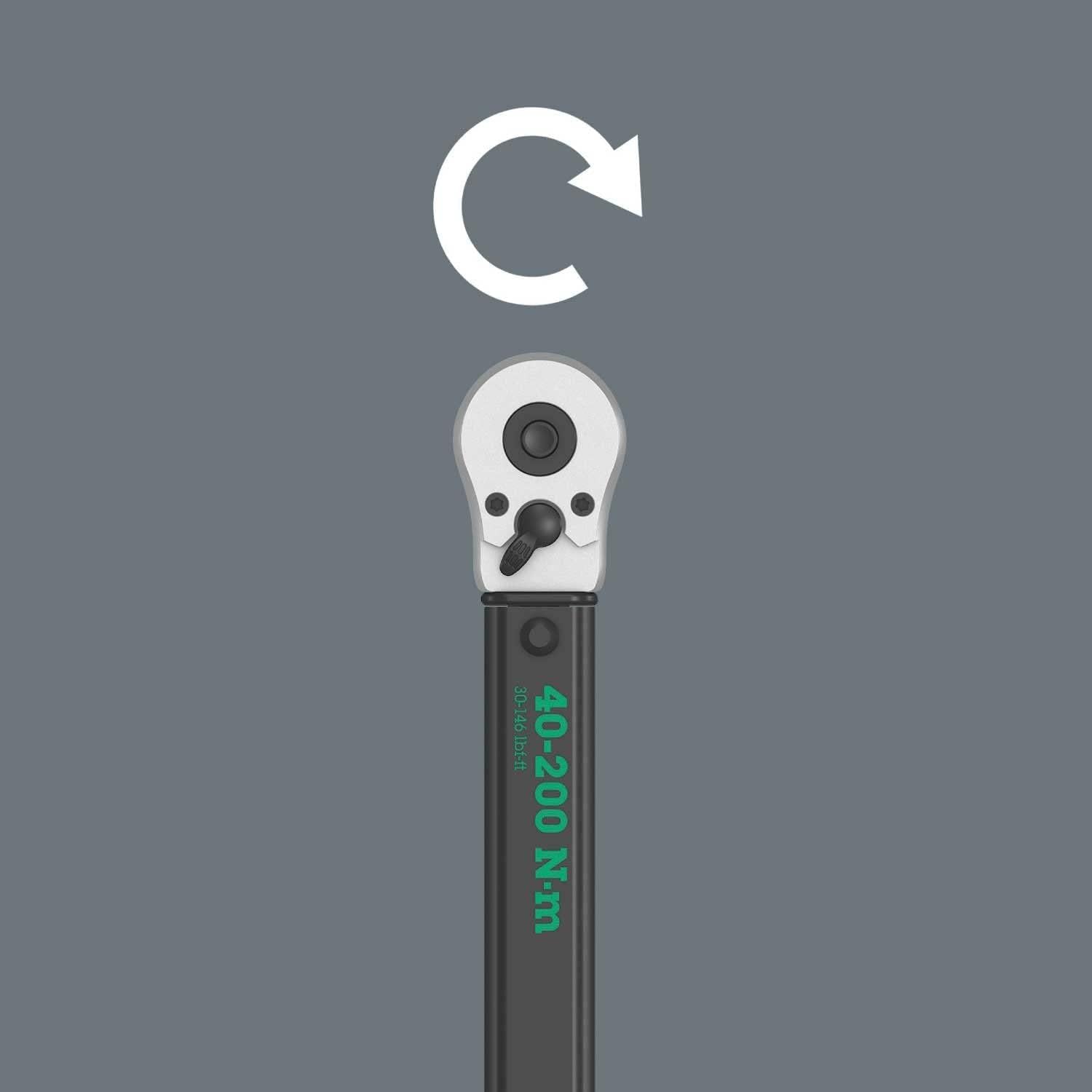
A close-up of the torque wrench's ratchet head with an arrow indicating its reversible function, allowing for tightening and loosening.
Precision and Accuracy
The Wera Click-Torque C3 is designed for high precision, ensuring that the applied torque meets specified requirements for critical fastening tasks.

An illustration depicting a target symbol over the torque wrench's scale, emphasizing its accuracy in reaching the desired torque value.
Setup
Setting the Torque Value
To set the desired torque value, unlock the adjustment mechanism located at the end of the handle. Rotate the handle until the main scale and fine adjustment scale align with the required torque. Lock the adjustment mechanism to secure the setting.

A detailed view of the torque wrench's handle and adjustment mechanism, illustrating how to set the desired torque value using the main and fine adjustment scales.
Operating Instructions
Applying Torque
Attach the appropriate socket or bit to the square drive of the torque wrench. Place the socket onto the fastener. Apply steady, increasing force to the handle until you hear and feel the distinct "click" of the wrench. Stop applying force immediately after the click. Do not continue to tighten the fastener beyond this point.
Direction of Rotation
The ratchet head can be switched to allow for tightening (clockwise) or loosening (counter-clockwise) by adjusting the lever on the ratchet mechanism.
Maintenance
Cleaning
Wipe the torque wrench clean with a soft, dry cloth after each use. Do not use solvents or abrasive cleaners, as these can damage the tool's finish or internal components.
Storage
Store the torque wrench in its protective case or a suitable dry environment. For long-term storage, it is recommended to set the torque wrench to its lowest setting (but not below the minimum specified range) to relieve tension on the internal spring mechanism.
Calibration
Torque wrenches are precision instruments and require periodic calibration to maintain accuracy. Refer to local standards or manufacturer recommendations for calibration intervals. Typically, annual calibration is recommended, or after any significant impact or misuse.
Troubleshooting
Wrench does not click at set torque
Ensure the torque setting is correctly locked. Verify that the applied force is steady and not too rapid. If the issue persists, the wrench may require calibration or servicing.
Inaccurate torque readings
Check if the wrench has been dropped or misused. Ensure the wrench is clean and free from debris. Calibration may be necessary.
Difficulty adjusting torque
Ensure the locking mechanism is fully disengaged before attempting to adjust the torque. Clean any debris from the adjustment mechanism.
Specifications
| Feature | Detail |
|---|---|
| Model Number | 5075622001 |
| Torque Range | 40-200 Nm |
| Product Dimensions | 53.52 x 6.02 x 6.02 cm |
| Item Weight | 1.46 kg |
| Material | Metal |
| Operation Mode | Mechanical |
| Head Style | Ratchet Head (Square Drive) |
| Manufacturer | Wera Tools |
Warranty and Support
For warranty information and customer support, please refer to the documentation included with your purchase or visit the official Wera website. Keep your proof of purchase for any warranty claims.


