
1. Introduction
This manual provides essential information for the installation, operation, and maintenance of your AMD Ryzen 5 2600 Processor with the included Wraith Stealth Cooler. The AMD Ryzen 5 2600 is designed to deliver robust performance for various computing tasks, from everyday use to demanding applications like photo and video editing. It features 6 cores and 12 threads, with a base clock of 3.4GHz and a maximum boost clock of 3.9GHz.

Figure 1.1: The retail packaging for the AMD Ryzen 5 2600 Processor with Wraith Stealth Cooler.
The processor is equipped with True Machine Intelligence to optimize responsiveness. For optimal performance, a discrete graphics card is required.
2. What's in the Box
Your AMD Ryzen 5 2600 Processor package includes the following components:
- AMD Ryzen 5 2600 Processor
- AMD Wraith Stealth Cooler
- Installation Manual (PDF available online)
- User Manual (PDF available online)
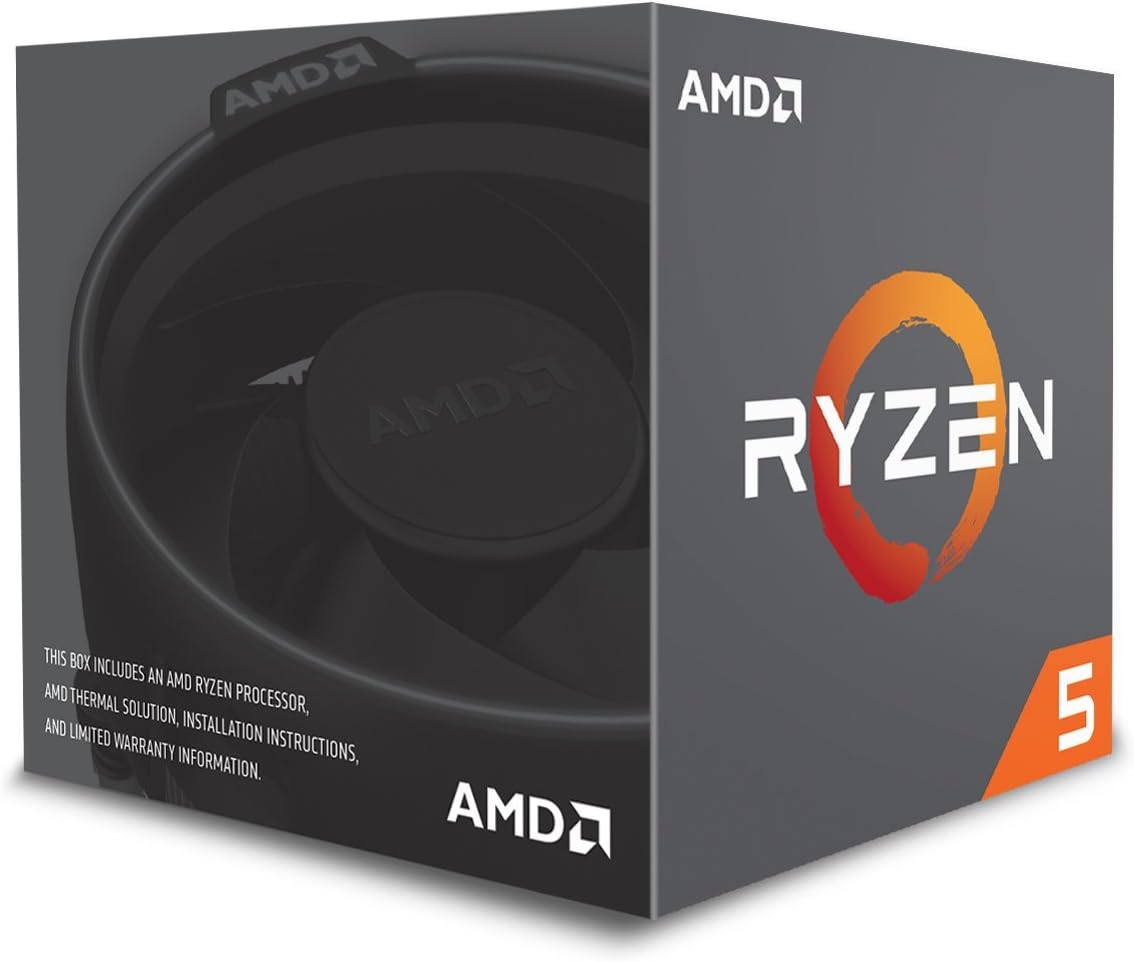
Figure 2.1: The AMD Ryzen 5 2600 Processor chip.
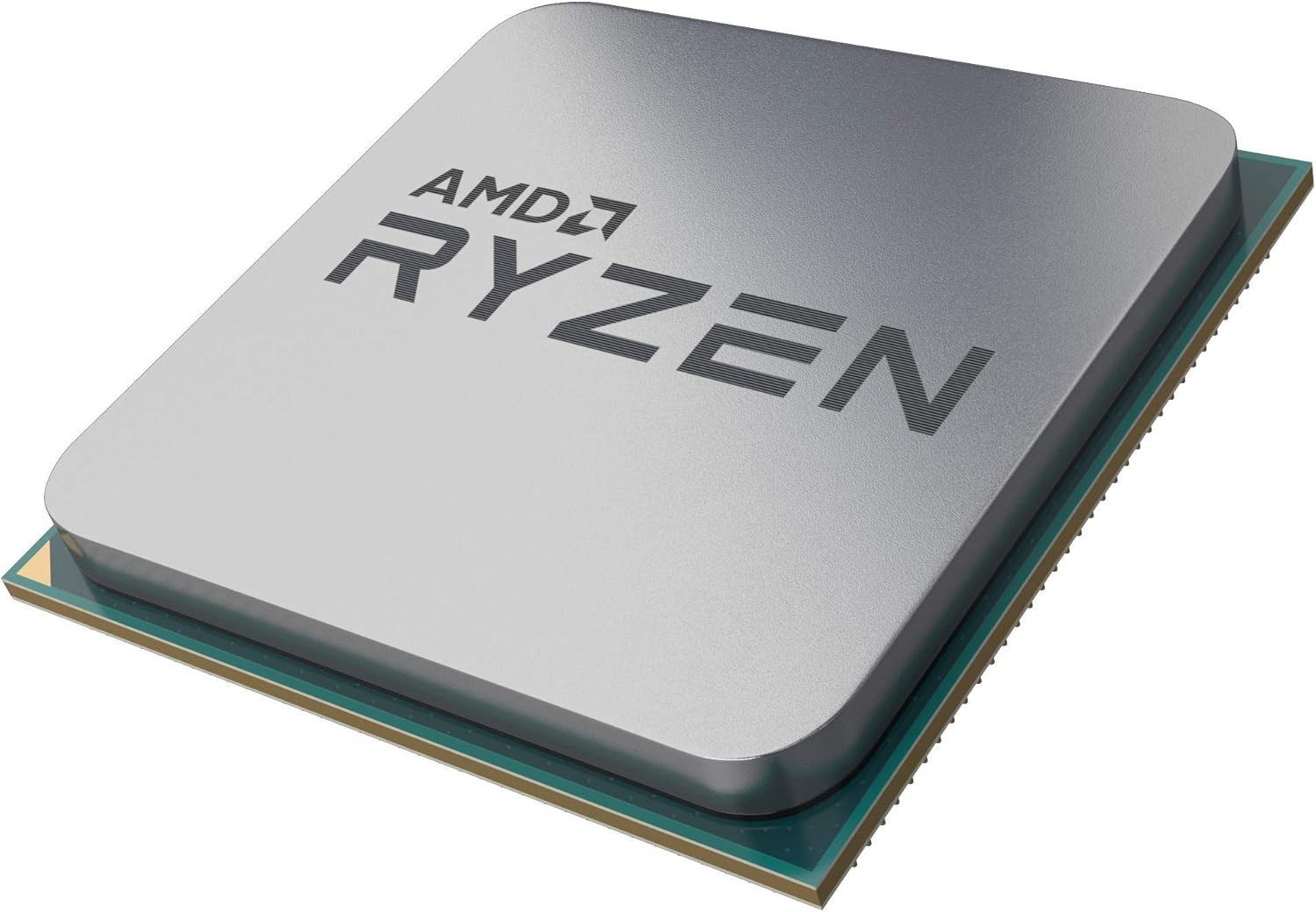
Figure 2.2: The AMD Wraith Stealth Cooler.
3. Setup and Installation
Proper installation of your AMD Ryzen 5 2600 Processor and Wraith Stealth Cooler is crucial for system stability and performance. This processor uses the AM4 socket. Please refer to the detailed installation manual provided by AMD for step-by-step instructions. A PDF version of the installation manual is available for download from the AMD website.
3.1 Key Installation Steps:
- Prepare Motherboard: Ensure your motherboard supports the AM4 socket and has the latest BIOS update for Ryzen 2000 series processors.
- Install Processor: Carefully align the processor with the AM4 socket on your motherboard and gently place it. Do not force the processor into the socket.
- Apply Thermal Paste: The Wraith Stealth Cooler comes with pre-applied thermal paste. If using a different cooler, apply a thin, even layer of thermal paste to the CPU's integrated heat spreader.
- Install Cooler: Mount the Wraith Stealth Cooler securely onto the motherboard, ensuring even pressure. Connect the cooler's fan cable to the CPU_FAN header on your motherboard.
- Connect Power: Ensure all necessary power cables are connected to the motherboard and CPU.
Video 3.1: Manufacturer's video demonstrating the installation process for an AMD Ryzen processor and cooler.
3.2 Motherboard Compatibility:
The AMD Ryzen 5 2600 Processor is compatible with AMD Socket AM4 motherboards. Ensure your motherboard's chipset supports Ryzen 2000 series processors. Common compatible chipsets include X370, B350, A320, X470, B450, X570, B550, and A520, though BIOS updates may be required for older chipsets.

Figure 3.1: Chart illustrating AMD Socket AM4 motherboard chipset compatibility with various Ryzen processor generations.
4. Operating Instructions
Once installed, your AMD Ryzen 5 2600 Processor will operate automatically within your system. The processor's performance is optimized by its integrated True Machine Intelligence, adapting to your workload in real-time.
4.1 Performance and Workloads:
The Ryzen 5 2600 is designed to handle a variety of workloads efficiently, from gaming to content creation. Its multi-core architecture excels in tasks that benefit from parallel processing.

Figure 4.1: Performance comparison chart highlighting the capabilities of the AMD Ryzen 5 2600 in various applications.
4.2 Software and Drivers:
For optimal performance and stability, ensure you have the latest chipset drivers installed for your motherboard. These can typically be found on your motherboard manufacturer's website or the official AMD support page. Regularly update your operating system and graphics card drivers.
5. Specifications
| Feature | Specification |
|---|---|
| Brand | AMD |
| Model Number | YD2600BBAFBOX |
| CPU Model | Ryzen 5 2600 |
| CPU Socket | Socket AM4 |
| Core Count | 6 |
| Thread Count | 12 |
| Base Clock Speed | 3.4 GHz |
| Max Boost Clock | 3.9 GHz |
| L2 Cache | 3 MB |
| L3 Cache | 16 MB |
| TDP | 65W |
| Cooling Method | Air (Wraith Stealth Cooler included) |
| Platform | Windows 10 |
| Item Dimensions (L x W) | 1.6"L x 1.6"W |
| Item Weight | 16 ounces |
| GTIN | 00730143309165 |
6. Troubleshooting
If you encounter issues with your AMD Ryzen 5 2600 Processor, consider the following common troubleshooting steps:
- No Display/System Not Booting:
- Ensure all power cables are securely connected.
- Verify the CPU and cooler are correctly seated in their sockets.
- Confirm your motherboard BIOS is updated to support Ryzen 2000 series processors.
- Check that a discrete graphics card is properly installed and connected, as the Ryzen 5 2600 does not have integrated graphics.
- Overheating:
- Ensure the Wraith Stealth Cooler is properly mounted and making good contact with the CPU.
- Verify the cooler fan is spinning and connected to the CPU_FAN header.
- Check for proper airflow within your PC case.
- System Instability/Crashes:
- Update your motherboard chipset drivers and graphics card drivers to the latest versions.
- Check RAM compatibility and ensure it is properly seated.
- Monitor CPU temperatures using system monitoring software.
For more advanced troubleshooting or persistent issues, please consult the AMD support website or contact their customer service.
7. Warranty and Support
The AMD Ryzen 5 2600 Processor comes with a three-year limited warranty. For detailed warranty terms and conditions, please refer to the official AMD website or the documentation included with your product.
7.1 Official Resources:
- AMD Official Website: For the latest drivers, software, and support information, visit www.amd.com.
- Product Support Page: Specific support for the Ryzen 5 2600 can be found on AMD's product support pages.
- PDF Manuals: Digital copies of the Installation Manual and User Manual are available for download from the AMD website.
Always ensure you are using official AMD resources for support and information to guarantee accuracy and security.