Introduction
This manual provides essential instructions for the proper use, setup, and maintenance of your NIXON Sentry SS A356 Analog Classic Watch. Please read this manual thoroughly to ensure optimal performance and longevity of your timepiece.
Setup
1. Initial Time and Date Setting
To set the time and date on your NIXON Sentry SS A356 watch, follow these steps:
- Pull out the crown: Gently pull the crown (the knob on the side of the watch) to position 2.
- Set the date: Rotate the crown clockwise or counter-clockwise to adjust the date. Avoid setting the date between 9 PM and 3 AM, as this may interfere with the automatic date change mechanism.
- Pull out the crown further: Pull the crown to position 3. The second hand will stop.
- Set the time: Rotate the crown to set the hour and minute hands. To ensure accurate time, set the time a few minutes ahead and then push the crown back to position 1 when a time signal (e.g., from a radio or phone) reaches the desired time.
- Push the crown back: Once the time and date are set, push the crown firmly back into position 1 to engage the movement and ensure water resistance.
2. Band Adjustment
The stainless steel band may require adjustment for a comfortable fit. This typically involves removing or adding links. It is recommended to have this procedure performed by a qualified jeweler or watch technician to prevent damage to the band or watch.

Image: Front view of the NIXON Sentry SS A356 watch, showcasing the matte black dial with gold hour markers and hands, and the day/date window.
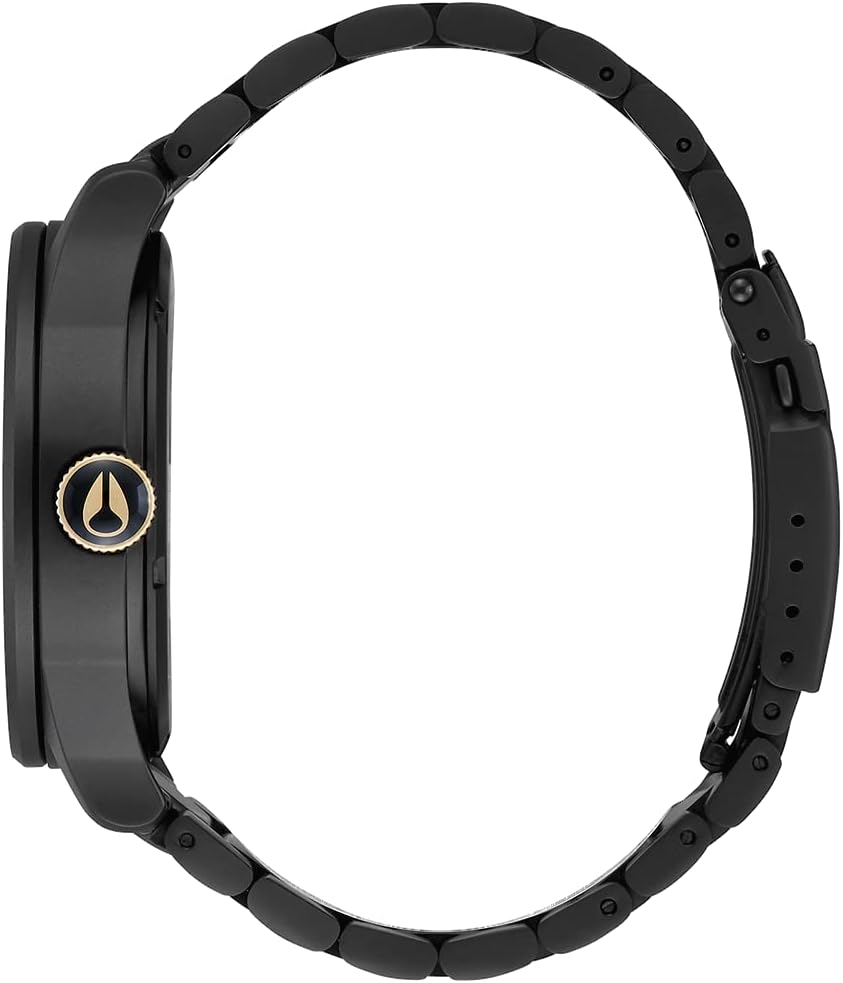
Image: Side view of the NIXON Sentry SS A356 watch, highlighting the gold-toned crown used for setting the time and date.

Image: Back view of the NIXON Sentry SS A356 watch, showing the stainless steel case back with engraved product details.
Product Overview Video
Video: A brief overview of the NIXON Sentry SS A356 watch, demonstrating its design and features. This video is provided by the manufacturer.
Operating Your Watch
Timekeeping
Your NIXON Sentry SS A356 watch features a precise Japanese analog movement for accurate timekeeping. The hour, minute, and second hands continuously display the current time.
Day/Date Function
The watch includes a day and date display window at the 3 o'clock position. This display automatically advances at midnight. If the watch is not worn for an extended period, the date may need to be manually reset as described in the 'Setup' section.
Maintenance
Water Resistance
The NIXON Sentry SS A356 watch is water resistant to 100 meters (10 ATM). This makes it suitable for swimming, snorkeling, and showering. However, it is not recommended for scuba diving. Always ensure the crown is fully pushed in before exposing the watch to water.
Cleaning
To clean your watch, wipe the case and stainless steel band with a soft, damp cloth. For stubborn dirt, a mild soap solution can be used, followed by rinsing with clean water and thorough drying. Avoid using harsh chemicals or abrasive materials, as these can damage the watch's finish.
Battery Replacement
The watch is powered by a Lithium Ion battery. When the battery needs replacement, it is recommended to take your watch to an authorized NIXON service center or a reputable watch repair shop. This ensures proper battery installation and re-sealing for water resistance.
Troubleshooting
Watch Not Keeping Time
- Check the crown: Ensure the crown is fully pushed into position 1. If it is pulled out, the watch will not run.
- Battery: The battery may need replacement. Refer to the 'Battery Replacement' section.
- Impact: If the watch has experienced a significant impact, the internal movement may be damaged. Seek professional repair.
Date Not Changing
- Time setting: Ensure the time is set correctly, distinguishing between AM and PM. The date changes around midnight.
- Manual adjustment: Manually advance the date using the crown as described in the 'Setup' section.
Specifications
| Model Number | A3561041 |
| Movement | Japanese Analog Movement |
| Water Resistance | 100 meters (10 ATM) |
| Case Material | Stainless Steel |
| Band Material | Stainless Steel |
| Product Dimensions | 5 x 5 x 5 inches |
| Item Weight | 4.96 ounces |
| Battery Type | 1 Lithium Ion battery (included) |
Warranty and Support
NIXON watches are covered by a limited warranty against defects in materials and workmanship. For specific warranty terms, service, or support inquiries, please refer to the official NIXON website or contact NIXON customer service directly. Keep your proof of purchase for warranty claims.
For further assistance, visit the official NIXON website: www.nixon.com


