
1. Important Safety Information
Please read all safety instructions before using the Yogasleep Whish White Noise Sound Machine.
- Do not use this device near water or in excessively humid environments.
- Keep the device out of reach of children.
- Follow all manufacturer's instructions for proper use and maintenance to ensure safe operation.
- Only use the provided USB cable. A wall power adapter is not included and must be supplied separately.
2. Product Overview
The Yogasleep Whish is a compact white noise sound machine designed to create a peaceful sound environment for improved sleep, concentration, and privacy. It features 16 soothing sounds and adjustable volume and timer settings.
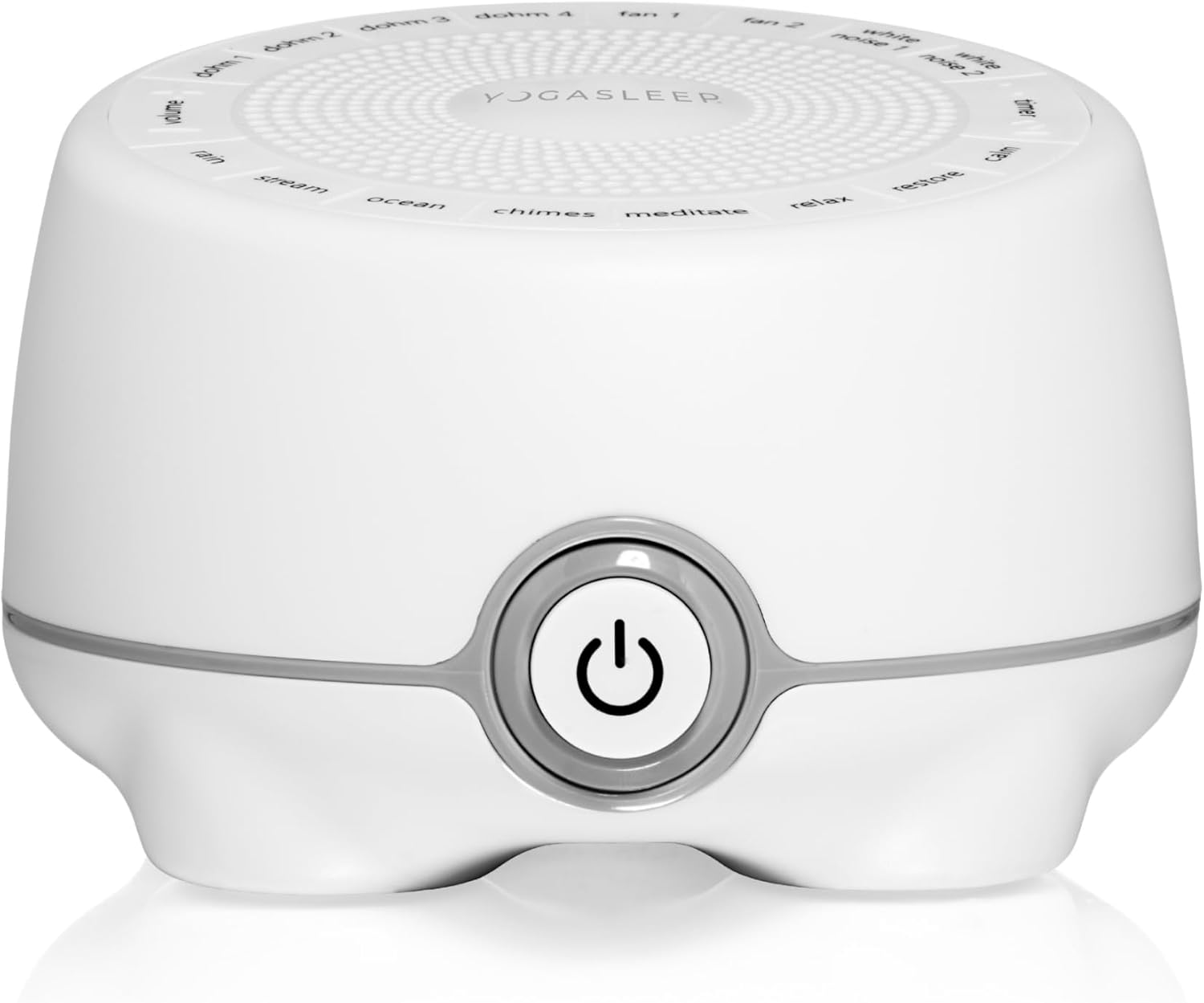
Figure 1: Front view of the Yogasleep Whish White Noise Sound Machine. The device is white with a gray power button on the front and a speaker grille on top.
Key Features:
- 16 Soothing Sounds: Includes 8 white noise options (e.g., fan, Dohm signature sound), nature sounds, sleep songs, and meditation soundtracks.
- Adjustable Volume: Robust volume control from quiet to loud.
- Timer Options: 6-hour and 8-hour automatic shut-off timers.
- Compact Design: Lightweight (12.5 ounces) and portable for travel.
- USB Powered: Operates via micro-USB cable (adapter not included).
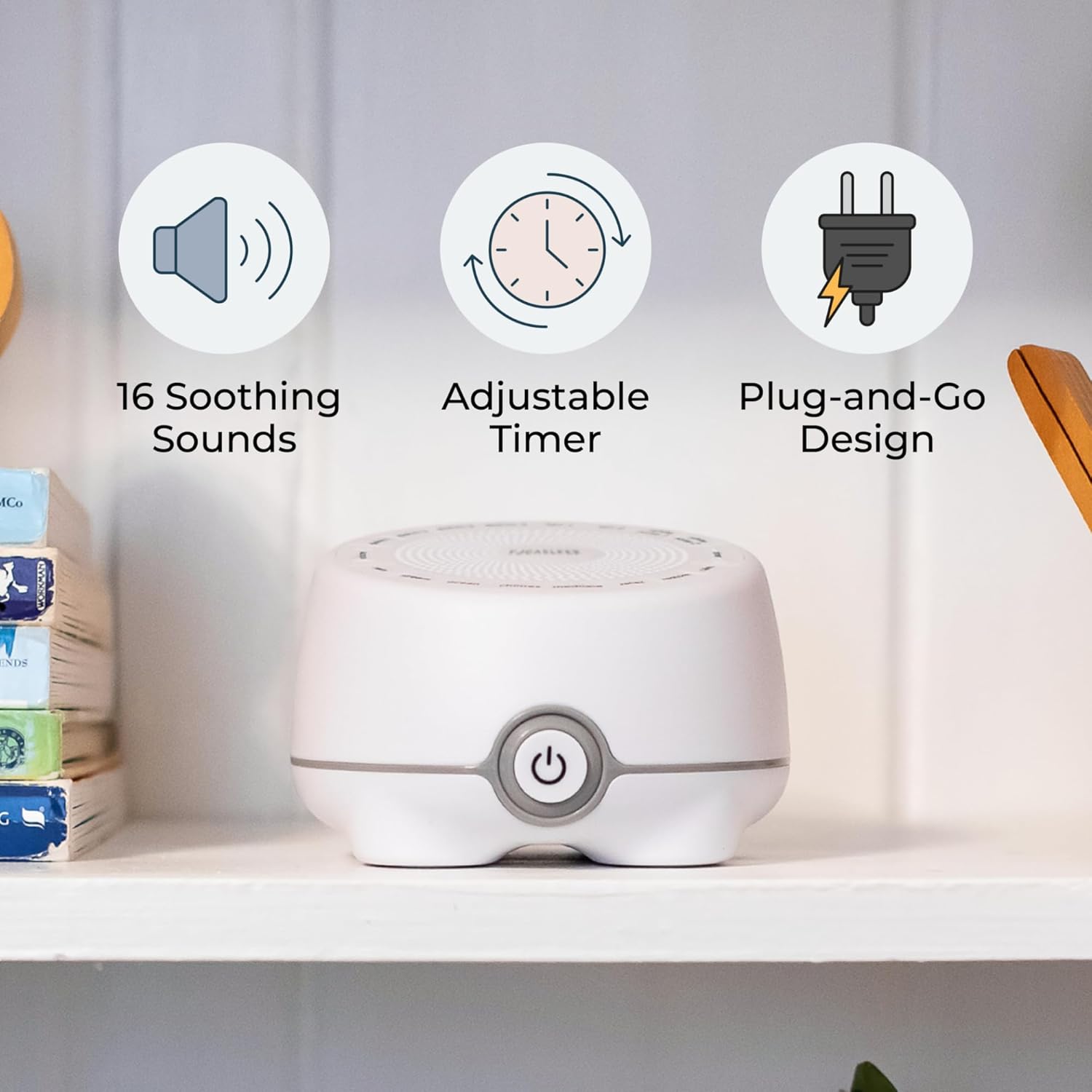
Figure 2: Visual representation of the Whish's key features: 16 soothing sounds, an adjustable timer, and a plug-and-go design, shown with the device on a shelf.
3. Setup
- Power Connection: Connect the provided micro-USB cable to the USB port on the back of the Whish unit. Plug the other end of the USB cable into a compatible USB power adapter (not included) or a USB port on a computer or other device.
- Placement: Place the Whish on a stable, flat surface away from water sources. Its compact size allows for placement in various locations, such as a nightstand, desk, or nursery shelf.
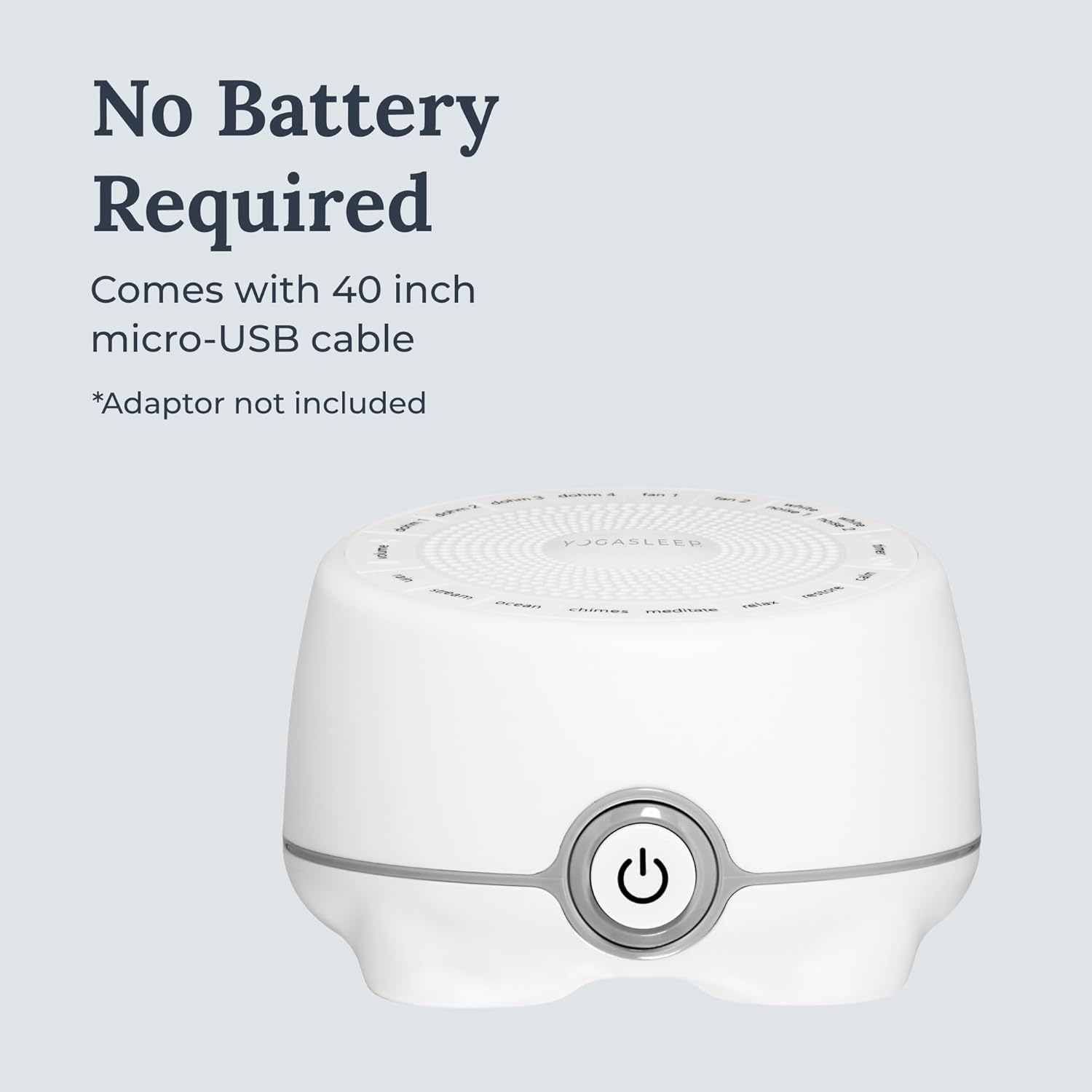
Figure 3: The Yogasleep Whish connected via its micro-USB cable, illustrating that no batteries are required for operation.
4. Operating Instructions
4.1 Power On/Off
Press the power button located on the side of the unit to turn the Whish on or off. The device will automatically resume the last selected sound and volume setting when powered on.
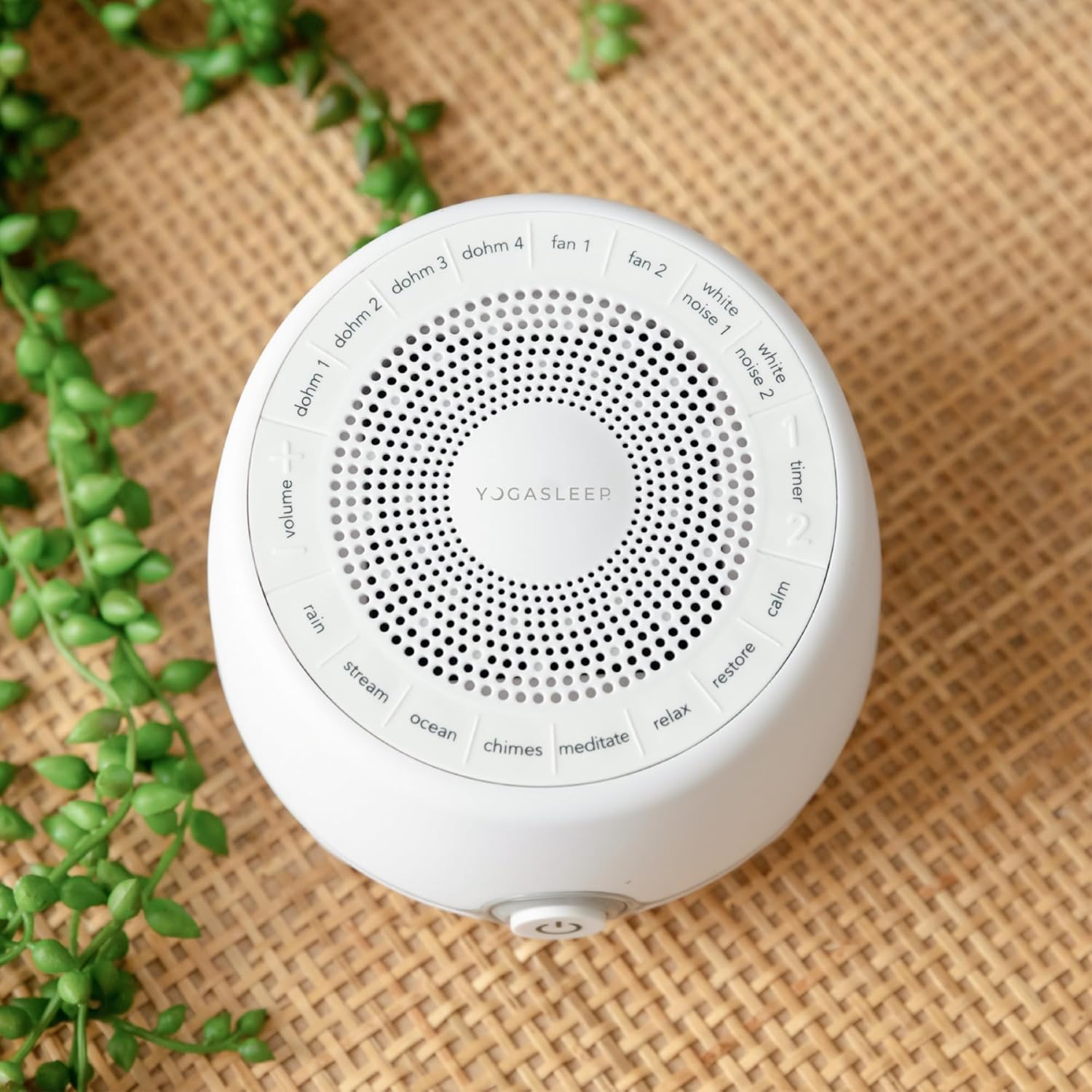
Figure 4: Top view of the Yogasleep Whish, highlighting the circular arrangement of sound selection buttons and the volume control area.
4.2 Sound Selection
The Whish offers 16 distinct sounds. To select a sound, press the corresponding button on the top panel of the device. Available sound categories include:
- White Noise: Dohm 1, Dohm 2, Dohm 3, Dohm 4, Fan 1, Fan 2, White Noise 1, White Noise 2
- Nature Sounds: Rain, Stream, Ocean
- Relaxation Sounds: Chimes, Meditate, Relax, Restore, Calm
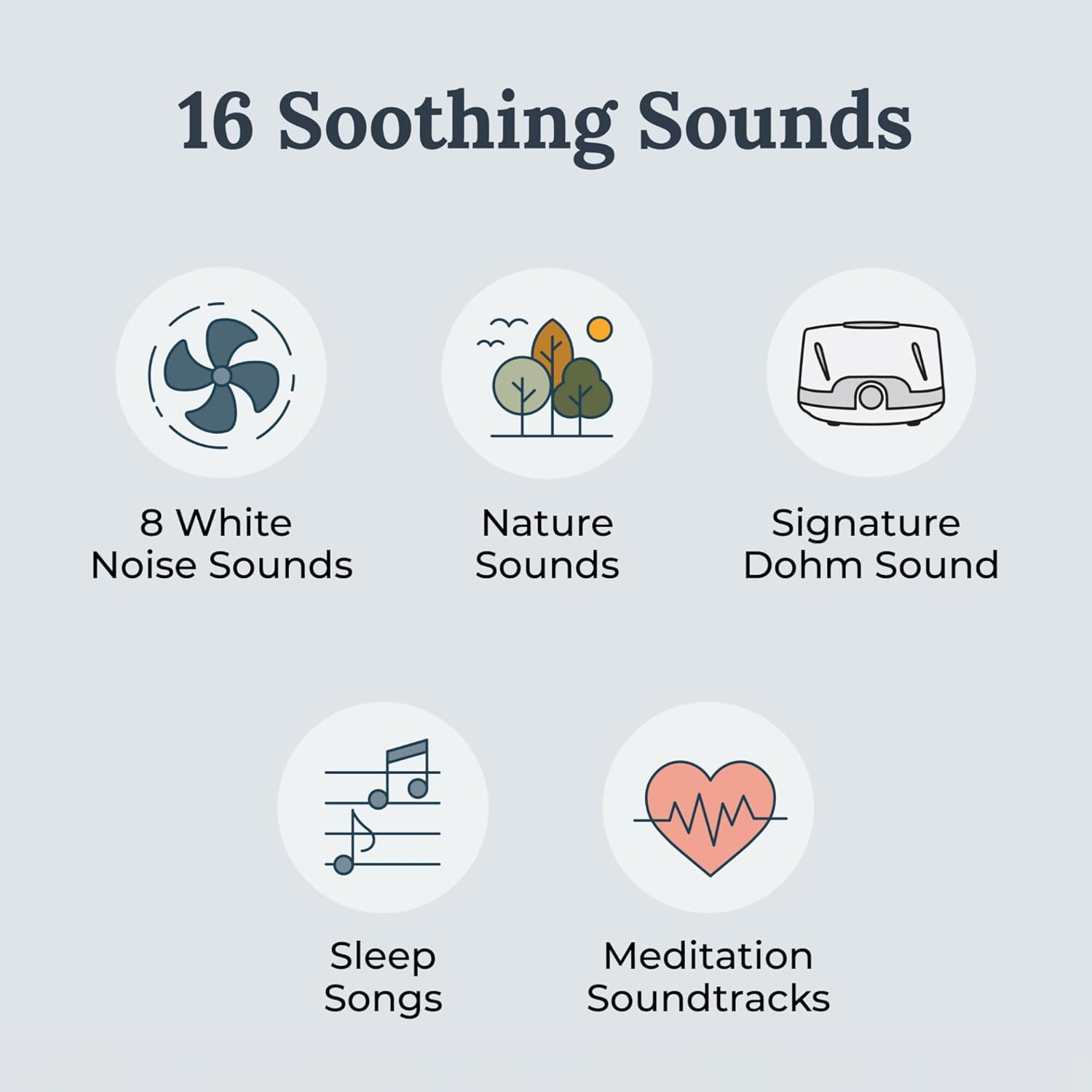
Figure 5: A visual breakdown of the 16 available sound options, categorized for easy selection.
4.3 Volume Control
Adjust the volume by pressing the "Volume" buttons located on the top panel. The Whish provides 10 volume increments, allowing for precise control from a whisper-quiet level to a robust 79.8 dB, suitable for masking various background noises.
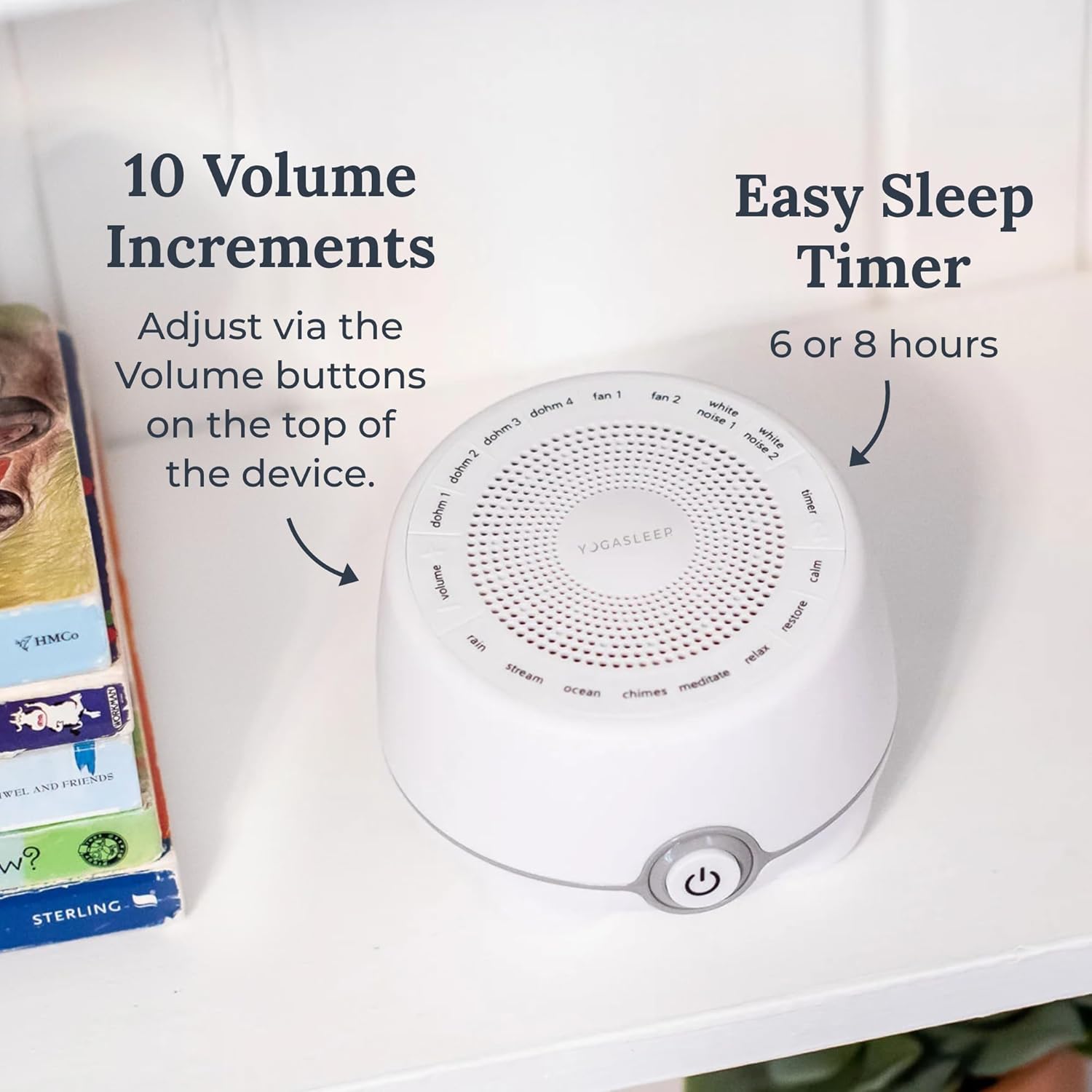
Figure 6: The top panel of the Whish indicating the volume adjustment area and timer buttons.
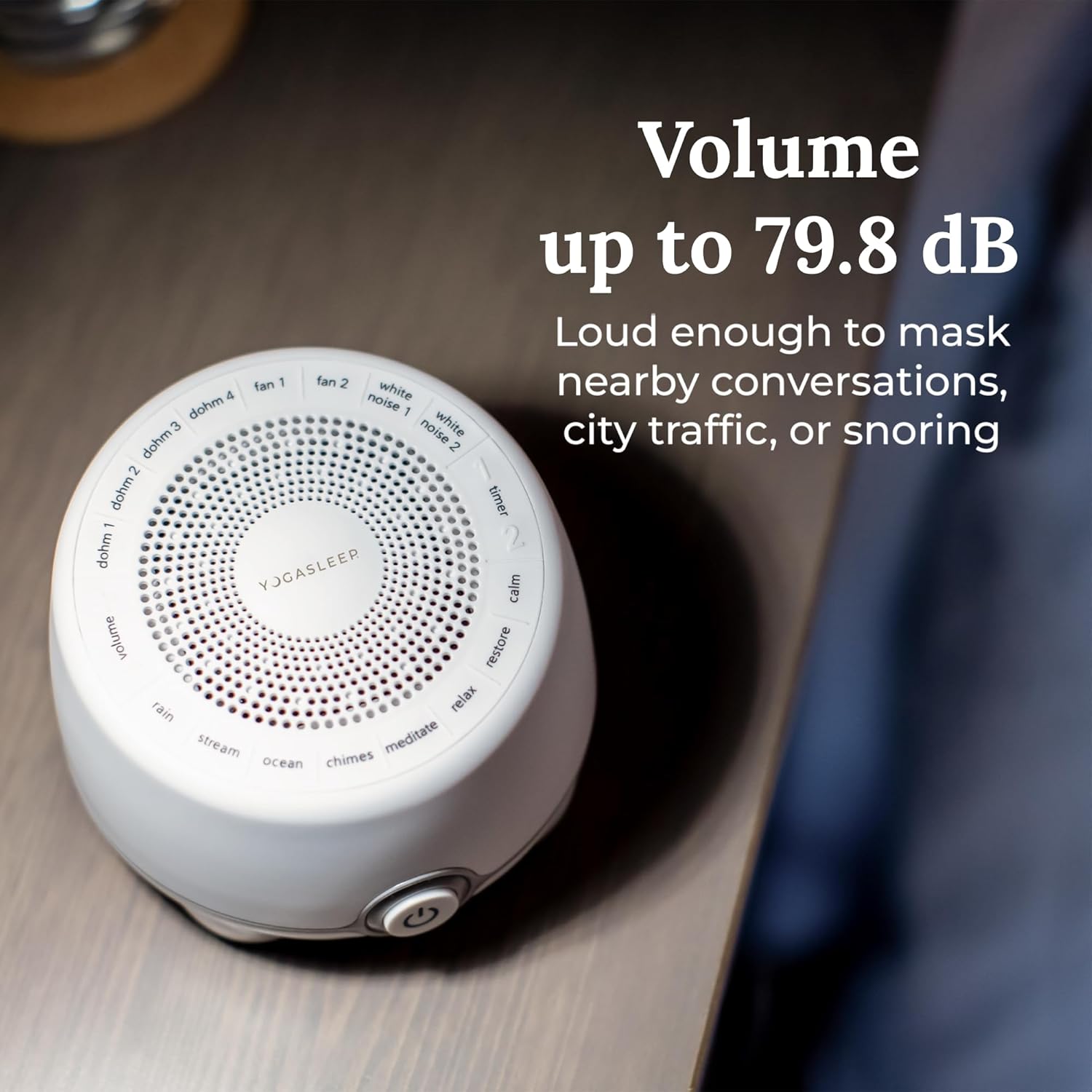
Figure 7: The Whish unit on a surface, illustrating its capability to produce sound up to 79.8 dB for effective noise masking.
4.4 Timer Function
The Whish includes two timer options for automatic shut-off:
- Press the "Timer 1" button for a 6-hour timer.
- Press the "Timer 2" button for an 8-hour timer.
The sound machine will automatically turn off after the selected duration.
5. Maintenance
The Yogasleep Whish White Noise Sound Machine requires minimal maintenance.
- Cleaning: Wipe the exterior of the device with a soft, dry cloth. Do not use liquid cleaners or abrasive materials.
- Storage: When not in use, store the device in a cool, dry place.
- Ensure the speaker grille remains clear of obstructions to maintain optimal sound quality.
6. Troubleshooting
| Problem | Possible Cause | Solution |
|---|---|---|
| Device does not power on. | No power supply or loose connection. | Ensure the USB cable is securely connected to both the device and a working USB power adapter. Verify the power adapter is plugged into a live outlet. |
| Volume or power buttons are unresponsive. | Temporary software glitch. | Unplug the device from its power source, wait 10 seconds, then plug it back in. This will reset the unit. |
| No sound or distorted sound. | Volume too low, incorrect sound selected, or speaker obstruction. | Increase the volume using the volume buttons. Ensure a sound is selected. Check that the speaker grille on top of the device is not covered. |
| Device turns off unexpectedly. | Timer function activated. | This is normal if a timer (6-hour or 8-hour) was set. If no timer was set, check power connection for stability. |
7. Specifications
| Feature | Detail |
|---|---|
| Model Name | Whish |
| Item Model Number | 4000800 |
| Brand | YOGASLEEP |
| Item Weight | 12.5 ounces |
| Product Dimensions | 4.25 x 7.4 x 7.48 inches |
| Power Source | Corded Electric (USB) |
| Connector Type | USB |
| Date First Available | January 19, 2018 |
8. Warranty and Support
8.1 Warranty Information
The Yogasleep Whish White Noise Sound Machine is backed by a one-year limited warranty from the date of purchase. This warranty covers manufacturing defects under normal use. Please retain your proof of purchase for warranty claims.
8.2 Customer Support
For further assistance, troubleshooting not covered in this manual, or warranty inquiries, please contact Yogasleep customer service. Visit the official Yogasleep website for contact details and additional resources.
Official Yogasleep Store: Yogasleep Store on Amazon


