
Introduction
The MaxMoxie Ultrasonic Pest Repeller is an electronic device designed to deter various household pests using ultrasonic wave technology. This manual provides essential information for the safe and effective use of your pest repeller, ensuring a more comfortable living environment.

Image: MaxMoxie Ultrasonic Pest Repeller in a living room, illustrating ultrasonic wave emission.
Key Features
- Patented Ultrasonic Technology: Emits ultrasonic waves to disorient and disturb pests like rodents, roaches, spiders, mosquitoes, bed bugs, and ants.
- Safe for Kids and Pets: The ultrasonic sound is inaudible to humans and common household pets, offering an environmentally friendly solution without poisons, traps, or chemicals.
- Long-Lasting and Energy Efficient: Designed for a lifespan of 3-5 years with low power consumption and a built-in night light.
- Easy to Use: Simple plug-and-play operation.
- Effective in 2-3 Weeks: Expect a gradual reduction in pest activity, with significant results typically observed within 2-3 weeks.
Setup & Installation
- Unpack the Device: Carefully remove the MaxMoxie Ultrasonic Pest Repeller from its packaging.
- Select Placement: Choose an indoor wall outlet in an area where pest activity is observed. For optimal performance, plug the device into an outlet closer to the floor, ensuring there are no large obstructions directly in front of it that could block the ultrasonic waves.
- Plug In: Insert the device directly into a standard AC90-240V wall outlet. The indicator light will illuminate, confirming the unit is powered on and operating.

Image: The MaxMoxie Ultrasonic Pest Repeller plugged into a standard wall outlet.
For larger areas or multiple rooms, it is recommended to use multiple units. Ultrasonic waves do not penetrate walls, so a unit is needed for each affected room.
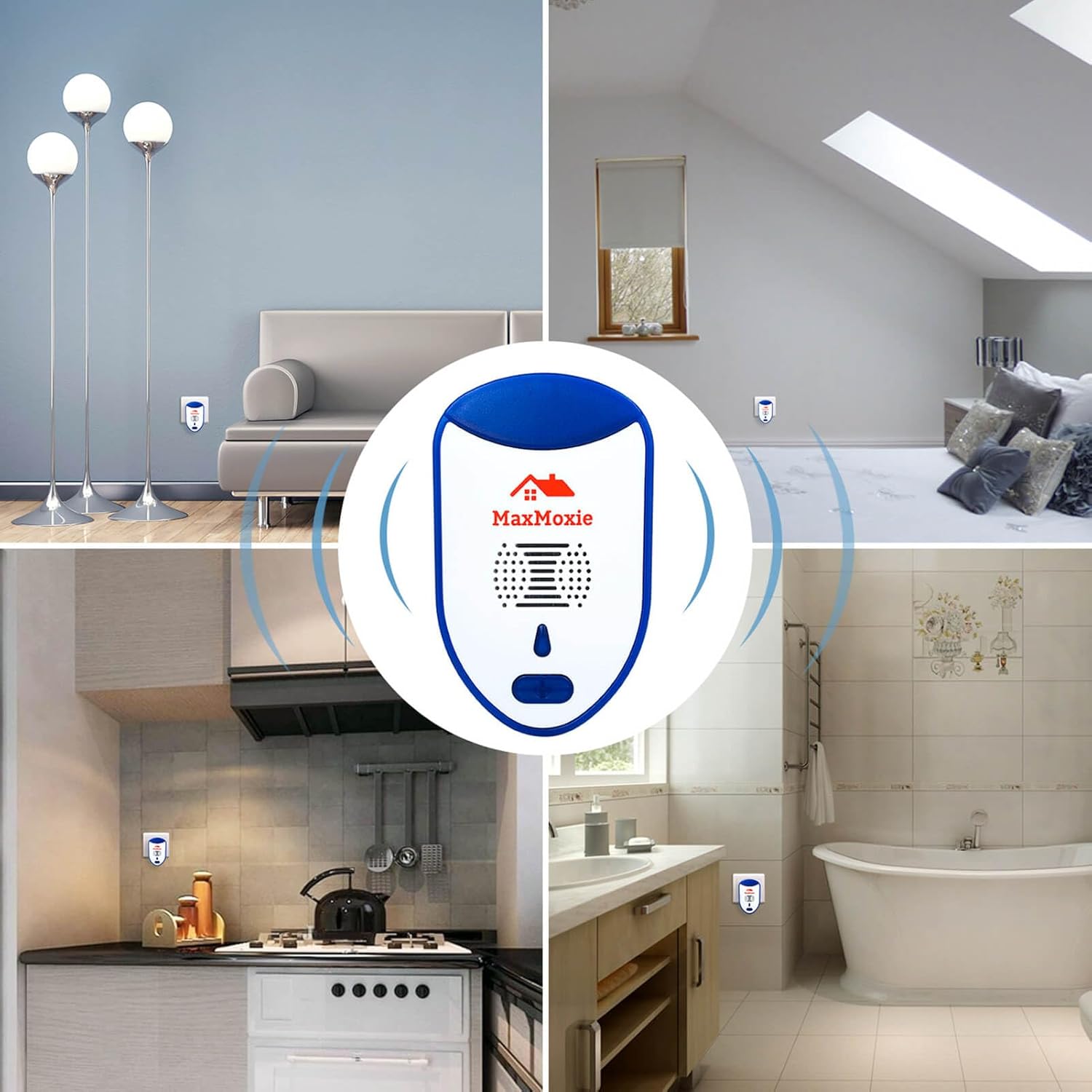
Image: Multiple MaxMoxie Ultrasonic Pest Repellers strategically placed throughout a home.
Operation
Once plugged in, the MaxMoxie Ultrasonic Pest Repeller begins emitting a range of ultrasonic frequencies. These frequencies are designed to create an uncomfortable environment for pests, encouraging them to leave the protected area.
Initial Period: It is common to observe an initial increase in pest activity during the first few days or weeks. This indicates that pests are being disturbed and are attempting to flee their nests. Significant reduction in pest activity should be noticeable within 2-3 weeks of continuous use.
Night Light Function: The device includes a built-in night light for added convenience. This feature operates independently and consumes minimal power.
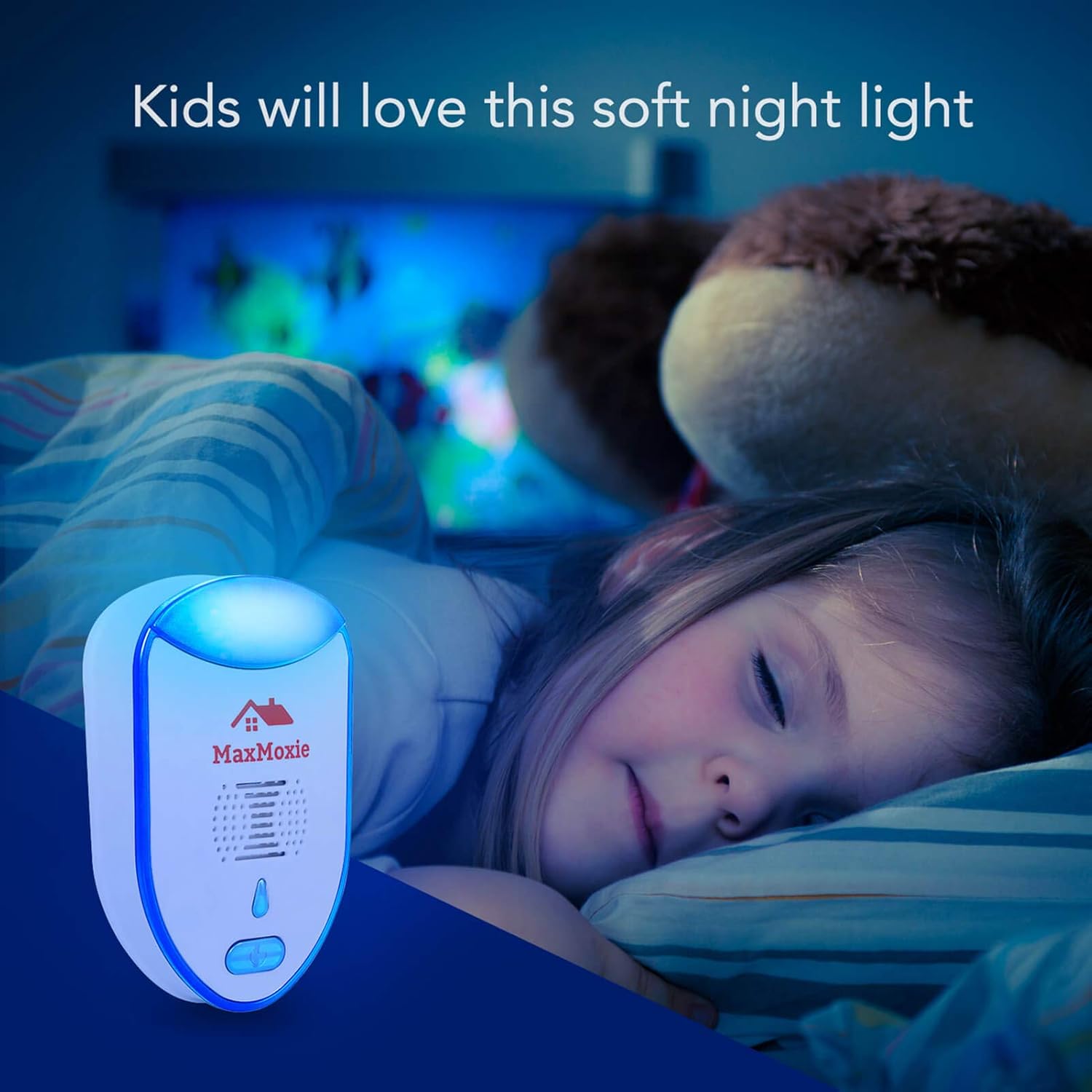
Image: The MaxMoxie Ultrasonic Pest Repeller functioning as a night light.
Maintenance
The MaxMoxie Ultrasonic Pest Repeller requires minimal maintenance. To ensure its longevity and effective operation:
- Keep the device clean by wiping it with a dry, soft cloth.
- Do not use water or any cleaning solutions directly on the device.
- Ensure the vents are not obstructed by furniture, curtains, or other objects, as this can reduce the effectiveness of the ultrasonic waves.
- The device is designed for continuous operation and does not require turning off.
Troubleshooting
| Problem | Possible Cause | Solution |
|---|---|---|
| No noticeable reduction in pests after 2-3 weeks. | Incorrect placement, obstructions, or severe infestation. | Ensure the device is plugged into an open outlet, preferably closer to the floor, without large objects blocking the ultrasonic waves. Consider adding more units for larger areas or severe infestations. Remember that ultrasonic waves do not penetrate walls. |
| Indicator light is off. | No power to the outlet or device malfunction. | Check if the outlet is working by plugging in another device. If the outlet is functional and the light remains off, the unit may be faulty. |
| Pest activity increased initially. | Normal response to ultrasonic waves. | This is expected as pests are disoriented and trying to escape. Continue use; activity should decrease within 2-3 weeks. |
Specifications
| Feature | Detail |
|---|---|
| Model Number | MaxMoxie101 |
| Product Dimensions | 2.2 x 1 x 3.5 inches |
| Item Weight | 0.01 Ounces |
| Power Source | AC90-240V |
| Power Consumption | 6-8W |
| Ultrasonic Frequency | 22-60 KHz |
| Target Species | Ant, Bed Bug, Cockroach, Mosquito, Mouse, Rat, Spider |
| Unit Count | 2.0 Count (per package) |

Image: Product dimensions and key technical specifications.
Important Safety Information
- This device is for indoor use only.
- Do not expose the device to water or high humidity.
- Keep out of reach of children and pets to prevent tampering, although the ultrasonic sound is harmless to them.
- Do not attempt to open or repair the device. Contact customer support if it malfunctions.
- Ensure the device is plugged into a properly functioning electrical outlet.
Legal Disclaimer: Statements regarding dietary supplements have not been evaluated by the FDA and are not intended to diagnose, treat, cure, or prevent any disease or health condition. (Note: This disclaimer was provided in the product data and is included for completeness, though its direct relevance to a pest repeller may vary.)

Image: The MaxMoxie Ultrasonic Pest Repeller is safe for use around children and pets.
Product Overview Video
Video: An official overview of the MaxMoxie Ultrasonic Insect & Pest Repellers, demonstrating their features and ease of use.
Warranty & Support
MaxMoxie stands behind the quality of its products. For any questions, concerns, or warranty claims, please refer to the contact information provided with your purchase or visit the official MaxMoxie website. Please retain your proof of purchase for warranty purposes.