1. Product Overview
The CINEMOOD Portable Movie Theater is a compact, lightweight smart mini projector designed for versatile entertainment and educational use. Measuring approximately 3 inches by 3 inches, this device offers a projection size of up to 150 inches on any flat surface in a dimmed environment. It features a built-in memory of 16GB and a rechargeable battery providing up to 5 hours of operation, making it ideal for on-the-go use without needing a constant connection to a computer, phone, or wall outlet.
The device comes preloaded with over 120 hours of content, including educational Disney content, and provides direct access to popular streaming platforms like Amazon Prime Video, Netflix, AmebaTV, YouTube, and YouTube Kids. Users can also download content from Netflix for offline viewing. The CINEMOOD is controlled via kid-friendly directional buttons or a dedicated mobile application.

Image: The CINEMOOD Portable Movie Theater, a compact white cube-shaped projector, held in a hand, showcasing its small size and portability.
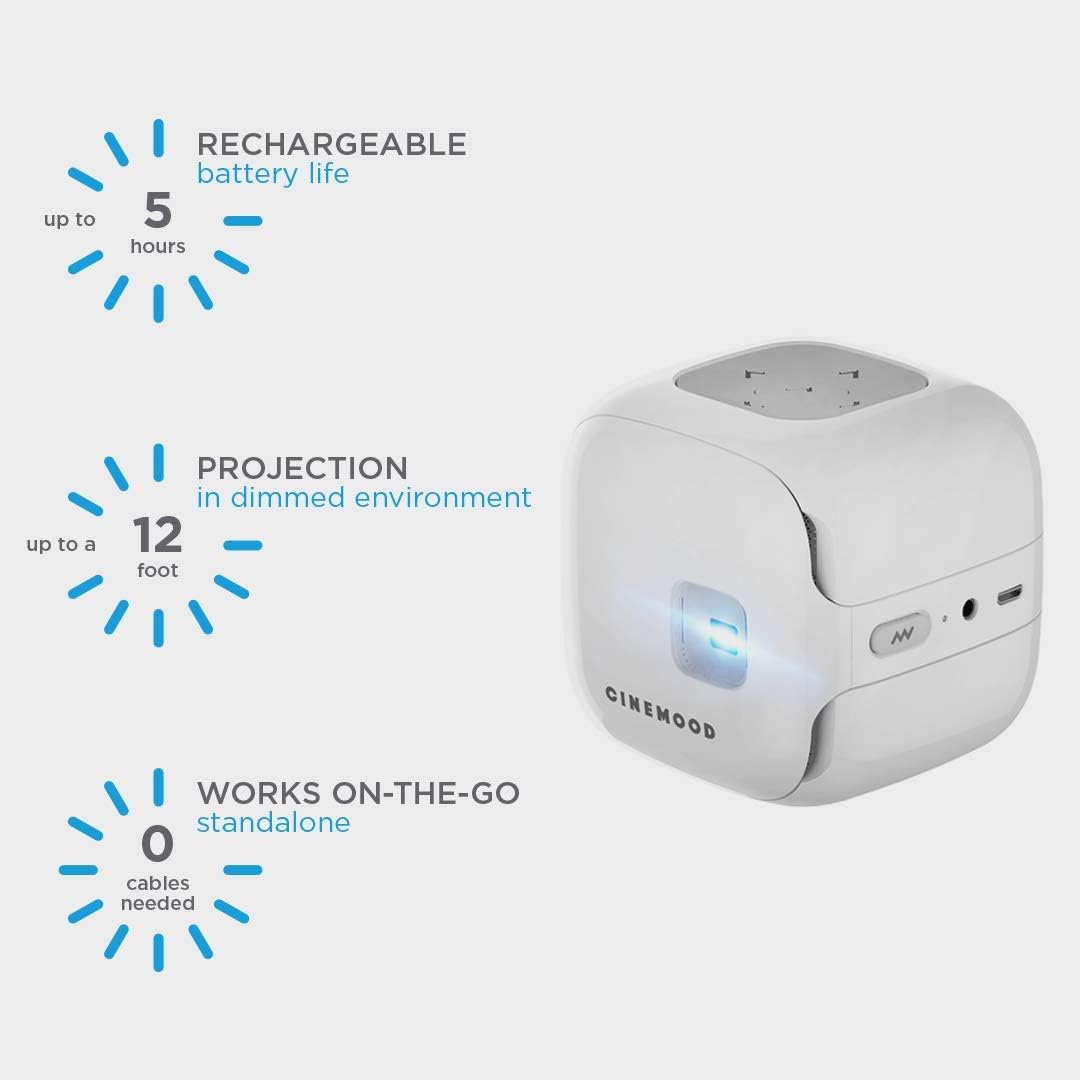
Image: Key features of the CINEMOOD Portable Movie Theater, including its 5-hour rechargeable battery, 12-foot projection capability in dimmed environments, and standalone functionality without cables.
2. What's in the Box
- 1 CINEMOOD 3-in-1 Magic Cinema device
- 1 USB adapter
- 1 USB power cable
- 1 Silicon base for picture placement
- 1 power adapter
- 1 quick start guide
3. Setup
- Initial Charge: Before first use, ensure the CINEMOOD device is fully charged using the provided USB power cable and adapter.
- Power On: Press and hold the power button to turn on the device.
- Wi-Fi Connection: To access streaming services and updates, connect the CINEMOOD to your home Wi-Fi network. Navigate to the 'Settings' menu on the projector's interface, select 'Wi-Fi', and follow the on-screen prompts to connect.
- Download Mobile App: For enhanced control and navigation, download the free CINEMOOD app on your smartphone or tablet. This app can function as a remote control for the device, especially useful for navigating streaming applications.
- Adjust Focus: Use the focus wheel on the device to sharpen the projected image based on your desired projection size and distance.
4. Operating Instructions
4.1 Content Navigation
The CINEMOOD interface allows for easy navigation through various content categories using the directional buttons on the device or the mobile app. Main categories include:
- Dream Time: Content designed for bedtime.
- Watch: Access to preloaded videos and streaming apps.
- Read: Preloaded e-books.
- Play: Interactive content like shadow puppetry.
- Apps: Direct access to streaming services.
- My: Your personal downloaded or uploaded content.
- Settings: Device configurations.

Image: The CINEMOOD projector displaying its main menu interface, showing icons for various streaming services and content categories.
4.2 Preloaded Content
The device comes with a substantial library of preloaded content, accessible without an internet connection. This includes:
- Over 200 free cartoons and videos from various kids' YouTube channels (e.g., Hoopla Kids, Doctor MacWheelie).
- Animated children's series (e.g., Kit'n'Kate, Kikoriki).
- Classic e-books (e.g., Bambi, Winnie the Pooh) and Disney character stories (e.g., Frozen, Aladdin, Pixar movies). Note that not all e-books offer narration, requiring a reader.
- Lullabies and shadow hand puppets.

Image: A collage showcasing various Disney e-book covers and highlighting the extensive preloaded content library available on the CINEMOOD device.
4.3 Streaming Applications
The CINEMOOD allows access to popular streaming services:
- YouTube & Amazon Prime Video: Requires an active internet connection for streaming.
- Netflix: Offers the option to download content directly to the CINEMOOD device for offline viewing, eliminating the need for an internet connection during playback.
4.4 Personal Media Playback
You can download your own videos, photos, and presentations directly to the CINEMOOD's internal storage. Use the included USB cable to connect the device to a PC. For Mac users, a special transfer program may need to be downloaded.
5. Maintenance
To ensure optimal performance and longevity of your CINEMOOD device, carefully clean the lens with a non-abrasive dry cloth as needed.
6. Specifications
| Feature | Detail |
|---|---|
| Product Dimensions | 3 x 3 x 3 inches |
| Item Weight | 8 ounces |
| Model Number | CNMD0016WT |
| Display Resolution | 1280 x 800 |
| Battery Life | Up to 5 hours (rechargeable) |
| Internal Memory | 16GB |
| Connectivity | Wireless, Built-In Wi-Fi |
| Recommended Uses | Portable entertainment, educational purposes, personal media viewing |
7. Support and Resources
For further assistance, detailed user guides, or product information, please refer to the official documentation:
You can also visit the official CINEMOOD Store for more product details and support:

