
1. Product Overview
This manual provides instructions for the PowerTrust AHDBT-301/302 Li-ion camera batteries and the accompanying LCD USB Dual Charger. This product is designed to provide reliable power for your compatible GoPro Hero3 and Hero3+ cameras.

Image 1.1: PowerTrust AHDBT-301/302 batteries and LCD USB Dual Charger kit.
Package Contents:
- 3 x AHDBT-301/302 Batteries
- 3 x Battery Storage Cases
- 1 x LCD Dual USB Charger
- 1 x USB Cable
- 1 x Instruction Manual (this document)
2. Compatibility
The PowerTrust AHDBT-301/302 batteries and charger are fully compatible with the following GoPro camera models and battery types:
- GoPro Hero3 (Black, Silver, White editions)
- GoPro Hero3+
- Original GoPro AHDBT-201, AHDBT-301, AHDBT-302 batteries

Image 2.1: Visual representation of compatible GoPro Hero3 and Hero3+ cameras.
3. Setup and Initial Use
3.1. Inserting Batteries into the Charger
- Ensure the charger is disconnected from any power source.
- Align the metal contacts of the AHDBT-301/302 battery with the pins inside one of the charger slots (CH1 or CH2).
- Gently push the battery into the slot until it is securely seated. The battery should fit snugly.
- Repeat for the second battery if charging two simultaneously.
3.2. Connecting the Charger to Power
The LCD Dual USB Charger offers multiple charging options for convenience:
- USB Wall Adapter: Connect the provided USB cable to a standard USB wall adapter (not included) and then to the charger.
- Computer/Laptop USB Port: Connect the USB cable to a USB port on your computer or laptop.
- Power Bank: Use a portable power bank with the USB cable.
- Car Charger: Connect to a car USB charger (not included) for on-the-go charging.

Image 3.1: The charger supports multiple power sources including laptops, wall chargers, power banks, and car chargers.
4. Operating the Charger
4.1. Charging Process
Once the batteries are inserted and the charger is connected to a power source, the charging process will begin automatically. The charger is designed to charge two batteries simultaneously and independently.
4.2. LCD Charging Indicator
The smart LCD screen displays the charging status for each battery slot (CH1 and CH2). The indicator bars will progressively fill to show the charge level.
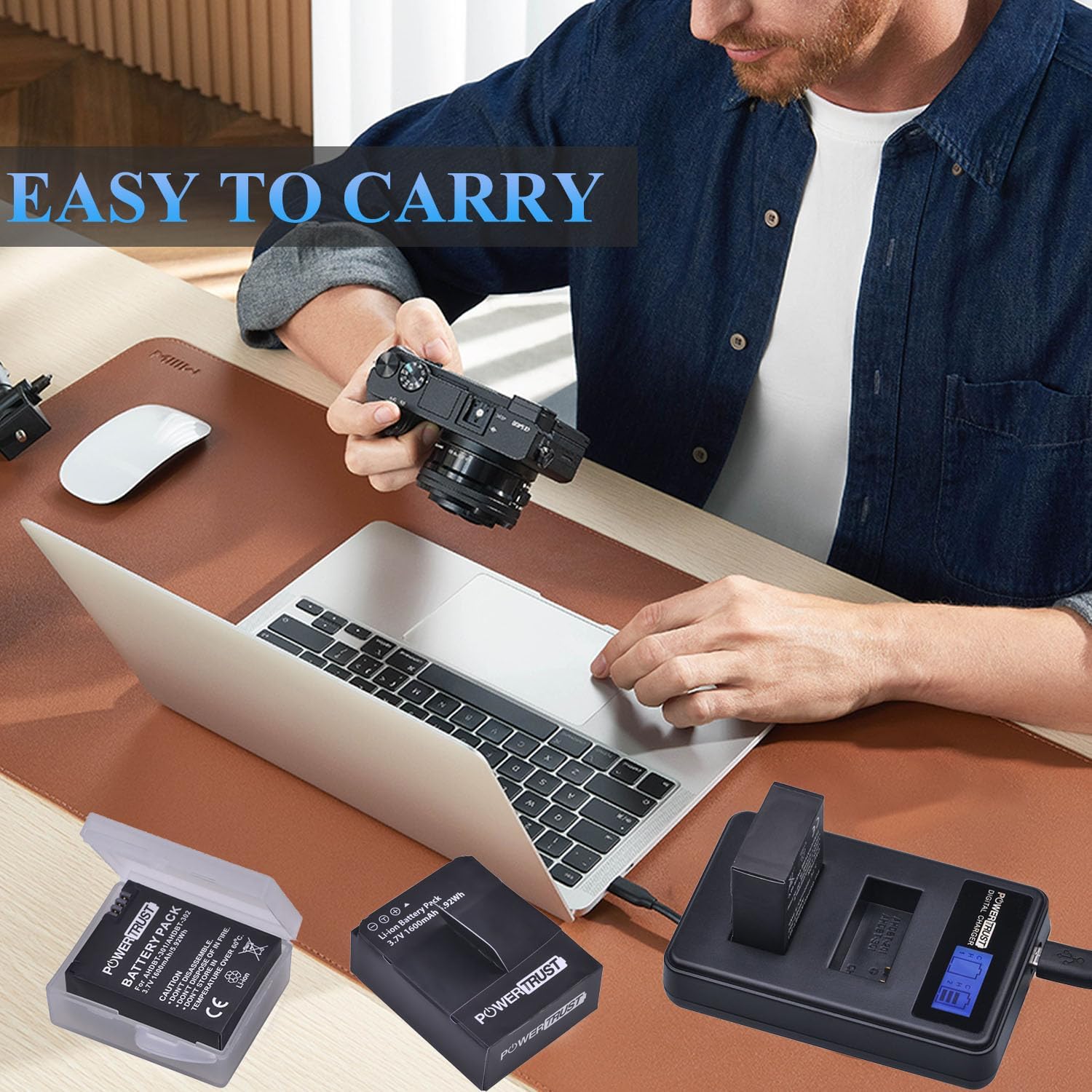
Image 4.1: The LCD screen provides a clear visual of each battery's charge status.
| Indicator Status | Power Ratio |
|---|---|
| [ ] | 0-25% |
| [= ] | 26-50% |
| [== ] | 51-75% |
| [===] | 76-100% (Fully Charged) |
4.3. Safety Features
The charger incorporates multiple circuit protection mechanisms to ensure safe and efficient charging:
- Over-charge protection: Prevents batteries from being overcharged.
- Over-voltage protection: Safeguards against excessive voltage input.
- Over-current protection: Protects against excessive current flow.
- Short-circuit protection: Prevents damage from short circuits.
- Over-power protection: Manages power output to prevent overload.
- Over-temperature protection: Monitors and prevents overheating during charging.
- Soft-start function: Avoids damage from large initial charge currents.

Image 4.2: The charger is equipped with multiple safety features for secure operation.
5. Care and Maintenance
5.1. Battery Care
- Store batteries in a cool, dry place, away from direct sunlight and extreme temperatures.
- Use the provided battery storage cases to protect batteries from dust and physical damage when not in use.
- Do not disassemble, crush, or puncture the batteries.
- Do not expose batteries to fire or water.
- Avoid storing batteries in temperatures above 60°C (140°F).
5.2. Charger Care
- Keep the charger clean and dry. Wipe with a soft, dry cloth if necessary.
- Do not expose the charger to liquids or excessive moisture.
- Avoid dropping or subjecting the charger to strong impacts.
- Disconnect the charger from the power source when not in use.

Image 5.1: The compact design of the charger and batteries makes them easy to carry and store.
6. Troubleshooting
| Problem | Possible Cause | Solution |
|---|---|---|
| Batteries not charging | Loose connection; Faulty USB cable/power source; Incorrect battery insertion. | Ensure USB cable is securely connected to both charger and power source. Try a different USB cable or power source. Re-insert batteries, ensuring contacts align. |
| LCD screen not lighting up | No power to charger; Charger malfunction. | Verify power connection. Try a different power source. If problem persists, contact support. |
| Slow charging | Low power USB port; Charging two batteries simultaneously. | Use a higher-power USB wall adapter (e.g., 5V/2A). Charging two batteries will naturally take longer than one. |
| Batteries not holding charge | Battery degradation; Extreme temperatures. | All rechargeable batteries degrade over time. Ensure batteries are used and stored within recommended temperature ranges. Replace if necessary. |
7. Product Specifications
7.1. Battery Specifications (AHDBT-301/302)
- Capacity: 1600mAh
- Voltage: 3.7V
- Battery Type: Lithium Ion
- Energy: 5.92Wh
- Model Number: AHDBT-301/302
7.2. Charger Specifications
- Input: USB (5V)
- Output: 4.2V (for each slot)
- Number of Ports: 2 (simultaneous charging)
- Display: Smart LCD Screen
- Connector Type: Micro USB
8. Warranty Information
PowerTrust products are manufactured to high-quality standards. For specific warranty details, please refer to the warranty card included with your purchase or contact PowerTrust customer support. Keep your proof of purchase for warranty claims.
9. Customer Support
If you encounter any issues or have questions regarding your PowerTrust AHDBT-301/302 batteries or LCD USB Dual Charger, please contact our customer support team. Contact information can typically be found on the product packaging or the official PowerTrust website.