
Introduction
This manual provides detailed instructions for the safe installation, operation, and maintenance of your Hunter 52-inch Outdoor Industrial 3-Blade Ceiling Fan. Please read all instructions carefully before beginning installation and retain this manual for future reference.
Safety Information
- Always disconnect power at the circuit breaker before installation or servicing.
- Ensure all electrical connections comply with local codes and ordinances. If you are unsure about wiring, consult a qualified electrician.
- Mount the fan to a ceiling joist or a UL-listed outlet box marked 'Acceptable for Fan Support'.
- Keep hands, clothing, and other objects clear of the fan blades when the fan is operating.
- This fan is damp-rated, suitable for covered outdoor spaces and indoor use where moisture levels are high but protected from direct rain.
Package Contents
Verify that all components are present before beginning installation:
- Fan Motor Assembly
- 3 Fan Blades
- Canopy and Mounting Bracket
- 5-inch Downrod
- Hardware Pack (screws, washers, wire nuts)
- Pull Chains
Setup and Installation
Follow these steps for proper installation. Professional installation is recommended for electrical wiring.
- Mounting Bracket Installation: Secure the mounting bracket to the ceiling outlet box. Ensure the box is rated for ceiling fan support.
- Downrod Assembly: Insert the downrod through the canopy and attach it to the fan motor assembly.
- Wiring: Connect the fan's electrical wires to the household wiring according to the wiring diagram provided in the separate wiring guide. Ensure all connections are secure.
- Hang Fan: Carefully lift the fan assembly and hang it from the mounting bracket.
- Blade Attachment: Attach each of the three fan blades to the motor housing using the provided screws. Ensure they are securely fastened.

Image: Full view of the Hunter 52-inch Industrial Ceiling Fan in Premier Bronze finish.

Image: Close-up of the fan's canopy and downrod connection to the ceiling, showing the secure mounting.
Operating Instructions
Your Hunter ceiling fan is designed for ease of use with traditional pull chain controls.
- Power On/Off: Use the wall switch connected to the fan's power supply to turn the fan on or off.
- Fan Speed Control: The fan features a pull chain to adjust its speed. Pull the chain repeatedly to cycle through the three available speeds (High, Medium, Low) and Off.
- Reversible Motor Function: A slide switch on the fan's motor housing allows you to change the direction of the fan blades.
- Summer Mode (Downward Airflow): Set the switch to circulate air downwards, creating a cooling effect.
- Winter Mode (Upward Airflow): Set the switch to circulate air upwards, helping to redistribute warm air trapped near the ceiling.

Image: Detailed view of the fan's motor housing, highlighting the pull chain for speed control.
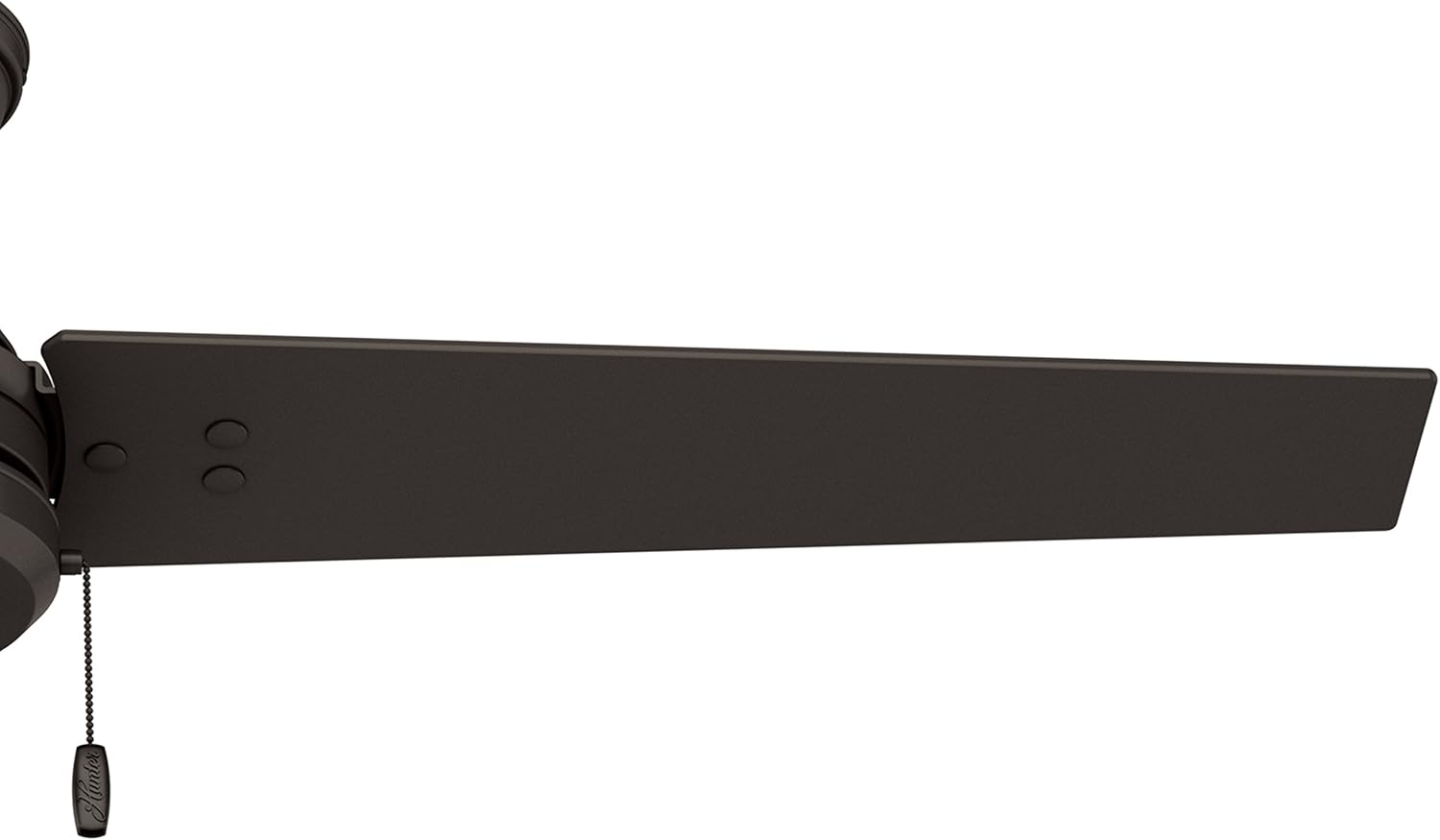
Image: Close-up of a fan blade, illustrating the reversible design with a wood grain finish on one side.
Maintenance
Regular maintenance ensures optimal performance and longevity of your ceiling fan.
- Cleaning: To clean the fan, wipe with a soft, damp cloth. Do not use abrasive cleaners or solvents as they may damage the finish.
- Blade Care: The fan blades are designed to be droop-free. Periodically check that all blade screws are tight.
- Motor Lubrication: The fan motor is permanently lubricated and does not require additional oiling.

Image: Close-up of a fan blade, showcasing the Premier Bronze finish and durable construction.
Troubleshooting
If you experience issues with your fan, refer to the following common problems and solutions:
| Problem | Possible Cause | Solution |
|---|---|---|
| Fan will not start | No power to fan; Loose wire connections; Incorrect wiring. | Check circuit breaker; Ensure all wire connections are secure; Consult a qualified electrician. |
| Fan is noisy | Loose fan blades; Loose mounting screws; Fan not balanced. | Tighten all blade screws; Tighten mounting bracket screws; Use a balancing kit (not included) if necessary. |
| Excessive wobbling | Loose blades or blade holders; Unbalanced blades; Improper mounting. | Check and tighten all blade and blade holder screws; Balance blades using a balancing kit; Re-check mounting for secure installation. |
Specifications
| Feature | Detail |
|---|---|
| Brand | Hunter |
| Model Name | 52 inch Outdoor Industrial |
| Model Number | 59261 |
| Size | 52 inches |
| Number of Blades | 3 |
| Color | Premier Bronze |
| Power Source | AC |
| Wattage | 37 watts |
| Air Flow Capacity | 3631 Cubic Feet Per Minute |
| Voltage | 120 Volts |
| Control Method | Pull Chain |
| Indoor/Outdoor Usage | Outdoor (Damp Rated) |
| Finish Type | Mirror Satin |
| Item Weight | 16.07 pounds |
| Product Dimensions | 52"D x 52"W x 12.85"H |

Image: Energy Guide label showing estimated yearly energy cost and airflow capacity for the fan.
Warranty
This Hunter ceiling fan comes with a 90-day limited warranty. Please refer to the warranty documentation included with your purchase for specific terms and conditions.
Support
For technical assistance, replacement parts, or further information, please contact Hunter Fan Company customer support. Contact details can typically be found on the manufacturer's website or on the product packaging.


