
Introduction
Thank you for choosing the EVERSECU DC12V 1A Switching Power Supply Adapter. This adapter is designed to provide stable and reliable power for a variety of electronic devices requiring 12V DC power, such as CCTV cameras, LED strip lights, and routers. This manual provides essential information for safe and effective use of your new power adapter.
Important Safety Information
- Read all instructions carefully before use.
- Do not expose the adapter to water, moisture, or extreme temperatures.
- Ensure the input voltage (100-240V AC) and output voltage (12V DC) match your device's requirements.
- Verify the DC plug size (5.5mm x 2.1mm center positive female barrel plug) is compatible with your device to prevent damage.
- Do not attempt to open or modify the adapter. Refer servicing to qualified personnel.
- Unplug the adapter from the power outlet when not in use or during electrical storms.
- Keep out of reach of children.
Package Contents
The package includes the following items:
- 1 x EVERSECU DC12V 1A Power Adapter

Image: The EVERSECU DC12V 1A Power Adapter shown packaged in its retail box.
Specifications
| Feature | Detail |
|---|---|
| Model Number | 4350984774 |
| Input Voltage | 100-240V AC, 50/60 Hz |
| Output Voltage | 12V DC |
| Output Current | 1000mA (1A) |
| Wattage | 12W |
| DC Plug Size | 5.5mm x 2.1mm (center positive female barrel plug) |
| Cable Length | 1.5 meters / 5 feet |
| Color | Black |
| Special Feature | Charging Indicator |
| Item Weight | 3.2 ounces |

Image: A diagram illustrating different DC plug sizes, with the compatible 5.5mm x 2.1mm size highlighted for clarity.
Setup Instructions
- Verify Compatibility: Before connecting, ensure your device requires a 12V DC power input and has a compatible 5.5mm x 2.1mm center positive female barrel plug. Using an incompatible adapter may damage your device.
- Connect to Device: Insert the DC output plug of the adapter into the power input port of your electronic device.
- Connect to Power Outlet: Plug the AC input prongs of the adapter into a standard 100-240V AC wall outlet.
- Power On: The adapter features a charging indicator (if applicable) which may light up to confirm power delivery. Your device should now receive power.

Image: The EVERSECU DC12V 1A Power Adapter, showing its US plug and the barrel connector for device attachment.
Operating Instructions
Once connected, the power adapter will continuously supply 12V DC power to your device. No further action is required from the adapter itself. Operate your electronic device as per its own instruction manual.
- The adapter is suitable for devices such as CCTV cameras, LED strip lights, and routers.
- The 1.5-meter cable provides flexibility in device placement.
Video: A demonstration of the AC 100-240V 50-60Hz to DC 12V 1A 12W Power Supply Adapter, showing its features and basic operation.
Maintenance
- Keep the adapter clean and free from dust. Use a dry, soft cloth for cleaning.
- Avoid bending or crimping the cable excessively to prevent internal wire damage.
- Store the adapter in a cool, dry place when not in use.
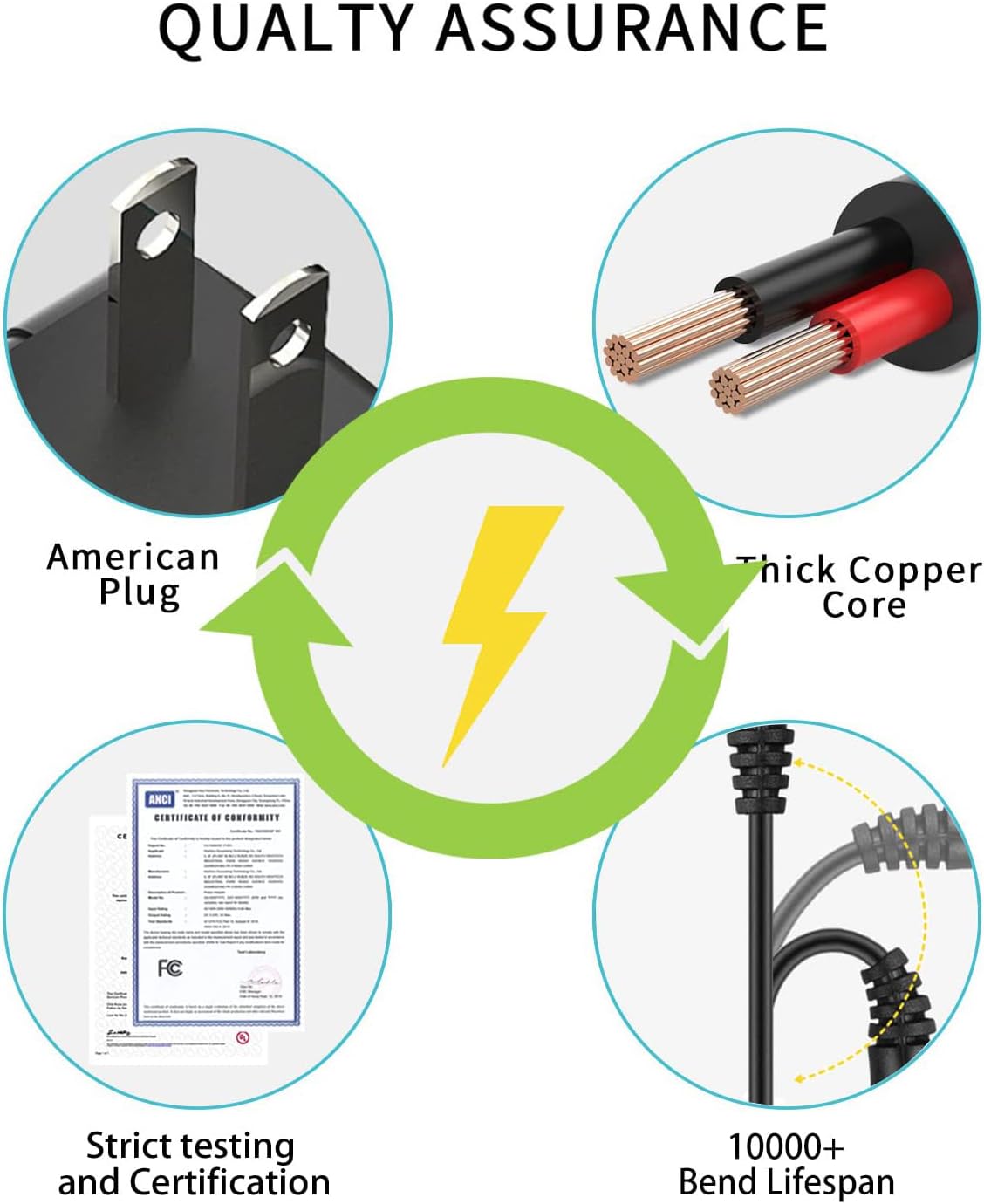
Image: An infographic highlighting the quality assurance features of the power adapter, such as its American plug, thick copper core, strict testing, and a bend lifespan exceeding 10,000 cycles.
Troubleshooting
- No Power:
- Check if the adapter is securely plugged into both the wall outlet and the device.
- Ensure the wall outlet is functional by testing it with another device.
- Verify that your device is compatible with 12V DC and the 5.5mm x 2.1mm plug size.
- Device Not Charging/Working Properly:
- Confirm the device's power requirements (voltage and amperage) do not exceed the adapter's output (12V, 1A).
- Inspect the adapter's cable and plug for any visible damage.
- Try using the adapter with another compatible device to determine if the issue is with the adapter or the original device.
- Adapter Overheating:
- Unplug the adapter immediately.
- Ensure the adapter is not covered or placed in an area with poor ventilation.
- Confirm the connected device's power draw is within the adapter's specifications.
Warranty and Support
For warranty information or technical support, please refer to the contact details provided by EVERSECU at the time of purchase or visit the official EVERSECU website. Keep your purchase receipt as proof of purchase.
Manufacturer: EVERSECU