
1. Introduction
Thank you for choosing the Superer AC Charger. This manual provides essential information for the safe and efficient use of your new power adapter. This charger is designed to provide reliable power to your compatible Asus Q505UA, Q505U, and Q505 series laptops. Please read this manual thoroughly before use and retain it for future reference.
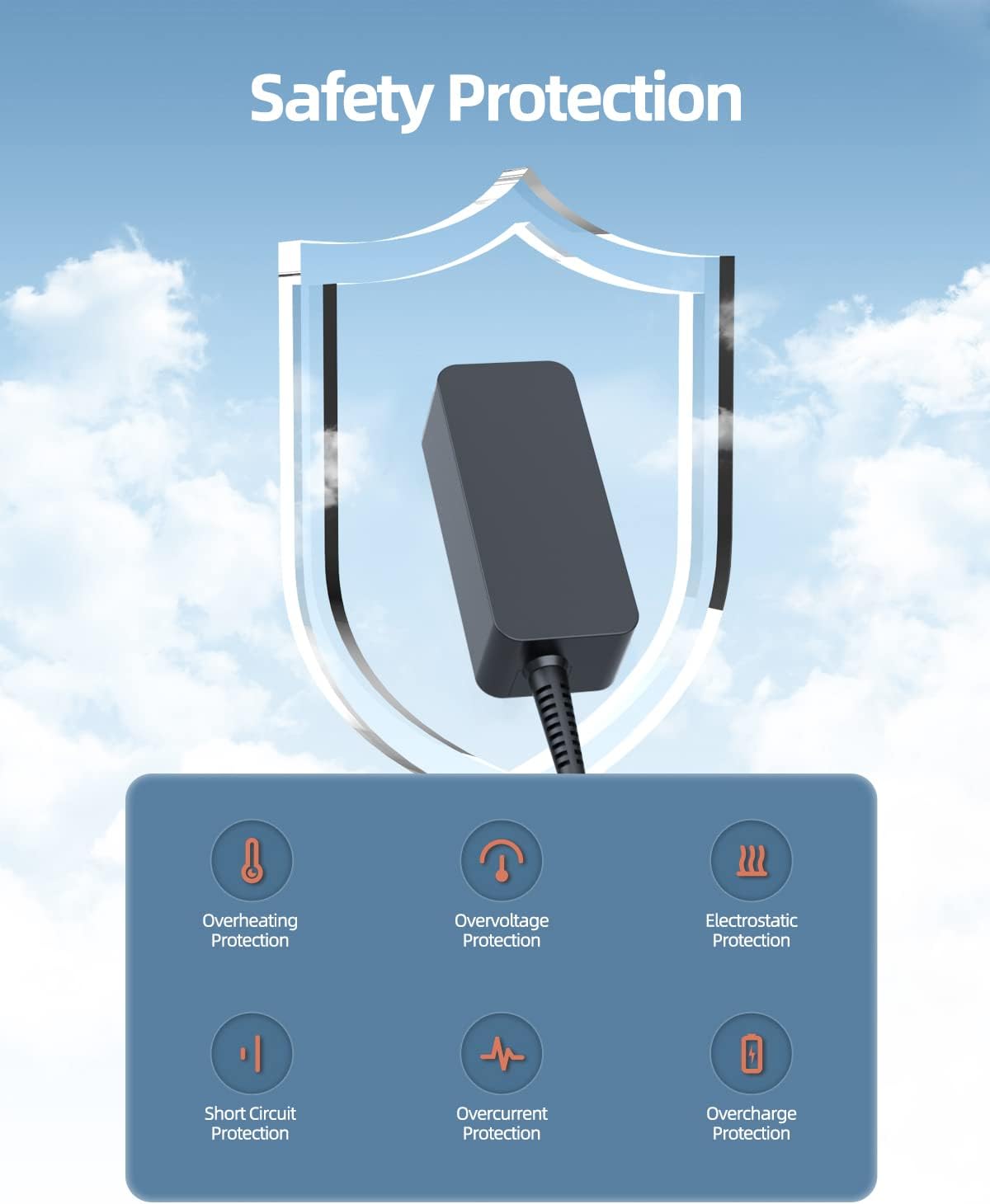
Image 1.1: The Superer AC Charger, showcasing its compact design and integrated cable.
2. Safety Information
Your Superer AC Charger is built with multiple safety features to protect your device and ensure safe operation. It meets nationally recognized standards for high-level electronic safety.
- Overheating Protection: Prevents the charger from exceeding safe operating temperatures.
- Overvoltage Protection: Safeguards your device from excessive voltage input.
- Electrostatic Protection: Protects against damage from electrostatic discharge.
- Short Circuit Protection: Automatically shuts down power in case of a short circuit.
- Overcurrent Protection: Prevents damage from excessive current flow.
- Overcharge Protection: Protects your laptop battery from overcharging.
Important Note: Do not use this charger if your laptop requires more than 2.37A (Amperes) of current. Using an incompatible charger can damage your laptop.

Image 2.1: Visual representation of the charger's integrated safety protection mechanisms.

Image 2.2: The charger is UL Certified and Listed, indicating compliance with high-level electronic safety standards.
3. Package Contents
Please check the package for the following items:
- 1 x Superer AC Power Adapter
- 1 x Power Cord

Image 3.1: The power adapter and its accompanying power cord.
4. Compatibility
This Superer AC Charger is specifically designed for the following Asus laptop models:
- Asus Q505UA
- Asus Q505U
- Asus Q505
- Asus Q505UA-BI5T7
Ensure your laptop requires an output of 19V 2.37A 45W for optimal performance and safety. The charger features a round connector type.

Image 4.1: Compatibility details for various voltage, amperage, and wattage requirements, highlighting the correct specifications for this charger.
5. Setup
Follow these steps to set up your Superer AC Charger:
- Connect the power cord to the AC power adapter. Ensure a firm connection.
- Plug the power cord into a standard wall outlet (100-240V AC).
- Connect the round connector of the AC power adapter to the charging port on your Asus laptop.
- Verify that the charging indicator light on your laptop illuminates, indicating that charging has begun.

Image 5.1: The charger properly connected to a laptop and a power source.
6. Operating Instructions
Once connected, the charger will automatically begin supplying power to your laptop and charging its battery. The charger is designed to provide a consistent and stable power supply.
- Always ensure the charger is placed in a well-ventilated area to prevent overheating.
- Avoid placing heavy objects on the cables or bending them sharply.
- Disconnect the charger from the wall outlet and your laptop when not in use for extended periods.

Image 6.1: The charger providing power to a laptop in a typical workspace setup.

Image 6.2: The charger ensures a consistent and stable power supply for your laptop's battery and operation.
7. Maintenance
To ensure the longevity and optimal performance of your Superer AC Charger, follow these maintenance guidelines:
- Keep the charger and cables clean and dry. Avoid exposure to liquids or excessive moisture.
- Store the charger in a cool, dry place when not in use.
- Do not expose the charger to extreme temperatures or direct sunlight.
- Handle the cables gently. Avoid sharp bends, twists, or pulling on the cable to disconnect. Always grasp the plug.
- Regularly inspect the charger and cables for any signs of damage, such as frayed wires or cracked casing. Discontinue use if damage is found.
8. Troubleshooting
If you encounter issues with your charger, refer to the following common troubleshooting steps:
| Problem | Possible Cause | Solution |
|---|---|---|
| Laptop not charging | Loose connection, faulty outlet, incompatible charger, damaged cable/adapter | Ensure all connections are secure. Try a different wall outlet. Verify charger specifications match laptop requirements (19V 2.37A 45W). Inspect cables for damage. |
| Slow charging | High laptop usage during charging, background processes, charger not providing full power | Close unnecessary applications. Ensure charger is correctly rated for your laptop (19V 2.37A 45W). |
| Charger gets hot | Normal operation, poor ventilation, excessive load | Some warmth is normal. Ensure adequate ventilation around the charger. Avoid covering it. If it becomes excessively hot, discontinue use and contact support. |
If the problem persists after trying these steps, please contact Superer customer support.
9. Specifications
Detailed technical specifications for the Superer AC Charger (Model ADP190237D):
| Feature | Specification |
|---|---|
| Model Number | ADP190237D |
| Input Voltage | 100-240V AC |
| Output Voltage | 19V DC |
| Output Current | 2.37A |
| Output Wattage | 45W |
| Connector Type | Round Connector |
| Product Dimensions | 3.71 x 1.57 x 1.13 inches |
| Item Weight | 10 ounces |
| Color | Black |
| Special Feature | Short Circuit Protection |
| Certifications | UL Certified |

Image 9.1: Physical dimensions of the Superer AC Charger unit.
10. Warranty and Support
Superer stands behind the quality of its products. Your AC Charger comes with the following:
- 12 Months Manufacturer Warranty: Covers defects in materials and workmanship under normal use.
- 30-Day Refund Policy: Eligible for a refund within 30 days of purchase.
- 12-Month Replacement Service: If a defect arises within 12 months, you may be eligible for a replacement.
For warranty claims, technical assistance, or any product-related inquiries, please contact Superer customer support through the retailer's platform or the official Superer website. Please have your purchase details and product model number (ADP190237D) ready.

Image 10.1: Overview of Superer's customer support and warranty policies.