
1. Introduction
This manual provides comprehensive instructions for the safe and effective use of your Tracker Safe S8 Security Safe. This safe features both a biometric fingerprint lock and a traditional keyed lock, offering dual security options for your valuables. Please read this manual thoroughly before operating the safe and retain it for future reference.
2. Safety Information
- Always keep the emergency override keys in a secure location away from the safe. Do not store them inside the safe.
- Ensure the safe is placed on a stable, level surface to prevent tipping.
- Do not attempt to disassemble or modify the safe or its locking mechanisms. This will void the warranty and could compromise security.
- Keep fingers clear of the door and locking bolts when closing the safe to prevent injury.
- This safe is not water-resistant. Avoid exposure to water or high humidity.
3. Package Contents
Verify that all items are present in the package:
- Tracker Safe S8 Security Safe Unit
- Emergency Override Keys (2)
- Mounting Hardware (if applicable)
- User Manual (this document)
4. Setup
4.1 Unpacking and Placement
Carefully remove the safe from its packaging. Choose a suitable location that is dry, level, and secure. The safe is portable, allowing for flexible placement.

Figure 4.1: Front view of the Tracker Safe S8 Security Safe with biometric and keyed locks.
4.2 Battery Installation
- Locate the battery compartment, typically on the inside of the safe door.
- Insert the required number of AA batteries (not included), ensuring correct polarity (+/-).
- Close the battery compartment cover securely.
4.3 Initial Opening and Fingerprint Registration
The safe will arrive in an unlocked state or can be opened using the emergency override key.
- Open the safe door.
- Locate the reset button inside the safe, usually near the battery compartment. Press it. The safe will emit a beep, and the indicator light will flash.
- Place your finger on the fingerprint scanner. Lift and repeat several times until the safe confirms successful registration (e.g., a long beep or green light).
- Test the registered fingerprint with the door open to ensure it works correctly before closing the safe.
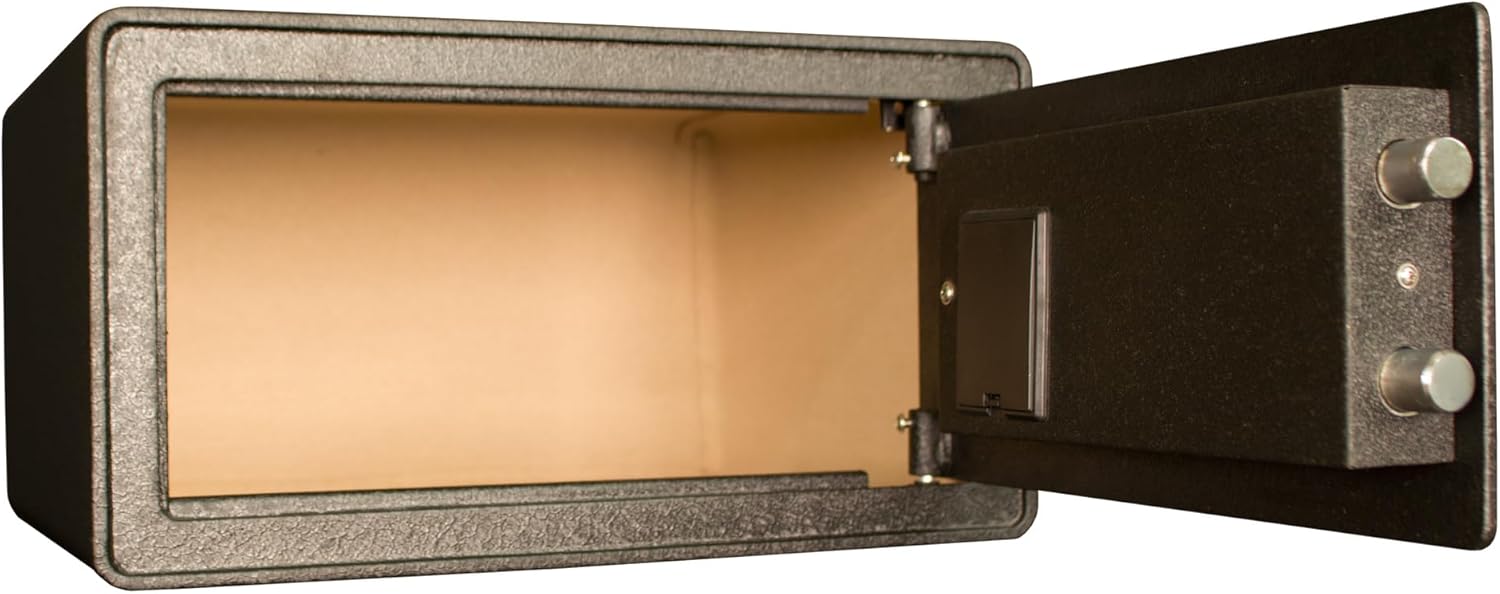
Figure 4.2: Interior view of the Tracker Safe S8, demonstrating the spacious storage capacity when empty.
5. Operating the Safe
5.1 Opening with Biometric Lock
- Place a registered finger firmly on the fingerprint scanner.
- If the fingerprint is recognized, the safe will unlock (indicated by a green light and/or beep).
- Turn the handle (if present) or pull the door open.
5.2 Opening with Keyed Lock (Emergency Override)
- Locate the keyhole cover on the safe's front panel.
- Remove the cover to expose the keyhole.
- Insert one of the emergency override keys and turn it to unlock the safe.
- Turn the handle (if present) or pull the door open.
5.3 Closing and Locking the Safe
Close the safe door firmly. The safe will automatically lock, or you may need to turn the handle to engage the locking bolts.
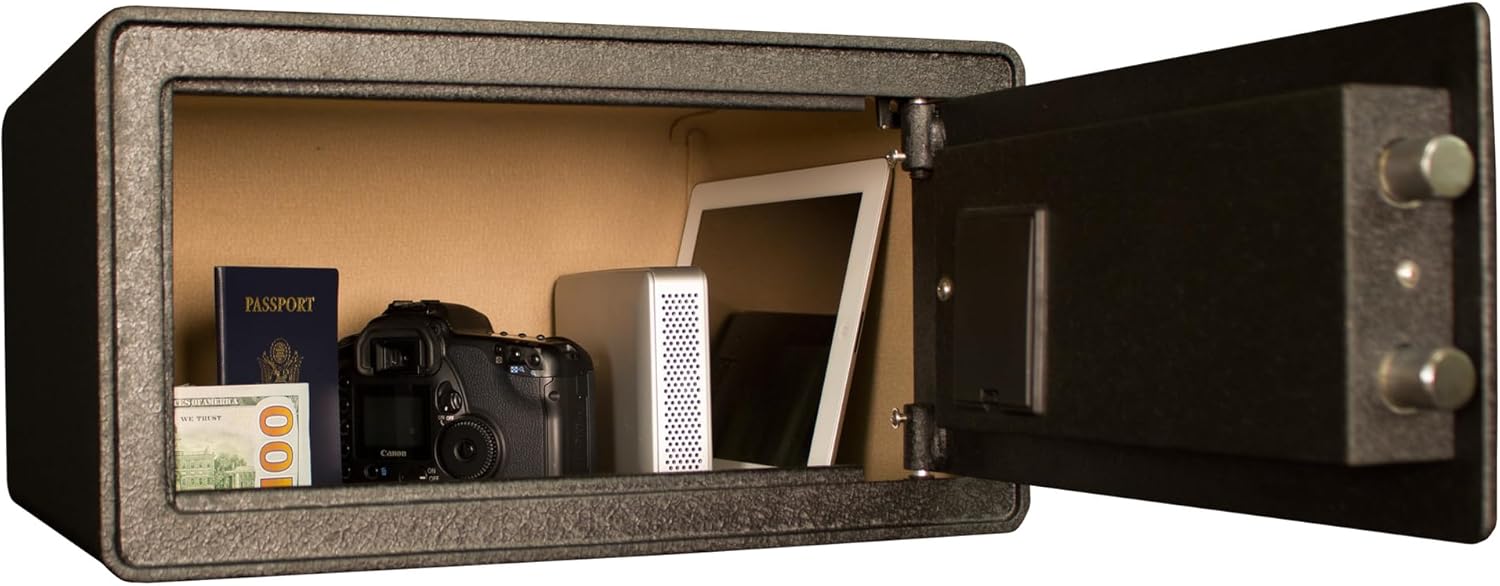
Figure 5.1: The Tracker Safe S8 securely storing various personal items, including documents, electronics, and a camera.

Figure 5.2: The interior of the Tracker Safe S8, configured to store multiple firearms, demonstrating its versatility.
6. Maintenance
6.1 Cleaning
Wipe the exterior of the safe with a soft, damp cloth. Avoid abrasive cleaners or solvents that could damage the finish or electronic components. Keep the fingerprint scanner clean and free of dirt or oils for optimal performance.
6.2 Battery Replacement
When the batteries are low, the safe's indicator light may flash red or emit a warning sound. Replace all batteries simultaneously with new, high-quality AA alkaline batteries. Do not mix old and new batteries or different battery types.
6.3 Key Care
Store emergency override keys in a secure, separate location. Do not duplicate keys unless absolutely necessary, and ensure any duplicates are also stored securely.
7. Troubleshooting
| Problem | Possible Cause | Solution |
|---|---|---|
| Safe does not open with fingerprint. | Fingerprint not registered, scanner dirty, or batteries low. | Ensure finger is clean and dry. Re-register fingerprint. Replace batteries. Use emergency key. |
| Safe does not respond. | Dead batteries. | Replace all batteries. Use emergency key to open. |
| Keys do not turn in lock. | Incorrect key, debris in keyhole, or lock mechanism jammed. | Ensure correct key is used. Gently clean keyhole. Do not force the key. Contact support if issue persists. |
8. Specifications
| Feature | Detail |
|---|---|
| Model | S8 (B2133952) |
| Brand | Tracker Safe |
| Lock Type | Biometric Lock & Keyed Lock |
| Construction | 14 Gauge Steel |
| Exterior Dimensions (WxDxH) | 14-1/8" x 17" x 9-1/8" (35.88 cm x 43.18 cm x 23.18 cm) |
| Interior Volume | 1.27 Cu. Ft. |
| Weight | 35 lbs (15.88 kg) |
| Color Finish | Textured Black |
| Material | Alloy Steel |
| Water Resistance | Not Water Resistant |
9. Warranty and Support
For warranty information or technical support, please refer to the official Tracker Safe website or contact their customer service department. Keep your purchase receipt as proof of purchase for any warranty claims.
Contact Information:
- Website: Visit the Tracker Safe Store on Amazon
- Refer to product packaging or official website for direct support contacts.


