
Introduction
The HUI PANG S6-PRO Table Tennis Robot is an advanced training machine designed to enhance your table tennis skills. It offers a wide range of customizable ball types, speeds, and frequencies, simulating various game scenarios for effective practice. This manual provides essential information for the safe and efficient operation of your S6-PRO robot.

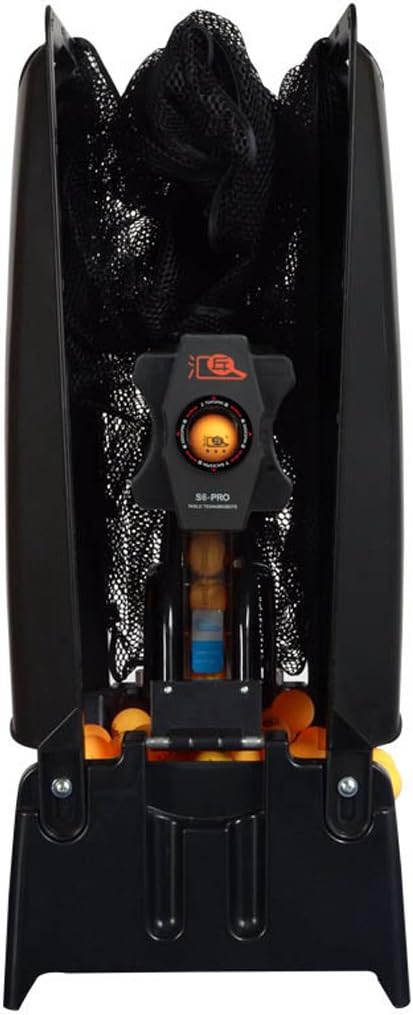
This image shows the main unit of the S6-PRO Table Tennis Robot, highlighting its ball feeding mechanism and output nozzle.
Safety Information
Please read all safety warnings and instructions carefully before operating the robot to prevent injury or damage to the unit.
- Always handle the robot with care. When moving the unit, ensure it is stable and secure to prevent it from falling and causing injury.
- Ensure the power supply matches the robot's voltage requirements (100-240 volts, 50/60 Hz) and use only the provided power adapter.
- Keep the robot away from water or damp environments to avoid electrical shock.
- Do not insert fingers or foreign objects into the ball feeding or serving mechanisms while the robot is operating.
- Regularly clean the ball fairway to prevent dust, hair, peel, or other debris from obstructing the ball path. Obstructions can cause malfunctions.
- Do not use discolored or damaged table tennis balls, as they may affect performance or damage the robot.
- This product is intended for adult use. Keep out of reach of children unless supervised by an adult.
Product Components
The HUI PANG S6-PRO Table Tennis Robot package includes the following main components:
- S6-PRO Table Tennis Robot Main Unit
- Ball Collection Net System
- Common Sensor
- Power Adapter
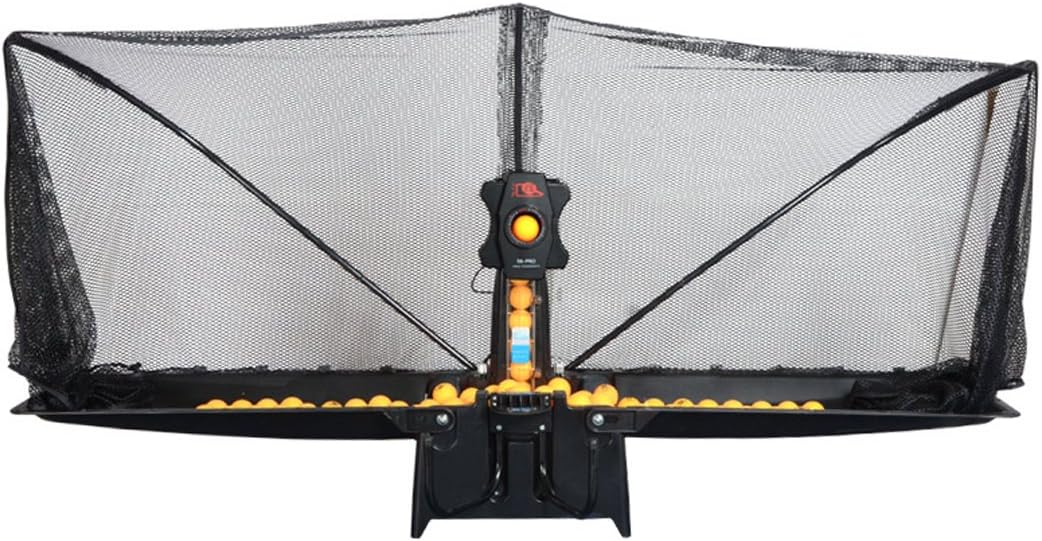
This image displays the S6-PRO robot unit integrated with its ball collection net, ready for use on a table tennis table.
Setup Guide
Follow these steps to set up your HUI PANG S6-PRO Table Tennis Robot:
- Unpack Components: Carefully remove all components from the packaging and ensure all parts listed in the "Product Components" section are present.
- Position the Robot: Place the robot unit on the table tennis table. It can be positioned in the middle area close to the edge or anywhere within the table area.
- Align and Lock: Align the robot with the designated locating slot on the table or its base. Insert the ball container and ensure all four sides are properly locked into place for stability.
- Attach Ball Collection Net: Assemble and attach the ball collection net system around the table. This system automatically collects balls, eliminating the need for manual retrieval during solo training.
- Connect Power: Plug the power adapter into the robot and then into a suitable electrical outlet.
- Load Balls: Load table tennis balls into the robot's ball container. The robot can hold more than 300 balls.
This image illustrates the HUI PANG S6-PRO robot fully set up on a table tennis table, including the expansive ball collection net.
Operating Instructions
The S6-PRO robot offers various settings to customize your training experience.
Basic Operation
- Power On/Off: Use the main power switch to turn the robot on or off.
- Ball Unloading: The robot features a one-key unloading function for easy removal of balls.
Adjusting Ball Frequency and Speed
- Ball Frequency: Adjust the frequency control to set the ball output rate from 30 to 90 beats per minute.
- Falling Ball Speed: Control the speed of the served balls, ranging from 4 to 40 meters per second.
Spin Control
The S6-PRO can produce 9 different types of spins, allowing for comprehensive training:
- Topspin
- Backspin
- Left-spin
- Right-spin
- Mixed spin
- No spin (plain ball)
- Lateral spin
- Hook
- Right side backspin

This diagram illustrates the different spin types that can be generated by the S6-PRO robot, including topspin, backspin, and various side spins.
Arc and Placement Adjustment
- Arc Adjustment: The robot features 7 elevation adjustments to change the firing arc, allowing you to simulate different shot trajectories.
- Ball Placement: Ball placement can be fixed or changed to vary the landing spot on the table.
This image demonstrates how the S6-PRO robot can simulate various ball trajectories across the table, allowing for diverse training drills.
Maintenance
Proper maintenance ensures the longevity and optimal performance of your robot.
- Clean the Fairway: The robot features an easy-to-remove fairway design. Regularly clean the fairway to remove dust, foreign bodies, and debris that may accumulate and affect ball feeding.
- General Cleaning: Wipe the exterior of the robot with a soft, dry cloth. Do not use abrasive cleaners or solvents.
- Ball Quality: Always use clean, undamaged table tennis balls. Discolored or deformed balls can cause blockages or damage the internal mechanisms.
- Storage: When not in use for extended periods, store the robot in a dry, cool place, away from direct sunlight and extreme temperatures.
Troubleshooting
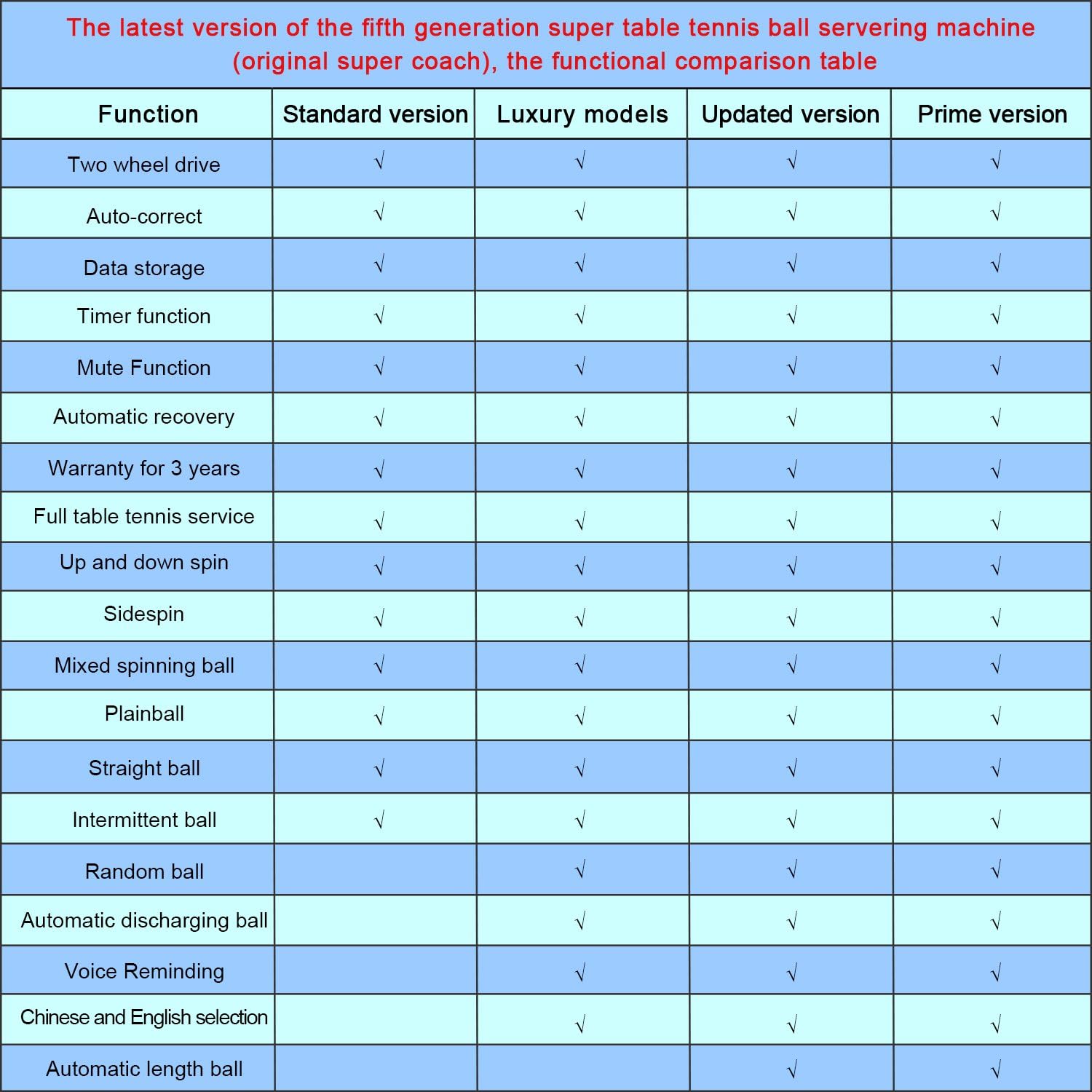
If you encounter issues with your S6-PRO robot, refer to the table below for common problems and their solutions.
| Problem | Possible Cause | Solution |
|---|---|---|
| Robot does not power on. | Power cable not connected; power outlet issue. | Ensure power cable is securely plugged into robot and a working outlet. Check power switch. |
| Balls are not feeding or getting stuck. | Fairway obstructed by debris; damaged or discolored balls. | Clean the ball fairway thoroughly. Use only clean, undamaged table tennis balls. |
| Inconsistent ball output or spin. | Incorrect settings; worn internal components. | Verify spin and frequency settings. Ensure balls are uniform and clean. |
| Robot is unstable or wobbles. | Not properly locked into place; uneven surface. | Ensure the robot is securely aligned and locked on a flat, stable surface. |
Specifications
Detailed technical specifications for the HUI PANG S6-PRO Table Tennis Robot:
| Parameter | Value |
|---|---|
| Material | Polyvinyl Chloride (PVC) |
| Voltage | 100-240 volts |
| Power | 50W |
| Frequency | 50/60 Hz |
| Arc Adjustment | 7 elevation adjustments |
| Ball Frequency | 30-90 beats / min |
| Network Compatibility | Yes |
| Ball Placement | Fixed or changeable |
| Automatic Unloading | Yes (One-key unloading) |
| Ball Capacity | More than 300 balls |
| Spin Types | Up/down rotation, left/right, no spin, lateral spin (9 kinds total) |
| Falling Ball Speed | 4-40m / s |
| Serve Outlets | 2 |
| Packing Size | 81 x 40 x 41 cm |
| Package Weight | 9 Kilograms |
| UPC | 661021345244 |
Warranty and Support
The HUI PANG S6-PRO Table Tennis Robot comes with a 3-year warranty, ensuring peace of mind regarding its quality and performance.
For technical support, warranty claims, or any inquiries regarding your product, please contact your retailer or the manufacturer directly. Refer to your purchase documentation for specific contact details.
For general information or to find authorized service centers, please visit the official HUI PANG website or contact their customer service department.

