
Introduction
Thank you for purchasing the Craig CS2304 Portable Stereo Cassette Player/Recorder. This device allows you to play and record audio cassettes, listen to AM/FM radio, and enjoy your music on the go. Please read this manual carefully to ensure proper operation and to maximize your listening experience.
Product Features

Image: Overview of the Craig CS2304's key features, including one-touch recording, AM/FM radio, built-in microphone, rotary volume control, stereo earphones, and an auto-stop cassette system.
- Cassette Player with Auto Stop System
- One-Touch Recording
- AM/FM Radio Tuner
- Built-in Microphone
- Rotary Volume Control
- Includes Stereo Earphones
- Removable Belt Clip
Setup
1. Battery Installation

Image: The Craig CS2304 unit with illustrations of 2x 'AA' batteries, included earphones, and the removable belt clip.
- Locate the battery compartment cover on the back of the unit.
- Slide the cover open.
- Insert two (2) 'AA' size batteries (not included), ensuring correct polarity (+/-).
- Close the battery compartment cover securely.
2. Connecting Earphones
Plug the included stereo earphones into the HEADPHONE jack (3.5mm) located on the side of the unit. The built-in speaker will automatically mute when earphones are connected.
3. Inserting a Cassette Tape
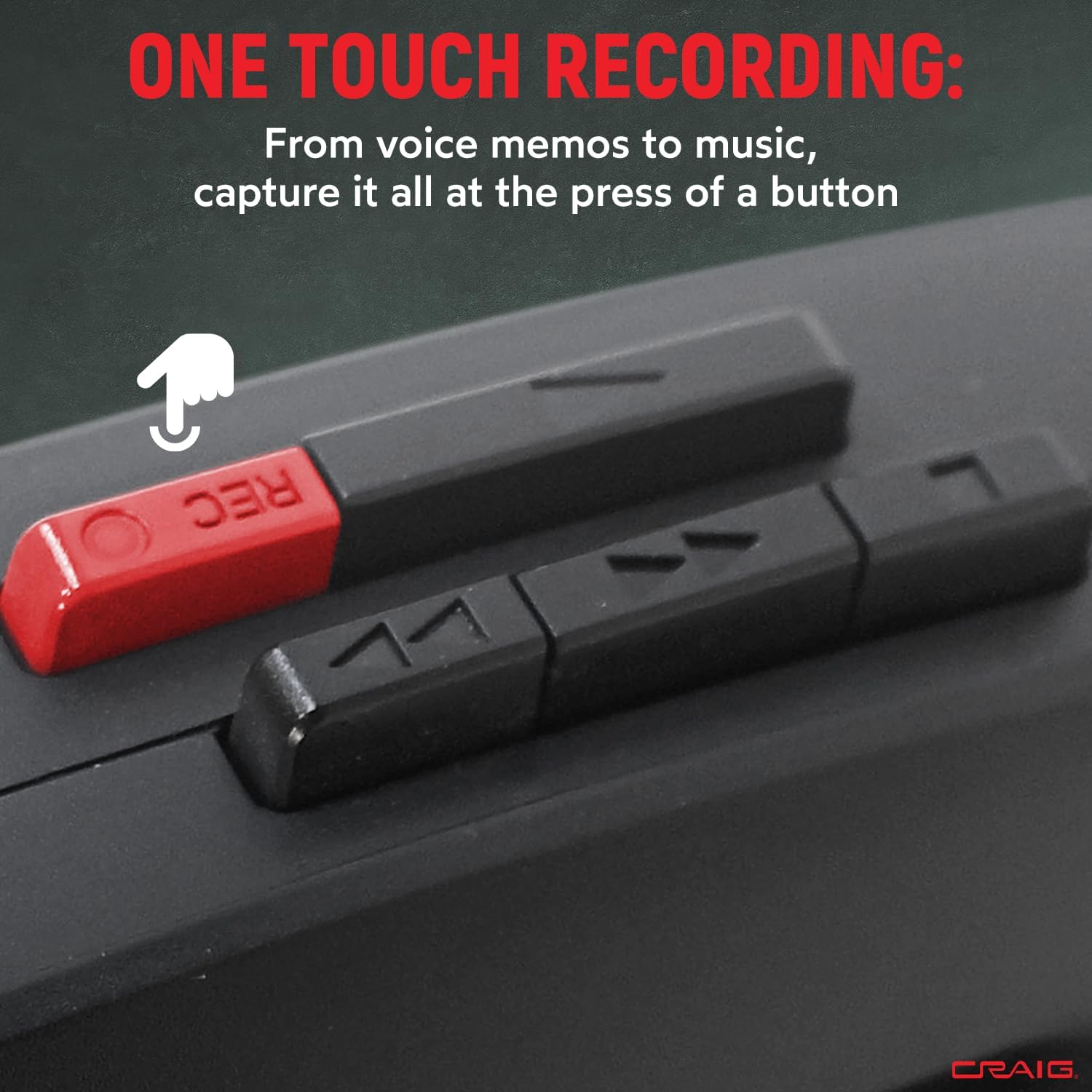
Image: The Craig CS2304 with its cassette compartment open, ready for tape insertion.
- Press the STOP/EJECT button to open the cassette compartment door.
- Insert a cassette tape with the exposed tape facing upwards and the open edge facing the unit.
- Gently close the cassette compartment door until it clicks into place.
4. Attaching the Belt Clip
The removable belt clip can be attached to the back of the unit for convenient portability. Slide the clip into the designated slot until it locks securely.
Operating Instructions
1. Cassette Playback

Image: The Craig CS2304 unit highlighting its auto-stop system feature.
- Insert a cassette tape as described in the Setup section.
- Press the PLAY button. The tape will begin to play.
- Adjust the volume using the VOLUME control dial.
- To fast forward, press the FAST FORWARD button.
- To rewind, press the REWIND button.
- To stop playback, press the STOP/EJECT button. The auto-stop system will also stop playback automatically when the tape reaches its end.
2. Recording

Image: A close-up view of the red 'REC' (Record) button on the Craig CS2304.
- Insert a blank cassette tape or a tape you wish to record over.
- Press the RECORD button (red button). The PLAY button will also engage simultaneously.
- The built-in microphone will begin recording audio. Ensure the microphone is not obstructed.
- To stop recording, press the STOP/EJECT button.
3. AM/FM Radio Operation

Image: The Craig CS2304 unit with a graphic indicating its AM/FM radio functionality.
- Slide the FUNCTION switch to either AM or FM.
- Rotate the TUNING dial to select your desired radio station.
- Adjust the volume using the VOLUME control dial.
- For optimal FM reception, extend the telescopic antenna. For AM reception, rotate the unit for best signal.
Maintenance
1. Cleaning the Tape Head and Pinch Roller
Regular cleaning of the tape head and pinch roller is essential for optimal sound quality and to prevent tape damage. Use a cotton swab lightly moistened with isopropyl alcohol to gently clean these components after every 10-20 hours of use.
2. General Cleaning
Wipe the exterior of the unit with a soft, damp cloth. Do not use abrasive cleaners or solvents, as they may damage the finish.
3. Battery Care
If the unit will not be used for an extended period, remove the batteries to prevent leakage and potential damage to the device.
Troubleshooting
- No Power:
Ensure batteries are inserted correctly with proper polarity. Check if batteries are depleted and replace them if necessary. - Cassette Play Button Does Not Stay Down:
This typically indicates that a cassette tape is not properly inserted or the auto-stop mechanism is engaged due to the tape reaching its end or being jammed. Ensure the tape is fully inserted and not at its end. If the issue persists, the mechanism may require inspection. - No Sound from Speaker/Earphones:
Check the volume level. Ensure earphones are fully plugged in if using them. If using the speaker, ensure earphones are unplugged. - Poor Radio Reception:
Extend the telescopic antenna fully for FM. For AM, try rotating the unit to find the best signal. Move away from sources of interference like other electronic devices. - Poor Recording Quality:
Ensure the built-in microphone is not obstructed. Use a new, good quality cassette tape. Check battery levels, as low power can affect recording performance.
Specifications
| Brand | Craig |
| Model Number | CS2304 |
| Color | Black |
| Product Dimensions (L x W x H) | 1.77" x 3.54" x 4.72" |
| Item Weight | 7 Ounces |
| Power Source | 2 AA batteries (not included) |
| Tuner Technology | AM, FM |
| Special Features | Built-in microphone, Built-in speaker, Auto-stop system |
| Included Components | Earphones, Removable belt clip |
| Connectivity Technology | Auxiliary (for earphones) |
Warranty and Support
For warranty information or technical support, please refer to the warranty card included with your product or visit the official Craig Electronics website. You may also contact customer service directly for assistance with product operation or troubleshooting.