
1. Product Overview
This manual provides essential information for the safe and efficient operation of your Onida 43UIR 4K UHD LED TV. Please read it thoroughly before using the television and retain it for future reference.
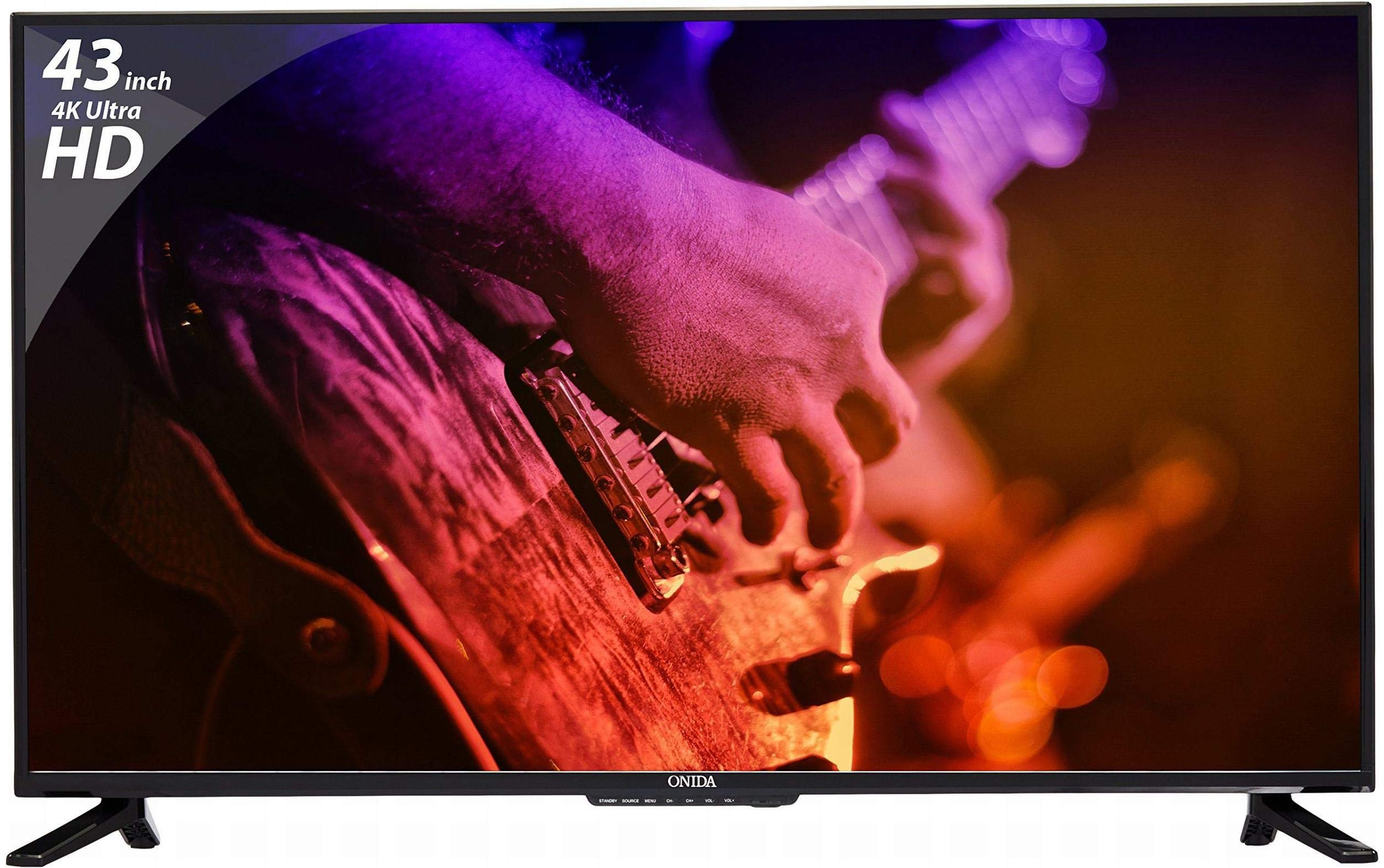
Front view of the Onida 43UIR 4K UHD LED TV, showcasing its display and slim bezels.
Key Features:
- Display: 42.5 Inches (108 cm) 4K Ultra HD (3840 x 2160) LED display with 60 Hz refresh rate and ADS Panel.
- Sound: 500 Watts PMPO audio output with built-in speakers.
- Connectivity: 3 HDMI ports, 2 USB ports, 1 VGA port, Ethernet, Wi-Fi.
- Smart Features: Android 5.1.1 (Lollipop) operating system, built-in Wi-Fi, ARM A7 Quad Core Processor, 8 GB internal memory, 1 GB RAM.
- Mounting: Supports Table Top Stand and Wall Mount (VESA 200 x 200 mm).
2. What's in the Box
Carefully unpack the box and ensure all items are present and undamaged. If any items are missing or damaged, contact customer support immediately.
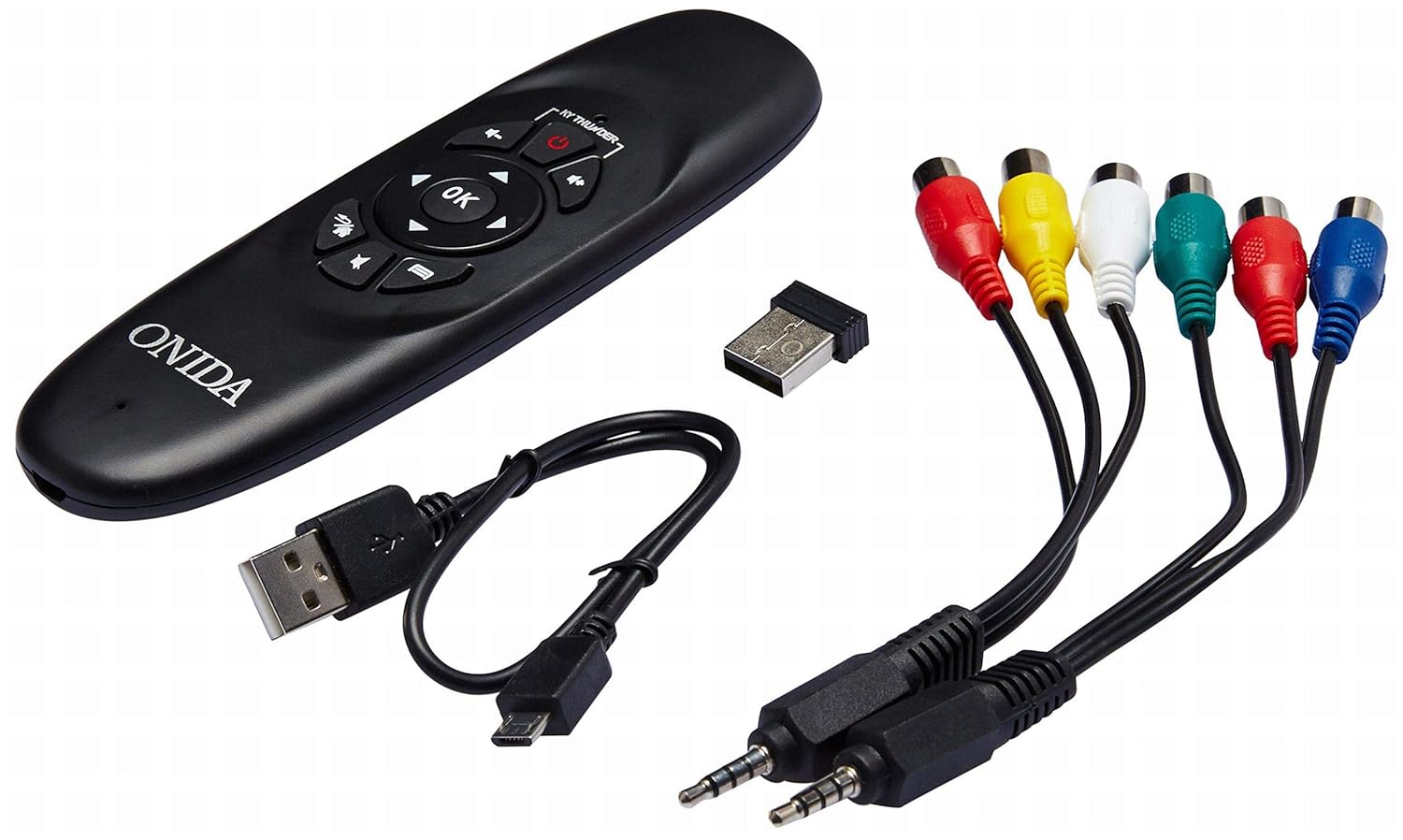
Included accessories: remote control, USB dongle, and various connection cables.
Package Contents:
- 1 x Onida 4K UHD LED TV (Model: 43UIR)
- 1 x Table Top Stand (with screws)
- 1 x Wall Mount Bracket (optional, may be included)
- 1 x Remote Control
- 1 x User Manual
- 1 x Warranty Card
- Power Cable
Video demonstrating the key features and contents of the Onida 43UIR TV package.
3. Setup Guide
3.1. Choosing a Location
Place the TV on a stable, flat surface or mount it on a wall using a compatible VESA 200 x 200 mm bracket. Ensure adequate ventilation around the TV.
3.2. Attaching the Stand (if applicable)
- Carefully place the TV face down on a soft, clean surface to prevent screen damage.
- Align the stand bases with the mounting holes on the bottom of the TV.
- Secure the stand bases using the provided screws.
3.3. Wall Mounting (optional)
If wall mounting, refer to the instructions provided with your wall mount bracket. Ensure the bracket is compatible with VESA 200 x 200 mm standards and can support the weight of the TV.

Side profile of the Onida 43UIR TV, illustrating its slim design and stand attachment points.
3.4. Connecting Power
Plug the power cable into the TV's power input, then into a suitable wall outlet (220 VAC 50 Hz). Do not power on the TV until all connections are made.
4. Connectivity
The Onida 43UIR TV offers multiple ports for connecting external devices.

Detailed view of the rear input/output ports on the Onida 43UIR TV.
- HDMI Ports (x3): Connect set-top boxes, Blu-Ray players, gaming consoles, and other HDMI-enabled devices.
- USB Ports (x2): Connect USB hard drives, flash drives, and other USB devices for media playback.
- VGA Port (x1): Connect a laptop or PC for use as a monitor.
- Ethernet Port: For wired internet connection.
- Wi-Fi: Built-in wireless connectivity for internet access.
- Audio Input: HDMI, USB.
- Audio Output: Stereo (Built-in Speakers).
5. Smart Features
Your Onida 43UIR TV is a Smart TV running on Android 5.1.1 (Lollipop), offering a range of intelligent functionalities.
- Operating System: Android 5.1.1 (Lollipop) provides access to various apps and services.
- Processor: ARM A7 Quad Core Processor for smooth performance.
- Memory: 8 GB internal storage and 1 GB RAM.
- Built-in Wi-Fi: Connect to your home network wirelessly for streaming, browsing, and app downloads.
- Play Store: Access and download a wide array of applications.
- Screen Mirroring: Miracast technology allows mirroring content from compatible mobile devices to the TV.
6. Operating Instructions
6.1. Remote Control
The included remote control allows you to navigate the TV's menus and functions. Insert two AAA batteries (not included) into the remote control, ensuring correct polarity.
The remote control for the Onida 43UIR TV, used for navigation and control.
6.2. Basic Operation
- Power On/Off: Press the power button on the remote or TV.
- Input Source: Use the "Source" button to select between HDMI, USB, VGA, and other inputs.
- Volume Control: Use the "Vol +" and "Vol -" buttons.
- Navigation: Use the arrow keys and "OK" button to navigate menus.
- Smart TV Functions: Access the home screen to launch apps, browse the internet, or use screen mirroring.
7. Maintenance
Proper care ensures the longevity of your Onida TV.
- Cleaning the Screen: Use a soft, lint-free cloth specifically designed for electronics. Do not use harsh chemicals or abrasive materials.
- Cleaning the Casing: Wipe with a soft, damp cloth. Avoid direct contact with water.
- Ventilation: Ensure the ventilation openings are not blocked to prevent overheating.
- Power Off: Always turn off the TV and unplug it from the power outlet before cleaning or if it will be unused for an extended period.
8. Troubleshooting
Refer to this section for solutions to common issues.
| Problem | Possible Cause | Solution |
|---|---|---|
| No power | Power cable disconnected, no power from outlet. | Check power cable connection. Test outlet with another device. |
| No picture, but sound is present | Incorrect input source selected, faulty cable. | Press "Source" button to select correct input. Check HDMI/VGA cable connections. |
| No sound, but picture is present | Volume muted or too low, external audio system issue. | Unmute volume or increase level. Check connections to external audio devices. |
| Smart TV features not working | No internet connection, app error. | Check Wi-Fi/Ethernet connection. Restart the TV. Clear app cache or reinstall. |
9. Specifications
| Feature | Detail |
|---|---|
| Model | 43UIR |
| Screen Size | 42.5 Inches (108 cm) |
| Display Technology | LED, Edge LED Backlight, ADS Panel |
| Resolution | 3840 x 2160 (4K UHD) |
| Refresh Rate | 60 Hz |
| Aspect Ratio | 16:9 |
| Viewing Angle | 178 Degrees |
| Audio Output | 500 Watts PMPO, Stereo, Built-in Speakers |
| Operating System | Android 5.1.1 (Lollipop) |
| Processor | ARM A7 Quad Core |
| Internal Memory | 8 GB |
| RAM | 1 GB |
| Connectivity | 3x HDMI, 2x USB, 1x VGA, Ethernet, Wi-Fi |
| Wireless Technology | Wi-Fi, Miracast |
| Mounting Type | Wall Mount (VESA 200 x 200 mm), Table Top |
| Power Supply | 220 VAC 50 Hz |
| Color | Black |
10. Warranty and Support
Your Onida 43UIR 4K UHD LED TV comes with a standard manufacturer's warranty. Please refer to the included Warranty Card for specific terms and conditions.
- Warranty Period: 1 year from the date of purchase.
- Customer Support: For service or support, please contact Onida customer care.
- Online Resources: Visit the Onida Store on Amazon for additional product information and support.


