
Introduction
Welcome to your BuddyPhones Wave headphones instruction manual. These headphones are designed to provide a safe and enjoyable audio experience for children, featuring volume-limiting technology and a durable, waterproof design. Please read this manual carefully to ensure proper use and maintenance of your device.
What's Included
- BuddyPhones Wave Headphones
- Fabric Travel Bag
- Charging Cable (Micro-USB)
- 3.5mm BuddyCable for Wired Connections and Audio Sharing

Key Features
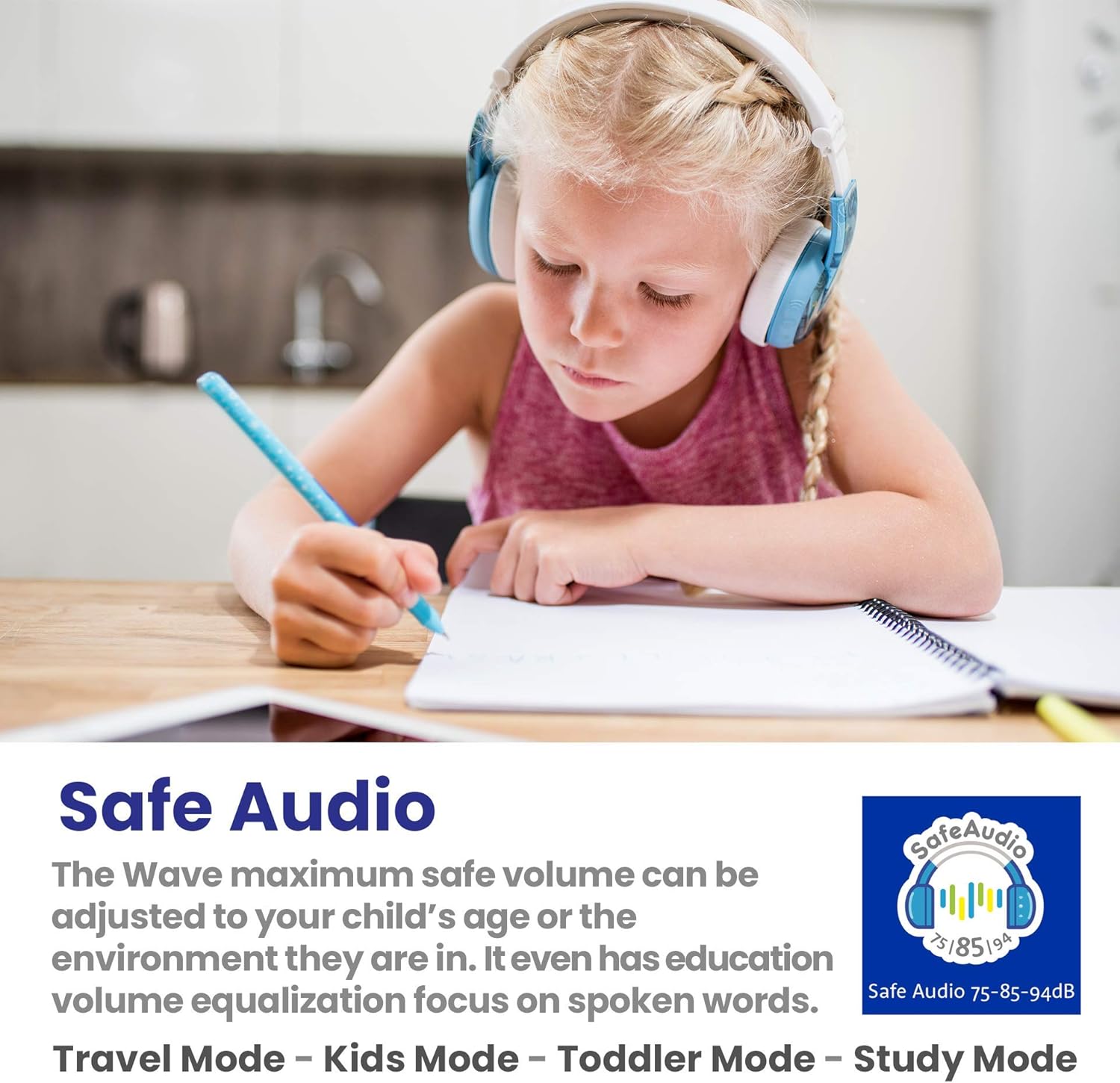
- SafeAudio Volume Limiting: Offers three listening modes: TravelMode (maximum 94dB), KidsMode (85dB), and ToddlerMode (75dB) to protect children's hearing.
- Dual Connection: Supports both wireless (Bluetooth) and wired (3.5mm cable) use for versatile listening.
- Waterproof Design (IP67): Built to withstand dips, splashes, and accidental spills, waterproof up to a depth of 3 feet for up to 30 minutes.
- StudyMode: A patented feature that isolates voices from other sounds, providing clear and precise vocals ideal for studying or watching lessons.
- Long Battery Life: Provides up to 18 hours of continuous audio playback on a single charge.
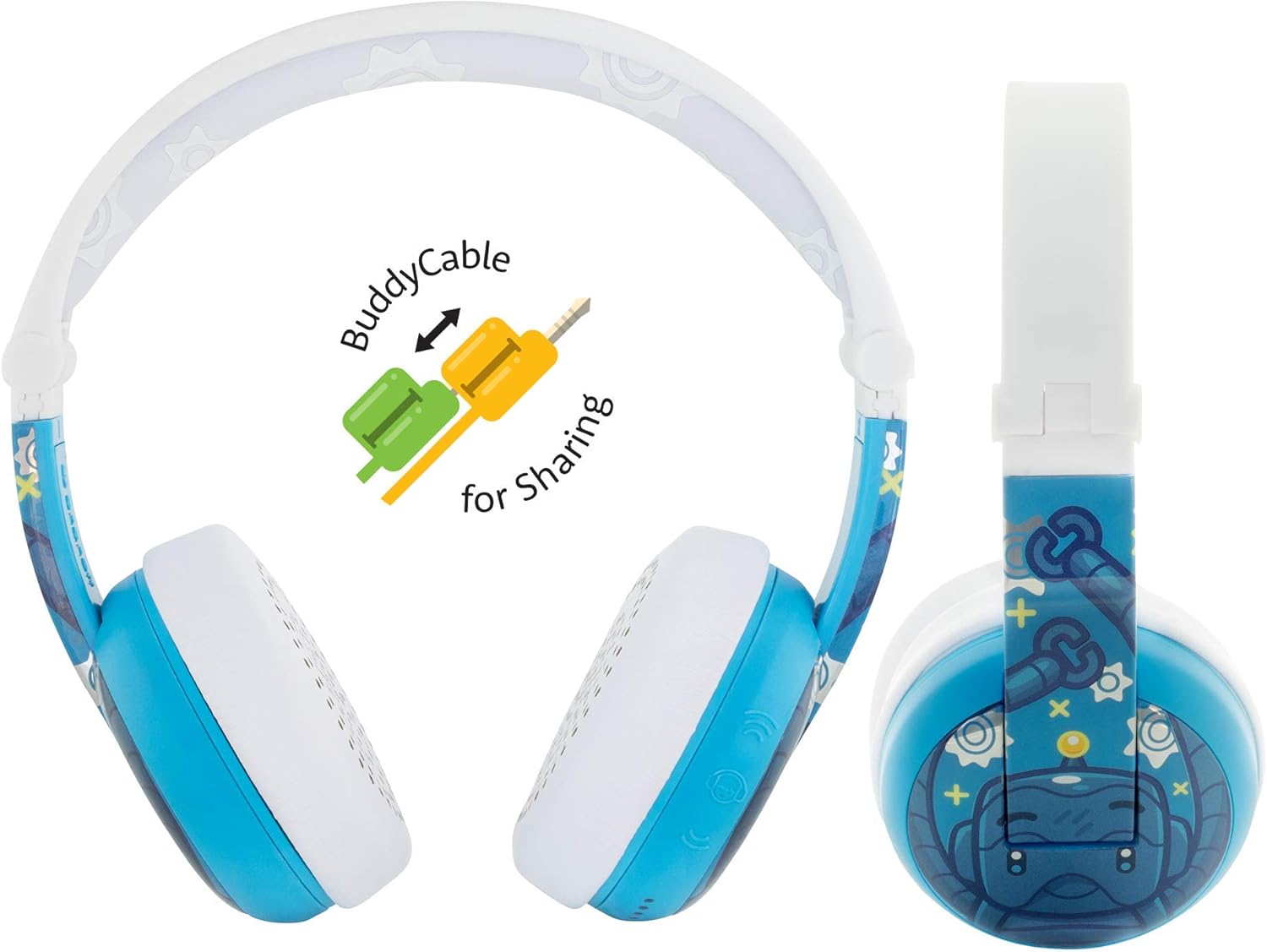
- BuddyCable Sharing: The included detachable BuddyCable allows up to four headphones to share audio from one device.
- Durable & Hypoallergenic Materials: Constructed with high-quality, BPA and phthalate-free materials for safety and longevity.
- Built-in Microphone: Enables hands-free calls and interactive learning experiences.


Video 1: Official product video showcasing the BuddyPhones Wave, highlighting its waterproof and wireless capabilities for kids.
Setup
Charging the Headphones
Before first use, fully charge your BuddyPhones Wave. Connect the Micro-USB charging cable to the charging port on the headphones and the other end to a USB power source. The LED indicator will show charging status. A full charge provides up to 18 hours of battery life.
Bluetooth Pairing
- Ensure the headphones are turned off.
- Press and hold the power button until the LED indicator flashes blue and red, indicating pairing mode.
- On your device (smartphone, tablet, computer), enable Bluetooth and search for "BuddyPhones Wave".
- Select "BuddyPhones Wave" from the list of available devices to connect. The LED will turn solid blue when successfully paired.
Operating Instructions
Power On/Off
Press and hold the power button for 3 seconds to turn the headphones on or off.
Volume Control & SafeAudio Modes
The BuddyPhones Wave offers three distinct volume-limiting modes to protect hearing:
- ToddlerMode (75dB): Lowest volume, suitable for very young children.
- KidsMode (85dB): Standard safe listening level for most children.
- TravelMode (94dB): Slightly higher volume for noisy environments like airplanes, still within safe limits.
To switch between modes, locate the mode selection button on the headphones (refer to product diagrams for exact location).
StudyMode
Activate StudyMode to enhance vocal clarity by isolating voices from background noise. This mode is ideal for educational content, audiobooks, or video lessons.
Wired Connection (BuddyCable)
If the battery runs low or for non-Bluetooth devices, connect the included 3.5mm BuddyCable to the headphone's audio jack and your device's audio output.
Audio Sharing
The BuddyCable features a splitter, allowing another pair of headphones to connect and share audio from the same device, perfect for shared listening experiences.
Maintenance & Care
Cleaning
Wipe the headphones with a soft, damp cloth. Do not use harsh chemicals or abrasive cleaners, as these may damage the surface or internal components.
Waterproofing
While waterproof (IP67), ensure the charging port cover is securely closed before exposing the headphones to water. After water exposure, allow the headphones to dry completely before charging to prevent damage.

Storage
Store the headphones in the provided fabric travel bag when not in use to protect them from dust, scratches, and minor impacts.
Troubleshooting
| Problem | Solution |
|---|---|
| Headphones won't turn on | Ensure the battery is charged. Connect to a power source using the charging cable and allow it to charge for a period. |
| Cannot pair via Bluetooth | Make sure headphones are in pairing mode (LED flashing blue/red). Ensure Bluetooth is enabled on your device and it's within range. Try forgetting the device on your phone's Bluetooth settings and attempting to pair again. |
| No sound | Check volume levels on both headphones and the connected device. Ensure the headphones are properly paired or the 3.5mm cable is fully inserted. |
| Sound is too low | Check the SafeAudio mode setting. Switch to KidsMode or TravelMode if appropriate for the listening environment. |
Specifications
- Model Name: BuddyPhones Wave
- Model Number: BT-BP-WV-ROBOT
- Connectivity: Bluetooth (Wireless), 3.5mm Jack (Wired)
- Bluetooth Version: 5.0
- Battery Life: Up to 18 Hours
- Water Resistance Level: IP67 (Waterproof)
- Frequency Range: 20 Hz - 20,000 Hz
- Material: Plastic
- Item Weight: 109 Grams (3.84 ounces)
- Product Dimensions: 6.69 x 5.91 x 2.36 inches
- Age Range (Description): Kid
- Manufacturer: Onanoff
- UPC: 786471749180
Safety Information
BuddyPhones are designed with safety as a priority. The built-in volume-limiting circuitry protects children's hearing by capping sound levels at 75/85/94dB. All materials used are BPA and phthalate-free, certified by TÜV & UL, ensuring compliance with ROHS, REACH, and PROP65 standards.
Always supervise young children when using headphones, especially near water or in environments where full auditory awareness is necessary.
Warranty & Support
For warranty information and customer support, please refer to the official BuddyPhones website or contact your retailer. Keep your proof of purchase for any warranty claims.
A detailed PDF user manual is also available for download: Download User Manual (PDF)


