
1. Introduction
This user manual provides comprehensive instructions for the operation and maintenance of your Retevis RT27 Walkie Talkies. These portable FRS two-way radios are designed for reliable communication in various environments, featuring VOX hands-free operation, a USB charger base, and rechargeable batteries. Please read this manual thoroughly before using the device to ensure proper function and safety.
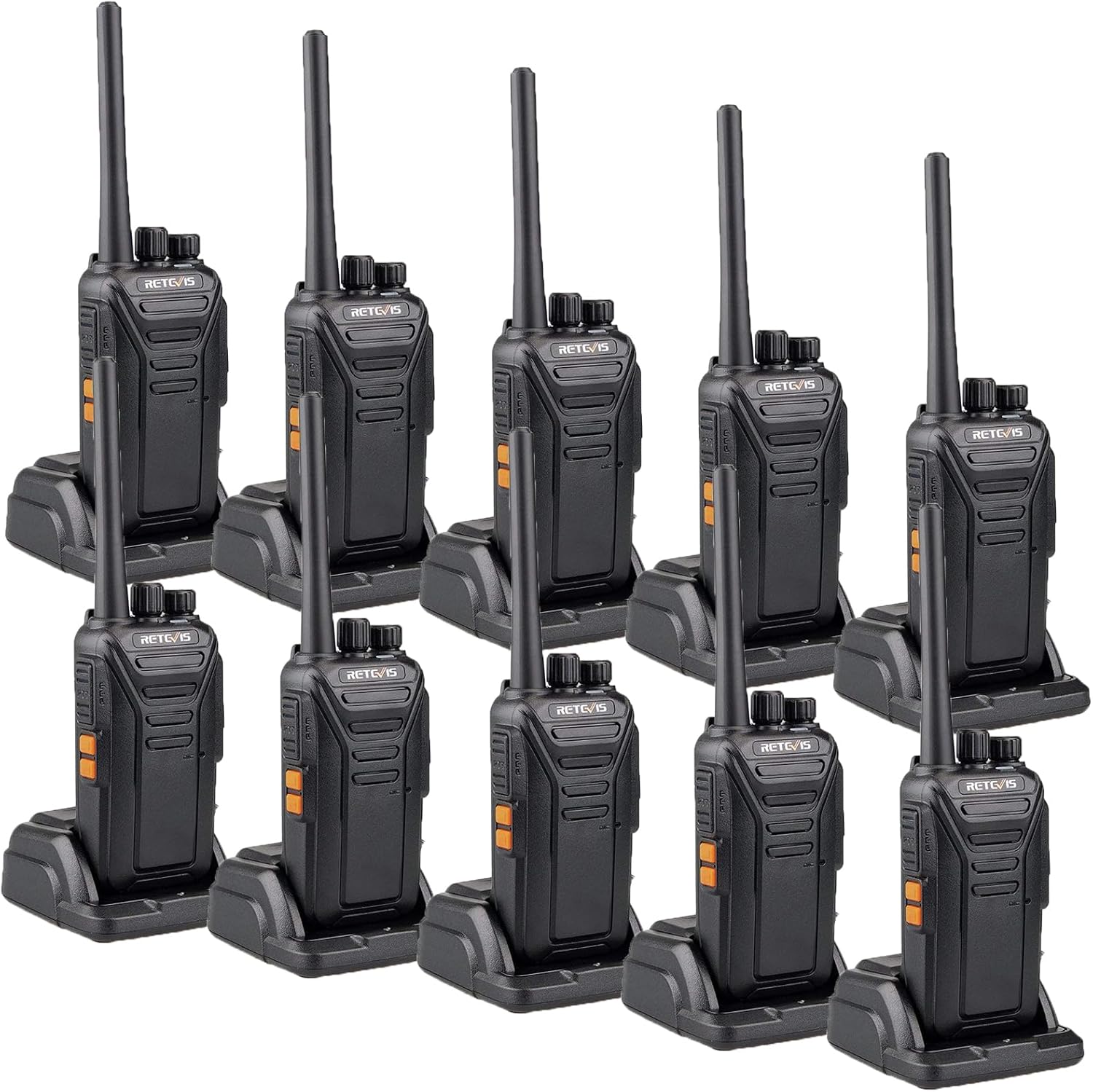
Figure 1: Retevis RT27 Walkie Talkies with charging bases.
2. What's in the Box
The Retevis RT27 package includes the following items:
- 10 x Retevis RT27 Radios
- 10 x Battery
- 10 x USB Charger base and adapter
- 10 x Belt Clip
- 10 x Hand Strap
- 10 x English User’s Manual

Figure 2: Package contents of the Retevis RT27 Walkie Talkies.
3. Product Features
- Rugged and Durable Design: Constructed with thickened PC plastic shell, rugged antenna, and belt clip for enhanced durability, suitable for demanding environments.
- Long Range Communication: Features powerful signal receiving and transmitting abilities with strong penetration power, ensuring longer distance calls and stable signals.
- Rechargeable Battery: Equipped with an 1100mAh battery and a USB dock charger with adapter, allowing charging of either the walkie talkie or the battery. Provides 8-10 hours of service life.
- VOX Hands-Free Functionality: Activate the VOX function via side keys with 0-9 level VOX optional, enabling convenient hands-free communication.
- Crystal Clear Audio: Built-in speaker delivers clear and low-noise sound, ensuring usability even in noisy background environments.
- Portable and License-Free: FRS walkie talkies are ready to use out of the box with no license required. Offers 22 channels and is compatible with Retevis RT22, RT68, RT21, and H-777 models.

Figure 3: Heavy-duty construction for durability.

Figure 4: Clear sound and long range capabilities.
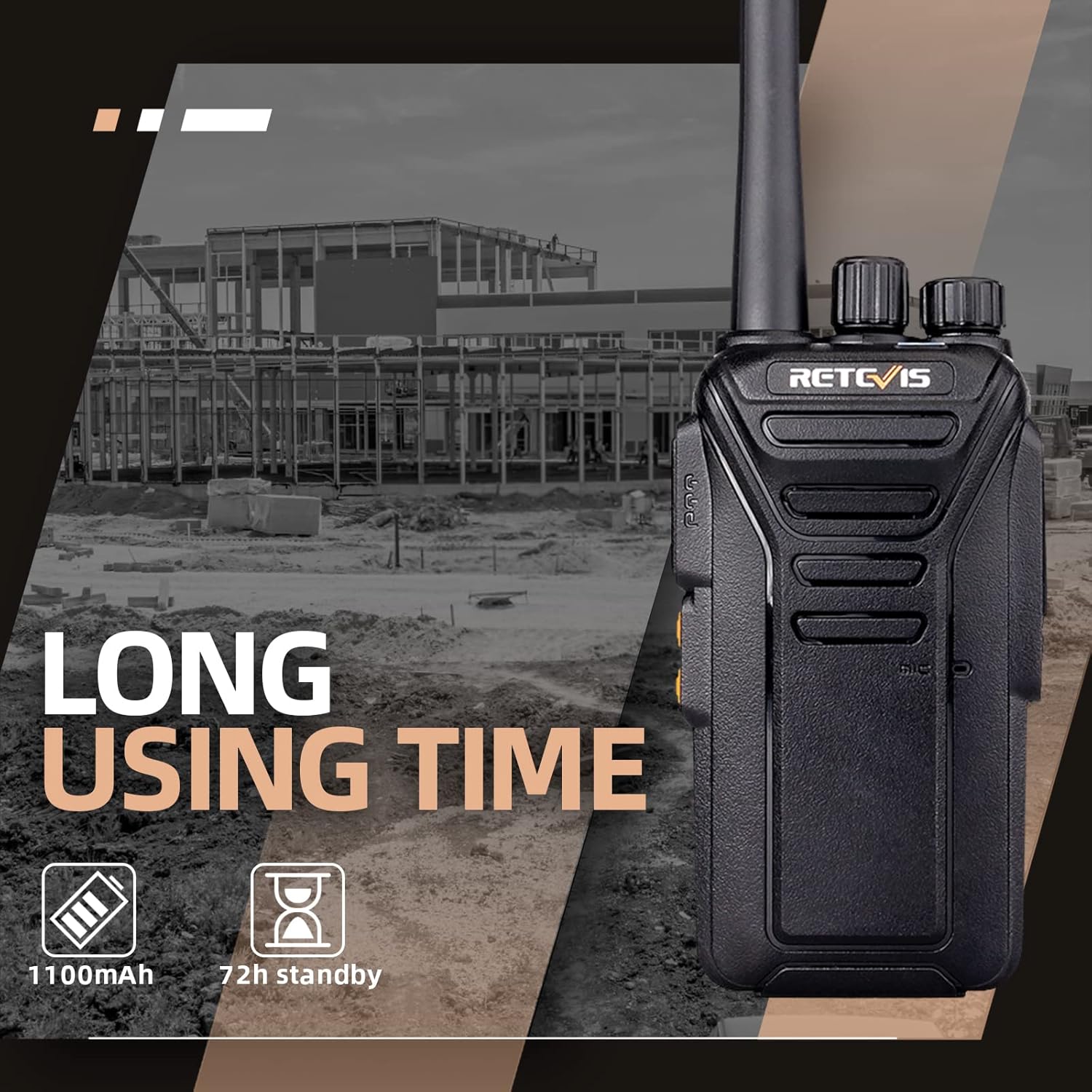
Figure 5: Extended battery life for prolonged use.

Figure 6: Efficient charging options for radio and battery.
4. Setup Guide
4.1. Battery Installation
- Ensure the radio is powered off.
- Locate the battery compartment cover on the back of the radio.
- Slide the battery cover downwards to remove it.
- Align the battery with the contacts inside the compartment and gently press it into place until it clicks.
- Replace the battery cover by sliding it upwards until it locks securely.

Figure 7: Rear view of the radio, showing the battery compartment.
4.2. Charging the Battery
Before first use, fully charge the battery. The radio can be charged directly or the battery can be charged separately using the provided USB dock charger.
- Connect the USB adapter to a power source and then to the USB dock charger.
- To charge the radio: Place the radio into the charging dock, ensuring the charging contacts align. The indicator light on the charger will show charging status.
- To charge the battery separately: Remove the battery from the radio and place it into the designated slot on the charging dock.
- A full charge typically takes approximately 3-4 hours. The indicator light will change color (e.g., red to green) when charging is complete.
Figure 8: Charging the radio or battery using the USB dock.
5. Operating Instructions
5.1. Power On/Off and Volume Control
- To power on the radio, rotate the Power/Volume knob (top-most knob) clockwise until you hear a click and the radio announces its status.
- To adjust the volume, continue rotating the Power/Volume knob clockwise to increase volume or counter-clockwise to decrease volume.
- To power off the radio, rotate the Power/Volume knob counter-clockwise until you hear a click.
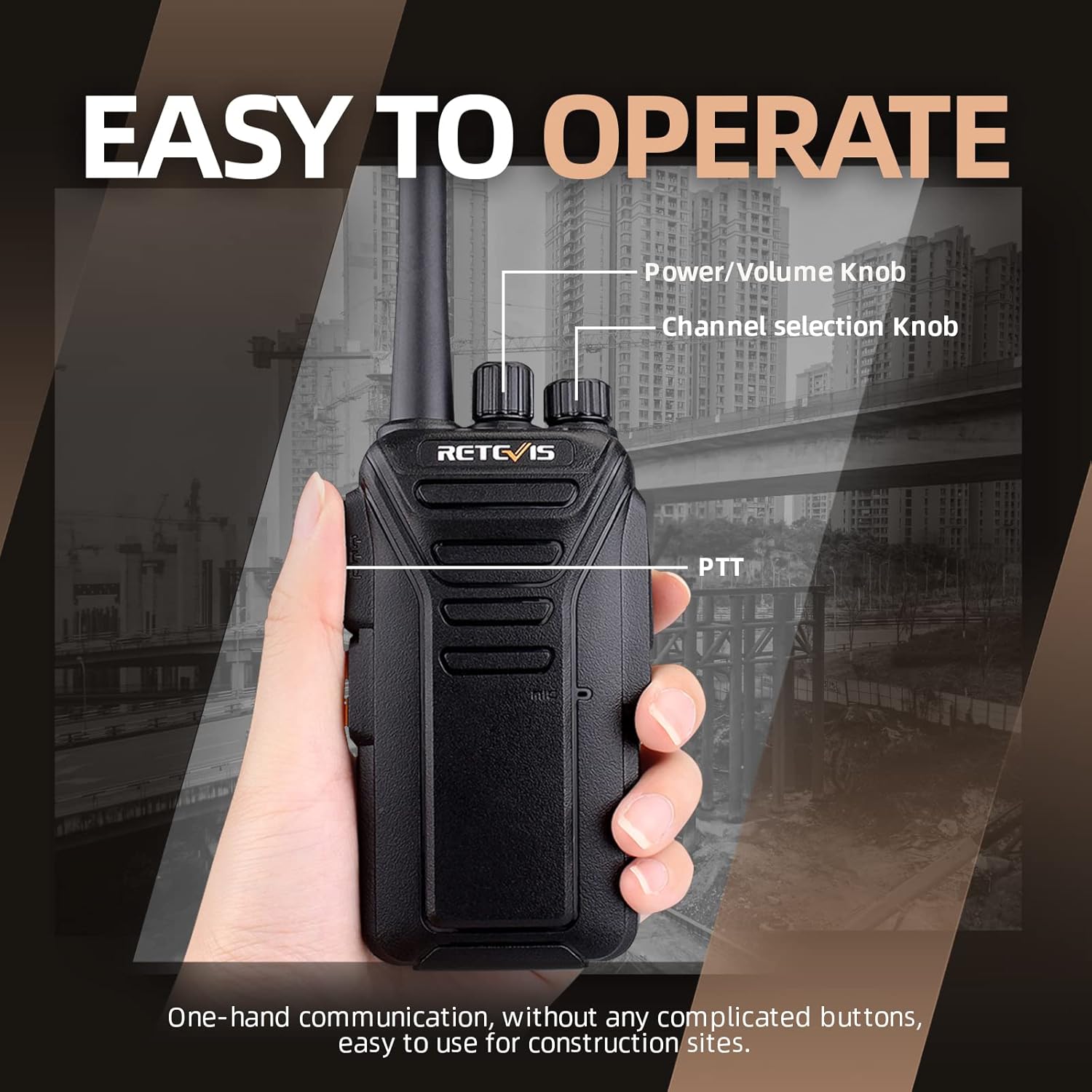
Figure 9: Location of Power/Volume and Channel knobs.
5.2. Channel Selection
- The Retevis RT27 has 22 available channels.
- To change the channel, rotate the Channel selection knob (second knob from the top) to your desired channel number. The radio will announce the selected channel.
- Ensure all radios in your group are set to the same channel for communication.
5.3. Push-to-Talk (PTT) Button
- To transmit, press and hold the PTT (Push-to-Talk) button located on the side of the radio.
- Speak clearly into the microphone, which is located near the PTT button.
- Release the PTT button to stop transmitting and listen for a response.
5.4. VOX Hands-Free Operation
The VOX (Voice Operated Exchange) function allows you to transmit without pressing the PTT button, by simply speaking into the microphone.
- To activate or deactivate VOX, refer to the specific programming instructions or use the side keys if configured for this function.
- The VOX sensitivity can be adjusted from level 0 (off) to 9 (most sensitive). Higher sensitivity means the radio will transmit with softer voice input.
- When VOX is active, the radio will automatically transmit when it detects your voice and stop transmitting when you stop speaking.

Figure 10: VOX hands-free communication.
Video: How to Turn On VOX Function
This video demonstrates the steps to activate the VOX function on your Retevis RT27 walkie talkie, allowing for voice-activated transmission.
6. Maintenance
- Cleaning: Use a soft, damp cloth to clean the radio's exterior. Do not use harsh chemicals or abrasive cleaners.
- Battery Care: To maximize battery life, avoid overcharging or completely draining the battery. Store the radio and batteries in a cool, dry place when not in use for extended periods.
- Storage: If storing the radio for a long time, remove the battery.
- Antenna: Do not bend or modify the antenna, as this can affect radio performance.
7. Troubleshooting
| Problem | Possible Cause | Solution |
|---|---|---|
| No Power | Battery is low or not installed correctly. | Charge the battery or ensure it is properly seated in the compartment. |
| Cannot Transmit or Receive | Radios are on different channels; out of range; battery low. | Verify all radios are on the same channel. Move closer to other radios. Charge battery. |
| Poor Audio Quality | Volume too low/high; interference; microphone/speaker obstructed. | Adjust volume. Move away from sources of interference. Ensure microphone/speaker are clear. |
| VOX Not Working | VOX is off or sensitivity is too low. | Activate VOX and adjust sensitivity level. |
8. Specifications
| Feature | Detail |
|---|---|
| Model Number | FA9133AX10-J9133P |
| Item Weight | 7.39 pounds (for 10 pack) |
| Product Dimensions | 1.3 x 2.16 x 7.9 inches |
| Batteries | 10 Lithium Ion batteries required (included) |
| Battery Capacity | 1100mAh |
| Number of Channels | 22 |
| Frequency Range | FRS |
| Voltage | 3.7 Volts |
| Water Resistance Level | Water Repellent |
| FCC ID | 2AAR8RETEVISRT27 |
9. Warranty and Support
9.1. Warranty Information
Retevis provides a 2-year warranty for the radio body and a 1-year warranty for accessories. Additionally, there is a 30-day no-reason return policy.
Beyond the warranty period, maintenance services are still offered, with buyers responsible for corresponding costs. For any warranty claims or service requests, please contact Retevis customer support.
9.2. Safety Information
Please note that the FCC ID for these walkie talkies is 2AAR8RETEVISRT27. Our walkie talkies meet FCC Part 95 rules.
Always operate the device in accordance with local regulations and safety guidelines. Do not attempt to disassemble or modify the radio, as this will void the warranty and could result in injury or damage to the device.
9.3. Customer Support
For any questions, technical assistance, or support, please contact Retevis customer service. We aim to reply within 12 hours.
Visit the official Retevis store for more information and products: Retevis Official Store


