Introduction
The Zebra Pen G-402 is a retractable gel pen designed for comfortable and reliable writing. It features a durable stainless steel barrel, a comfortable rubberized grip, and a 0.5mm fine point for precise lines. This manual provides instructions for its proper use and care.

Image: The Zebra G-402 Gel Pen, packaged and ready for use.
Setup
The Zebra G-402 Gel Pen is ready for immediate use upon removal from its packaging. No assembly is required.
- Remove the pen from its packaging.
- Ensure the pen tip is retracted before storing in a pocket or bag to prevent accidental marks.
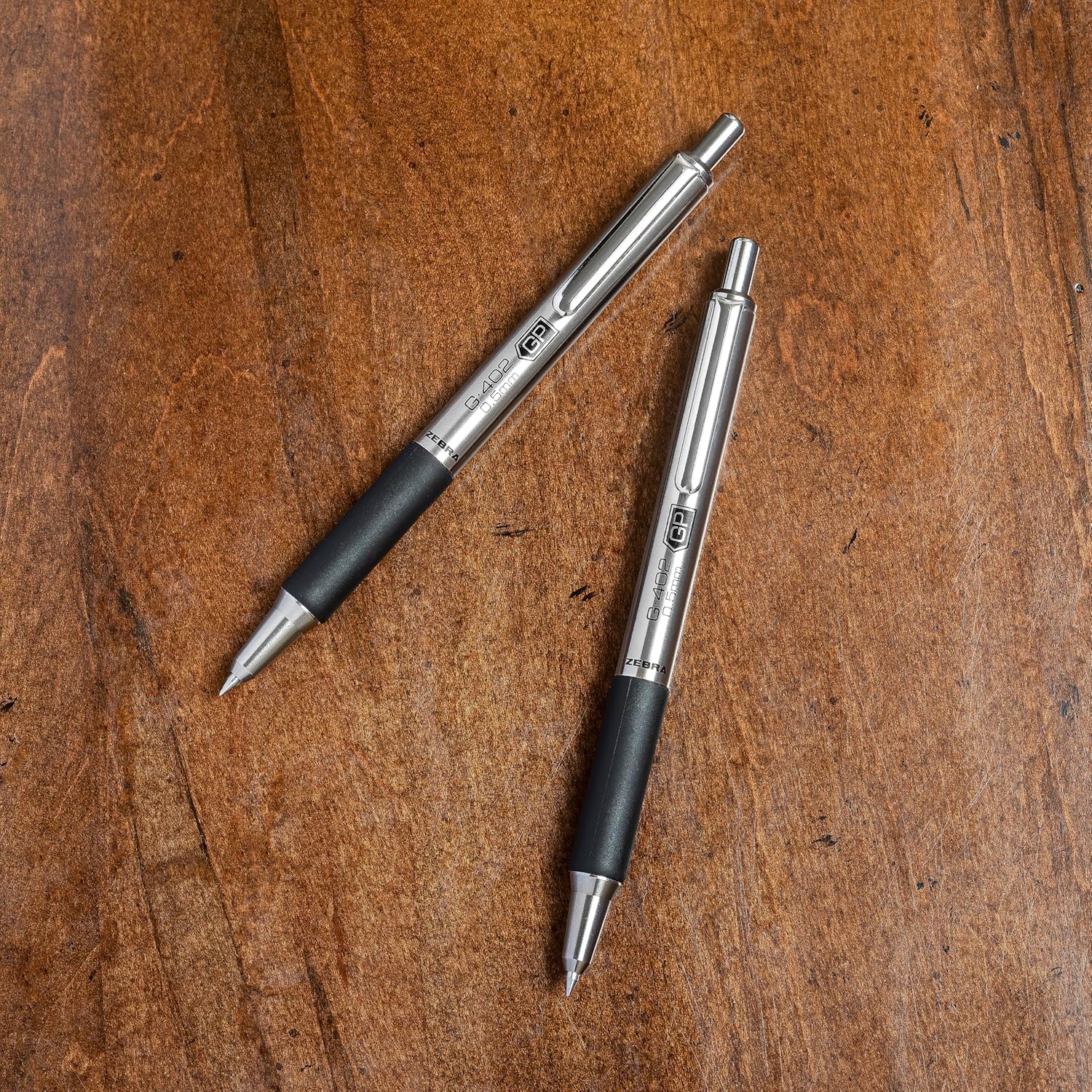
Image: Two Zebra G-402 Gel Pens, showcasing their design.
Operating Instructions
Using the G-402 Gel Pen is straightforward:
- To Extend the Pen Tip: Press the top button mechanism firmly until it clicks into place. The pen tip will extend, ready for writing.
- To Retract the Pen Tip: Press the side clip mechanism. The pen tip will retract back into the barrel.
- Writing: Hold the pen comfortably using the rubberized grip. Apply light to moderate pressure to write smoothly.

Image: A user demonstrating the pen in use, writing in a notebook.
Maintenance
Proper maintenance ensures the longevity and performance of your G-402 Gel Pen.
Refill Replacement
When the ink runs out, replace the refill with a compatible Zebra G-series gel ink refill.
- Unscrew the pen barrel at the grip section.
- Carefully remove the old ink refill.
- Insert the new compatible refill, ensuring it seats properly.
- Screw the barrel back together until secure. Do not overtighten.
Cleaning
The stainless steel barrel can be wiped clean with a soft, damp cloth. Avoid using harsh chemicals or abrasive materials, which may damage the finish or rubber grip.

Image: A Zebra G-402 Gel Pen with its components separated, illustrating refill access.
Troubleshooting
| Issue | Possible Cause | Solution |
|---|---|---|
| Ink not flowing smoothly or skipping |
|
|
| Pen tip not retracting/extending |
|
|
Specifications
- Model: G-402 (Item model number: 49211)
- Ink Type: Gel Ink
- Ink Color: Black
- Point Size: 0.5mm Fine Point
- Barrel Material: Stainless Steel
- Grip Type: Rubberized Comfort Grip
- Closure: Retractable
- Item Weight: 0.48 ounces
- Product Dimensions: 0.54 x 2.25 x 7.5 inches
Warranty Information
Specific warranty details for the Zebra Pen G-402 Gel Pen are not provided in this manual. For information regarding product warranty, please refer to the official Zebra Pen website or contact their customer support directly.
Customer Support
For further assistance, questions, or to purchase compatible refills, please visit the official Zebra Pen website or contact their customer service department.
Official Website: www.zebrapen.com


