
1. Introduction
Thank you for choosing the KEF Porsche Design GRAVITY ONE Bluetooth Speaker. This manual provides essential information for the safe and efficient use of your device. The GRAVITY ONE combines KEF's acoustic engineering with Porsche Design's aesthetic, offering high-fidelity sound in a portable form factor. Please read this manual thoroughly before operating the speaker and retain it for future reference.
2. What's in the Box
Carefully unpack your GRAVITY ONE speaker and ensure all items listed below are present:
- KEF Porsche Design GRAVITY ONE Bluetooth Speaker
- 1m USB Charging cable
- Charging adaptor for US/EU/UK
- Speaker bag
- Quick Start Guide
- Safety Information
- Warranty Information
- Porsche Design Authenticity Card
3. Product Overview
The GRAVITY ONE features a sleek design with intuitive controls and essential connectivity ports.
3.1 Speaker Components
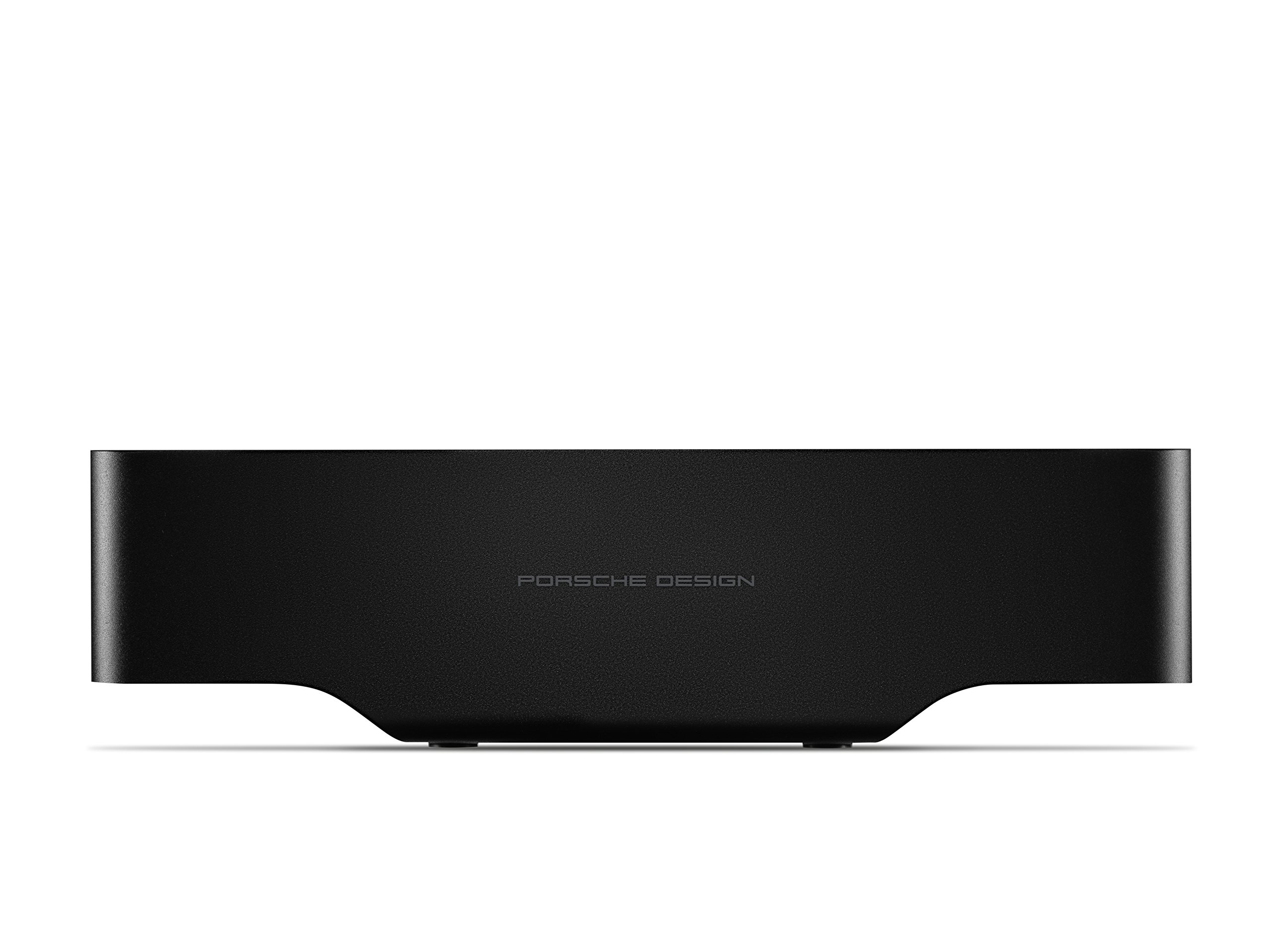
Figure 1: Angled view of the KEF Porsche Design GRAVITY ONE Bluetooth Speaker. This image shows the overall design, including the KEF logo on the front and Porsche Design branding on the side.
The speaker features KEF's Uni-Q driver technology for broad sound dispersion and dual force-cancelling auxiliary bass radiators for enhanced low-frequency response.
3.2 Control Panel

Figure 2: Top view of the GRAVITY ONE speaker, highlighting the integrated control panel.
- Power Button: Press and hold to turn the speaker on or off.
- Bluetooth Pairing Button: Press to enter pairing mode.
- Volume Up (+): Increase playback volume.
- Volume Down (-): Decrease playback volume.
- Play/Pause/Call Button: Press once to play/pause music or answer/end a call. Press twice to skip track. Press and hold to reject a call.
- Microphone: For hands-free calling.
3.3 Ports and Indicators

Figure 3: Side view of the GRAVITY ONE speaker, illustrating the USB charging ports.
- Micro USB Input: For charging the GRAVITY ONE speaker.
- USB-A Output: For charging external devices (e.g., smartphones).
- LED Indicator: Displays power status, charging status, and Bluetooth pairing status.
4. Setup
4.1 Initial Charging
Before first use, fully charge your GRAVITY ONE speaker. Connect the supplied USB charging cable to the Micro USB input port on the speaker and the other end to the charging adaptor. Plug the adaptor into a power outlet. The LED indicator will show charging status and turn off or change color when fully charged. A full charge provides up to 10 hours of playback.
4.2 Powering On/Off
- To power on: Press and hold the Power button until the LED indicator illuminates.
- To power off: Press and hold the Power button until the LED indicator turns off.
5. Operating Instructions
5.1 Bluetooth Pairing
- Ensure the GRAVITY ONE speaker is powered on.
- Press the Bluetooth Pairing button on the control panel. The LED indicator will flash, indicating it is in pairing mode.
- On your Bluetooth-enabled device (smartphone, tablet, laptop), go to the Bluetooth settings and search for available devices.
- Select "KEF GRAVITY ONE" from the list.
- Once paired, the LED indicator will stop flashing and remain solid. You will hear an audible confirmation.
- The speaker supports Qualcomm aptX™ for high-quality wireless audio streaming.
Note: The speaker will automatically attempt to reconnect to the last paired device when powered on.
5.2 Playing Music and Adjusting Volume
- After successful pairing, start playing music from your connected device.
- Press the Play/Pause button to pause or resume playback.
- Press the Volume Up (+) button to increase volume.
- Press the Volume Down (-) button to decrease volume.
- Double-press the Play/Pause button to skip to the next track.
5.3 Handling Phone Calls
When a call comes in while connected via Bluetooth:
- Answer Call: Press the Play/Pause/Call button once.
- End Call: Press the Play/Pause/Call button once during a call.
- Reject Call: Press and hold the Play/Pause/Call button for 2 seconds.
5.4 Charging External Devices (Power Bank Function)
The GRAVITY ONE can be used to charge other USB-powered devices, such as smartphones or tablets.
- Connect your device's USB charging cable to the USB-A output port on the GRAVITY ONE speaker.
- The GRAVITY ONE will begin charging your device. Note that using this feature will reduce the speaker's battery life.
6. Maintenance
- Cleaning: Use a soft, dry cloth to clean the speaker's surface. Do not use abrasive cleaners, waxes, or solvents.
- Storage: Store the speaker in a cool, dry place away from direct sunlight and extreme temperatures.
- Battery Care: To prolong battery life, avoid fully discharging the speaker frequently. Charge it regularly, even if not in use for extended periods.
- Water Resistance: The GRAVITY ONE is not waterproof. Avoid exposure to liquids.
7. Troubleshooting
| Problem | Possible Cause | Solution |
|---|---|---|
| Speaker does not power on. | Low battery. | Charge the speaker using the supplied USB cable and adaptor. |
| Cannot pair via Bluetooth. | Speaker not in pairing mode; device Bluetooth off; too far from speaker. | Ensure speaker is in pairing mode (flashing LED). Turn on Bluetooth on your device. Move device closer to the speaker (within 4-5 meters for optimal connection). Forget "KEF GRAVITY ONE" on your device and try pairing again. |
| No sound or distorted sound. | Volume too low; device not connected; audio source issue. | Increase volume on both the speaker and your connected device. Ensure Bluetooth is connected. Try a different audio source or application. |
| Bluetooth connection drops frequently. | Device too far; interference; obstacles. | Keep the connected device within close proximity (recommended 4-5 meters). Avoid physical obstructions between the speaker and device. Reduce other wireless interference. |
| External device not charging from speaker. | Speaker battery low; incorrect cable; device not compatible. | Ensure the GRAVITY ONE has sufficient battery charge. Use a functional USB cable. Verify your device is compatible with USB charging. |
8. Specifications
| Feature | Detail |
|---|---|
| Brand | KEF |
| Model | GRAVITY ONE |
| Color | Black |
| Connectivity | Bluetooth (Qualcomm aptX™) |
| Hardware Interface | USB |
| Compatible Devices | Smartphone, Tablet, Laptop, MP3 Player |
| Total USB Ports | 1 (for charging speaker) + 1 (for charging external devices) |
| Item Weight | 1.7 Pounds (approx. 0.77 kg) |
| Battery Life | Up to 10 hours |
| ASIN | B076VW1XP4 |
| GTIN | 04046901684112 |
9. Warranty and Support
9.1 Warranty Information
The KEF Porsche Design GRAVITY ONE Bluetooth Speaker comes with a 5 Year Manufacturer Warranty. Please refer to the included "Warranty Information" document and your "Porsche Design Authenticity Card" for full terms and conditions. Retain your proof of purchase for warranty claims.
9.2 Customer Support
For technical assistance, troubleshooting beyond this manual, or warranty service, please contact KEF customer support. Contact details can typically be found on the official KEF website or in the documentation provided with your product.
For more information, visit the official KEF website: us.kef.com