
Superer ADP190342L
UL Listed AC Charger User Manual
Model: ADP190342L | Brand: Superer
Introduction
This manual provides essential information for the safe and efficient use of your Superer UL Listed AC Charger. Please read this manual thoroughly before using the product and retain it for future reference.
Important Safety Information
To ensure safe operation and prevent damage, please observe the following precautions:
- Use only with compatible devices as specified.
- Do not expose the charger to water, moisture, or extreme temperatures.
- Avoid dropping or subjecting the charger to strong impacts.
- Do not disassemble or attempt to repair the charger yourself. Refer to qualified service personnel.
- Ensure proper ventilation around the charger during use.
- Unplug the charger from the power outlet when not in use or during electrical storms.

Image Description: This image displays the UL Listed certification logo, indicating compliance with nationally recognized standards for high-level electronic safety. It also shows FCC and CE certifications, confirming the product meets regulated limits for ionizing radiation and EU safety, health, and environmental protection requirements.
Package Contents
Verify that all items are present in your package:
- 1 x Superer AC Adapter
- 1 x Power Cord

Image Description: A top-down view of the Superer AC charger, featuring the main adapter unit, the DC output cable with a right-angle round connector, and a separate AC input power cord. The components are neatly arranged on a white surface.
Setup Instructions
Follow these steps to set up your AC charger:
- Connect the Power Cord: Insert the AC power cord into the input port of the AC adapter. Ensure it is firmly seated.
- Connect to Power Outlet: Plug the other end of the AC power cord into a standard wall outlet or surge protector.
- Connect to Laptop: Insert the DC output connector (round tip) from the AC adapter into the charging port of your compatible Acer laptop. Ensure the connection is secure.
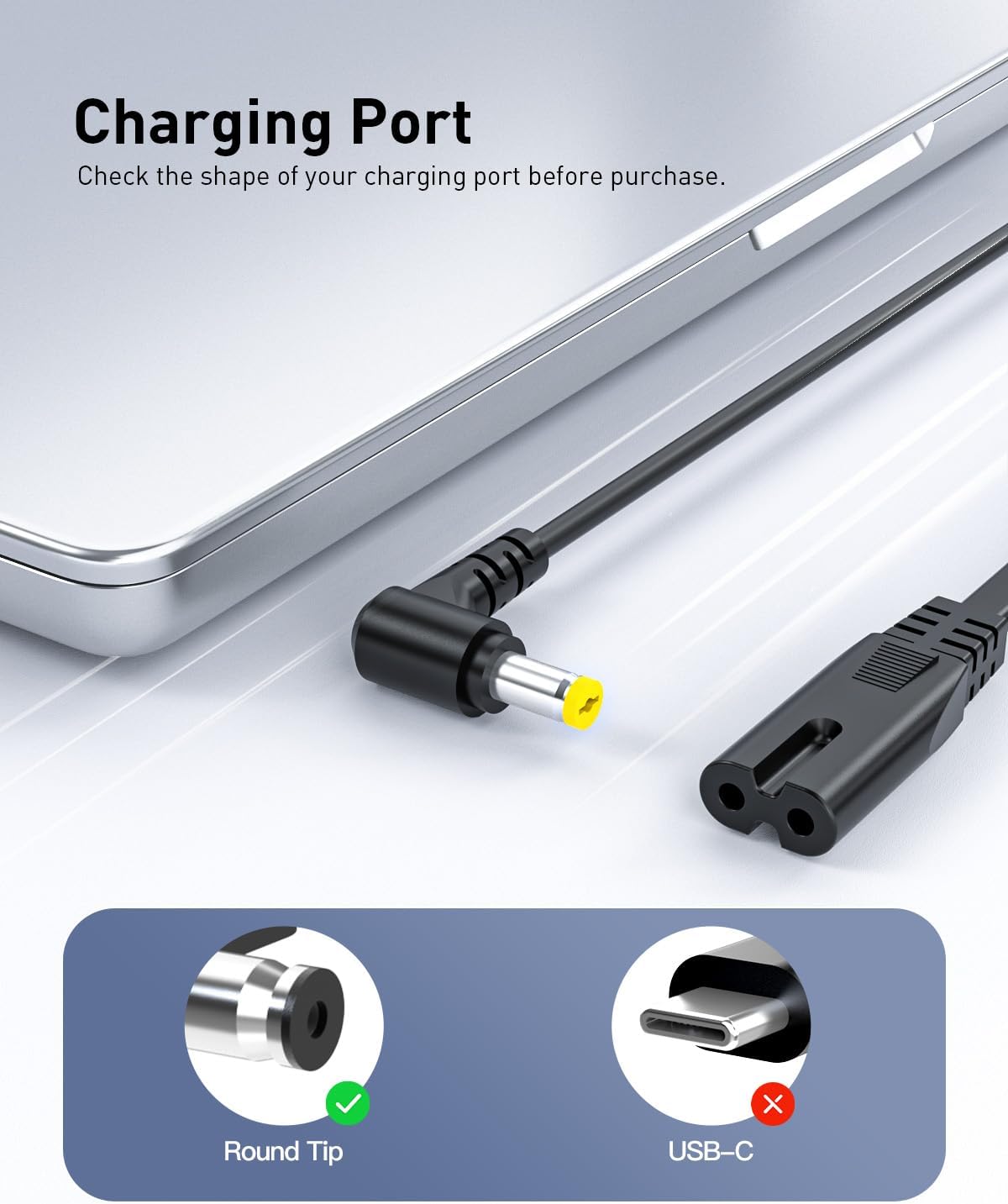
Image Description: This image illustrates the correct charging port type for the adapter. It shows a close-up of a laptop's charging port, highlighting that a "Round Tip" connector is compatible (green checkmark) while a "USB-C" connector is not (red cross).
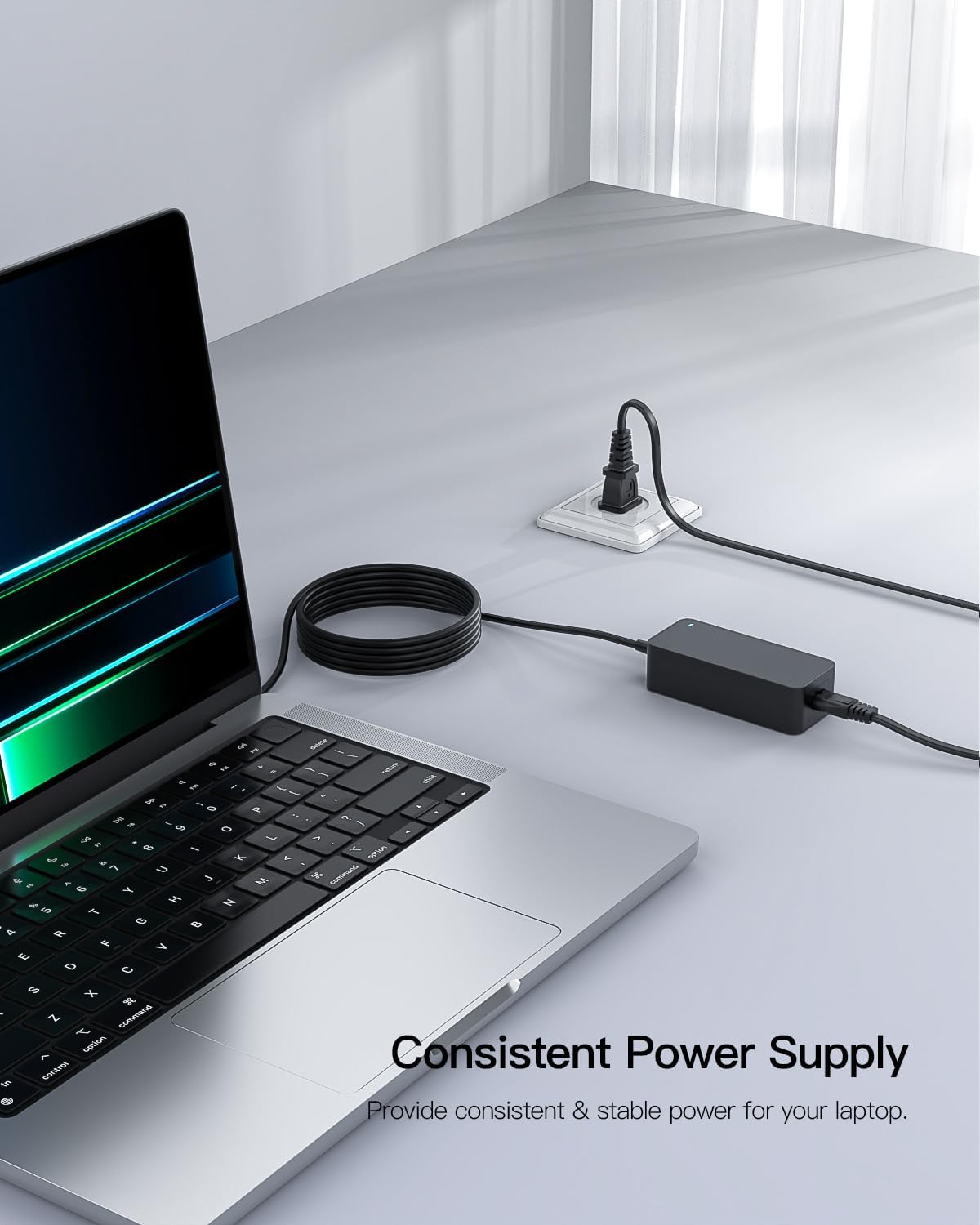
Image Description: The AC charger is shown connected to a laptop on a desk, with the power cord plugged into a power strip. This demonstrates a typical setup for providing consistent power to the laptop.
Operating Instructions
Once connected, the charger will automatically begin supplying power to your laptop and charging its battery. The LED indicator on the adapter will illuminate when power is being supplied.
Compatibility
This charger is designed for specific Acer laptop models requiring 19V output. Please verify your laptop's power requirements before use.

Image Description: A compatibility chart indicating that the charger supports 19V, 2.37A, 45W (green checkmark), but not 19V, 3.42A, 65W or 19V, 4.74A, 90W (red cross). This highlights the specific power output capabilities of the charger.
Care and Maintenance
- Keep the charger clean by wiping it with a soft, dry cloth.
- Store the charger in a cool, dry place when not in use.
- Avoid wrapping the cables too tightly to prevent damage to the internal wires.
- Regularly inspect the cables and connectors for any signs of wear or damage.
Troubleshooting
| Problem | Possible Cause | Solution |
|---|---|---|
| Charger not powering laptop. | Loose connection, incompatible device, faulty outlet. | Ensure all connections are secure. Verify laptop model compatibility. Try a different power outlet. |
| Laptop not charging. | Laptop battery issue, charger not fully connected. | Check if the charger's LED indicator is on. Ensure the DC connector is fully inserted into the laptop's charging port. Test with another compatible charger if available. |
| Charger feels hot. | Normal operation, poor ventilation, excessive load. | A slight warmth is normal. Ensure adequate airflow around the charger. If excessively hot, disconnect immediately and contact support. |
Specifications
| Feature | Detail |
|---|---|
| Brand | Superer |
| Model Number | ADP190342L |
| Input Voltage | 110 Volts |
| Output Voltage | 19V |
| Output Amperage | 2.37 Amps |
| Output Wattage | 45W |
| Connector Type | Round Connector |
| Dimensions (LxWxH) | 4.21 x 1.85 x 1.22 inches |
| Item Weight | 11.2 ounces |
| Special Feature | Overcharge Protection |

Image Description: This image shows the compact size of the AC adapter, with text indicating its dimensions as 4*1.7*1.13 inches (approximately 4.21 x 1.85 x 1.22 inches), emphasizing its portability.
Warranty and Support
Superer provides customer support for this product. For any issues or inquiries, please refer to the following:
- Replacement Service: Available within 12 months of purchase.
- Refund Policy: Full refund available within 30 days of purchase.
- Contact Support: For quick feedback and assistance, please visit the Superer Store on Amazon or contact their customer service directly.

Image Description: This graphic highlights Superer's customer support policies, including a "Replace Service Within 12 Months" and "Refund Within 30 Days of Purchase," along with a promise for "Quick feedback to any problems."
Ask a question about this manual
Ask about setup, troubleshooting, compatibility, parts, safety, or missing instructions. Manuals+ will review the question and use this page’s manual context to help answer it.