
Introduction
This manual provides essential information for the safe and efficient use of your Superer UL Listed AC Charger. Designed for various Acer Aspire E1 and V3 series laptops, this power adapter ensures reliable charging and power supply. Please read this manual thoroughly before use and retain it for future reference.
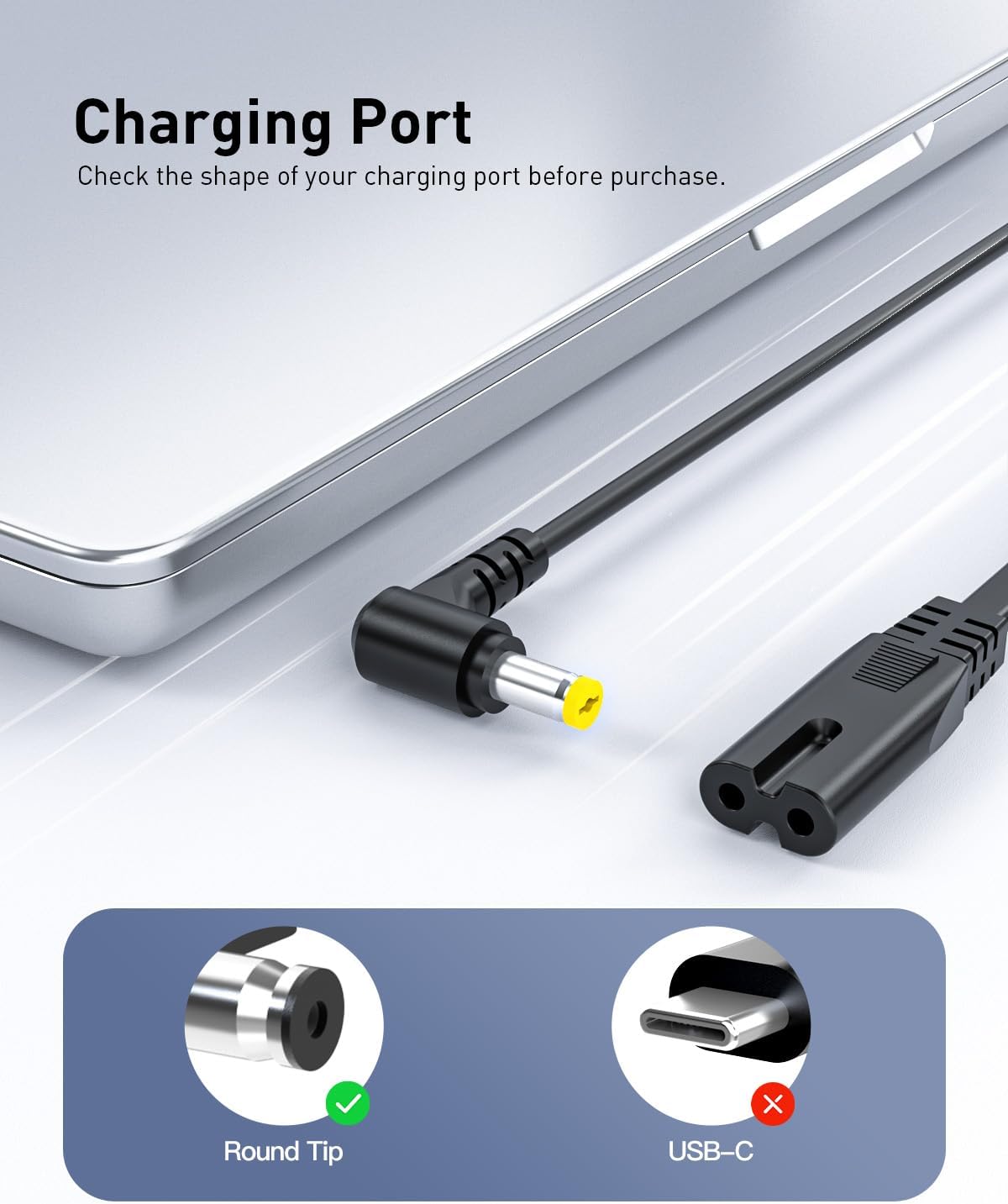
Image: Superer AC Charger with power cord, ready for use.
Safety Information
Your Superer AC Charger is designed with multiple safety features to ensure secure operation. Adhere to the following guidelines:
- UL Listed: This product has passed rigorous UL safety tests for high-level electronic safety.
- FCC Approved: Meets regulated limits for ionizing radiation.
- CE Marking: Complies with EU safety, health, and environmental protection requirements.
- Protection Features: Includes mechanisms against short circuiting, overvoltage, overcurrent, and internal overheating.
- Indoor Use Only: Connect only to a grounded outlet.
- Do not expose the charger to water or excessive moisture.
- Avoid dropping or subjecting the charger to strong impacts.
- Keep out of reach of children.

Image: Graphic illustrating UL, FCC, and CE certifications for electronic safety.
Package Contents
Verify that all items are present in the package:
- 1 x AC Adapter
- 1 x Power Cord
Compatibility
This charger is compatible with various Acer Aspire laptop models. Please ensure your laptop's power requirements match the charger's output specifications (19V 3.42A 65W) and that the charging port is a round tip connector.
Compatible Acer Aspire Models:
- Acer Aspire E1 Series: E1-731, E1-771, E1-772, E1-731-4699, E1-771-6458, E1-771-6496
- Acer Aspire V3 Series: V3-532, V3-571, V3-731, V3-532G
- And other Acer Aspire models requiring 19V 3.42A (65W) or compatible with 19V 2.15A/2.37A (40W/45W).
Image: Visual guide to charging port types, highlighting the compatible round tip connector.

Image: Chart showing compatibility with 19V 2.37A (45W) and 19V 3.42A (65W), and incompatibility with 19V 4.74A (90W).
Setup
- Connect the Power Cord: Insert the AC power cord into the AC adapter block. Ensure a firm connection.
- Plug into Outlet: Insert the power cord's plug into a grounded electrical wall outlet.
- Connect to Laptop: Insert the adapter's DC connector into your Acer Aspire laptop's charging port.
- Verify Connection: A charging indicator light on your laptop should illuminate, confirming the connection and charging process.

Image: A laptop connected to the Superer AC Charger, which is plugged into a power strip.
Operating Instructions
Once connected, the charger will automatically begin supplying power to your laptop and charging its battery. The charger is designed to provide a consistent and stable power supply.
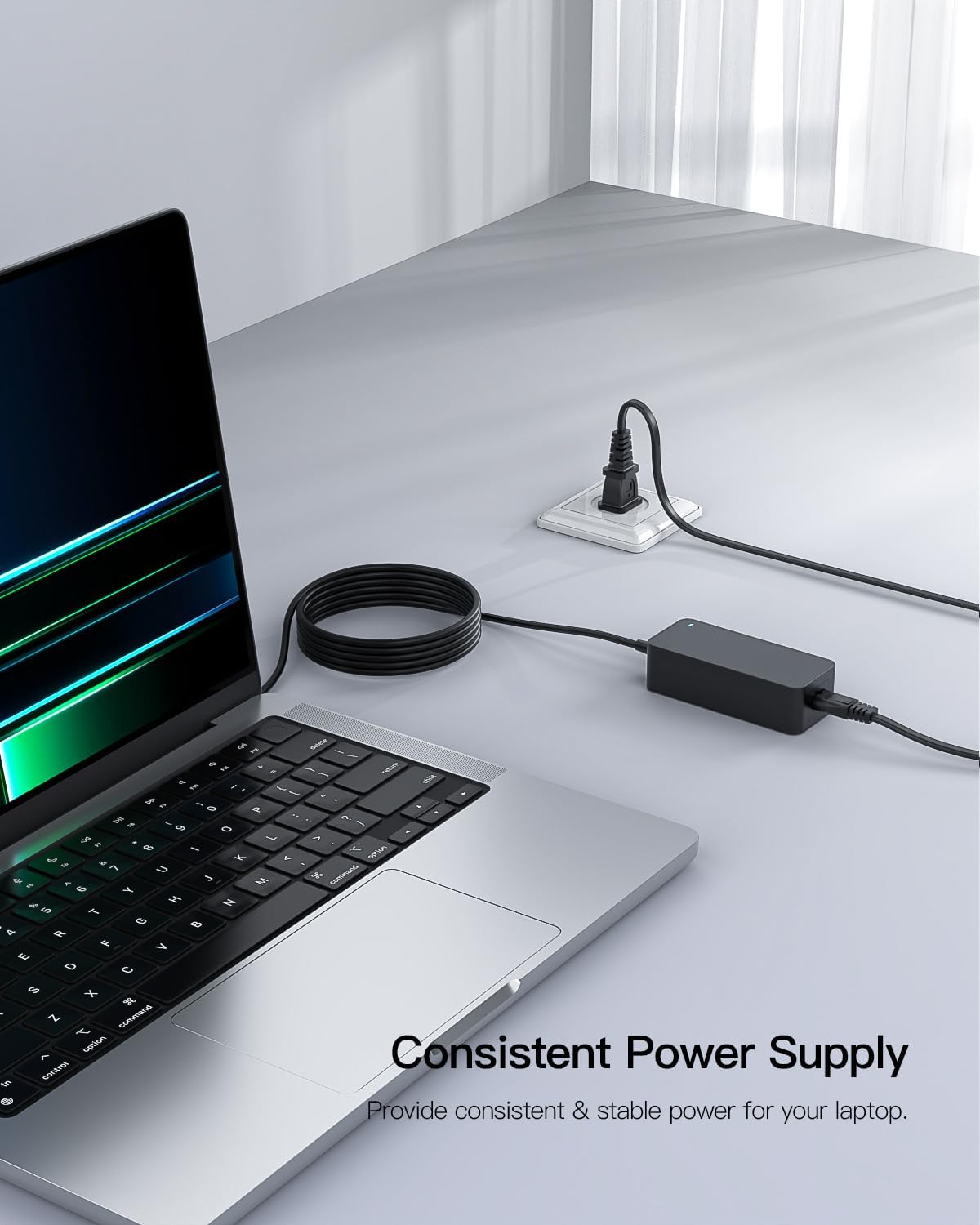
Image: The Superer AC Charger connected to a laptop, illustrating consistent power delivery.
Maintenance
- Keep the charger clean and free from dust and debris.
- Store the charger in a cool, dry place when not in use.
- Avoid wrapping the cable too tightly around the adapter to prevent damage.
- Regularly inspect the cable and connectors for any signs of wear or damage. Discontinue use if damage is observed.
Troubleshooting
No Power/Charging Indicator Light:
- Ensure all connections (wall outlet, adapter block, laptop port) are secure.
- Test the wall outlet with another device to confirm it is functional.
- Verify that the charger's specifications match your laptop's requirements.
- Inspect the cable and connectors for visible damage.
Slow Charging:
- Ensure the laptop is not running power-intensive applications while charging.
- Check for proper ventilation around the laptop and charger to prevent overheating.
Specifications
| Feature | Detail |
|---|---|
| Brand | Superer |
| Model Number | ADP190342L |
| Input | 100-240V 50-60Hz |
| Output | 19V 3.42A 65W (Compatible with 19V 2.15A/2.37A 40W/45W) |
| Connector Type | Round Connector |
| Item Weight | 11.4 ounces |
| Product Dimensions (LxWxH) | 4.21 x 1.85 x 1.22 inches |
| Special Feature | Overcharge Protection |

Image: The Superer AC Charger with its dimensions indicated: 4" x 1.7" x 1.13".
Warranty and Support
Superer stands behind the quality of its products:
- 30-Day Replacement or Returns: This product is eligible for replacement or returns within 30 days of purchase.
- 12-Month Guarantee: The manufacturer provides an additional 12-month guarantee.
For any inquiries or support needs, please refer to the contact information provided with your purchase or visit the official Superer website.

Image: Graphic detailing 12-month replacement service, 30-day refund, and quick feedback for issues.
Product Videos
PWR+ Charger Overview
Video: An overview of the PWR+ Charger, highlighting its features and compatibility. This video is provided by the seller PWR+.
EMAKS 65W Charger for Acer Laptop
Video: A detailed look at the EMAKS 65W charger, demonstrating its features and how it connects to an Acer laptop. This video is provided by the seller Emaks-Direct.