
Kenmore 50043
Kenmore 36-inch Side-by-Side Refrigerator and Freezer Instruction Manual
Model: 50043
Brand: Kenmore
Introduction
This manual provides essential information for the safe and efficient operation, installation, and maintenance of your Kenmore 36-inch Side-by-Side Refrigerator and Freezer, Model 50043. Please read these instructions thoroughly before using your appliance and retain them for future reference.
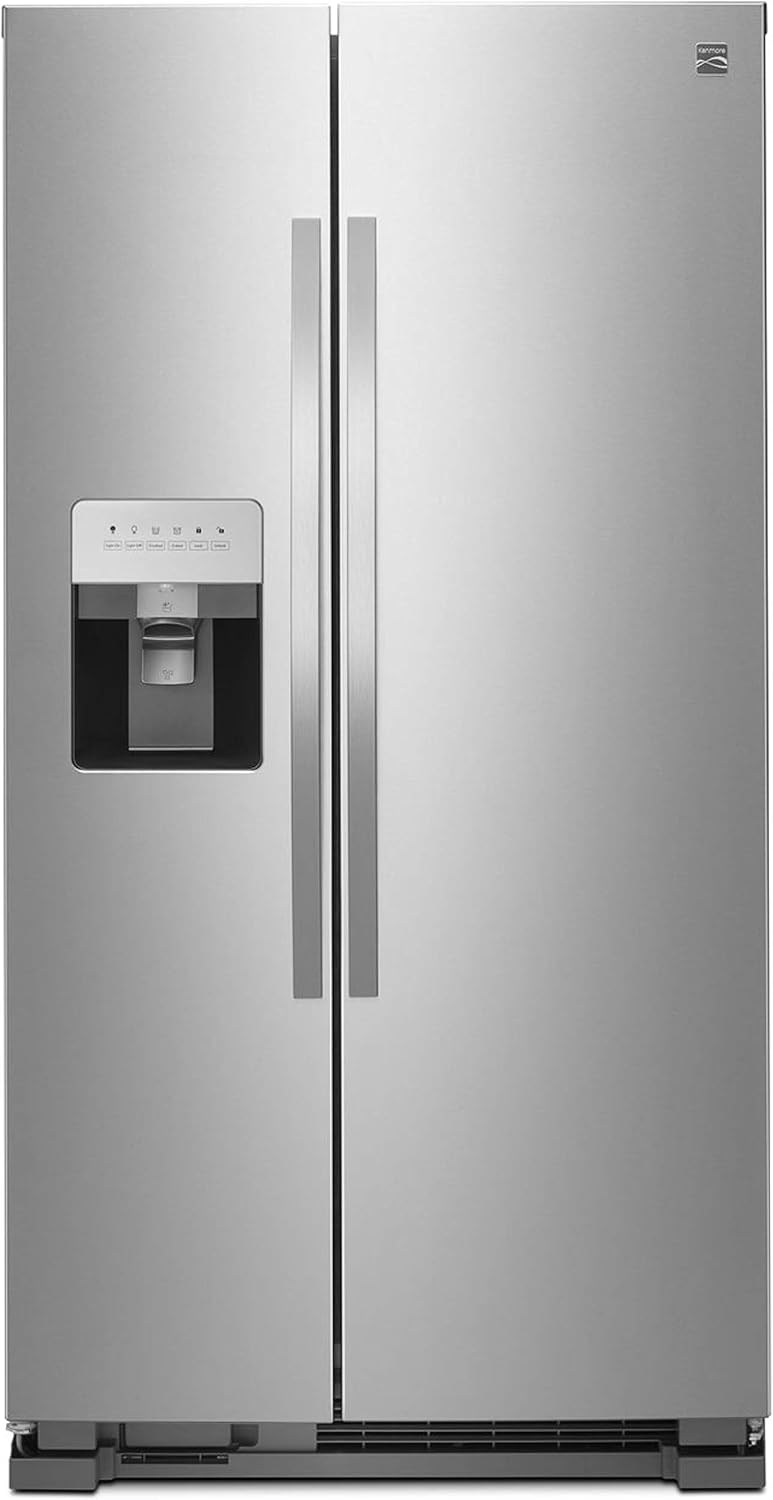
Figure 1: Front view of the Kenmore Side-by-Side Refrigerator and Freezer.
Important Safety Information
To reduce the risk of fire, electric shock, or injury when using your refrigerator, follow these basic precautions:
- Read all instructions before using the appliance.
- Connect to a grounded 3-prong outlet only. Do not remove the grounding prong.
- Do not use an adapter.
- Do not use an extension cord.
- Disconnect power before servicing.
- Use non-flammable cleaner.
- Keep flammable materials and vapors away from the refrigerator.
- Do not store explosive substances such as aerosol cans with a flammable propellant in this appliance.
- Do not use or place electrical appliances inside the refrigerator compartments unless they are of the type recommended by the manufacturer.
- Supervise children when they are near the appliance.
- This appliance is not intended for use by persons (including children) with reduced physical, sensory or mental capabilities, or lack of experience and knowledge, unless they have been given supervision or instruction concerning use of the appliance by a person responsible for their safety.
Setup and Installation
Location Requirements
Proper installation is crucial for optimal performance and safety. Ensure the refrigerator is placed on a level surface and has adequate clearance for ventilation.

Figure 2: Guidelines for measuring space and checking utility connections.
Measuring Space
Before delivery, measure the intended space, doorways, hallways, and stairways to ensure the refrigerator will fit. Account for appliance molding and legs when measuring.
Electrical and Water Hook-ups
- Electrical: Verify a standard 110-volt, 3-prong grounded electrical outlet is within reach of the power cord.
- Water: For models with ice and water dispensers, check that a water shut-off valve is within 6 feet and is corrosion-free.
Initial Cleaning
Before using the refrigerator, clean the interior surfaces with a mild soap and water solution. Rinse thoroughly and dry with a soft cloth.
Leveling the Refrigerator
Ensure the refrigerator is level to allow the doors to close properly and for efficient operation. Adjust the leveling feet located at the bottom corners of the appliance as needed.
Operating Instructions
Temperature Control
The refrigerator and freezer compartments have independent temperature controls. Refer to the control panel for specific settings. The recommended temperature for the refrigerator is 37°F (3°C) and for the freezer is 0°F (-18°C).
Ice and Water Dispenser
Your refrigerator is equipped with a dual-pad ice and water dispenser. The control panel allows selection between cubed ice, crushed ice, and water dispensing. It also features controls for dispenser light and lock functions.
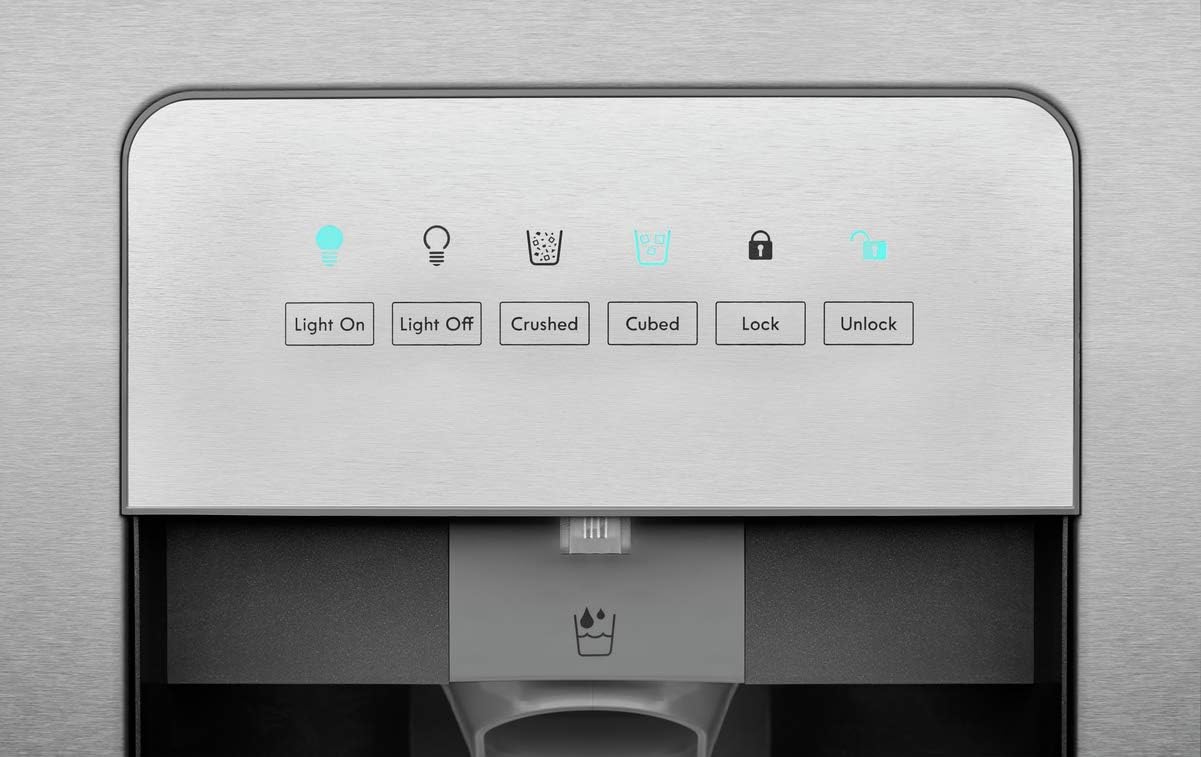
Figure 3: Ice and Water Dispenser Control Panel.

Figure 4: Dispensing water from the unit.
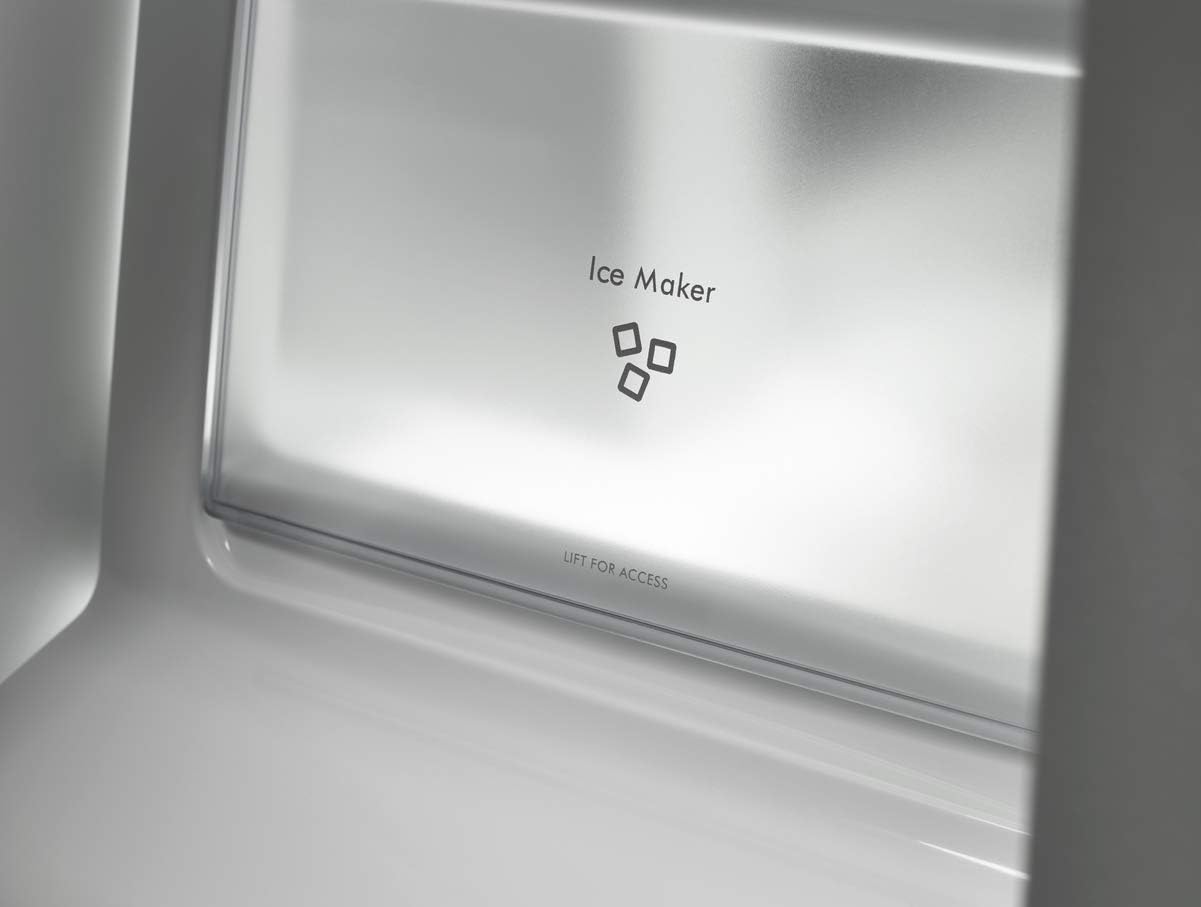
Figure 5: Ice Maker compartment.
Interior Features
The refrigerator features adjustable, easy-to-clean shelving and gallon-size door bins for flexible storage. A clear, humidity-controlled crisper drawer is provided for fresh produce.

Figure 6: Interior layout of the refrigerator and freezer.

Figure 7: Refrigerator and freezer interior with food items for demonstration.
Maintenance
Cleaning
- Interior: Clean interior surfaces regularly with a mild, non-abrasive cleaner and warm water. Remove shelves and drawers for thorough cleaning.
- Exterior: Wipe down the stainless steel exterior with a soft cloth and a stainless steel cleaner. Avoid abrasive cleaners or scouring pads.
- Condenser Coils: Periodically clean the condenser coils located at the back or bottom of the refrigerator to maintain efficiency.
Water Filter Replacement
The water filter should be replaced approximately every 6 months, or when the filter indicator light illuminates. Use only authorized Kenmore water filters to ensure proper filtration and appliance function.

Figure 8: Use only Kenmore Authorized Water Filters.
Troubleshooting
Before contacting service, review the following common issues and solutions:
| Problem | Possible Cause | Solution |
|---|---|---|
| Refrigerator not cooling | Power outage, thermostat set too high, door left open, condenser coils dirty. | Check power, adjust thermostat, ensure door is closed, clean coils. |
| Ice dispenser not working | Ice maker turned off, water supply off, ice jammed. | Check ice maker switch, verify water supply, clear ice jam. |
| Water dispenser not working | Water supply off, water filter clogged, air in system. | Check water supply, replace filter, flush system. |
| Unusual noises | Leveling issues, items vibrating, normal operating sounds. | Adjust leveling feet, reposition items, consult manual for normal sounds. |
Specifications
| Feature | Detail |
|---|---|
| Brand | Kenmore |
| Model Number | 50043 |
| Configuration | Side-by-Side |
| Total Capacity | 24.57 Cubic Feet |
| Fresh Food Capacity | 15.46 Cubic Feet |
| Freezer Capacity | 9.11 Cubic Feet |
| Dimensions (D x W x H) | 33.81" x 35" x 69.25" |
| Item Weight | 244 pounds |
| Color | Stainless Steel |
| Voltage | 120 Volts |
| Annual Energy Consumption | 702 Kilowatt Hours Per Year |
| Shelves | 4 (Glass) |
| Crispers/Drawers | 2 |
Warranty and Support
For detailed warranty information and customer support, please refer to the warranty card included with your product or visit the official Kenmore website. Keep your purchase receipt as proof of purchase for warranty claims.
If you require technical assistance or have questions not covered in this manual, please contact Kenmore customer service.
Related documents50043


Ask a question about this manual
Ask about setup, troubleshooting, compatibility, parts, safety, or missing instructions. Manuals+ will review the question and use this page’s manual context to help answer it.