
NERF E2031
Nerf MicroShots Star Wars Han Solo Blaster User Manual
Model: E2031
Introduction
Welcome to the user manual for your Nerf MicroShots Star Wars Han Solo Blaster. This compact blaster is part of the collectible MicroShots series, designed for quick, single-shot action. Please read this manual carefully to ensure safe and proper use of your blaster.

Figure 1: Nerf MicroShots Star Wars Han Solo Blaster in original packaging.
Package Contents
Upon opening the package, verify that all components are present:
- 1 x Nerf MicroShots Star Wars Han Solo Blaster
- 2 x Nerf Elite Darts

Figure 2: The Nerf MicroShots Star Wars Han Solo Blaster.
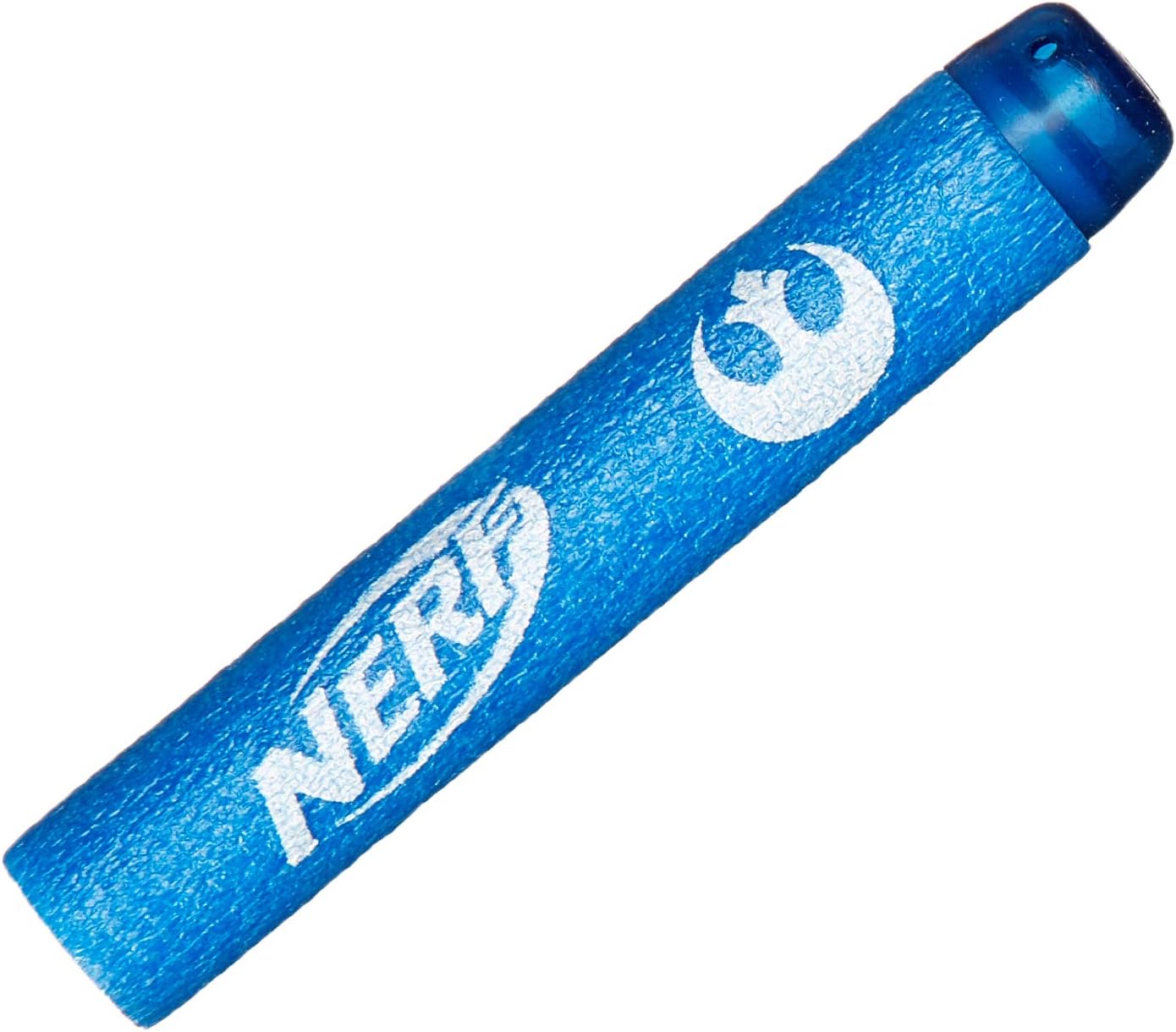
Figure 3: A single Nerf Elite dart.
Setup
Loading Darts
- Locate the dart loading port at the front of the blaster barrel.
- Insert one Nerf Elite dart into the barrel until it is fully seated.
Important: Use only official Nerf Elite darts. Other darts may not meet safety standards and could cause damage to the blaster or injury.
Operating Instructions
Firing the Blaster
- Load one dart into the barrel as described in the "Setup" section.
- Pull back the priming handle located at the bottom of the blaster grip until it clicks into place. This primes the blaster.
- Aim at your target.
- Press the trigger to fire the dart.
Safety Warning: Do not aim at eyes or face. Always use eye protection when playing with Nerf blasters. Do not modify darts or the blaster.

Figure 4: Diagram showing dart loading and priming mechanism (refer to packaging for visual aid).
Maintenance
Cleaning
To clean your blaster, wipe it with a soft, dry cloth. Do not use water or cleaning solutions, as this may damage the internal mechanisms.
Storage
Store the blaster and darts in a cool, dry place away from direct sunlight and extreme temperatures. Keep out of reach of small children when not in use.
Troubleshooting
- Dart not firing or firing weakly:
- Ensure the dart is fully inserted into the barrel.
- Make sure the priming handle is pulled back completely until it clicks.
- Check if the dart is damaged or worn; replace with a new, official Nerf Elite dart if necessary.
- Blaster mechanism jammed:
- Do not force the mechanism.
- Remove any darts from the barrel.
- Gently try to reset the priming handle. If the issue persists, contact customer support.
Specifications
| Product Name | Nerf MicroShots Star Wars Han Solo Blaster |
| Model Number | E2031 |
| Product Dimensions | 1.73 x 6.73 x 7.01 inches |
| Item Weight | 6.7 ounces |
| Recommended Age | 8 years and up |
| Manufacturer | Hasbro |
| Release Date | August 1, 2018 |
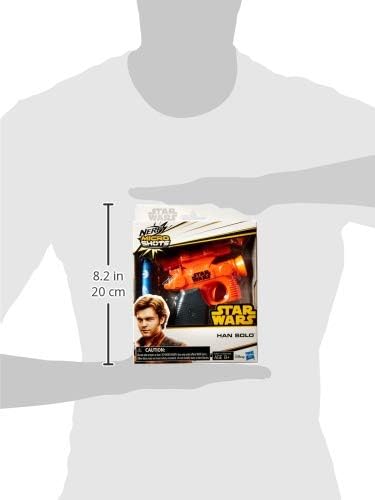
Figure 5: Size comparison of the blaster.
Warranty and Support
Specific warranty information is not provided within this manual. For details regarding warranty coverage, product support, or to purchase replacement parts, please visit the official Hasbro or Nerf website, or contact their customer service directly.
You can often find support information on the manufacturer's website: www.hasbro.com
Ask a question about this manual
Ask about setup, troubleshooting, compatibility, parts, safety, or missing instructions. Manuals+ will review the question and use this page’s manual context to help answer it.