
Energizer 38184
Energizer LED Motion-Activated Security Light
Model: 38184
Product Overview
The Energizer LED Motion-Activated Security Light is designed to provide convenient and efficient illumination for various indoor and outdoor spaces. This battery-operated light features motion-sensing technology, automatically activating when movement is detected in low-light conditions and turning off after a period of inactivity. Its wireless design allows for flexible installation without the need for electrical wiring.

Image: The Energizer LED Motion-Activated Security Light shown with its product packaging, highlighting its 40 lumens brightness, motion sensing, and battery-operated features.
Safety Information
- Do not mix old and new batteries.
- Do not mix alkaline, standard (carbon-zinc), or rechargeable (nickel-cadmium) batteries.
- Ensure batteries are inserted with correct polarity (+ and -).
- Remove batteries if the device is not used for an extended period.
- Keep out of reach of small children.
- This product is IP54-rated for dust and splash resistance; however, it is not fully waterproof. Avoid submerging in water.
Package Contents
- 1 x Energizer Motion-Activated Security Light
- Mounting Hardware (double-sided tape and screws)
Specifications
| Feature | Detail |
|---|---|
| Brand | Energizer |
| Model Number | 38184 |
| Light Source Type | LED |
| Brightness | 40 Lumens |
| Power Source | 3 x AA Batteries (not included) |
| Motion Detection Range | Up to 15 feet |
| Auto-Shutoff | Approximately 20 seconds after motion stops |
| Indoor/Outdoor Usage | Yes (IP54 Rated) |
| Dimensions (H x W x D) | 7.4" x 5.5" x 1.5" (approx.) |
| Material | Plastic |

Image: The Energizer LED Motion-Activated Security Light with its approximate dimensions of 4 inches in height and 3.6 inches in width, indicating it requires 3 AA batteries.
Setup
1. Battery Installation
- Locate the battery compartment on the back of the light unit.
- Open the battery compartment cover.
- Insert 3 AA batteries (not included), ensuring correct polarity (+/-) as indicated inside the compartment.
- Close the battery compartment cover securely.
2. Mounting the Light
The light can be mounted using either the included double-sided tape or screws for a more permanent installation.
Using Double-Sided Tape:
- Clean the desired mounting surface thoroughly to ensure it is free of dust and grease.
- Peel the protective backing from the double-sided tape.
- Firmly press the light onto the cleaned surface for at least 30 seconds.
- Ensure the surface is smooth and flat for optimal adhesion.
Using Screws:
- Identify the screw holes located on the battery door of the light unit.
- Position the light on the desired mounting surface.
- Mark the screw hole locations on the surface.
- Drill pilot holes if necessary, depending on the mounting surface material.
- Secure the light to the surface using the provided screws.
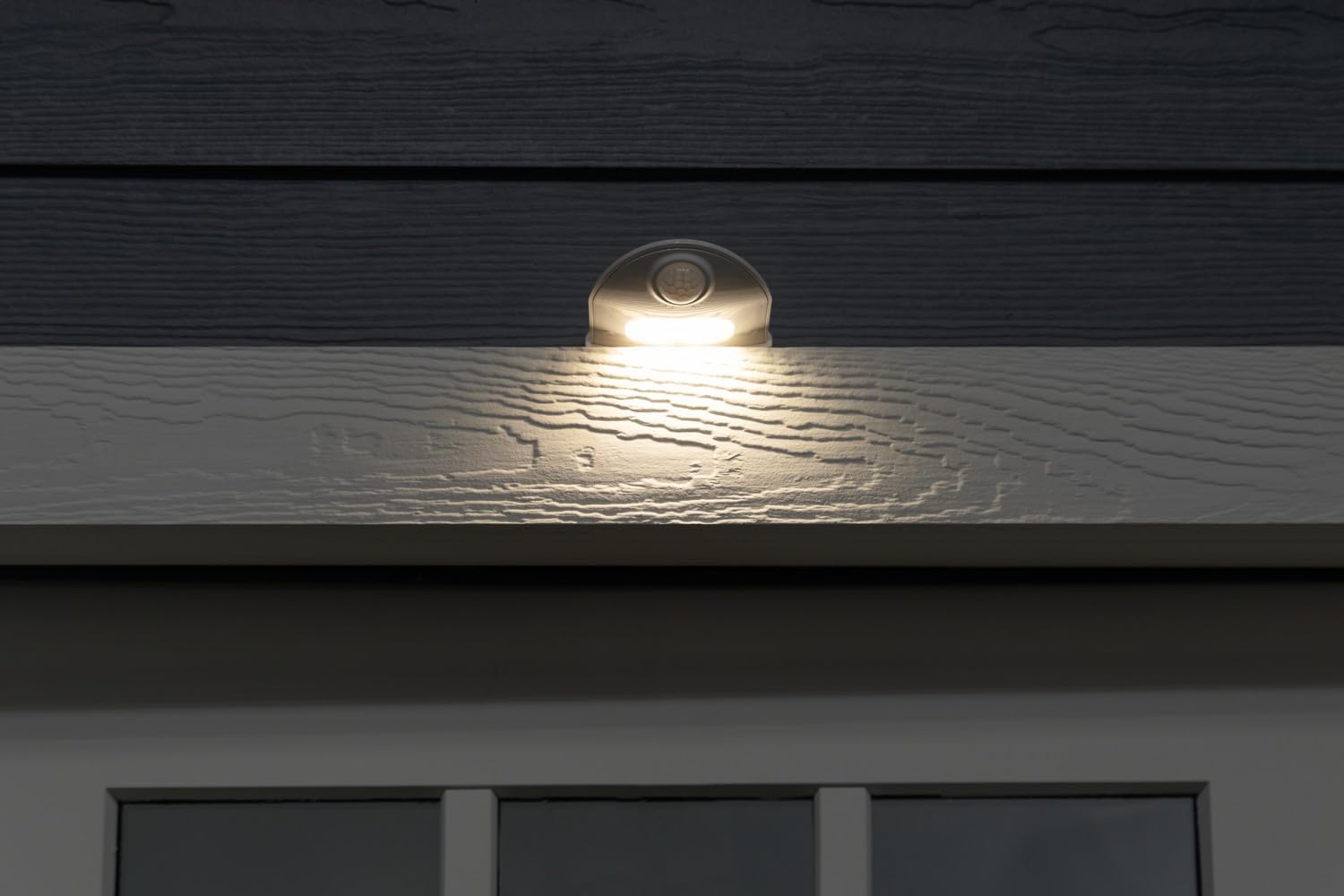
Image: The Energizer LED Motion-Activated Security Light mounted above a door, demonstrating its discreet placement and effective illumination for entryways.
Operating Instructions
The Energizer Motion-Activated Security Light is designed for automatic operation.
- Motion Activation: The light will automatically turn on when motion is detected within its 15-foot detection range, provided the ambient light conditions are low.
- Automatic Shut-off: After motion is no longer detected, the light will remain illuminated for approximately 20 seconds before automatically turning off to conserve battery life.
- Placement: For optimal performance, place the light in areas where motion is expected and where additional illumination is desired, such as entryways, porches, patios, basements, sheds, or garages.
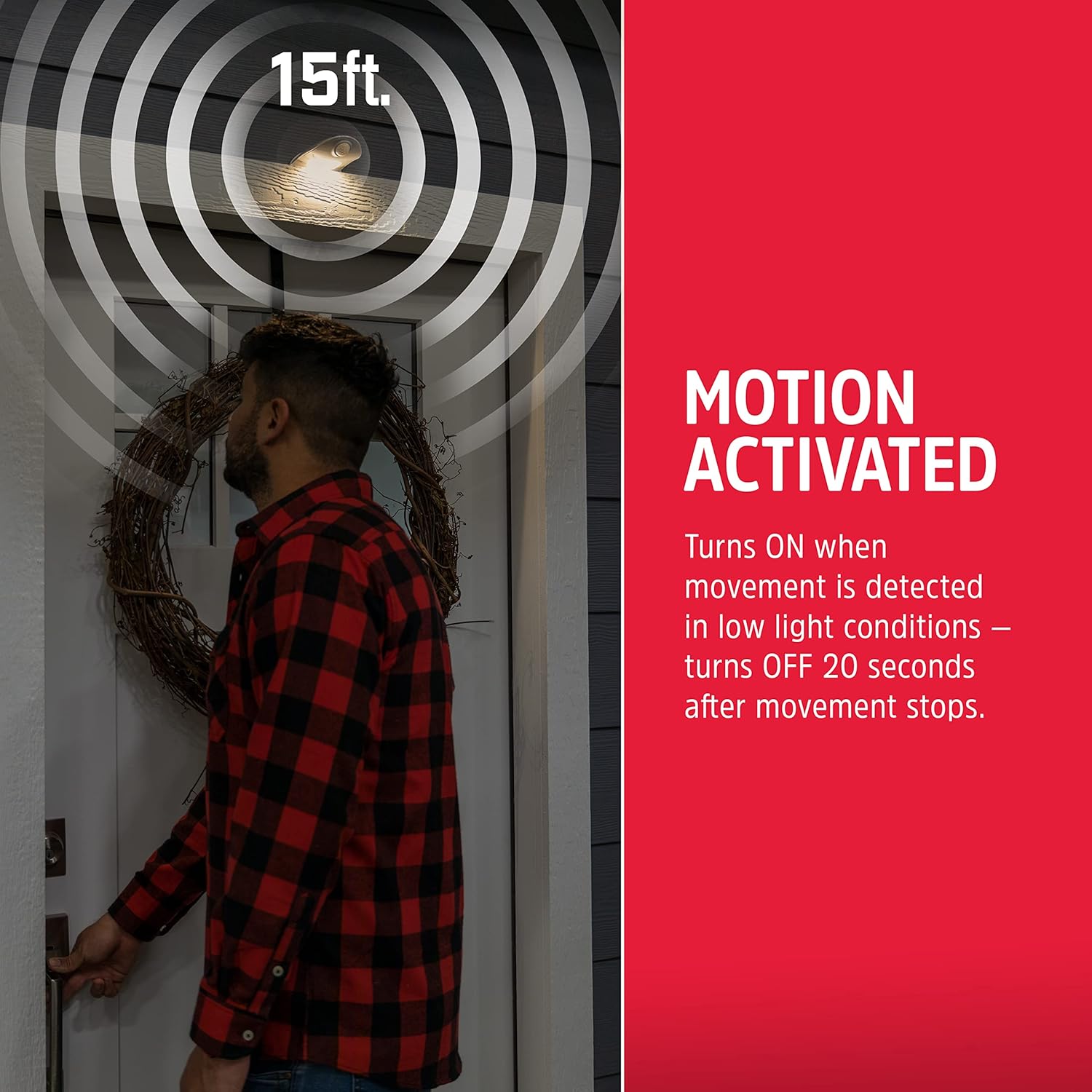
Image: A visual representation illustrating the 15-foot motion detection range of the Energizer LED Motion-Activated Security Light, showing how it activates when a person approaches.

Image: The Energizer LED Motion-Activated Security Light highlighting its key features: 40 lumens brightness, motion detection up to 15 feet, battery operation, and IP54 rating for outdoor use.
Maintenance
Battery Replacement
When the light output diminishes or the light stops activating, it is time to replace the batteries.
- Open the battery compartment cover.
- Remove the old AA batteries.
- Insert 3 new AA batteries, observing correct polarity.
- Close the battery compartment cover securely.
- Dispose of old batteries according to local regulations.
Cleaning
To maintain optimal performance and appearance, periodically clean the light unit.
- Wipe the exterior of the light with a soft, damp cloth.
- Do not use abrasive cleaners or solvents, as these may damage the finish or electronic components.
- Ensure the motion sensor lens is clear of dust and debris for accurate detection.
Troubleshooting
| Problem | Possible Cause | Solution |
|---|---|---|
| Light does not turn on. |
|
|
| Light turns on too frequently or randomly. |
|
|
| Light is dim or battery life is short. |
|
|
Warranty Information
This Energizer product is covered by a 90-day warranty from the date of purchase. This warranty covers defects in materials and workmanship under normal use. Please retain your proof of purchase for warranty claims.
For specific details regarding warranty coverage and limitations, please refer to the official Energizer warranty policy or contact customer support.
Customer Support
For further assistance, technical support, or warranty inquiries, please visit the official Energizer website or contact their customer service department.
Energizer Official Website: www.energizer.com
Note: Contact information may vary by region. Please refer to the product packaging or Energizer's official website for the most current support details.
Ask a question about this manual
Ask about setup, troubleshooting, compatibility, parts, safety, or missing instructions. Manuals+ will review the question and use this page’s manual context to help answer it.