Introduction
The Etymotic ER3XR is a high-sensitivity in-ear monitor (IEM) designed for accurate audio reproduction with enhanced bass. It features a durable, precision-machined anodized aluminum shell and a single balanced armature driver. These earphones provide exceptional passive noise isolation, reducing external noise by 35-42 dB, depending on the eartips and insertion depth. The ER3XR is suitable for audiophiles and consumers seeking an easy-to-drive earphone with a balanced sound profile and emphasized bass.
What's in the Box
- Etymotic ER3XR Headphones
- Carrying Case
- Assorted Eartip Pack
- User Manual (this document)

Figure 1: Included accessories with the Etymotic ER3XR earphones.
Setup
1. Choosing and Attaching Eartips
The ER3XR comes with an assorted eartip pack to ensure optimal fit and noise isolation. Select the eartips that provide the best seal and comfort for your ears. Proper fit is crucial for achieving the intended sound quality and noise isolation.
- Triple-Flange Eartips: These provide the deepest insertion and highest level of noise isolation (up to 42 dB). Insert them deeply into the ear canal for the best performance.
- Foam Eartips: Compress the foam tips before inserting them into your ear canal. Hold them in place until they expand to create a seal. These also offer excellent isolation.
2. Connecting the Cables
The ER3XR features user-replaceable 4ft reinforced detachable cables with MMCX connectors. Align the connectors on the cable with the earphone bodies and push firmly until they click into place. Ensure the left (L) and right (R) indicators on the earphones match the corresponding cable sides.

Figure 2: Detachable cable with MMCX connector.
3. Inserting the Earphones
For optimal sound and isolation, the earphones must be inserted deeply into the ear canal. Gently pull your earlobe up and back to straighten the ear canal, then slowly insert the earphone until a comfortable, secure seal is achieved. You should notice a significant reduction in ambient noise.
Video 1: Demonstration of proper earphone insertion for optimal fit and sound isolation.
Connect the 3.5mm gold-plated stereo plug to your audio device's headphone jack. The ER3XR is compatible with a wide range of devices including laptops, desktops, tablets, smartphones, smart speakers, and televisions.
Operating Instructions
Audio Playback
Once properly inserted and connected, begin audio playback from your device. The ER3XR's single balanced armature micro-driver delivers precise and clear audio across its frequency range of 20 Hz to 16 kHz. The enhanced bass response provides a rich listening experience without requiring an external amplifier.
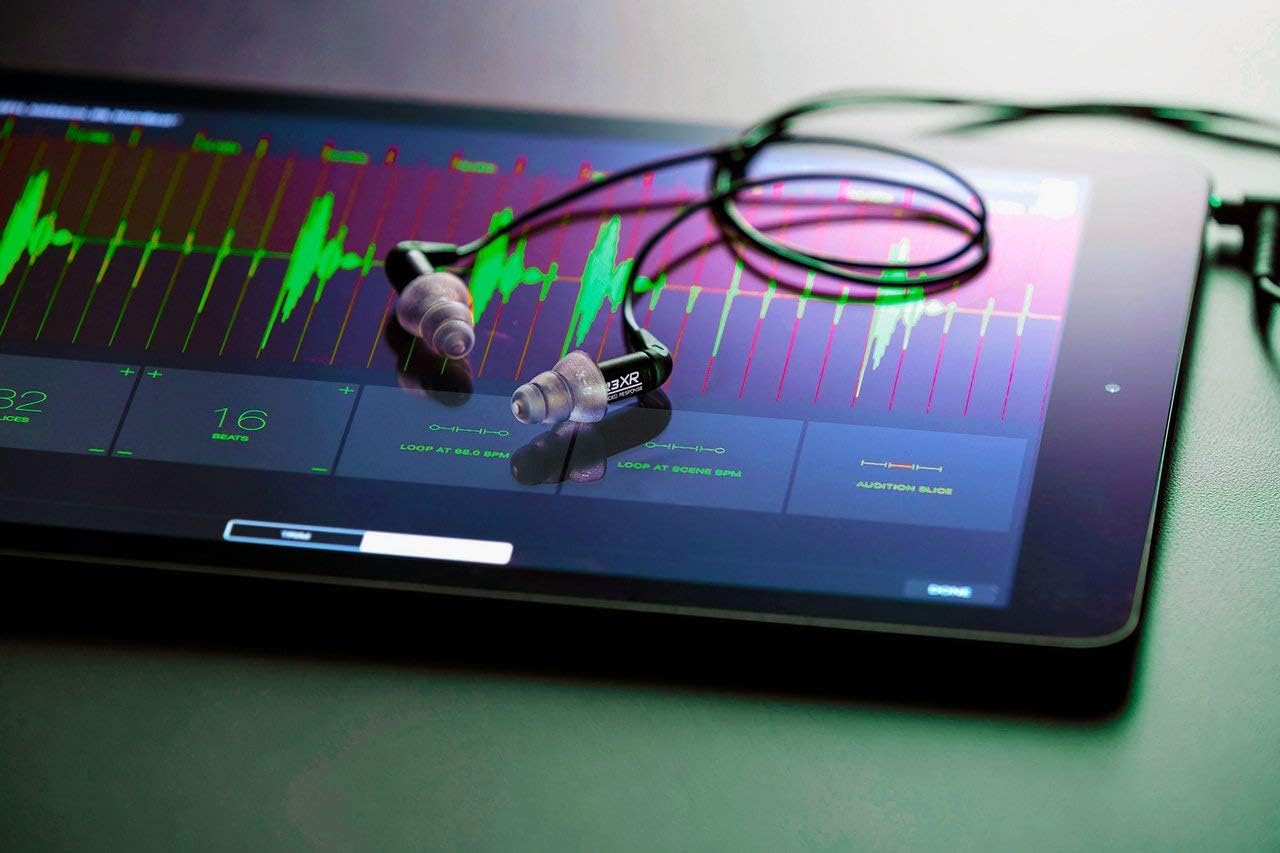
Figure 3: ER3XR earphones in use with a tablet.
Volume Control and Safety
Adjust the volume using your audio device's controls. Due to the high noise isolation, you may find that lower volume settings are sufficient. Avoid listening at excessively high volumes for prolonged periods to prevent hearing damage. The earphones have a maximum output of 120 dB.
Maintenance
Cleaning the Earphones
Regular cleaning of your ER3XR earphones and eartips is recommended to maintain hygiene and optimal sound quality. Use a soft, dry cloth to wipe the earphone bodies. For eartips, remove them from the earphones and clean with mild soap and water, then rinse thoroughly and allow to air dry completely before reattaching.
Cable Care
While the cables are reinforced and detachable, avoid sharp bends or excessive pulling to prolong their lifespan. If a cable becomes damaged, it can be replaced due to the MMCX connectors.
Troubleshooting
- No Sound or Low Volume:
- Ensure the 3.5mm plug is fully inserted into the audio device.
- Check the volume level on your audio device.
- Verify that the eartips are properly seated and creating a seal in your ear canal. Improper insertion can significantly affect sound.
- Confirm that the detachable cables are securely connected to the earphone bodies.
- Distorted Sound or Crackling:
- Reduce the volume on your audio device.
- Check the audio source for issues.
- Inspect the cable for any visible damage. If the cable is faulty, replacing it may resolve the issue.
- Ensure the eartips are clean and free of debris that might obstruct the sound.
- Poor Noise Isolation:
- Re-evaluate your eartip choice and insertion technique. Experiment with different sizes and types of eartips provided to find the best seal.
- Ensure the earphones are inserted deeply enough into the ear canal.
If you continue to experience issues, please refer to the full PDF user manual or contact Etymotic customer support.
Specifications
| Model Name | ER3XR |
| Brand | Etymotic |
| Ear Placement | In Ear |
| Connectivity Technology | Wired |
| Headphones Jack | 3.5 mm Jack |
| Noise Control | Sound Isolation (35-42 dB) |
| Audio Driver Type | Balanced Armature Driver |
| Frequency Range | 20 Hz - 16 kHz |
| Impedance | 22 Ohm |
| Maximum Output | 120 dB |
| Cable Feature | Detachable (4ft reinforced with MMCX connectors) |
| Material | Metal (Precision machined anodized aluminum) |
| Item Weight | 0.02 Kilograms (0.634 ounces) |
| Product Dimensions | 2 x 3.75 x 7 inches |
| Water Resistance Level | Not Water Resistant |
| Country of Origin | Vietnam |
Warranty and Support
The Etymotic ER3XR earphones come with a 2-year warranty, exceeding the industry standard. This warranty covers manufacturing defects and ensures long-term reliability of your product.
For detailed warranty information, troubleshooting guides, and customer support, please refer to the official Etymotic website or the comprehensive PDF User Manual.


