
1. Introduction
The Taylor Digital Glass Body Composition Scale is designed to provide comprehensive body analysis, including body weight, body fat percentage, body water percentage, muscle mass, bone mass, and Body Mass Index (BMI). It features a sleek glass design and can store data for up to four unique users.
Key Features:
- 400 lb. high capacity digital bathroom scale weighing in 0.2 lb increments.
- Monitors weight, body fat, body water, muscle mass, bone mass, and BMI in normal and athlete modes.
- BIA technology estimates body composition by sending a harmless electrical signal through the body.
- Weight tracking function references the current and previous weights of up to 4 unique users.
- Step-on technology takes instant weight readings and eliminates waiting time.
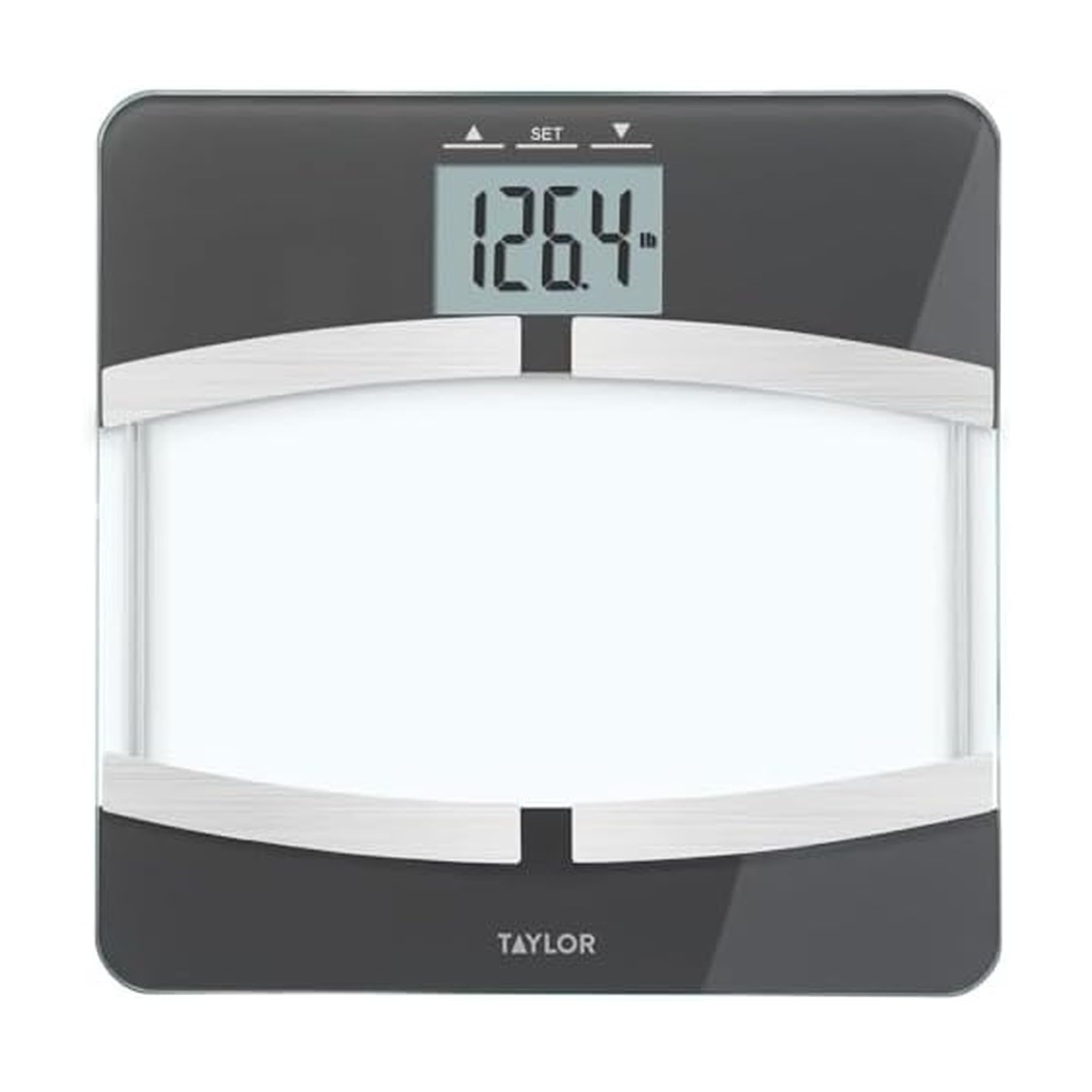
Image: Taylor Digital Glass Body Composition Scale, black with silver accents.
2. Setup
Battery Installation:
Your scale requires 3 AAA batteries (included). Open the battery compartment on the underside of the scale and insert the batteries, ensuring correct polarity. Close the compartment securely.
Initial Placement:
Place the scale on a hard, flat surface. Avoid carpets or uneven flooring, as this can affect accuracy.
Power On:
The scale features "step-on" technology. Simply step onto the scale to activate it. For body composition measurements, you may need to press the 'SET' button first to select a user profile.
Video: Official brand video showcasing various Taylor measurement products, including body composition scales. This video provides a general overview of Taylor products and their design principles.
3. Operating Instructions
Taking a Weight Measurement:
Step onto the scale with bare feet. The display will show your weight.
Setting Up User Profiles (for Body Composition Analysis):
The scale can store data for up to 4 users. To set up a profile:
- Press the 'SET' button. The display will show "P-1" (Player 1). Use the up/down arrows to select a user number (P-1 to P-4).
- Press 'SET' again. You will then be prompted to enter your height and age using the up/down arrows.
- Confirm each setting by pressing 'SET'.
- Once your profile is set, the scale will be ready for body composition measurement.
Note: For accurate body composition readings, ensure your feet are clean and dry, and make direct contact with the metal electrodes on the scale.
Taking Body Composition Measurements:
After selecting your user profile (or setting it up), step onto the scale with bare feet. The scale will first display your weight, then cycle through your body fat percentage, body water percentage, muscle mass, bone mass, and BMI.
4. Maintenance
Cleaning:
Clean the scale with a damp cloth and mild detergent. Do not use abrasive cleaners or immerse the scale in water.
Storage:
Store the scale in a cool, dry place. Avoid extreme temperatures.
Battery Replacement:
Replace batteries when the low battery indicator appears on the display.
5. Troubleshooting
Inaccurate Readings:
- Ensure the scale is on a hard, flat surface.
- Make sure your feet are clean and dry for body composition readings.
- Recalibrate the scale by stepping on it briefly, letting it display "0.0", then stepping off before taking a measurement.
"ERR" Message:
This typically indicates an error during body composition analysis. Ensure proper foot contact with the electrodes and that your user profile is correctly set.
No Display:
Check battery installation and replace batteries if necessary.
6. Specifications
| Feature | Detail |
|---|---|
| Product Dimensions | 12 x 12 x 1.33 inches; 3.2 Pounds |
| Item Model Number | 55814072F |
| Batteries | 3 AAA batteries required. (included) |
| Manufacturer | Lifetime Brands Inc. |
| Brand | Taylor |
| Color | Black |
| Recommended Uses | Humans |
| Special Feature | Body Fat, Body Mass Index, Bodyweight, Bone Mass, Muscle Mass |
| Display Type | LCD |
7. Warranty and Support
For warranty information and customer support, please refer to the manufacturer's official website or contact their customer service directly. Specific warranty details are not provided in this manual.
8. Important Safety Information
Statements regarding dietary supplements have not been evaluated by the FDA and are not intended to diagnose, treat, cure, or prevent any disease or health condition. This scale is for personal use and should not be used for medical diagnosis or treatment. Consult a healthcare professional for any health concerns.


