
HealthyLine TAO-SOFT-1818
HealthyLine Small Far Infrared Electric Heating Pad Instruction Manual
Model: TAO-SOFT-1818
Introduction
This manual provides essential information for the safe and effective use of your HealthyLine Small Far Infrared Electric Heating Pad. This device is designed to provide heat therapy for pain relief, utilizing natural gemstones and negative ions.

Image: The HealthyLine Small Far Infrared Electric Heating Pad, showcasing its compact size, the digital controller, and the natural gemstones (amethyst, tourmaline, obsidian) used in its construction.
The heating pad incorporates advanced features such as sophisticated time and temperature control with an auto shut-off function, and multiple protective layers to ensure user safety. Its lightweight, flexible, and portable design allows for convenient use in various settings.
Constructed with high-quality, industrial-grade materials and durable heat-resistant mesh fabric, the mat contains 21 functional layers. The top surface is infused with certified, untreated, unpainted, natural gemstones, including Amethyst, Tourmaline, and Obsidian.
Important Safety Information
- This product is not recommended for use with varicose veins.
- Always ensure the heating pad is placed on a stable, comfortable surface during use.
- Do not exceed the recommended time and temperature settings to prevent discomfort or injury.
- The device features an automatic shut-off function for safety.
- Legal Disclaimer: Statements regarding dietary supplements have not been evaluated by the FDA and are not intended to diagnose, treat, cure, or prevent any disease or health condition.
Setup Instructions
- Unpack the Device: Carefully remove the heating pad and its controller from the packaging. Inspect all components for any signs of damage.
- Position the Mat: Place the heating pad on a flat, comfortable, and heat-resistant surface where you intend to use it. Ensure there is adequate space around the mat for air circulation.
- Connect the Controller: Locate the connection port on the heating pad and securely plug in the controller cable.
- Power Connection: Plug the power cord from the controller into a standard electrical outlet.
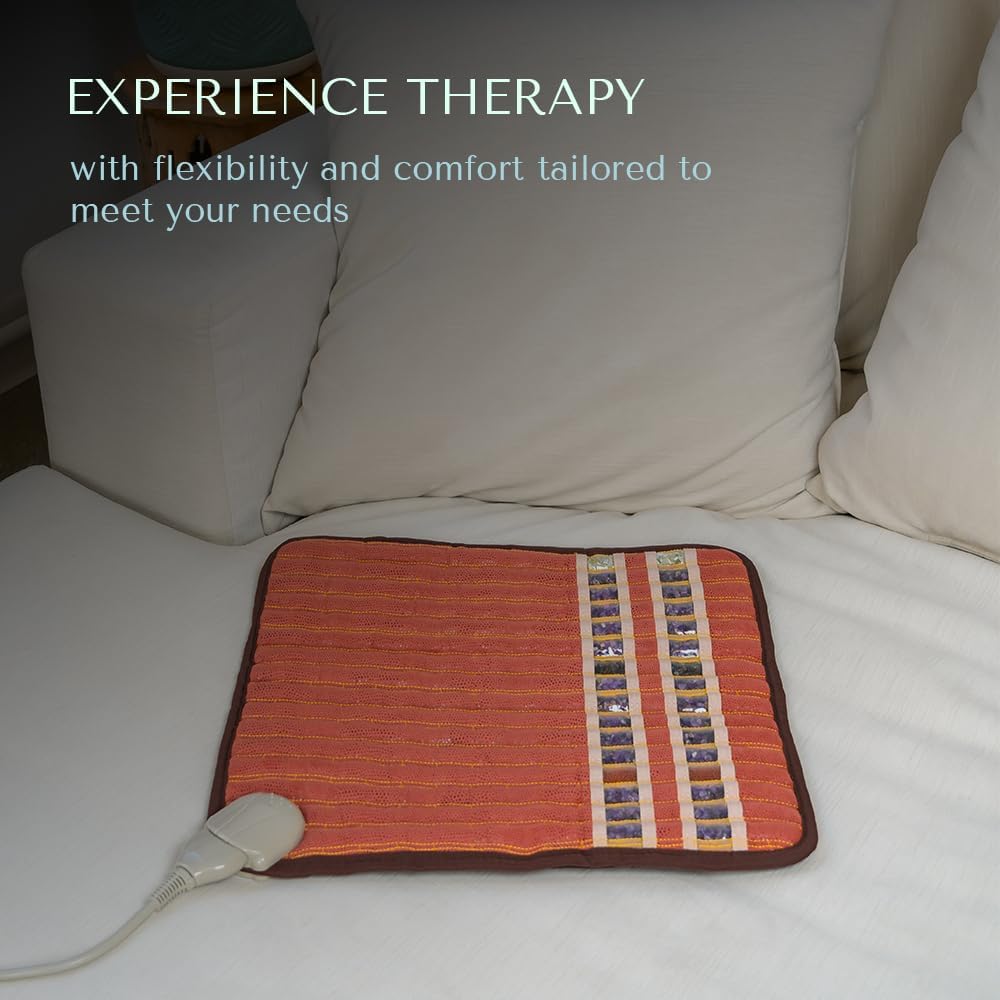
Image: The heating pad positioned on a bed, demonstrating its flexible placement for user comfort.
Operating Instructions
Follow these steps to operate your HealthyLine heating pad:
- Power On: Press the power button on the controller to turn on the heating pad.
- Set Temperature: Use the temperature control buttons (usually '+' and '-') to select your desired heat level. The recommended temperature is 98°F, but the device can reach up to 160°F.
- Set Timer: Use the timer control buttons to set the desired duration for your therapy session. Available settings typically include 3, 6, or 12 hours. The heating pad will automatically shut off once the selected time has elapsed.
- Begin Therapy: Once settings are configured, place the heating pad on the desired body area. The natural gemstones will begin to warm, providing far infrared heat and negative ions.
- Power Off: To manually turn off the device, press the power button again.

Image: A detailed view of the digital controller, showing the temperature and timer display, along with the control buttons for easy adjustment.
The mat is designed to stimulate your body, temporarily increasing local circulation and easing minor aches with deeper muscle penetration compared to traditional heating pads.
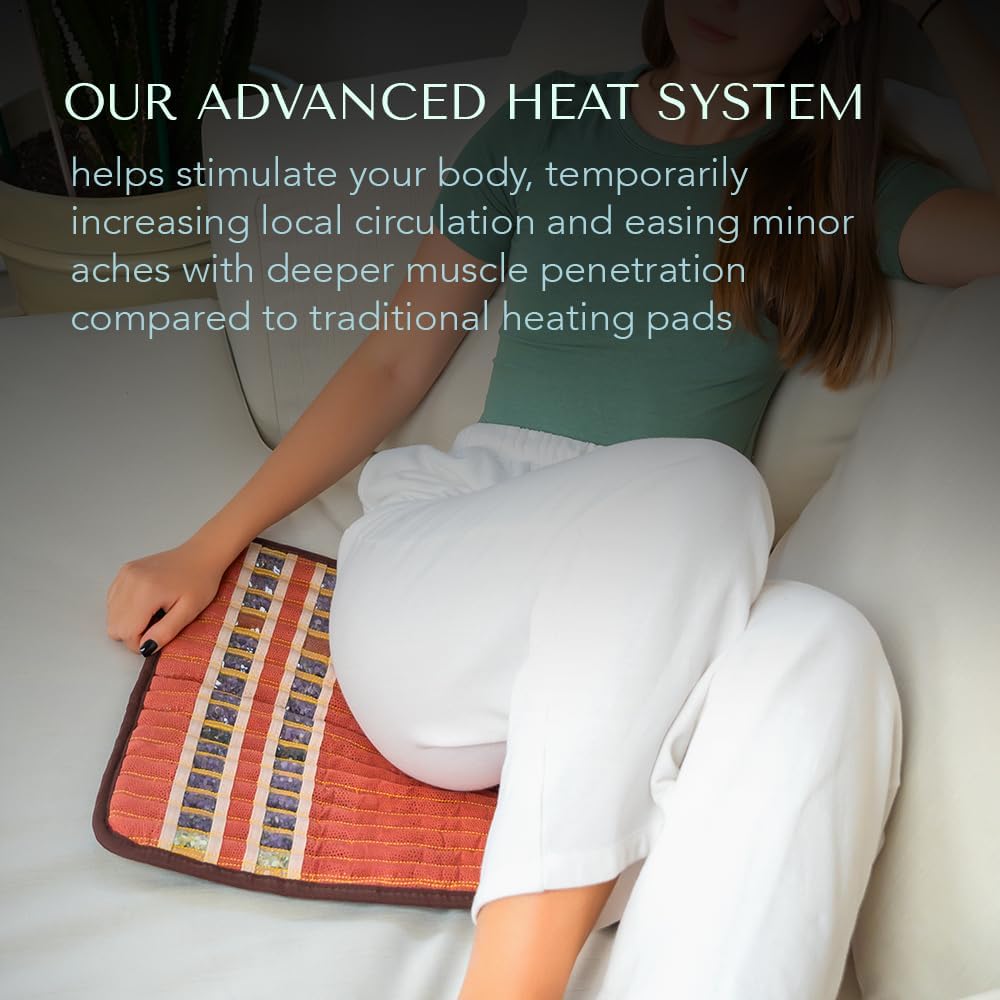
Image: A person comfortably using the heating pad while seated on a couch, illustrating its portability and ease of use for targeted relief.
Key Features and Benefits
- Far Infrared Heat Therapy: Provides deep-penetrating heat for muscle and joint pain relief.
- Negative Ion Therapy: Negative ions are generated to purify and clear the air.
- Hot Gemstone Therapy: Infused with natural Amethyst, Tourmaline, and Obsidian gemstones for a relaxing massage experience and enhanced therapeutic benefits.
- Advanced Safety System: Features triple EMF shielding, including copper wire coating, a copper mesh layer, and grounding, resulting in virtually EMF-free operation.
- Portability: Lightweight and flexible design for therapy on-the-go.
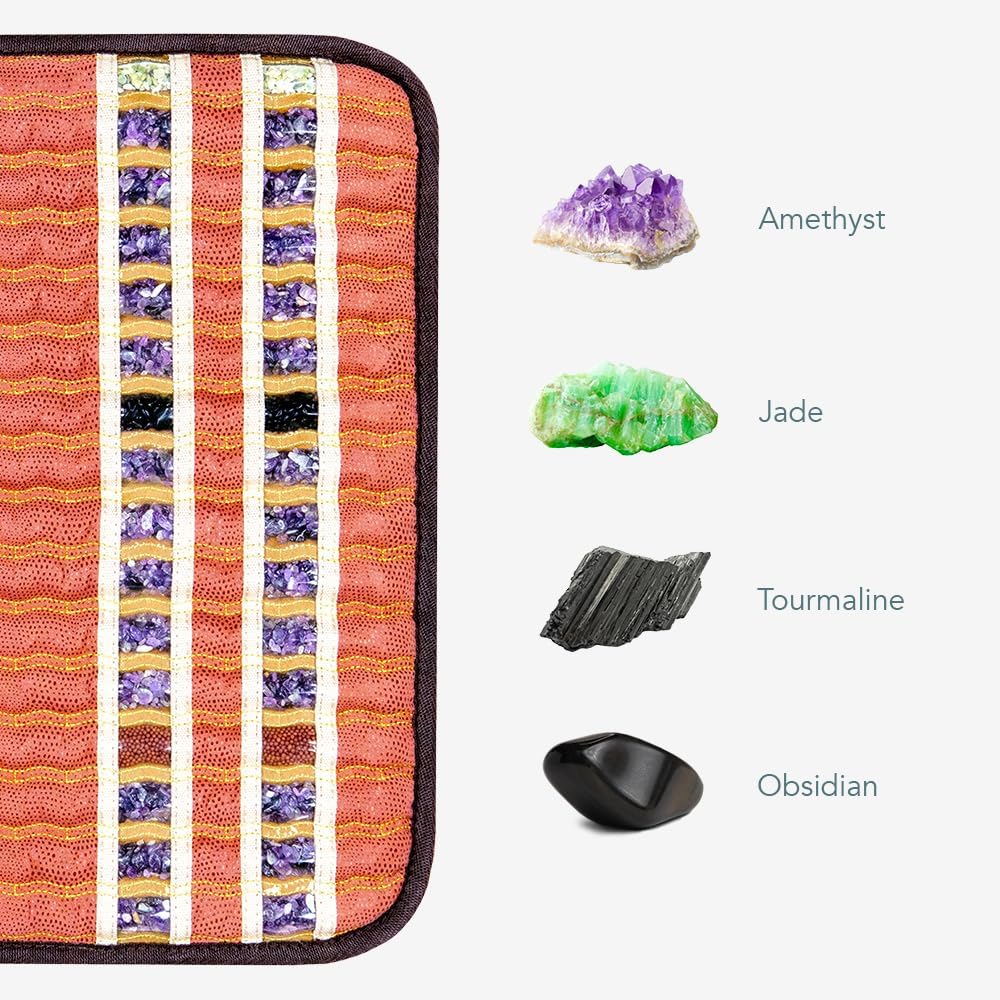
Image: Individual images of Amethyst, Jade, Tourmaline, and Obsidian gemstones, highlighting the natural materials integrated into the heating pad for therapeutic purposes.
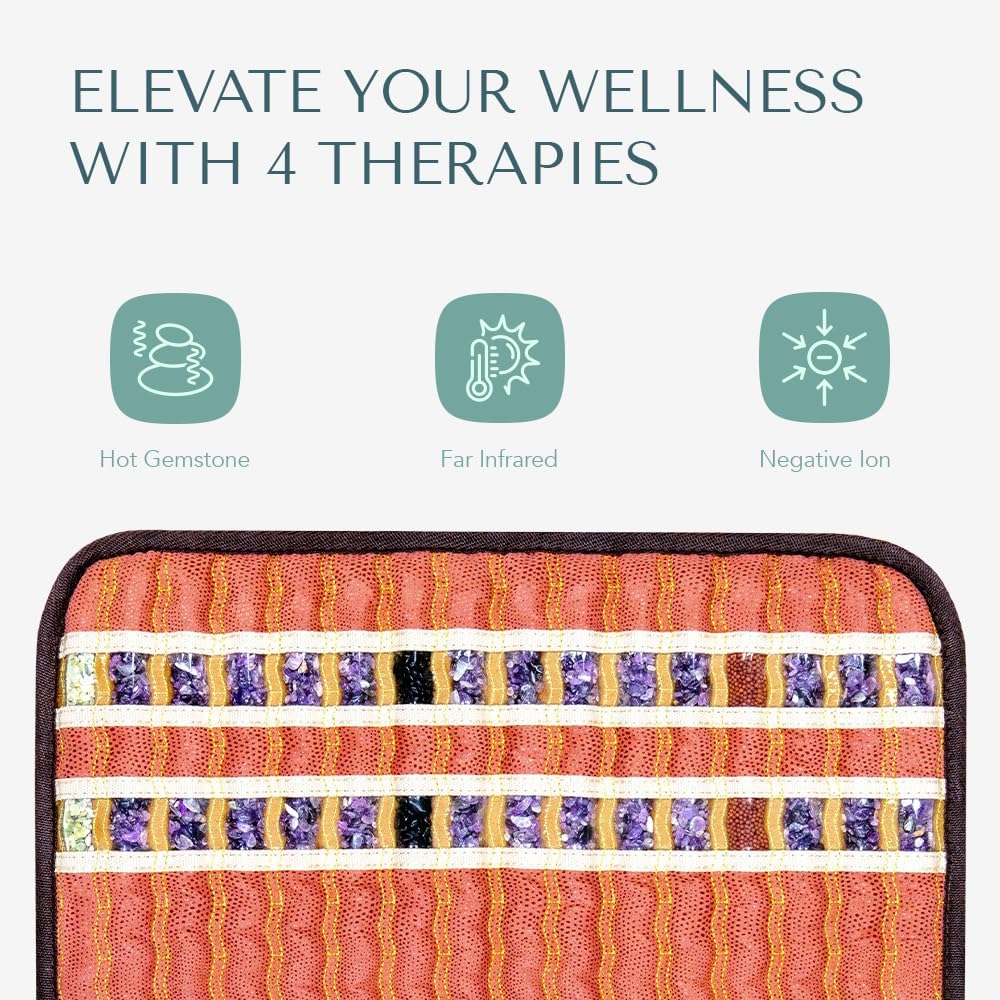
Image: A graphic illustrating the three primary therapies offered by the mat: Hot Gemstone, Far Infrared, and Negative Ion therapy, emphasizing a holistic wellness approach.
Care and Maintenance
- Cleaning: Disconnect the power cord before cleaning. Wipe the surface of the mat with a soft, damp cloth. Do not use harsh chemicals or abrasive cleaners.
- Storage: When not in use, store the heating pad in a cool, dry place, away from direct sunlight and extreme temperatures. Ensure the mat is completely dry before folding or storing.
- Handling: Avoid sharp objects that could puncture or damage the mat. Do not bend the mat excessively or place heavy objects on it.
Troubleshooting
| Problem | Possible Cause | Solution |
|---|---|---|
| Heating pad does not turn on. | Power cord not securely plugged in; power outlet issue; controller malfunction. | Check all connections. Try a different power outlet. If the issue persists, contact customer support. |
| Mat is not heating up. | Temperature setting too low; timer has expired; internal malfunction. | Increase temperature setting. Reset the timer. If still no heat, contact customer support. |
| Controller display is not working. | Power issue; controller damage. | Ensure power is connected. If the display remains blank, contact customer support. |
Product Specifications
| Feature | Detail |
|---|---|
| Model Number | TAO-SOFT-1818 |
| Dimensions | 18 x 1.2 x 18 inches |
| Weight | 4 Pounds |
| Material | High Quality Natural Amethyst, Tourmaline, Obsidian Gemstones |
| Color | Orange |
| Wattage | 60 watts |
| Special Features | Hot Stone Therapy, Time and Temperature settings, 12-hour auto shut-off timer, Negative Ion Therapy, Infrared Heating Pad, Heat Therapy |
| Manufacturer | HealthyLine |
Warranty and Support
HealthyLine is a USA-based company dedicated to providing advanced products. For any questions, technical assistance, or warranty claims, please contact our customer service team.
While specific warranty details are not provided in this manual, HealthyLine emphasizes its commitment to customer satisfaction and offers support for its products. Please refer to the product packaging or the official HealthyLine website for detailed warranty information.
Contact Information: Please visit the official HealthyLine website or refer to the contact details provided with your product packaging for the most up-to-date support information.
HealthyLine also offers a "Lifetime Upgrade" and "Lifetime Trade-In" program, along with a showroom in Manhattan, NY, indicating robust customer service and product longevity support.
Ask a question about this manual
Ask about setup, troubleshooting, compatibility, parts, safety, or missing instructions. Manuals+ will review the question and use this page’s manual context to help answer it.