
1. Introduction
The iHealth No-Touch Forehead Thermometer PT3 is designed for safe and hygienic body temperature measurement. Utilizing advanced infrared technology, it provides fast and accurate readings without physical contact, making it suitable for all ages, from infants to adults. This manual provides detailed instructions for proper use, maintenance, and troubleshooting to ensure optimal performance of your device.

Image 1.1: iHealth PT3 No-Touch Forehead Thermometer and its packaging.
2. Important Safety Information
Please read all instructions carefully before using the iHealth PT3 thermometer. Failure to follow these instructions may result in inaccurate readings or device damage.
- This device is intended for measuring human body temperature from the forehead. Do not use it for other purposes.
- Keep the thermometer out of reach of children and pets.
- Do not drop the thermometer or expose it to strong impacts.
- Avoid direct sunlight and extreme temperatures. Store in a cool, dry place.
- Do not immerse the device in water or other liquids.
- Clean the thermometer probe gently with an alcohol swab. Do not use abrasive cleaners.
- If the device malfunctions or provides inconsistent readings, refer to the troubleshooting section or contact customer support.
- This thermometer is not a substitute for a medical examination by a healthcare professional. Consult a doctor if you have health concerns.
3. Package Contents
Verify that all items are present in the package:
- 1 × iHealth PT3 Thermometer
- 2 × AAA Batteries
- 1 × Instruction Manual
- 1 × Quick User Guide

Image 3.1: Contents of the iHealth PT3 package.
4. Setup
4.1 Battery Installation
The iHealth PT3 thermometer requires two AAA batteries (included).
- Locate the battery compartment cover on the back of the thermometer.
- Gently slide the cover downwards to open the compartment.
- Insert two AAA batteries, ensuring the positive (+) and negative (-) terminals align correctly with the indicators inside the compartment.
- Slide the battery compartment cover back into place until it clicks securely.

Image 4.1: Battery compartment with AAA batteries.
5. Operating Instructions
5.1 Taking a Measurement
Follow these steps for an accurate temperature reading:
- Ensure the thermometer is clean and dry.
- Position the thermometer approximately 1.18 inches (3 cm) from the center of the forehead. Maintain a distance of about two finger-widths. Do not touch the forehead directly.
- Press the measurement button once.
- The thermometer will vibrate gently, and the temperature reading will appear on the LED display within one second.
- If no vibration occurs within 2 seconds, it indicates the distance was exceeded, and the display will show '---°F'. Adjust the distance and try again.

Image 5.1: Taking a temperature reading on a baby.

Image 5.2: Proper distance for measurement on a sleeping baby.
5.2 Switching Temperature Units (°F/°C)
To switch between Fahrenheit (°F) and Celsius (°C):
- Ensure the device is powered off.
- Press and hold the measurement button for 6 seconds to toggle between °F and °C.
- Hold the button for 8 seconds to exit the setting mode.
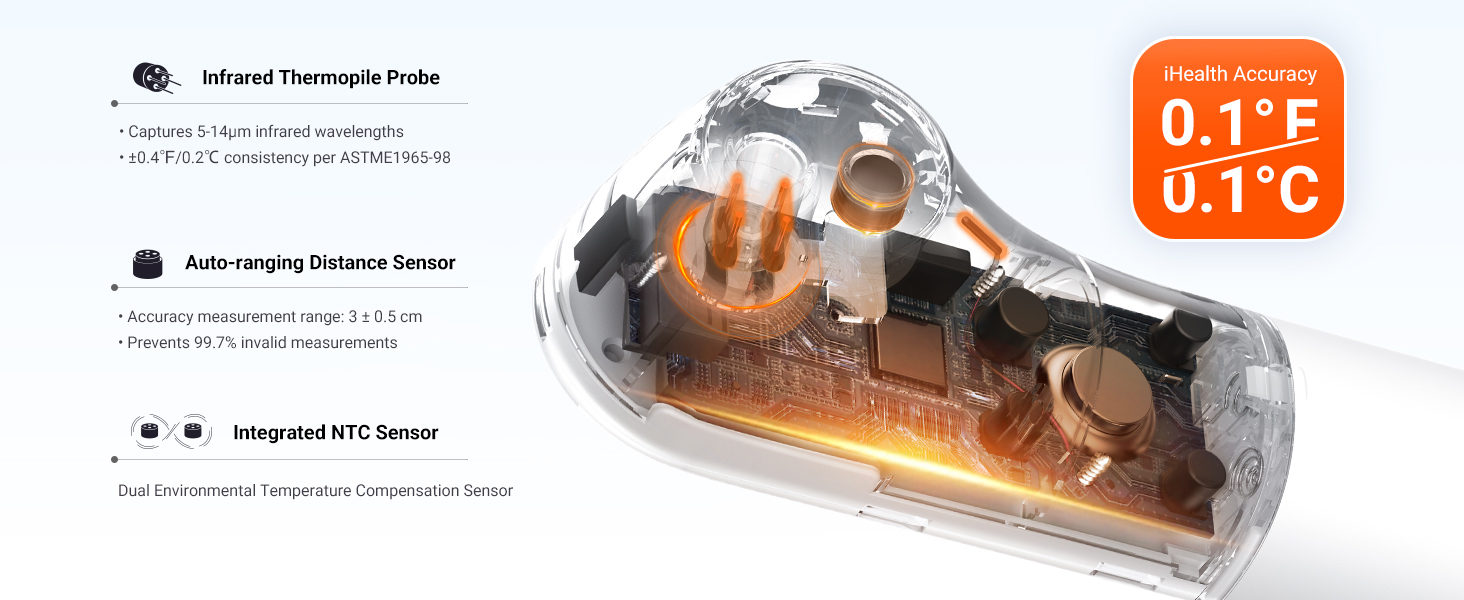
Image 5.3: Unit switch instructions.
5.3 Measurement Considerations
For the most accurate readings, wait at least 30 minutes if any of the following conditions apply:
- Sweating forehead
- Post-shower or bath
- Cooling patch applied to the forehead
- After strenuous exercise
- During or immediately after crying
- Immediately after a meal
- Bangs or hair covering the forehead
- Directly blown by air conditioning or fan
Tip: The probe is a precision component. Store it properly after use, preventing liquid contact/splashing into the device and avoiding dust accumulation that could compromise accuracy.
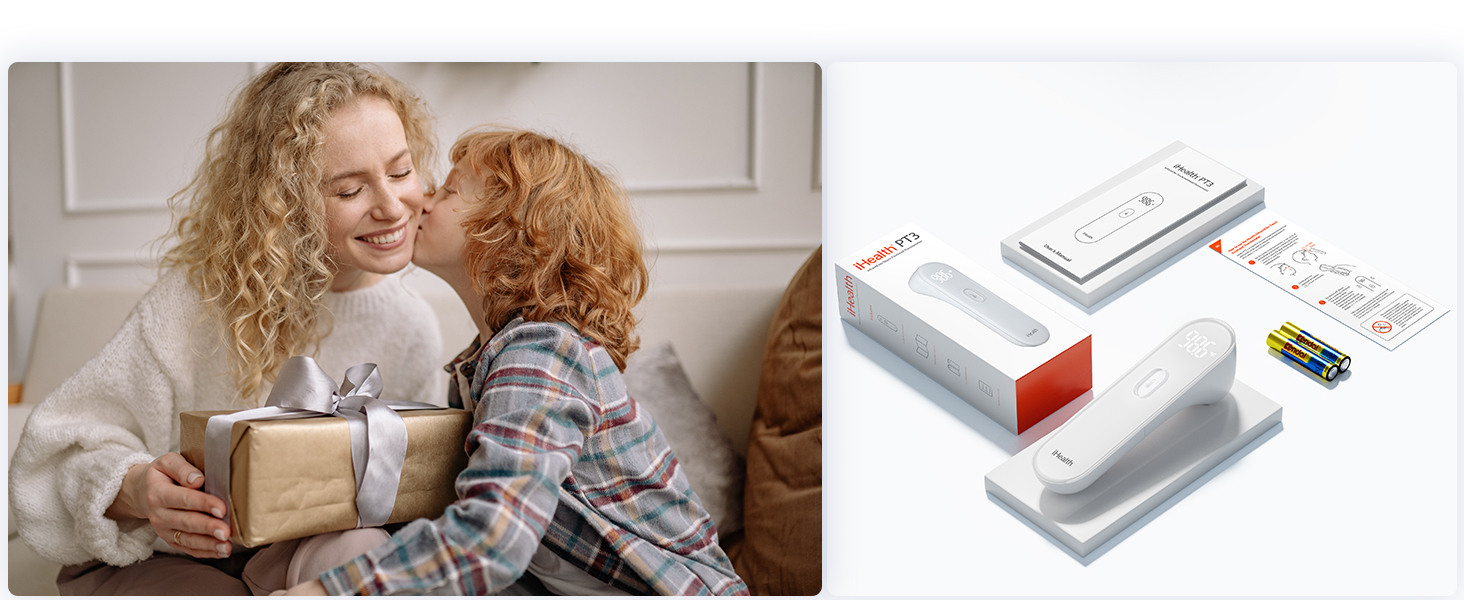
Image 5.4: Conditions to consider before measurement.
5.4 Advanced Sensor Technology
The iHealth PT3 utilizes a tri-point sensory system for high accuracy:
- Infrared Thermopile Probe: Captures 5-14µm infrared wavelengths with ±0.4°F/0.2°C consistency per ASTM E1965-98.
- Auto-ranging Distance Sensor: Ensures optimal measurement distance (3 ± 0.5 cm) and prevents 99.7% invalid measurements.
- Integrated NTC Sensor: Provides dual environmental temperature compensation for reliable readings.
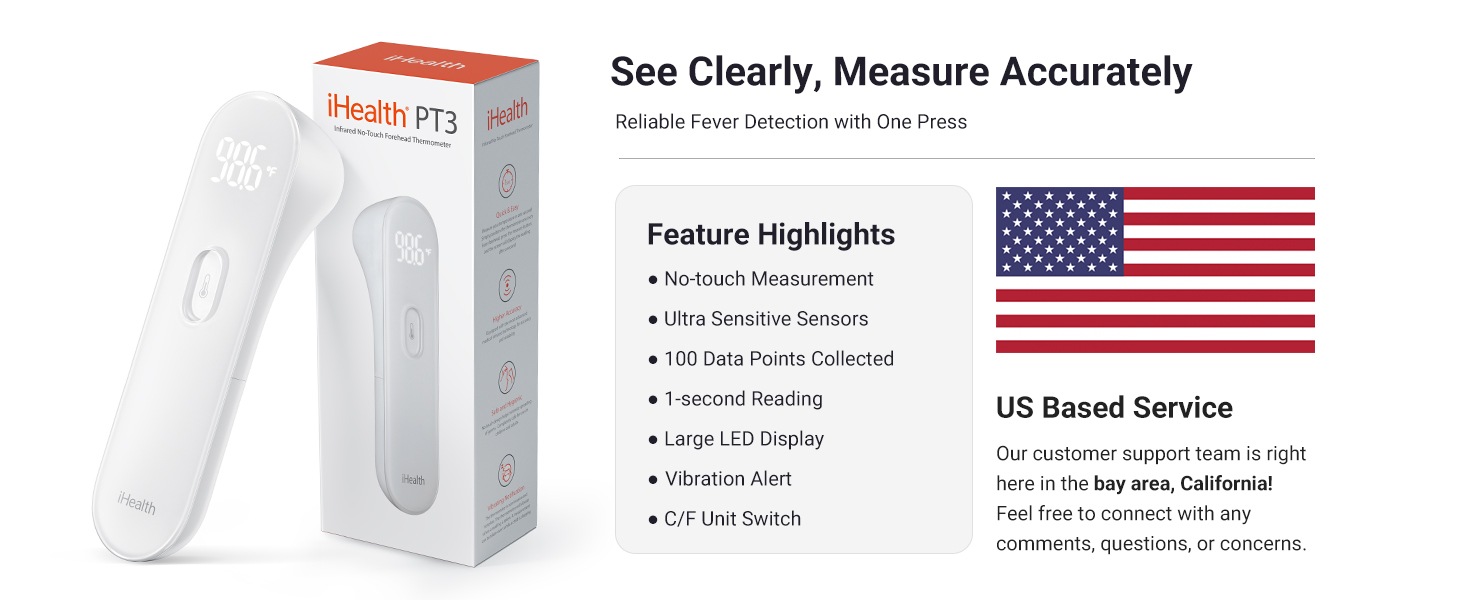
Image 5.5: Internal sensor technology.
6. Maintenance and Care
6.1 Cleaning
To ensure hygiene and proper function, clean the thermometer regularly:
- Wipe the thermometer body with a soft, damp cloth.
- For the infrared sensor lens, gently wipe with an alcohol swab. Do not use harsh chemicals or abrasive materials.
- Ensure the device is completely dry before storage or next use.
6.2 Storage
Store the iHealth PT3 thermometer in a clean, dry place away from:
- Direct sunlight
- Extreme temperatures (hot or cold)
- High humidity
- Dust and dirt
Remove batteries if the device will not be used for an extended period to prevent leakage.
7. Troubleshooting
If you encounter issues with your iHealth PT3 thermometer, refer to the following common problems and solutions:
- Inconsistent Readings: Ensure proper measurement distance (1.18 inches/3 cm) and that the forehead is clean and dry. Avoid taking measurements immediately after physical activity, showering, or in environments with rapid temperature changes. Refer to section 5.3 for detailed considerations.
- Display Shows '---°F': This indicates the thermometer was too far from the forehead or the measurement was interrupted. Reposition the thermometer closer to the forehead and try again.
- Device Does Not Power On: Check if the batteries are inserted correctly with the correct polarity. Replace batteries if they are depleted.
- No Vibration Feedback: Ensure the device is powered on and batteries are sufficient. If the issue persists, contact customer support.
For problems not listed here, please contact iHealth customer support.
8. Specifications
| Model Number | PT3 |
| Product Dimensions | 1.54 x 1.34 x 5.39 inches; 4.59 ounces |
| Power Source | 2 AAA batteries (included) |
| Measurement Type | Non-Contact Infrared Forehead |
| Measurement Time | 1 second |
| Display Type | Digital LED |
| Special Features | High Accuracy, Large LED Display, Vibration Notification, °C/°F Unit Switch |
| Age Range | Adult, Kid, Baby |
| Material | Plastic |
| Product Care | Wipe Clean |
| Manufacturer | iHealth |
9. Warranty and Support
9.1 Warranty Information
The iHealth PT3 thermometer comes with a worry-free 12-month warranty from the date of purchase. This warranty covers manufacturing defects and ensures the product meets its specified performance standards under normal use. Please retain your proof of purchase for warranty claims.
9.2 Customer Support
For any questions, concerns, or technical assistance, please contact our friendly California-based customer service team. Contact details can be found on the iHealth official website or in the Quick User Guide included with your product.


