
1. Introduction
The MEDca BTE Digital Enhancer (MZ-C400) is designed to provide clear sound amplification with advanced noise suppression technology. This pair of behind-the-ear devices offers a comfortable and discreet solution for enhanced hearing in various environments. Please read this manual thoroughly before use to ensure proper operation and maintenance.
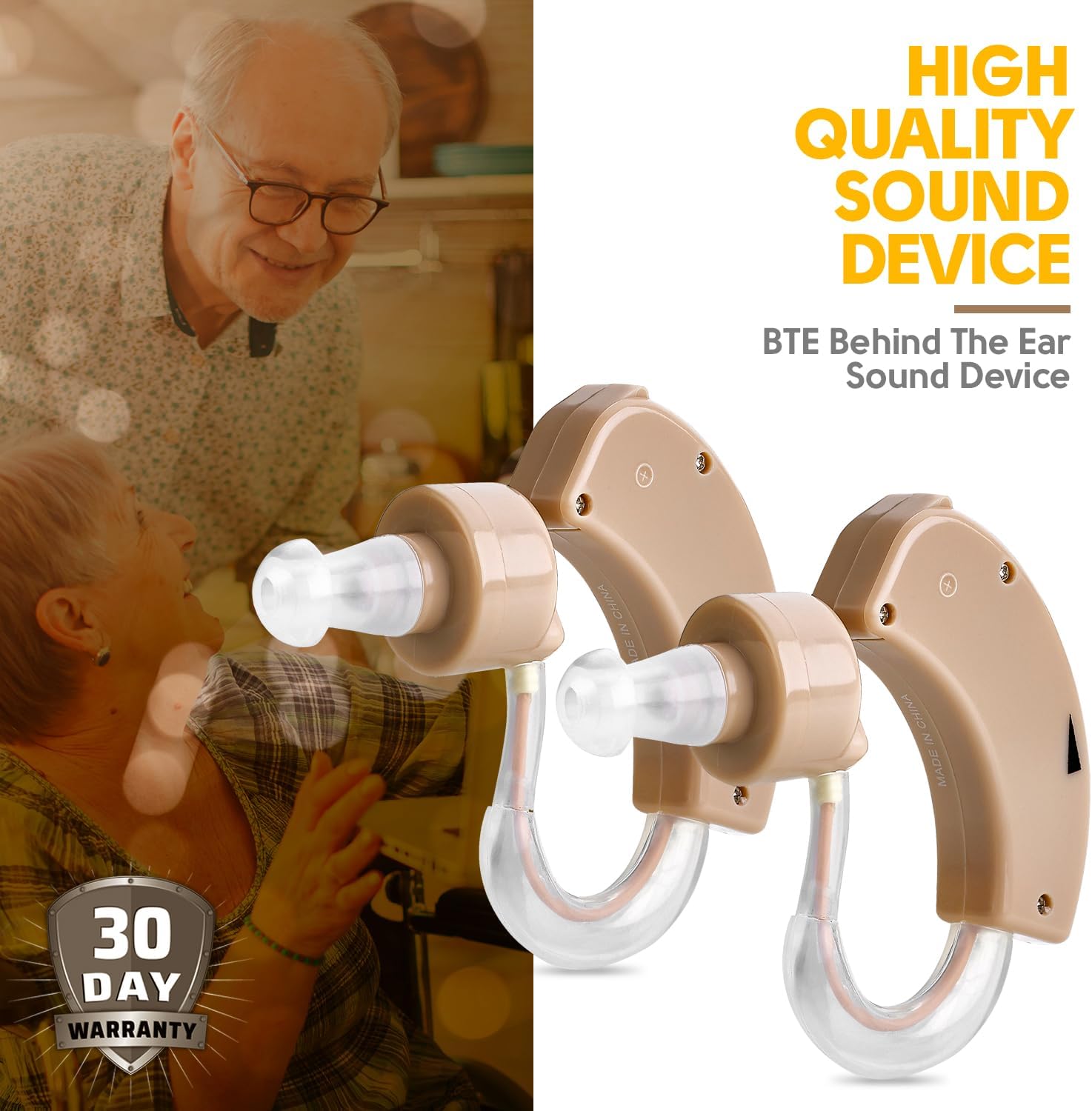
Image 1.1: MEDca BTE Digital Enhancer devices.
2. Package Contents
Verify that all items are present in the package:
- 2 x MEDca BTE Digital Enhancer Devices
- 4 x Extra Silicone Ear Domes (various sizes)
- 6 x AG13 Batteries
- 1 x Instruction Manual (this document)

Image 2.1: Package contents of the MEDca BTE Digital Enhancer.
3. Product Overview
Familiarize yourself with the components of your MEDca BTE Digital Enhancer:

Image 3.1: Labeled components of the MEDca BTE Digital Enhancer.
- On/Off Switch: Powers the device on or off.
- Battery Compartment: Holds the AG13 battery.
- Volume Up/Down Control: Adjusts the sound amplification level.
- Ear Dome: Soft silicone tip that fits into the ear canal. Available in multiple sizes for comfort.
- Ear Tube: Connects the main unit to the ear dome, directing sound into the ear.
4. Setup
Follow these steps to set up your digital enhancer for first use:
- Insert Battery: Open the battery compartment and insert one AG13 battery, ensuring correct polarity. Close the compartment securely.
- Select Ear Dome: Choose an ear dome size that fits comfortably and securely in your ear canal. Gently attach it to the end of the ear tube.
- Position Device: Place the main unit of the enhancer behind your ear.
- Insert Ear Dome: Carefully insert the silicone ear dome into your ear canal until it feels snug and comfortable. Avoid forcing it.

Image 4.1: Demonstrating the compact size of the device for easy placement.
5. Operating Instructions
Once the device is set up, follow these instructions for daily use:
- Power On: Slide the On/Off switch to the 'ON' position. You may hear a soft click or a brief tone indicating it is active.
- Adjust Volume: Use the Volume Up/Down control to adjust the sound level to a comfortable setting. Start with a lower volume and gradually increase it. The digital volume control and memory function allow for personalized settings.
- Noise Suppression: The device features active noise reduction to minimize background noise and enhance speech clarity. This function operates automatically.
- Maximum Alarm: The device includes a maximum sound alarm feature to prevent excessively loud sounds from damaging your hearing.
- Power Off: When not in use, slide the On/Off switch to the 'OFF' position to conserve battery life.
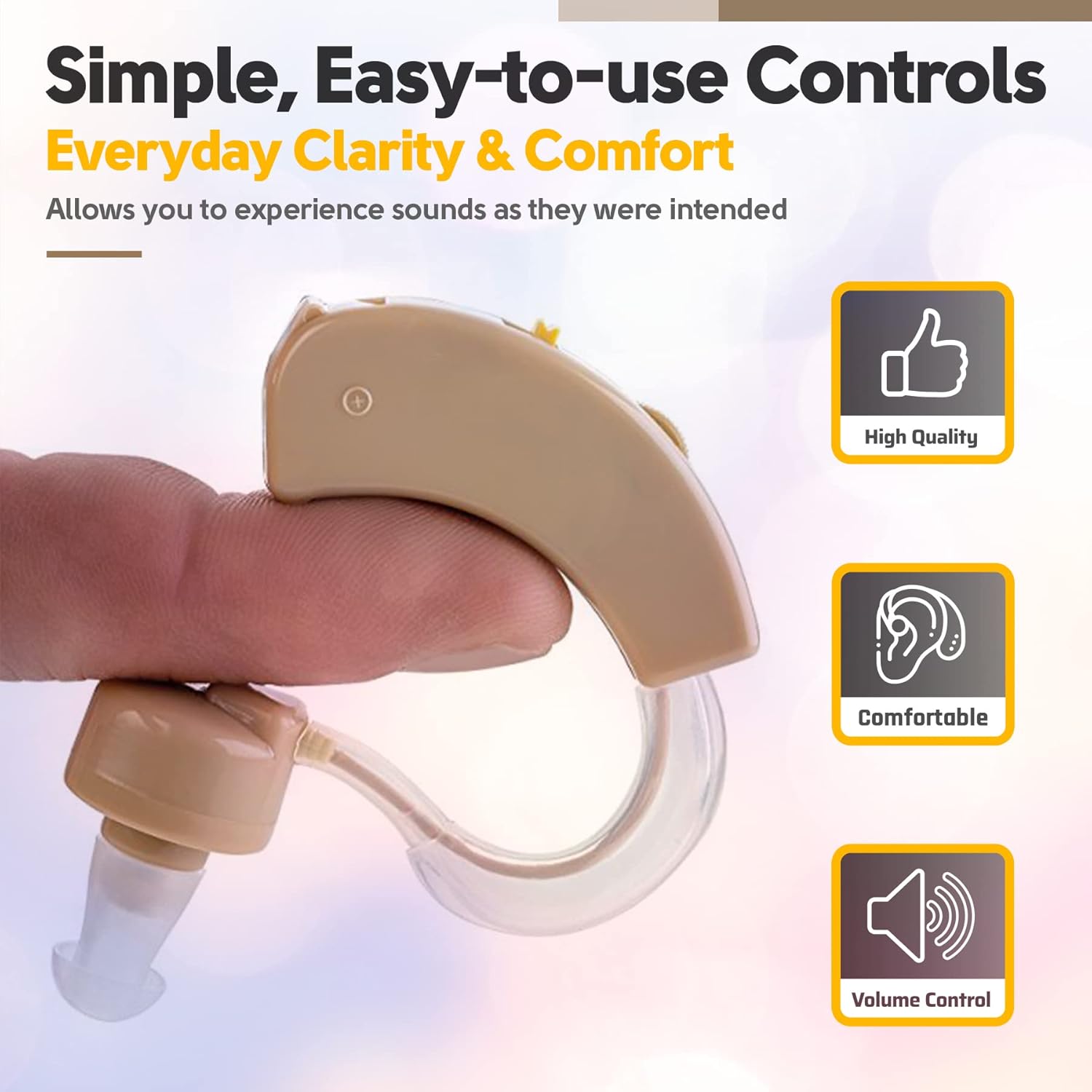
Image 5.1: Simple, easy-to-use controls for everyday clarity and comfort.
6. Maintenance
Proper maintenance ensures the longevity and optimal performance of your digital enhancer:
- Cleaning: Regularly clean the ear domes and the main unit with a soft, dry cloth. Do not use water or cleaning solutions directly on the device. Remove ear domes for separate cleaning if necessary, using mild soap and water, then ensure they are completely dry before reattaching.
- Battery Replacement: Replace the AG13 battery when the sound becomes weak or the device stops functioning. Always dispose of used batteries responsibly.
- Storage: Store the device in a cool, dry place away from direct sunlight and extreme temperatures. Remove batteries if storing for an extended period.
- Avoid Moisture: Protect the device from moisture, sweat, and humidity. Do not wear it while showering, swimming, or in heavy rain.
7. Troubleshooting
If you experience issues with your MEDca BTE Digital Enhancer, refer to the following common problems and solutions:
| Problem | Possible Cause | Solution |
|---|---|---|
| No sound | Device is off; Battery is dead or incorrectly inserted; Ear dome is blocked. | Ensure device is ON; Replace battery or check polarity; Clean or replace ear dome. |
| Weak or distorted sound | Low battery; Volume too low; Ear dome or ear tube is blocked. | Replace battery; Increase volume; Clean ear dome and ear tube. |
| Whistling or feedback | Ear dome not properly sealed in ear canal; Volume too high; Device not positioned correctly. | Re-insert ear dome for a snug fit; Lower volume; Adjust device position behind the ear. |
| Discomfort | Incorrect ear dome size; Improper placement. | Try a different size ear dome; Adjust device and ear dome position. |
If the problem persists after attempting these solutions, please contact customer support.
8. Specifications
- Brand: MEDca
- Model Number: MZ-C400
- Type: Behind-the-Ear (BTE) Digital Enhancer
- Units: 2 (Pair)
- Dimensions (L x W x H): 2.54 x 2.54 x 2.54 cm
- Weight: 90 grams (total for pair, approximate)
- Material: Silicone (ear domes)
- Power Source: Battery operated
- Battery Type: AG13 (6 batteries included)
- Features: Digital volume control, active noise reduction, memory function, maximum sound alarm.
9. Warranty and Support
Warranty: This product is covered by a 30-day warranty from the date of purchase. Please retain your proof of purchase for warranty claims.
Support: For further assistance, technical support, or warranty inquiries, please contact the seller or manufacturer directly. Refer to your purchase documentation for contact details.