
1. Introduction
This user manual provides comprehensive instructions for the URCERI MT-912 Digital Light Meter. This device is designed to accurately measure luminosity and ambient temperature, offering reliable data for various applications including environmental monitoring, photography, and plant care. Please read this manual thoroughly before operating the device to ensure proper use and optimal performance.
2. Product Overview
The URCERI MT-912 is a handheld digital illuminance meter featuring a 4-digit color LCD screen. It is compact and lightweight, designed for ease of use and portability.
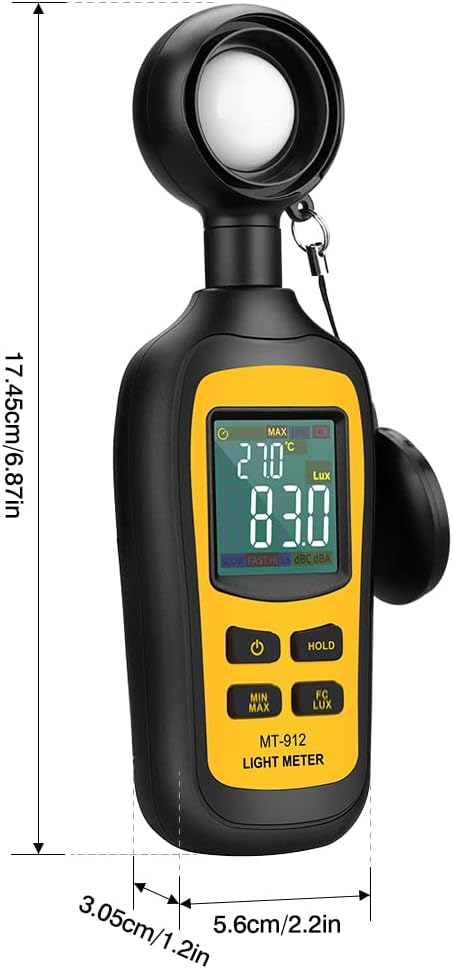
Figure 1: Key components of the URCERI MT-912 Light Meter, including the photo detector, color LCD display, power ON/OFF button, MIN/MAX button, HOLD button, and Fc/Lux button.
Key features include:
- Measures luminosity from 0 to 200,000 Lux and ambient temperature.
- High accuracy for precise readings.
- 4 digital color LCD screen for clear display.
- MIN/Max readings, data hold function, and auto power off.
- Low battery indication.

Figure 2: The light meter is capable of measuring both light intensity (Lux/Fc) and ambient temperature (°C/°F).
3. Setup
3.1 Battery Installation
The URCERI MT-912 requires 3 x 1.5V AAA batteries for operation. To install or replace batteries:
- Locate the battery compartment cover on the back of the device.
- Slide the cover downwards to open the compartment.
- Insert three AAA batteries, ensuring correct polarity (+/-) as indicated inside the compartment.
- Slide the battery compartment cover back into place until it clicks securely.
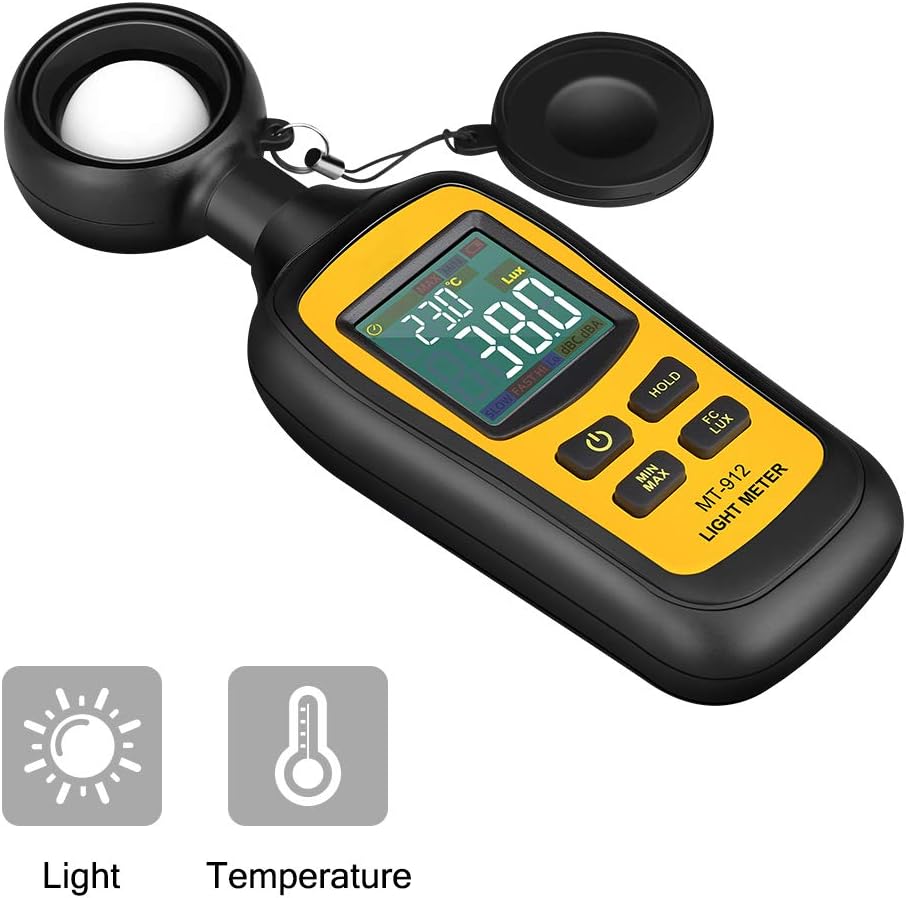
Figure 3: Easy battery replacement with no screw design, allowing for one-hand operation.
4. Operating Instructions
4.1 Power On/Off
Press the Power ON/OFF button (labeled with a power symbol) to turn the meter on or off.
4.2 Taking Measurements
Remove the protective cap from the photo detector. Point the photo detector towards the light source you wish to measure. The current luminosity and ambient temperature will be displayed on the LCD screen.

Figure 4: The main display shows current light and temperature readings.
4.3 Unit Selection (Lux/Fc)
Press the FC/LUX button to switch between Foot-Candles (Fc) and Lux (Lux) units for illuminance measurement. Note that 1 foot-candle (fc) = 10.764 lux (lx).
4.4 Data Hold Function
Press the HOLD button to freeze the current reading on the display. Press it again to release the hold and resume live measurements.
4.5 MIN/MAX Readings
Press the MIN/MAX button to cycle through minimum and maximum recorded readings since the device was powered on. Press and hold the MIN/MAX button to exit this mode and resume live measurements.
4.6 Applications
The URCERI MT-912 is suitable for a wide range of applications:
- Photography and Videography: Ensure consistent lighting across different scenes or subjects.
- Indoor Plant Care: Verify plants receive adequate light levels for optimal growth.
- Workplace and Home Environments: Assess lighting conditions in offices, factories, warehouses, or residential areas for comfort and productivity.
- Set and Scenic Design: Measure and adjust lighting for theatrical or film productions.
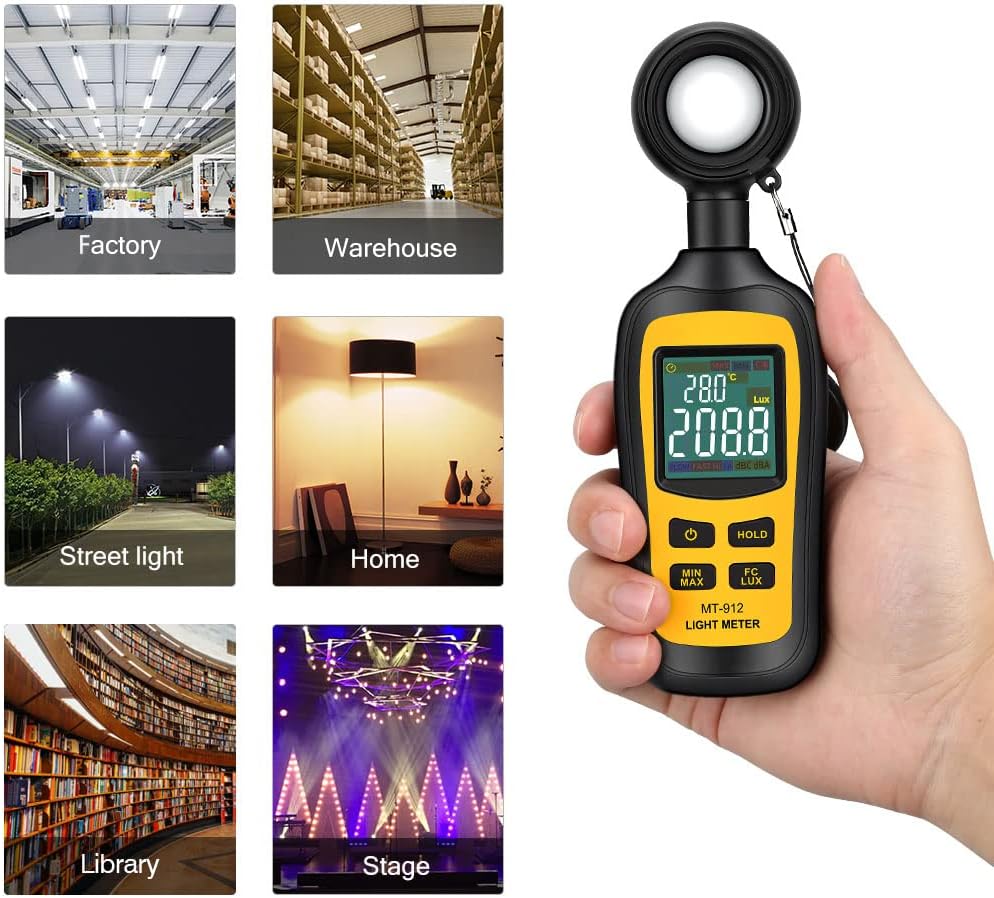
Figure 5: The light meter is versatile for various indoor and outdoor light measurement needs.

Figure 6: The device offers high precision for measuring low light conditions.
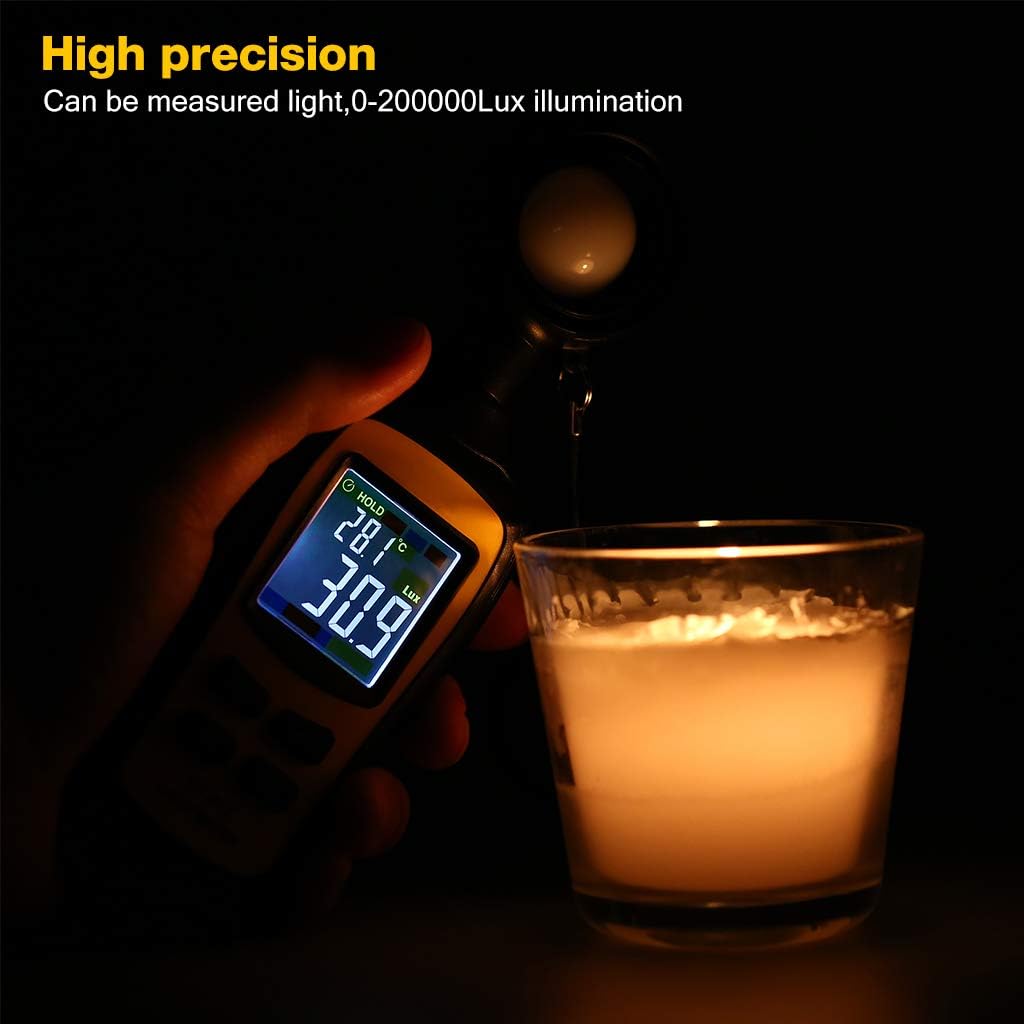
Figure 7: Ideal for ensuring comfortable light levels for reading and other activities.

Figure 8: Reference chart for common illuminance levels in different environments.
5. Maintenance
5.1 General Care
Keep the device clean and dry. Avoid exposing it to extreme temperatures, humidity, or direct sunlight for prolonged periods. Use a soft, dry cloth to clean the exterior. Do not use abrasive cleaners or solvents.
5.2 Battery Life and Replacement
The device has a battery life of at least 60 hours. Replace batteries when the low battery indication appears on the screen to ensure accurate readings.
5.3 Storage
When not in use, store the device with the protective cap on the photo detector in a cool, dry place. If storing for an extended period, remove the batteries to prevent leakage.
6. Troubleshooting
- Display shows "-OL-" or "-LO-": This indicates an over-range condition, meaning the illuminance falls outside the acceptable measuring range (0~200,000 Lux, 0~20,000 Fc).
- Cannot switch temperature from °C to °F (or vice versa):
- For MT-92H model: In the power-on state, press and hold the 'SET' button for 4 seconds.
- For MT-912 model: Turn off the meter first, then press and hold the HOLD key (do not release it), and restart the meter while keeping the HOLD key pressed.
- Display shows "KLux" or "KFc": When the reading exceeds 1000, the unit will default to Klux or KFc. 1 Klux = 1000 Lux; 1 KFc = 1000 Fc.
- Inaccurate Temperature Readings: If temperature readings are consistently inaccurate, ensure the device has been allowed to acclimate to the ambient temperature of the measurement area for a sufficient period.
7. Specifications
| Feature | Detail |
|---|---|
| Display | 4 digital color LCD display |
| Measuring Range | 0~200,000 lux, 0~20,000 Fc |
| Resolution | <1000: 0.1; >1000: 1 |
| Accuracy | ±3% rdg ± 8 dgts (<10,000 Lux), ±4% rdg ±10 dgts (>10,000 Lux) |
| Spectral Response | CIE photopic (CIE human eye response curve) |
| Spectral Accuracy | CIE V (λ) function (f1' ≤ 6%, f2' ≤ 2%) |
| Auto Power Off | 15mins when not in use |
| Over Range Indication | LCD displays "-OL-" or "-LO-" |
| Sampling Rate | twice/sec |
| Photo Detector | silicon photodiode with spectral response filter |
| Power Supply | 3 x 1.5V AAA batteries |
| Battery Life | At least 60 hours |
| Dimensions (L*W*H) | 174.5*56*30.5mm (6.87 x 2.2 x 1.2 inches) |
| Item Weight | 5.6 ounces |
| Color | Yellow |
8. Warranty and Support
The URCERI MT-912 Digital Light Meter comes with a 2-year warranty from the date of purchase.
For further assistance, technical support, or warranty claims, please refer to the official URCERI website or contact their customer service. A detailed User Manual (PDF) is also available for download:
