
Introduction
This manual provides instructions for the safe and effective installation, operation, and maintenance of your UpStart Components replacement light bulb. This bulb is designed to be compatible with Whirlpool WMH3205XVB2 microwave ovens and replaces part number 8206232A. Please read all instructions carefully before proceeding.
Safety Information
Always prioritize safety when working with electrical appliances. Failure to follow these safety guidelines may result in electric shock, fire, or personal injury.
- Disconnect Power: Always unplug the microwave oven from the electrical outlet before attempting any installation or maintenance.
- Allow Cooling: If the previous bulb was recently in use, allow it to cool completely before handling to prevent burns.
- Proper Handling: Handle the new bulb by its base to avoid touching the glass, which can reduce bulb life.
- Correct Replacement: Ensure the replacement bulb matches the specifications of the original bulb.
- Professional Assistance: If you are unsure about any step, consult a qualified service technician.
Setup and Installation
Follow these steps to replace the light bulb in your compatible Whirlpool microwave oven. The exact procedure may vary slightly depending on your specific microwave model, but the general steps are similar.
- Disconnect Power: Unplug the microwave oven from the wall outlet. This is a critical safety step.
- Locate Bulb Access: Depending on your microwave model, the light bulb may be accessible from the interior of the oven, from a panel on the bottom exterior (for cooktop lighting), or from a panel on the top/side. Consult your microwave's specific user manual if you cannot locate the access panel.
- Remove Cover (if applicable): If there is a protective cover over the bulb, carefully remove it. This might involve unscrewing a small screw or prying open a plastic tab.
- Remove Old Bulb: Gently unscrew the old bulb counter-clockwise until it is free from the socket. If the bulb is broken, use pliers to carefully remove the base, ensuring no glass fragments remain.
- Insert New Bulb: Take the new UpStart Components replacement bulb. Hold it by its metal base and carefully screw it clockwise into the socket until it is snug. Do not overtighten.
- Replace Cover (if applicable): Reattach any protective covers or panels that were removed.
- Restore Power: Plug the microwave oven back into the electrical outlet.
- Test: Turn on the microwave light to ensure the new bulb is functioning correctly.
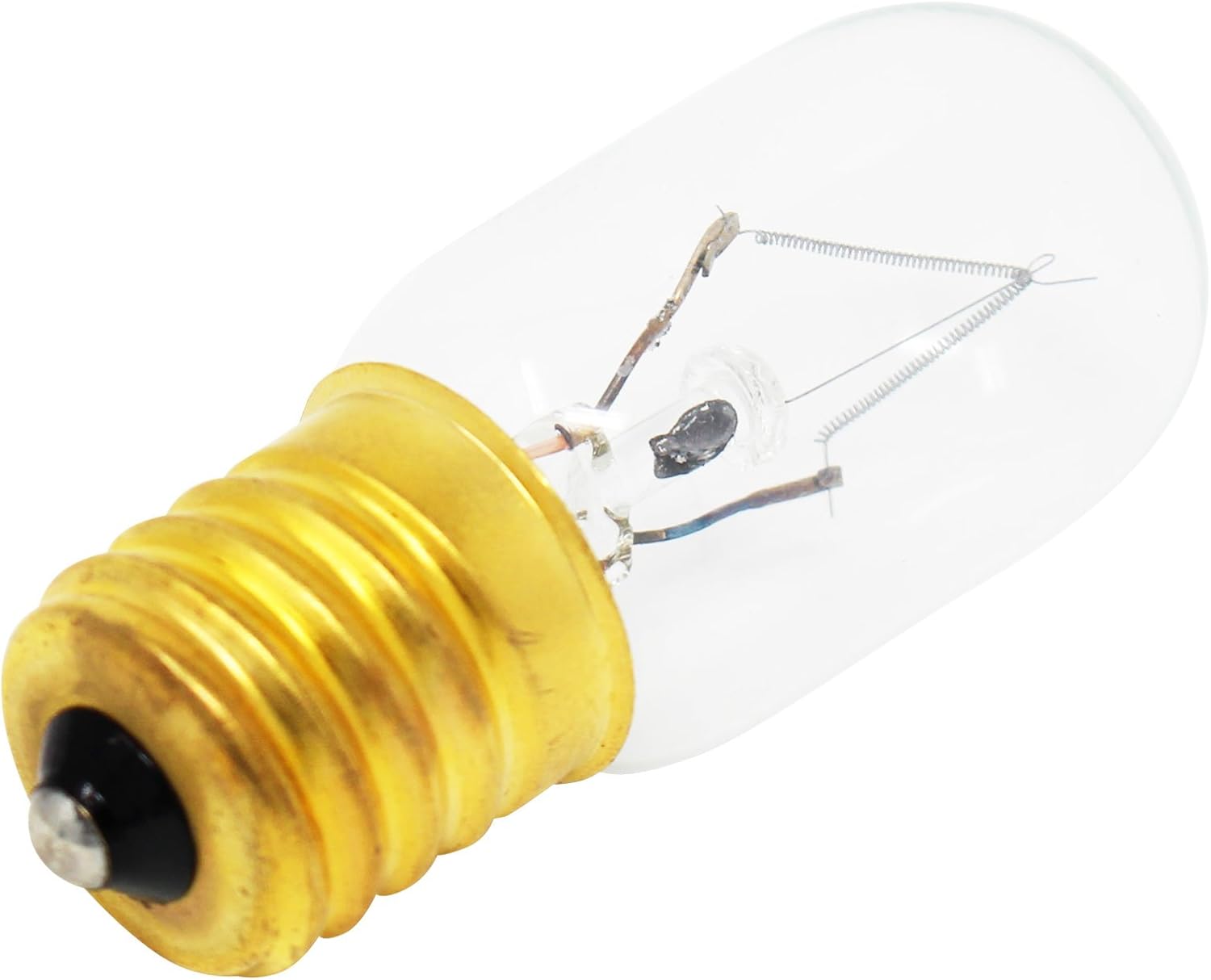
Image 1: Side view of the UpStart Components replacement light bulb, showing the clear glass and metal screw base.

Image 2: Bottom view of the light bulb's metal screw base, showing the contact point.

Image 3: Angled view of the light bulb, highlighting the filament structure inside the glass casing.
Operating Instructions
Once installed, the light bulb operates in conjunction with your microwave oven's lighting system. It will illuminate when the microwave door is opened or when the specific light function (e.g., cooktop light, interior light) is activated on your microwave's control panel.
- Interior Light: Typically turns on automatically when the microwave door is opened or during cooking cycles.
- Cooktop Light: If your microwave has an external light for illuminating the cooktop below, it is usually controlled by a dedicated button on the microwave's control panel.
Maintenance
The UpStart Components replacement light bulb requires minimal maintenance. Follow these guidelines to ensure optimal performance and longevity:
- Cleaning: If the glass bulb becomes dusty or dirty, ensure the microwave is unplugged and the bulb is cool. Gently wipe the bulb with a soft, dry cloth. Do not use abrasive cleaners or liquids directly on the bulb.
- Inspection: Periodically inspect the bulb for any signs of damage or discoloration. If the bulb appears cracked or damaged, replace it immediately following the "Setup and Installation" instructions.
- Avoid Touching Glass: When handling the bulb, try to hold it by its metal base. Oils from your skin can create hot spots on the glass, potentially shortening the bulb's lifespan.
Troubleshooting
If your new light bulb does not illuminate after installation, consider the following troubleshooting steps:
- Check Power Connection: Ensure the microwave oven is securely plugged into a functioning electrical outlet.
- Verify Bulb Installation: Unplug the microwave and carefully re-check that the bulb is screwed in tightly and correctly into its socket.
- Inspect Socket: With the power disconnected, visually inspect the bulb socket for any debris or damage.
- Test with Another Bulb (if available): If you have another compatible bulb, try installing it to determine if the issue is with the bulb or the microwave's electrical system.
- Microwave Fuse: In some cases, a blown fuse within the microwave itself could prevent the light from working. This typically affects other microwave functions as well. If you suspect a fuse issue, consult a qualified technician.
- Contact Support: If the problem persists after trying these steps, contact UpStart Components customer support for further assistance.
Specifications
The UpStart Components replacement light bulb is designed to meet the following specifications:
- Type: T22*55mm
- Base Type: E17 (Intermediate Screw Base)
- Voltage: 130V
- Wattage: 40W
- Material: Glass
- Quantity: 2-Pack (as purchased)
- Compatibility: Whirlpool WMH3205XVB2 Microwave (Replaces Part Number 8206232A)
Warranty Information
This UpStart Components replacement light bulb is covered by a warranty offered solely by UpStart Components. This product is not affiliated with any OEM brands and is not covered under any warranties offered by the original manufacturers. For specific warranty terms and conditions, please refer to the documentation provided with your purchase or contact UpStart Components directly.
Customer Support
For technical assistance, troubleshooting, or warranty inquiries regarding your UpStart Components replacement light bulb, please contact our customer support team.
UpStart Components
(Specific contact details such as website or phone number are not available in the provided data. Please refer to your purchase documentation for the most current contact information.)
When contacting support, please have your product purchase details and the ASIN (B075B1D47G) ready.