
Intel BX80684I78700
Intel Core i7-8700 Processor User Manual
Model: BX80684I78700
Brand: Intel
Product Overview
The Intel Core i7-8700 Processor is an 8th Generation Intel Core Desktop Processor designed for high-end PC performance. It features 6 processing Cores and 12 Threads, offering enhanced processing power compared to previous generations. With a 12MB Cache and up to 4.6 GHz max frequency via Intel Turbo Boost Max Technology 3.0, it delivers a smooth and responsive computing experience. The integrated Intel UHD Graphics 630 provides a richer visual experience, making it suitable for various media content. This processor also supports Intel vPro Technology for business needs and is compatible with motherboards based on the Intel 300 series chipset. For accelerated system performance, it can be paired with Intel Optane Memory and a 2.5" HDD. It supports two-channel DDR4 memory technology, allowing up to 64 GB of memory and up to 2666 MT/s memory transfer speeds.
Key Features:
- 6 Cores / 12 Threads. Intel UHD Graphics 630.
- 3.20 GHz up to 4.60 GHz Max Turbo Frequency / 12 MB Cache.
- Compatible only with Motherboards based on Intel 300 Series Chipsets.
- Intel Optane Memory Supported
- Instruction set is 64-bit and instruction set extensions is intel sse4.1, intel sse4.2 and intel avx2. Features intel hyper threading technology
What's in the Box
- 1 processor
Setup and Installation
For detailed installation instructions, please refer to the official Installation Manual (PDF) provided by Intel. Proper installation is crucial for optimal performance and to prevent damage to the processor and other components.
Download Installation Manual (PDF)
General Installation Steps (Refer to manual for specifics):
- Prepare Your Workspace: Ensure a clean, static-free environment. Use an anti-static wrist strap.
- Prepare Motherboard: Open the CPU socket lever on your Intel 300 Series chipset motherboard.
- Install CPU: Carefully align the processor with the socket, ensuring the gold triangle on the CPU matches the triangle on the socket. Gently lower the processor into place without forcing it.
- Secure CPU: Close the CPU socket lever to secure the processor.
- Apply Thermal Paste: Apply a small amount of high-quality thermal paste to the center of the CPU's integrated heat spreader (IHS).
- Install CPU Cooler: Mount the CPU cooler according to its specific instructions, ensuring even pressure and good contact with the CPU.
- Connect Power: Connect the CPU fan power cable to the appropriate header on the motherboard.
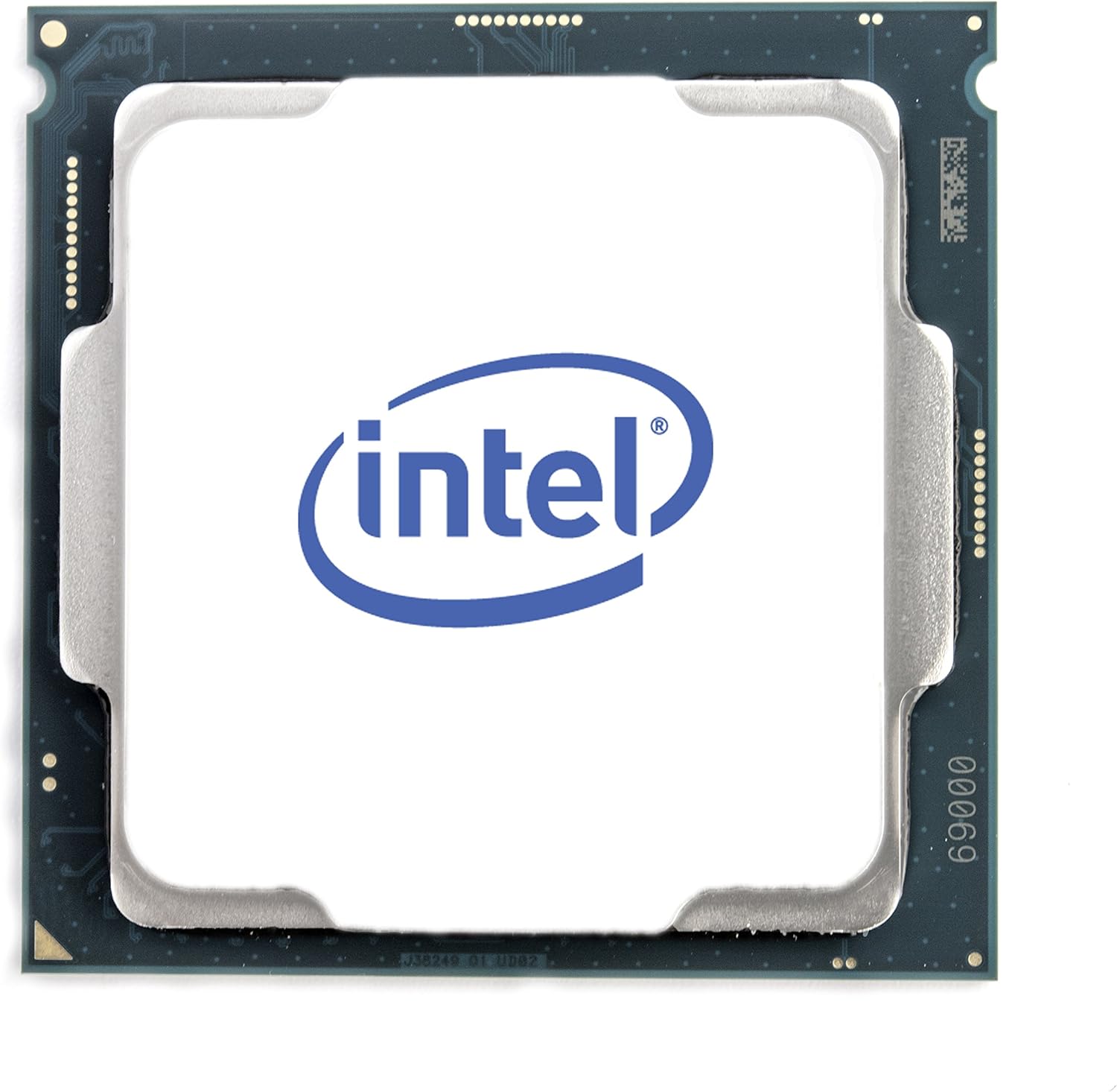
Figure 1: Top view of the Intel Core i7-8700 processor.

Figure 2: Front and back views of the Intel Core i7-8700 processor, highlighting the contact pins.

Figure 3: Detailed view of the processor's contact pads.
Operating Instructions
Once installed, the Intel Core i7-8700 processor operates automatically as part of your computer system. Its performance is managed by the operating system and motherboard BIOS/UEFI settings. For optimal performance, ensure your system drivers and BIOS are up to date.
- BIOS/UEFI Configuration: Access your motherboard's BIOS/UEFI settings during startup (usually by pressing Del, F2, or F10). Verify that the CPU is recognized correctly and that memory settings (like XMP profiles for DDR4) are configured for optimal performance.
- Driver Installation: Install the latest chipset drivers from your motherboard manufacturer's website and graphics drivers for the integrated Intel UHD Graphics 630 from Intel's official website.
- System Monitoring: Use system monitoring software to keep an eye on CPU temperature and utilization, especially during demanding tasks like gaming or video editing.
Video: Official Intel video showcasing the performance capabilities of the Intel Core i7-8700 Desktop Processor in various gaming and multitasking scenarios. This video highlights smoother gameplay and improved streaming/recording performance compared to older systems.
Maintenance
The Intel Core i7-8700 processor itself requires minimal maintenance. However, maintaining the overall health of your computer system is essential for the longevity and performance of the CPU.
- Cooling System: Regularly clean your CPU cooler and case fans to prevent dust buildup, which can impede airflow and lead to overheating. Ensure thermal paste is not dried out; reapply if necessary (typically every few years or if the cooler is removed).
- Environmental Factors: Operate your computer in a clean, well-ventilated area. Avoid extreme temperatures and humidity.
- Software Updates: Keep your operating system, drivers, and BIOS/UEFI firmware updated to ensure compatibility and optimal performance.
Troubleshooting
If you encounter issues with your Intel Core i7-8700 processor, consider the following troubleshooting steps:
- No Display/Boot Issues:
- Verify all power connections to the motherboard and CPU are secure.
- Reseat the CPU in its socket, ensuring proper alignment and lever closure.
- Check RAM modules are correctly seated. Try booting with one RAM stick if multiple are installed.
- Clear CMOS (Complementary Metal-Oxide-Semiconductor) settings on your motherboard.
- Overheating:
- Ensure the CPU cooler is properly installed and making good contact with the CPU.
- Check if the CPU fan is spinning.
- Verify thermal paste application. Reapply if needed.
- Improve case airflow by adding or repositioning case fans.
- System Instability/Crashes:
- Update motherboard BIOS/UEFI to the latest version.
- Ensure all drivers (chipset, graphics) are up to date.
- Run system diagnostics (e.g., Windows Memory Diagnostic, CPU stress tests) to identify potential component failures.
If issues persist, consult the motherboard manual or Intel's support resources for further assistance.
Specifications
| Feature | Detail |
|---|---|
| Processor | 3.2 GHz core_i7 |
| Memory Speed | 3200 MHz |
| Graphics Coprocessor | Intel HD Graphics 630 |
| Card Description | integrated |
| Brand | Intel |
| Series | BX80684I78700 |
| Item model number | BX80684I78700 |
| Item Weight | 12 ounces |
| Product Dimensions | 4.7 x 4.2 x 4.7 inches |
| Number of Processors | 6 |
| Computer Memory Type | DDR4 SDRAM |
| Voltage | 240 Volts |
| Manufacturer | Intel |
| Date First Available | October 5, 2017 |
| CPU Manufacturer | Intel |
| CPU Model | Core i7 |
| CPU Speed | 3.2 GHz |
| CPU Socket | 1 |
Warranty and Support
Intel processors typically come with a manufacturer's warranty. For specific warranty terms, conditions, and duration, please refer to the documentation included with your processor or visit the official Intel support website.
Intel Support Resources:
- Official Intel Website: https://www.intel.com/content/www/us/en/support/products/processors.html
- Driver & Software Downloads: Ensure you have the latest drivers and software for your processor and integrated graphics.
- Technical Support: Contact Intel's technical support for assistance with installation, troubleshooting, or product-related inquiries.
For protection plans offered by Amazon, please refer to the product listing page where you purchased the item.
Related documentsBX80684I78700


Ask a question about this manual
Ask about setup, troubleshooting, compatibility, parts, safety, or missing instructions. Manuals+ will review the question and use this page’s manual context to help answer it.