
Introduction
The WeightRite Glass LCD Digital Scale is designed for accurate body weight measurement. It features a 400-pound (180-kilogram) capacity with 0.2-pound (0.1-kilogram) increments. The scale automatically powers on when stepped on, providing quick results. This manual provides instructions for the proper setup, operation, maintenance, and troubleshooting of your digital scale.
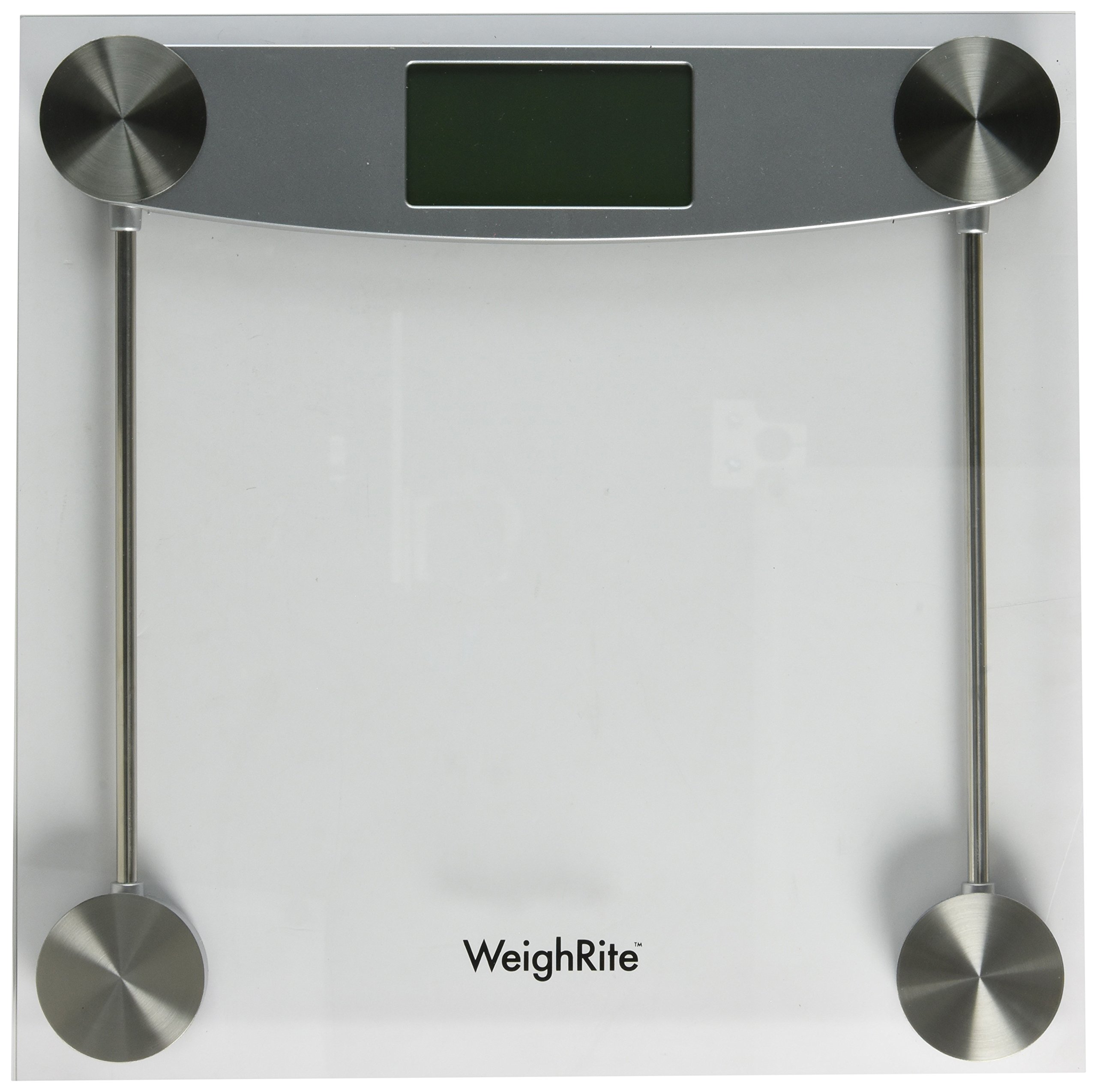
Image: The WeightRite Glass LCD Digital Scale, illustrating its dimensions of approximately 13 inches (32 cm) in height. The scale features a clear glass platform and a digital LCD display.
Important Safety Information
- Always use the scale on a hard, flat, and stable surface. Do not use on carpet or uneven flooring, as this can affect accuracy.
- The glass platform can be slippery when wet. Ensure the surface is dry before use to prevent accidents.
- Do not jump on the scale or subject it to sudden impacts.
- Keep the scale out of reach of children.
- Do not attempt to disassemble or repair the scale yourself. Contact customer support for assistance.
Package Contents
- 1 x WeightRite Glass LCD Digital Scale
- 1 x 3V Lithium Battery (included, may be pre-installed)
- 1 x User Manual (this document)
Setup
1. Battery Installation
The scale is powered by one 3V lithium battery, which is included. If the battery is not pre-installed, open the battery compartment on the underside of the scale and insert the battery, ensuring correct polarity (+/-). Close the compartment securely.
2. Scale Placement
Place the scale on a hard, flat, and stable surface. Avoid carpets, rugs, or soft surfaces, as these can significantly affect measurement accuracy.
3. Initial Calibration (Zeroing)
Before first use or after moving the scale, perform an initial calibration:
- Gently step onto the scale briefly, then step off.
- The display will show '0.0' or 'CAL' and then turn off. This indicates the scale is calibrated and ready for use.
Operating Instructions
1. Taking a Measurement
- Ensure the scale is on a hard, flat surface and has been calibrated.
- Step onto the scale with bare feet. Stand still and centered on the platform.
- Your weight will be displayed and stabilize. The display may flash a few times before locking on the final weight.
- The scale will automatically turn off after a few seconds of inactivity.
2. Changing Weight Units
To switch between pounds (lb), kilograms (kg), and ounces (oz), locate the unit conversion button on the underside of the scale. Press this button to cycle through the available measurement units until your desired unit is displayed.
Maintenance and Care
Cleaning
Wipe the scale with a damp cloth and a mild detergent. Do not use abrasive cleaners, chemical solvents, or immerse the scale in water. Ensure the scale is dry before storage or next use.
Storage
Store the scale in a cool, dry place. Avoid extreme temperatures, direct sunlight, and high humidity.
Battery Replacement
When the battery is low, the display may show 'Lo'. To replace the battery, open the battery compartment on the underside of the scale, remove the old 3V lithium battery, and insert a new one with the correct polarity. Close the compartment securely.
Troubleshooting
| Problem | Possible Cause | Solution |
|---|---|---|
| Display shows 'Err' | Scale overloaded. | Step off the scale immediately. The maximum capacity is 400 lbs (180 kg). |
| Display shows 'Lo' | Low battery. | Replace the 3V lithium battery. |
| Inaccurate readings | Scale on uneven surface; not calibrated; moved between measurements. | Ensure scale is on a hard, flat surface. Perform initial calibration (step on/off). Avoid moving the scale. |
| No display | Battery not installed correctly; battery dead. | Check battery installation. Replace battery if necessary. |
Specifications
- Platform Size: 11.8 inches x 11.8 inches
- Platform Material: 6mm Safety Glass
- Display: 1.5-inch LCD readout
- Power Source: One 3V lithium battery (included)
- Weight Capacity: 400 pounds (180 kilograms)
- Readout Accuracy: 0.2 pounds (0.1 kilograms)
- Product Dimensions: 11.8 x 11.8 x 0.9 inches
- Item Weight: 3.3 pounds
- Measurement Types: Pounds (lb), Kilograms (kg), Ounces (oz)
- Special Features: Auto Shut Off, Large Display
Warranty and Support
Limited Lifetime Warranty
The WeightRite Glass LCD Digital Scale is backed by a Limited Lifetime Warranty. This warranty covers defects in materials and workmanship under normal use.
Customer Support
For technical assistance, warranty claims, or any questions regarding your product, please contact Schylling customer service. Refer to the product packaging or the official Schylling website for the most current contact information.