
1. Introduction
The Lucid Audio HearMuffs Sounds are designed to provide hearing protection for infants and toddlers while offering soothing sound options. This manual provides essential information for the safe and effective use of your HearMuffs Sounds.
Package Contents:
- One (1) pair of HearMuffs Sounds
- One (1) GrowBand headband
- One (1) User Manual (this document)

Image: Contents of the HearMuffs Sounds package, showing the white earmuffs and the adjustable GrowBand.
2. Safety Information
Always prioritize the safety and well-being of the child when using HearMuffs Sounds. This product is intended for hearing protection and comfort, not as a toy.
Important Safeguards:
- Ensure the HearMuffs fit snugly but comfortably. An improper fit may reduce effectiveness.
- Do not allow children to play with the HearMuffs unsupervised.
- Keep the product away from water and excessive moisture.
- Do not attempt to modify or disassemble the HearMuffs.
- This product contains components that may be subject to Proposition 65 warnings.
Understanding Sound Levels:
Hearing protection is recommended for sound levels above 85 decibels (dB). The HearMuffs Sounds are designed to reduce exposure to potentially harmful noise.

Image: A graphic illustrating examples of safe sound levels (e.g., washing machine, vacuum cleaner, conversation) and danger levels (e.g., auto races, concerts, fireworks, yard work equipment). It notes that hearing protection is recommended above 85dB.

Image: A banner highlighting "Industry-Leading Hearing Protection with Comforting Sounds," featuring icons for "Audiologist Approved," "Soft & Comfortable," and "Safe Listening Levels."
3. Setup and Adjustment
Proper fit is crucial for effective hearing protection and comfort. The HearMuffs Sounds are designed with an adjustable GrowBand to accommodate various head sizes.
Adjusting the GrowBand:
- Gently place the HearMuffs over the child's ears, ensuring the ear cups fully cover the ears.
- Position the GrowBand over the top of the child's head.
- Adjust the length of the GrowBand using the hook-and-loop fasteners on each side until a snug, comfortable fit is achieved. The band should not be too tight or too loose.
- Ensure the ear cups create a seal around the ears without causing discomfort.

Image: A child wearing the HearMuffs Sounds, demonstrating the comfortable fit provided by the adjustable headband and foam cushioning.
4. Operating Instructions
The HearMuffs Sounds offer three distinct modes: Passive, Active, and Sound Mode, each designed for different environments and needs.
Understanding the Modes:
- Passive Mode: This mode provides noise reduction to block harmful sounds, ideal for environments requiring maximum quiet, such as naptime or extremely loud events.
- Active Mode: In Active Mode, the HearMuffs allow comfortable sounds, like a parent's voice, to be heard while still reducing harmful background noise.
- Sound Mode: This mode offers four soothing sounds to help calm and comfort the child: Lullaby, White Noise, Creek, and Heartbeat.
Switching Between Modes:
Refer to the controls located on the ear cup to cycle through the Passive, Active, and Sound Modes. A dedicated button or switch will allow selection of the desired mode. When in Sound Mode, use the designated controls to select one of the four available soothing sounds.
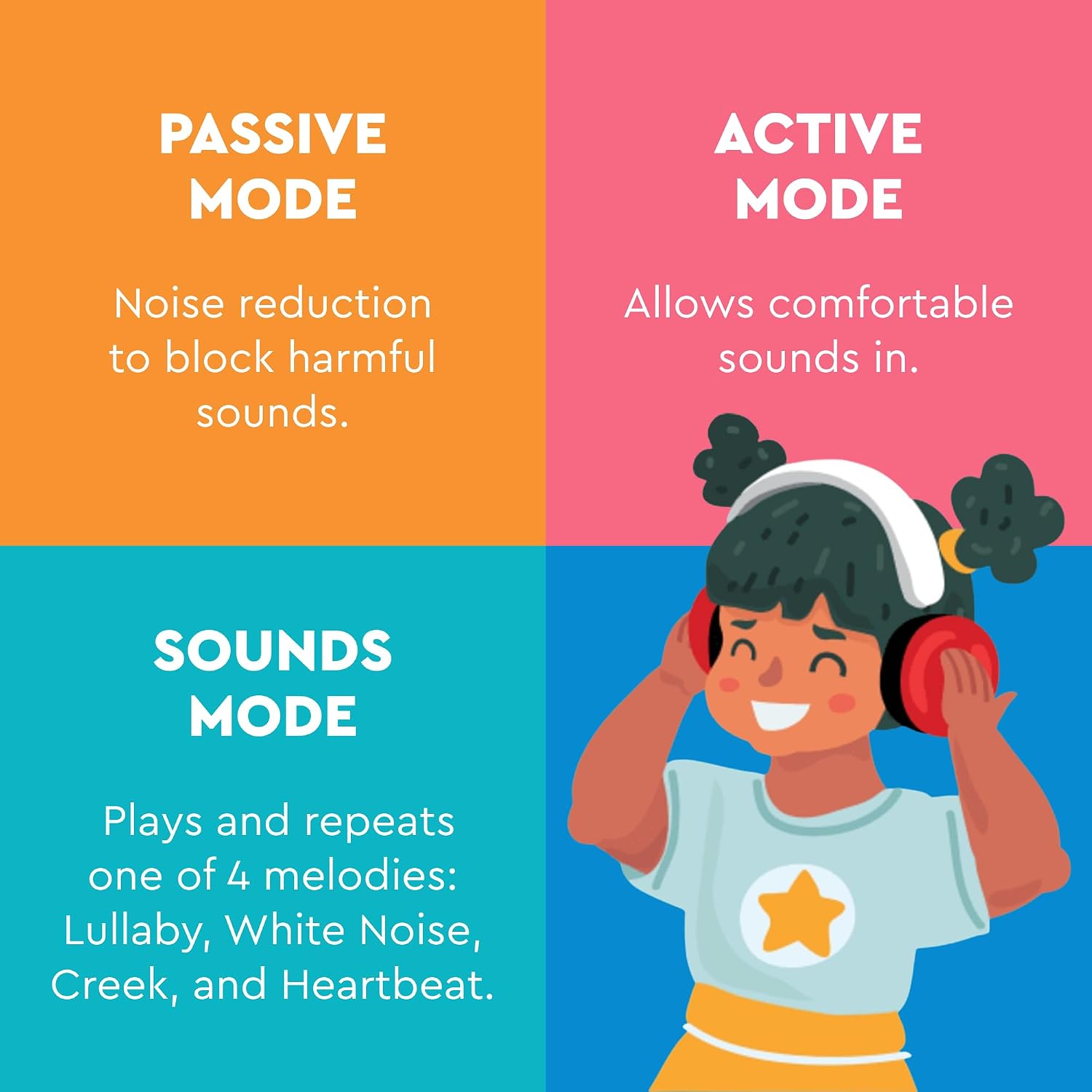
Image: A visual guide explaining the three operational modes: Passive Mode for noise reduction, Active Mode for allowing comfortable sounds, and Sound Mode for playing soothing melodies like Lullaby, White Noise, Creek, and Heartbeat.
5. Care and Maintenance
Proper care ensures the longevity and effectiveness of your HearMuffs Sounds.
Cleaning:
- Wipe the exterior of the ear cups and headband with a soft, damp cloth.
- Do not use abrasive cleaners or immerse the HearMuffs in water.
- Ensure the product is completely dry before storage or next use.
Storage:
- Store the HearMuffs in a clean, dry place away from extreme temperatures.
- Avoid placing heavy objects on top of the HearMuffs to prevent damage.
6. Troubleshooting
If you encounter issues with your HearMuffs Sounds, refer to the following common problems and solutions.
| Problem | Possible Cause | Solution |
|---|---|---|
| No sound in Sound Mode. | Batteries are low or depleted. | Replace the batteries (if applicable, specific battery type not provided in data, assume standard small batteries). |
| Hearing protection seems ineffective. | Improper fit or ear cups not sealing. | Adjust the GrowBand to ensure a snug fit and that ear cups fully cover the ears. |
| Child expresses discomfort. | HearMuffs are too tight or misaligned. | Loosen the GrowBand slightly or reposition the ear cups for a more comfortable fit. Ensure foam cushioning is properly positioned. |
7. Product Specifications
- Model Number: LA-INFANT-PM-WH
- Product Dimensions: 9 x 3 x 9 inches
- Item Weight: 8.8 ounces
- Manufacturer: Lucid Audio
- Date First Available: August 9, 2017
- Recommended Age: Infants & Toddlers (0-4 years, based on product title/description)
8. Warranty and Support
For warranty information, technical support, or further assistance, please contact Lucid Audio customer service. Refer to the product packaging or the official Lucid Audio website for contact details.
Manufacturer: Lucid Audio


