
TYLT UBTSPKMBSL-TE
TYLT Mini Boom Bluetooth Speaker User Manual
Model: UBTSPKMBSL-TE | Brand: TYLT
Introduction
The TYLT Mini Boom is a portable wireless speaker designed for on-the-go audio. It features Bluetooth 4.2 connectivity, a 3W sound output, and a built-in microphone for calls. Its compact size makes it ideal for travel and various outdoor activities, delivering powerful sound despite its small form factor.
What's in the Box
- TYLT Mini Boom Speaker
- Micro-USB Charging Cable
- User Guide
Product Overview

Front view of the TYLT Mini Boom Bluetooth Speaker, showcasing its silver metallic finish and speaker grille.
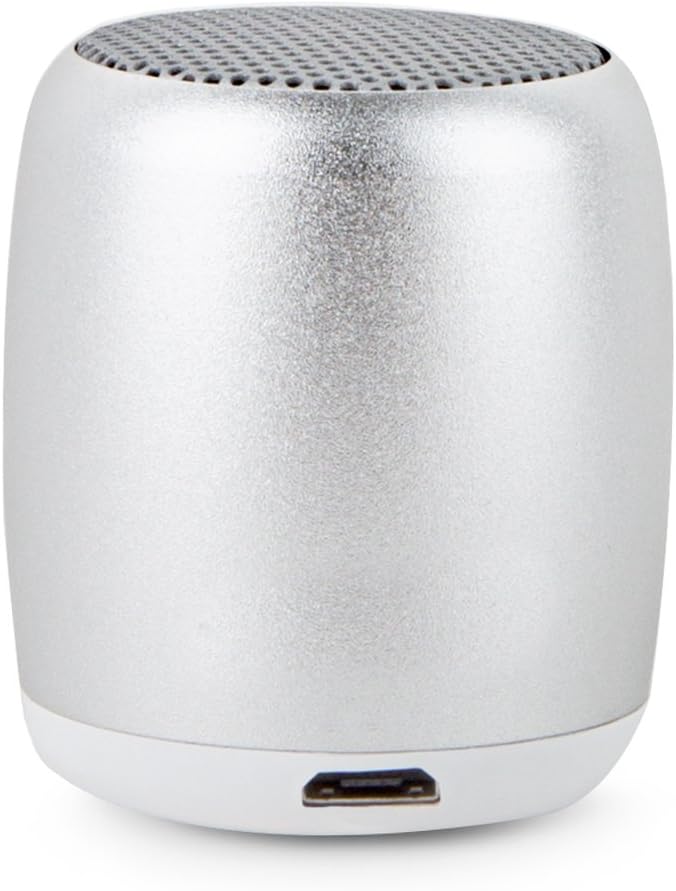
Back view of the speaker, highlighting the Micro-USB charging port at the base.

Bottom view of the speaker, showing the integrated power button and a small indicator light.
Key Features:
- Compact and Portable: Small size for easy carrying, ideal for travel.
- Powerful Sound: 3W output delivers clear audio without distortion.
- Bluetooth 4.2 Connectivity: Easy pairing with smartphones and other Bluetooth-enabled devices.
- Long Playback Time: Up to 4 hours of music playback on a single charge.
- Built-in Microphone: Allows for hands-free calls and interaction with voice assistants.
- Micro-USB Charging: Convenient charging with the included Micro-USB cable.
Setup
1. Charging the Speaker
Before first use, fully charge your TYLT Mini Boom speaker. Connect the included Micro-USB cable to the speaker's charging port (located at the back/side) and the other end to a USB power source (e.g., computer, wall adapter). The LED indicator will show charging status and turn off when fully charged.
2. Powering On/Off
To power on the speaker, press and hold the power button located on the bottom of the device until you hear an audible cue. To power off, press and hold the power button again until the speaker indicates it is turning off.
3. Bluetooth Pairing
- Ensure the speaker is powered on and in pairing mode (indicated by a blinking LED light).
- On your smartphone or Bluetooth-enabled device, go to the Bluetooth settings.
- Search for available devices and select "TYLT Mini Boom" from the list.
- Once connected, the speaker will provide an audible confirmation, and the LED light will become solid.
Operating Instructions
Music Playback
After successful pairing, you can play music from your connected device. Control playback (play/pause, skip tracks) directly from your device. The speaker's single button may also offer basic play/pause functionality with a single press.

The compact speaker is easily held in one hand, demonstrating its portability for use in various settings, such as near a television.

The speaker's small footprint allows it to be discreetly placed on surfaces like a wooden table, blending into the environment.
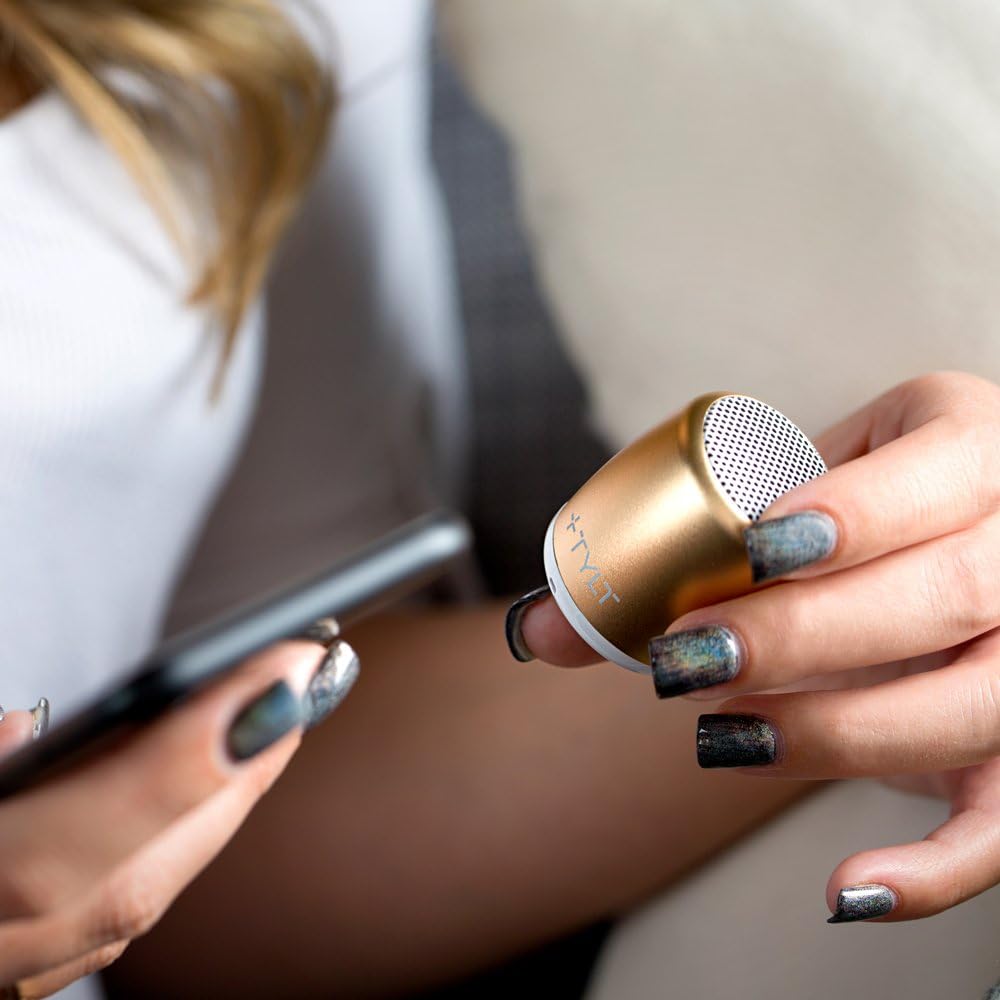
A user holding the speaker alongside a smartphone, illustrating its easy handling and pairing with mobile devices.
Hands-Free Calling
When a call comes in, the speaker will ring. Press the power button once to answer the call. To end a call, press the power button again. The built-in microphone allows for clear communication.
Maintenance
- Keep the speaker dry and away from moisture. This product is not waterproof.
- Clean the speaker with a soft, dry cloth. Do not use harsh chemicals or abrasive materials.
- Store the speaker in a cool, dry place when not in use for extended periods.
- Avoid dropping or subjecting the speaker to strong impacts.
Troubleshooting
| Problem | Solution |
|---|---|
| Speaker does not turn on. | Ensure the speaker is fully charged. Press and hold the power button for a few seconds. |
| Cannot pair with Bluetooth device. | Make sure the speaker is in pairing mode (blinking LED). Turn off and on Bluetooth on your device. Ensure your device is within range (up to 33 feet). Forget the device on your phone and try pairing again. |
| No sound or low volume. | Check the volume levels on both the speaker and your connected device. Ensure the speaker is properly paired. |
| Sound distortion. | Reduce the volume on your device or the speaker. Move closer to the speaker to improve Bluetooth signal. |
Specifications
- Model Name: Mini Boom
- Model Number: UBTSPKMBSL-TE
- Brand: TYLT
- Speaker Type: Outdoor (Portable)
- Connectivity Technology: Bluetooth, USB
- Wireless Communication Technology: Bluetooth
- Bluetooth Version: 4.2 (implied from product title)
- Speaker Maximum Output Power: 3 Watts
- Battery Life: Up to 4 Hours
- Battery Capacity: 300mAh (from description)
- Item Weight: 1.6 ounces
- Product Dimensions: 1.25 x 1.7 x 1.5 inches
- Color: Silver
- Built-in Microphone: Yes
- Water Resistance Level: Not Water Resistant (FALSE for Is Waterproof)
Warranty and Support
TYLT provides a one-year warranty for this product. TYLT warrants that this product shall be free of defects in design, assembly, material, or workmanship for one year from the date of purchase. TYLT will repair or replace, at its option, any defective product free of charge (shipping charges for the product may apply).
For support or warranty claims, please visit the official TYLT website or contact their customer service. You can find more information at the TYLT Store on Amazon.
Related documentsUBTSPKMBSL-TE

Ask a question about this manual
Ask about setup, troubleshooting, compatibility, parts, safety, or missing instructions. Manuals+ will review the question and use this page’s manual context to help answer it.