
Product Overview
The Anderic RR7083TR Remote Control is engineered to serve as a direct replacement for original Hampton Bay and Harbor Breeze ceiling fan remotes. This remote simplifies fan operation by eliminating the need for complex programming. It is designed for seamless integration with compatible ceiling fan receivers already installed.
Key Features:
- Reverse Functionality: Equipped with a dedicated Reverse key to easily change the direction of your ceiling fan's rotation for optimal comfort and air circulation.
- Simple Setup: No programming required. Configuration involves setting dip-switches inside the battery compartment to match those of the fan's receiver.
- Complete Compatibility: Specifically designed for Hampton Bay and Harbor Breeze ceiling fans that have an existing receiver installed, compatible with models such as FAN28R, UC7067FMRX, FAN2R, and UC7051R.
- Convenient Functionality: Features dedicated buttons for Light control (on/off), High, Medium, Low fan speeds, Off, and the Reverse function.
- Reliability: Constructed for durability and consistent performance.
Setup and Installation
Battery Installation
The Anderic RR7083TR remote control requires one (1) CR123A battery (not included). To install the battery:
- Locate the battery compartment cover on the back of the remote control.
- Slide the cover off to open the compartment.
- Insert one CR123A battery, ensuring the positive (+) and negative (-) terminals align correctly with the markings inside the compartment.
- Replace the battery compartment cover, sliding it firmly until it clicks into place.
Dip-Switch Configuration
For the remote to communicate with your ceiling fan, its dip-switches must match the settings of the receiver unit installed in your fan. The receiver is typically located in the canopy (ceiling area) of your fan. Common compatible receivers include UC7067FMRX.
- With the battery compartment open, locate the series of small switches (usually 4) labeled 1, 2, 3, 4. These are the dip-switches.
- Access your ceiling fan's receiver unit and note the position (ON/OFF or UP/DOWN) of its corresponding dip-switches.
- Using a small tool (like a pen tip or a small screwdriver), adjust the dip-switches on your Anderic RR7083TR remote to exactly match the pattern of the dip-switches on your fan's receiver.
- Once matched, replace the battery compartment cover.
Note: If you cannot access your ceiling fan's receiver, there are 16 possible combinations for the 4 dip-switches. You may systematically try each combination until the remote successfully controls the fan. Each switch can be either ON (1) or OFF (0).
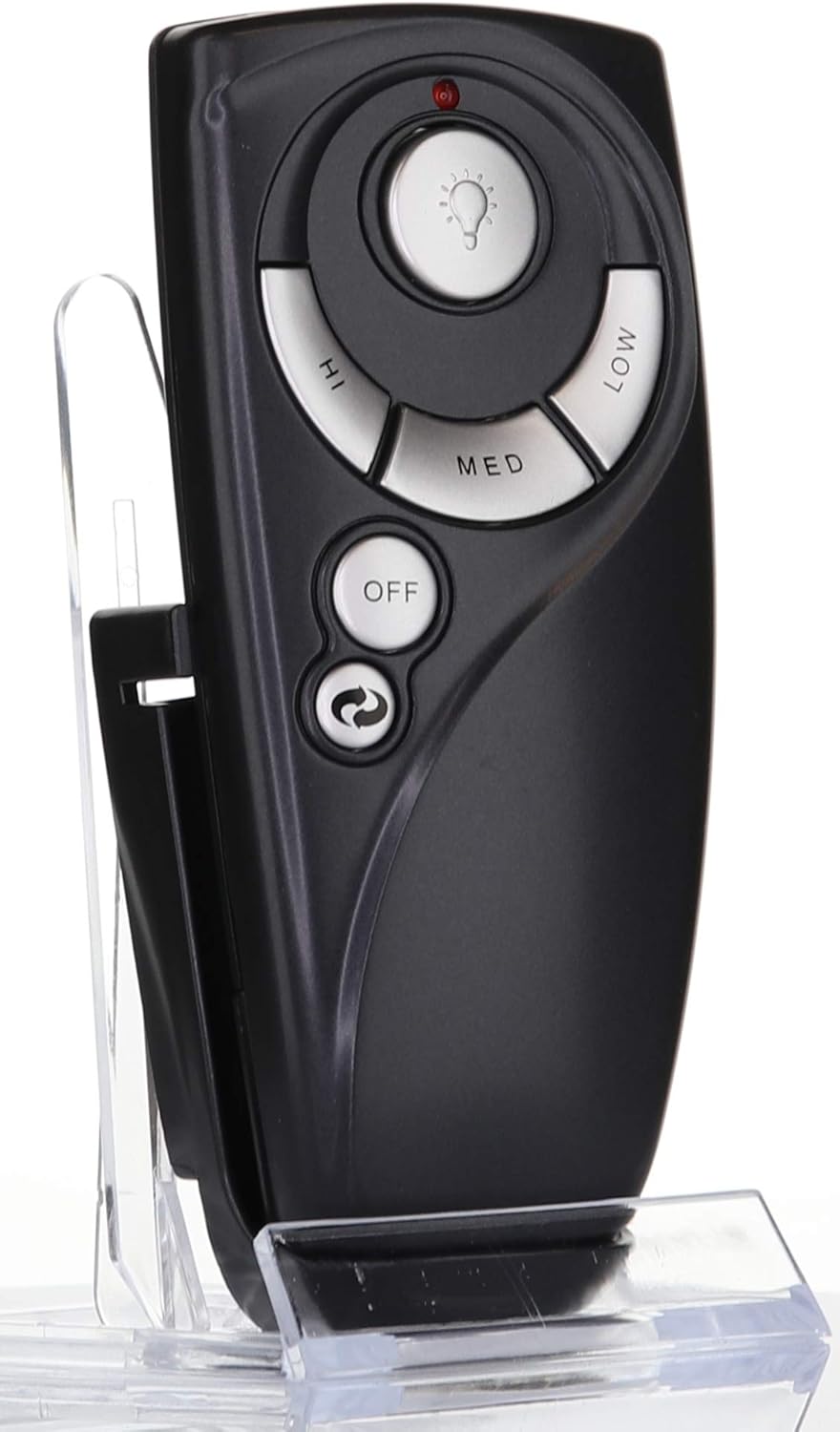
Figure 1: Front view of the Anderic RR7083TR Remote Control, showing buttons for Light, High, Med, Low, Off, and Reverse.
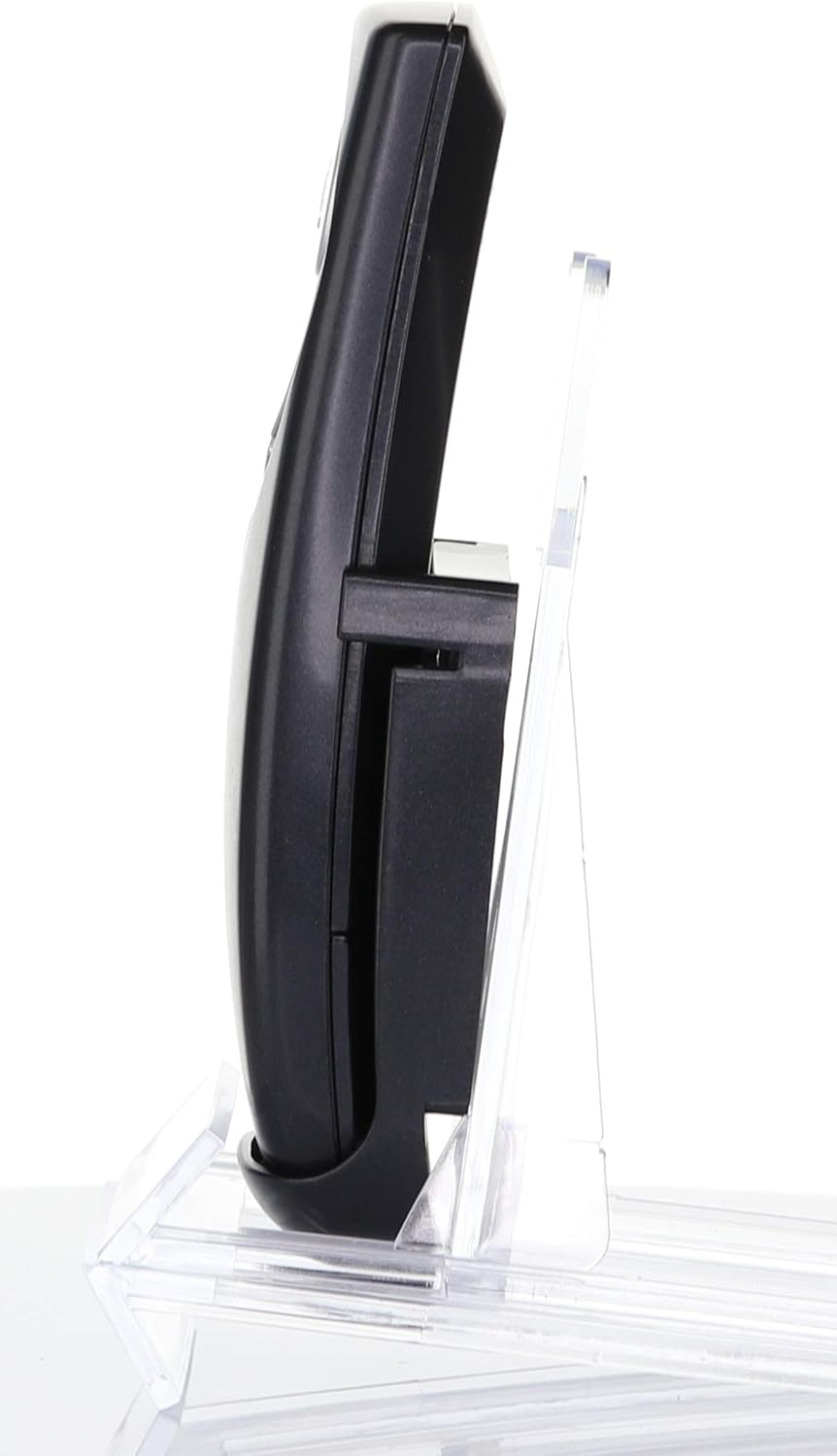
Figure 2: Side view of the Anderic RR7083TR Remote Control, illustrating its ergonomic design and wall mount compatibility.
Operating Instructions
Once the dip-switches are correctly set and the battery is installed, your Anderic RR7083TR remote is ready for use. The remote features the following buttons:
- Light Button: Press to turn the fan light ON or OFF. If your fan supports dimming and uses incandescent bulbs, press and hold to dim or brighten the light.
- High Button: Sets the fan speed to High.
- Med Button: Sets the fan speed to Medium.
- Low Button: Sets the fan speed to Low.
- Off Button: Turns the fan OFF.
- Reverse Button: Changes the direction of the fan blade rotation. This is useful for seasonal comfort (e.g., downdraft for cooling in summer, updraft for circulating warm air in winter).
Maintenance
Battery Replacement
When the remote's performance degrades (e.g., reduced range, inconsistent response), it is likely time to replace the battery. Follow the battery installation steps outlined in the Setup section to replace the CR123A battery.
Important: Always use the specified battery type (CR123A) to ensure optimal performance and prevent damage to the remote.
Troubleshooting
- Remote Not Responding:
- Check if the battery is installed correctly and has sufficient charge. Replace if necessary.
- Verify that the dip-switch settings on the remote exactly match those on your ceiling fan's receiver.
- Light Dimming Not Working:
- Ensure that your ceiling fan uses incandescent bulbs. LED or CFL bulbs may not be compatible with the dimming function of this remote or your fan's receiver.
- Reverse Function Not Working:
- Some older ceiling fan models or specific receivers may not support the reverse function via remote control. Confirm your fan's capabilities.
Product Specifications
| Specification | Detail |
|---|---|
| Product Dimensions | 5.5 x 3 x 1 inches |
| Item Weight | 1.6 ounces |
| Item Model Number | RR7083TR |
| Batteries Required | 1 CR123A (not included) |
| Manufacturer | Dan's Electronics Etc., Inc. |
| Color | Black/Silver |
| Max Number of Supported Devices | 1 |
| Compatible Devices | 3-speed Fan, Fan |
Support and Contact Information
For further assistance, technical support, or inquiries regarding your Anderic RR7083TR remote control, please contact Anderic directly. Anderic is a company based in NC, USA, dedicated to providing high-quality replacement remote controls.
You can find more information and contact details by visiting the official Anderic store or website.


