
1. Introduction
This manual provides essential information for the safe and efficient operation, installation, and maintenance of your Gree Multi21+ Dual-Zone Mini Split Air Conditioner Heat Pump. Please read this manual thoroughly before using the unit and retain it for future reference. Proper installation by a state-licensed HVAC contractor is required to ensure warranty validity and safe operation.
The Gree Multi21+ Dual-Zone VIREO 24,000 BTU System is designed to provide both heating and cooling for two separate zones without the need for distribution boxes. It features Gree's G10 inverter-driven compressor and utilizes eco-friendly R410A refrigerant.
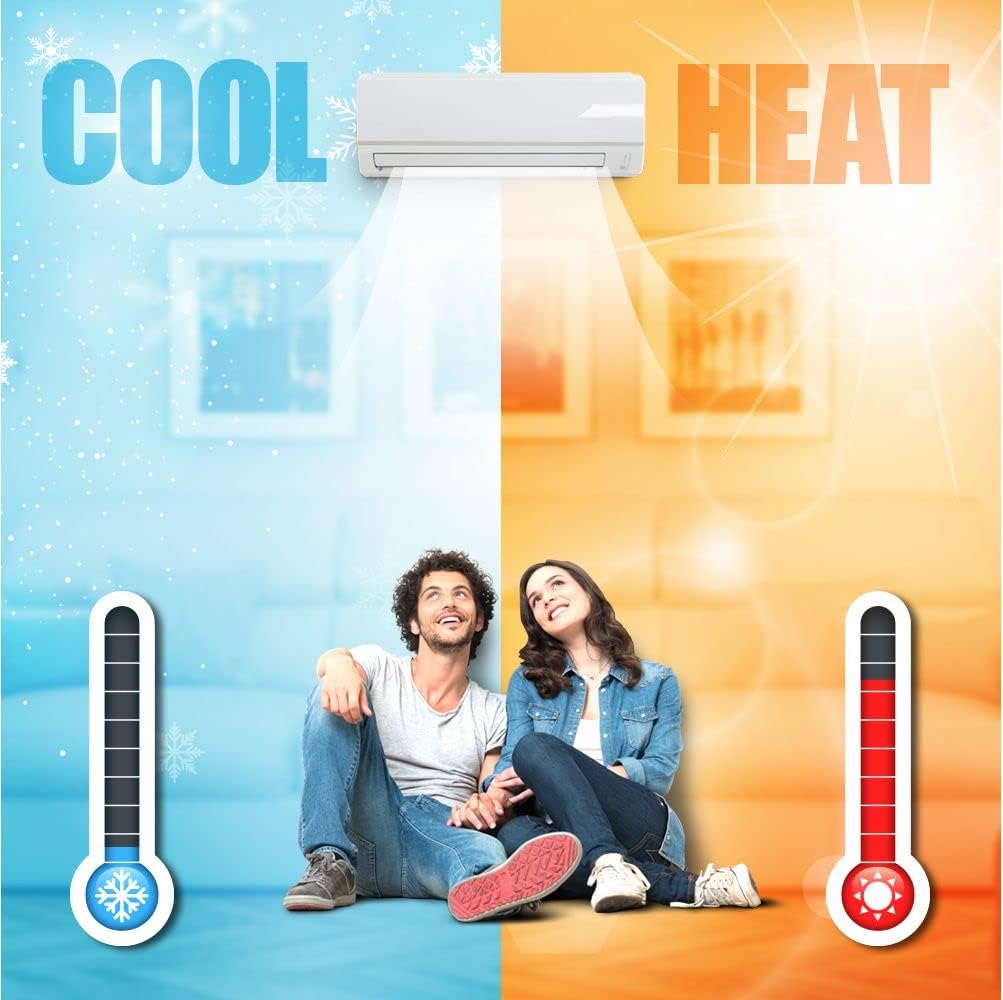
Figure 1.1: Dual-zone cooling and heating capability.
2. Safety Information
Always adhere to the following safety precautions to prevent injury or damage to the unit.
- Professional Installation: Installation, maintenance, and repair must be performed by a qualified, state-licensed HVAC technician. Improper installation can lead to electric shock, fire, water leakage, or other hazards.
- Electrical Safety: Ensure the power supply matches the unit's specifications. Do not operate the unit with wet hands. Disconnect power before any cleaning or maintenance.
- Refrigerant: The unit uses R410A refrigerant. Do not attempt to handle refrigerant yourself. Contact a qualified technician for any refrigerant-related issues.
- Clearances: Maintain adequate clearances around the indoor and outdoor units for proper airflow and service access.
- Children and Pets: Keep children and pets away from the unit, especially during operation and maintenance.
- Flammable Materials: Do not place flammable materials or spray aerosols near the unit.
3. Product Overview
3.1 Components
The Gree Multi21+ system consists of:
- Outdoor Unit: The condenser unit responsible for heat exchange.
- Indoor Units (2): Wall-mounted units that deliver conditioned air to each zone.
- Remote Control: For convenient operation of the indoor units.

Figure 3.1: Indoor unit and remote control.
3.2 Key Features
- G10 Inverter Technology: Saves energy, reduces outdoor noise, and maintains stable room temperature by eliminating frequent starts and stops.
- Dual-Zone Capability: Heats and cools two separate areas independently.
- Eco-friendly Refrigerant: Uses R410A refrigerant.
- Wi-Fi Capable: An optional field-installed Wi-Fi kit (sold separately) allows remote control via a smartphone.
- Compact Design: Wall-mounted indoor units blend with various decors.

Figure 3.2: Product feature icons.
4. Setup and Installation
Important: Installation of this Gree Multi21+ system must be performed by a state-licensed HVAC contractor. Failure to do so will void the manufacturer's warranty and may result in unsafe operation.
4.1 Pre-Installation Requirements
- Line Sets: The system requires specific line sets, which are not included. You will need one 1/4" x 3/8" line set and one 1/4" x 1/2" line set.
- Electrical Supply: Ensure a dedicated 208/230V electrical circuit is available and properly sized for the unit.
- Mounting Location: Select appropriate locations for both indoor and outdoor units, considering clearances, drainage, and structural support.
4.2 Wi-Fi Module Installation (Optional)
The unit is Wi-Fi capable. A field-installed Wi-Fi kit accessory is sold separately. Refer to the instructions provided with the Wi-Fi kit for installation and setup procedures. Once installed, this allows for remote control of the unit via a smartphone application.
5. Operating Instructions
The unit is primarily controlled using the wireless remote control. Ensure the remote has fresh batteries and is pointed towards the indoor unit when sending commands.
5.1 Remote Control Functions
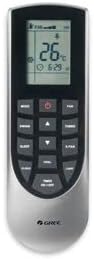
Figure 5.1: Wireless Remote Control.
- ON/OFF Button: Powers the unit on or off.
- MODE Button: Cycles through operating modes: Auto, Cool, Dry, Heat, Fan.
- Temperature Adjustment Buttons (▲/▼): Increases or decreases the set temperature.
- FAN Button: Adjusts fan speed (Auto, Low, Medium, High).
- SWING Button: Controls the louver's vertical swing direction.
- SLEEP Button: Activates sleep mode for energy-saving and quiet operation during sleep.
- TURBO Button: Activates rapid cooling or heating for a short period.
- LIGHT Button: Turns the indoor unit's display light on or off.
- TIMER Button: Sets the on/off timer.
5.2 Operating Modes
- Cool Mode: For cooling the room. Set desired temperature and fan speed.
- Heat Mode: For heating the room. Set desired temperature and fan speed.
- Dry Mode: Reduces humidity in the room.
- Fan Mode: Circulates air without heating or cooling.
- Auto Mode: The unit automatically selects the operating mode (Cool, Heat, Fan) based on the room temperature and the set temperature.
6. Maintenance
Regular maintenance ensures optimal performance and longevity of your unit. Always disconnect power before performing any maintenance.
6.1 Air Filter Cleaning
Clean the air filters every two weeks, or more frequently depending on usage and air quality.
- Open the front panel of the indoor unit.
- Remove the air filters.
- Clean filters with a vacuum cleaner or wash them with lukewarm water and mild detergent.
- Allow filters to dry completely before reinstalling.
- Close the front panel securely.
6.2 Outdoor Unit Cleaning
Periodically check the outdoor unit for debris, leaves, or obstructions around the coils and fan. Gently clean with a soft brush or vacuum. Do not spray water directly onto electrical components.
6.3 Professional Servicing
It is recommended to have a qualified HVAC technician perform an annual inspection and professional cleaning of the entire system.
7. Troubleshooting
Before contacting service, review the following common issues and solutions.
| Problem | Possible Cause | Solution |
|---|---|---|
| Unit does not operate | No power supply Remote control batteries low Timer function active | Check circuit breaker Replace batteries Cancel timer setting |
| Insufficient cooling/heating | Dirty air filters Windows/doors open Temperature setting incorrect Outdoor unit obstructed | Clean air filters Close windows/doors Adjust temperature Clear obstructions |
| Unusual noise | Loose parts Fan obstruction | Contact HVAC technician Check for obstructions (after disconnecting power) |
| Water leakage from indoor unit | Clogged drain pipe Improper installation | Contact HVAC technician |
If the problem persists after attempting these solutions, please contact a qualified HVAC technician for assistance.
8. Specifications
Key technical specifications for the Gree Multi21+ Dual-Zone Mini Split System (Model: MULTI24CVIR201).
- Brand: GREE
- Model Name: MULTI24CVIR201 4000
- Model Number: MULTI24CVIR201
- Capacity: 2 Tons (24,000 BTU)
- Cooling Power: 24,000 British Thermal Units
- Seasonal Energy Efficiency Ratio (SEER): 21.2
- Voltage: 230 Volts
- Noise Level: 56 Decibels (Outdoor Unit)
- Refrigerant: R 410A
- Form Factor: Mini-Split
- Inverter Type: Has Inverter (G10 Inverter Technology)
- Installation Type: Split System
- Compressor Type: Rotary Scroll
- Outdoor Unit Required: Yes
- Control Method: Remote Control
- UPC: 841999166618
- GTIN: 841999166618
8.1 Unit Dimensions

Figure 8.1: Vireo+ Multi Indoor and Outdoor Unit Measurements.
9. Warranty Information
The manufacturer's warranty terms for this Gree Multi21+ system are:
- Parts: 5 Year Limited Warranty
- Compressor: 7 Year Limited Warranty
Important Note: To be eligible for the warranty, installation must be performed by a state-licensed HVAC contractor. Any damage or malfunction resulting from improper installation or unauthorized service will void the warranty.
10. Support
For technical assistance, warranty claims, or service inquiries, please contact your installing HVAC contractor or the Gree customer support directly. Ensure you have your model number (MULTI24CVIR201) and purchase date available when contacting support.
For additional resources and product information, you may visit the official GREE website or consult the documentation provided by your installer.


