
AdirOffice 500-36
AdirOffice Wooden Adjustable Literature Organizer User Manual
Brand: AdirOffice
Model: 500-36
Introduction
This manual provides detailed instructions for the assembly, operation, and maintenance of your AdirOffice Wooden Adjustable Literature Organizer, Model 500-36. Designed for efficient document sorting and storage, this 36-compartment unit is ideal for office, classroom, or home use. Please read this manual thoroughly before beginning assembly or use to ensure proper setup and longevity of your product.
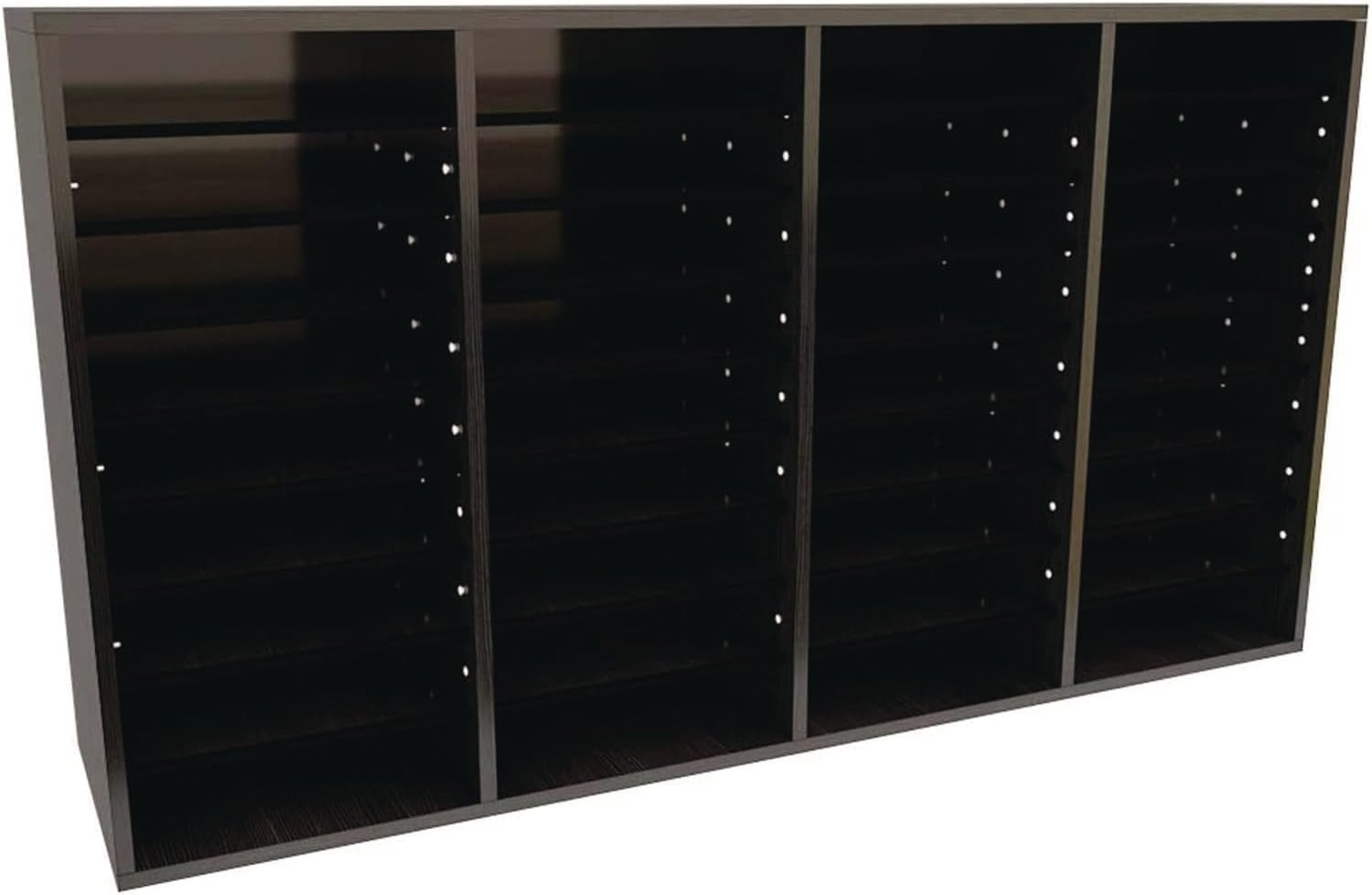
Image: Front view of the AdirOffice 36-Compartment Literature Organizer in black.
Setup and Assembly
The AdirOffice Literature Organizer is designed for straightforward assembly. All necessary hardware is included. You will need a hammer and a rubber mallet for optimal assembly.
Required Tools:
- Hammer
- Rubber Mallet (recommended)
Assembly Steps:
- Unpack all components and verify against the parts list (not provided in this manual, refer to packaging).
- Identify the side panels, top, bottom, and back panels.
- Begin by attaching the side panels to the bottom panel using the provided hardware. Ensure all connections are secure.
- Insert the fixed vertical dividers into their designated slots.
- Attach the top panel, ensuring it aligns with the side and vertical panels.
- Secure the back panel to the assembled frame.
- Insert the adjustable shelves into the desired slots. The shelves can be repositioned in 2.5-inch increments to accommodate various literature sizes.
- For stacking multiple units, use the included dowels to securely connect them.

Image: Dimensions of the AdirOffice 36-Compartment Literature Organizer (11.8"D x 39.3"W x 23.9"H).

Image: Various components of the mounting hardware included for assembly and customization.
Operating and Customization
The AdirOffice Literature Organizer offers versatile storage solutions for various environments.
Adjustable Shelves:
The organizer features adjustable shelves that can be moved to create compartments of different heights. This allows you to store various sizes of literature, binders, or other office supplies. Simply remove the shelves and reinsert them into the desired peg holes along the side panels.
Stackable Design:
For increased storage capacity, multiple AdirOffice Literature Organizers can be securely stacked. Use the provided dowels to ensure stability when stacking units. This feature allows for seamless expansion of your organizational system as needed.
Versatile Applications:
This organizer is suitable for a wide range of uses, including:
- Office Mailbox: Sort incoming and outgoing mail for employees.
- Classroom Organizer: Manage student assignments, handouts, or art supplies.
- Literature Display: Organize magazines, brochures, or catalogs.
- General Storage: Store books, craft supplies, or small personal items.

Image: AdirOffice Literature Organizer mounted above a desk, filled with various documents and office supplies.

Image: Detailed view showing the adjustable shelf mechanism and how items can be organized.
Maintenance
To ensure the longevity and appearance of your AdirOffice Literature Organizer, follow these simple maintenance guidelines:
- Cleaning: Wipe surfaces with a soft, damp cloth. Avoid abrasive cleaners or harsh chemicals, as these may damage the finish.
- Dusting: Regularly dust the unit with a dry, soft cloth to prevent dust buildup in compartments.
- Stability Check: Periodically check all connections and hardware to ensure they remain tight and secure. Retighten screws if necessary.
- Weight Distribution: Avoid placing excessive weight on individual shelves. The maximum shelf weight capacity is 15 pounds. Distribute weight evenly across compartments.
Troubleshooting
If you encounter any issues with your AdirOffice Literature Organizer, consider the following common solutions:
Unit is Wobbly or Unstable:
- Ensure all screws and fasteners are fully tightened.
- Verify that the unit is placed on a flat, level surface.
- Check that all panels and dividers are correctly seated in their grooves.
Shelves Do Not Fit or Are Loose:
- Confirm you are using the correct shelves for the unit.
- Ensure the shelf pegs are fully inserted into the designated holes.
- If shelves are too loose, verify that the unit's frame is properly squared during assembly.
For issues not covered here, please refer to the support information in the Warranty and Support section.
Specifications
| Feature | Detail |
|---|---|
| Brand | AdirOffice |
| Model Number | 500-36 |
| Material | Medium Density Fiberboard (MDF) |
| Color | Black |
| Number of Compartments | 36 |
| Product Dimensions (L x W x H) | 11.8 x 39.3 x 23.9 inches |
| Item Weight | 25.3 pounds |
| Shelf Weight Capacity | 15 pounds per shelf |
| Assembly Required | Yes |
| Mounting Type | Tabletop (can be wall-mounted with appropriate hardware, not included) |
| UPC | 815236018800 |
Warranty and Support
Warranty Information:
This AdirOffice product comes with a 1 Year Limited Warranty from the date of purchase. This warranty covers defects in materials and workmanship under normal use. It does not cover damage resulting from misuse, abuse, accidents, unauthorized repairs, or modifications.
Customer Support:
For technical assistance, missing parts, or warranty claims, please contact AdirOffice customer support. Refer to your product packaging or the official AdirOffice website for the most current contact information.
When contacting support, please have your model number (500-36) and proof of purchase readily available.
Related documents500-36


Ask a question about this manual
Ask about setup, troubleshooting, compatibility, parts, safety, or missing instructions. Manuals+ will review the question and use this page’s manual context to help answer it.