
DB DRIVE PRO6k
Db Drive PRO6K Media Set User Manual
Model: PRO6k | Brand: DB DRIVE
Introduction
The Db Drive PRO6K 6.5-inch Elite PRO Audio Series Media Set is designed for powerful, high-precision sound, ideal for demanding audio environments. These speakers are built to handle extreme sound pressure levels (SPL), making them suitable for audio competitions and audiophiles.
This set features an Open Show mid-range design, providing a wide and clear frequency response through its paper cone and ribbed fabric envelope. It also includes 1-inch PRO Audio aluminum tweeters for enhanced high-frequency reproduction, ensuring an immersive and crisp listening experience.
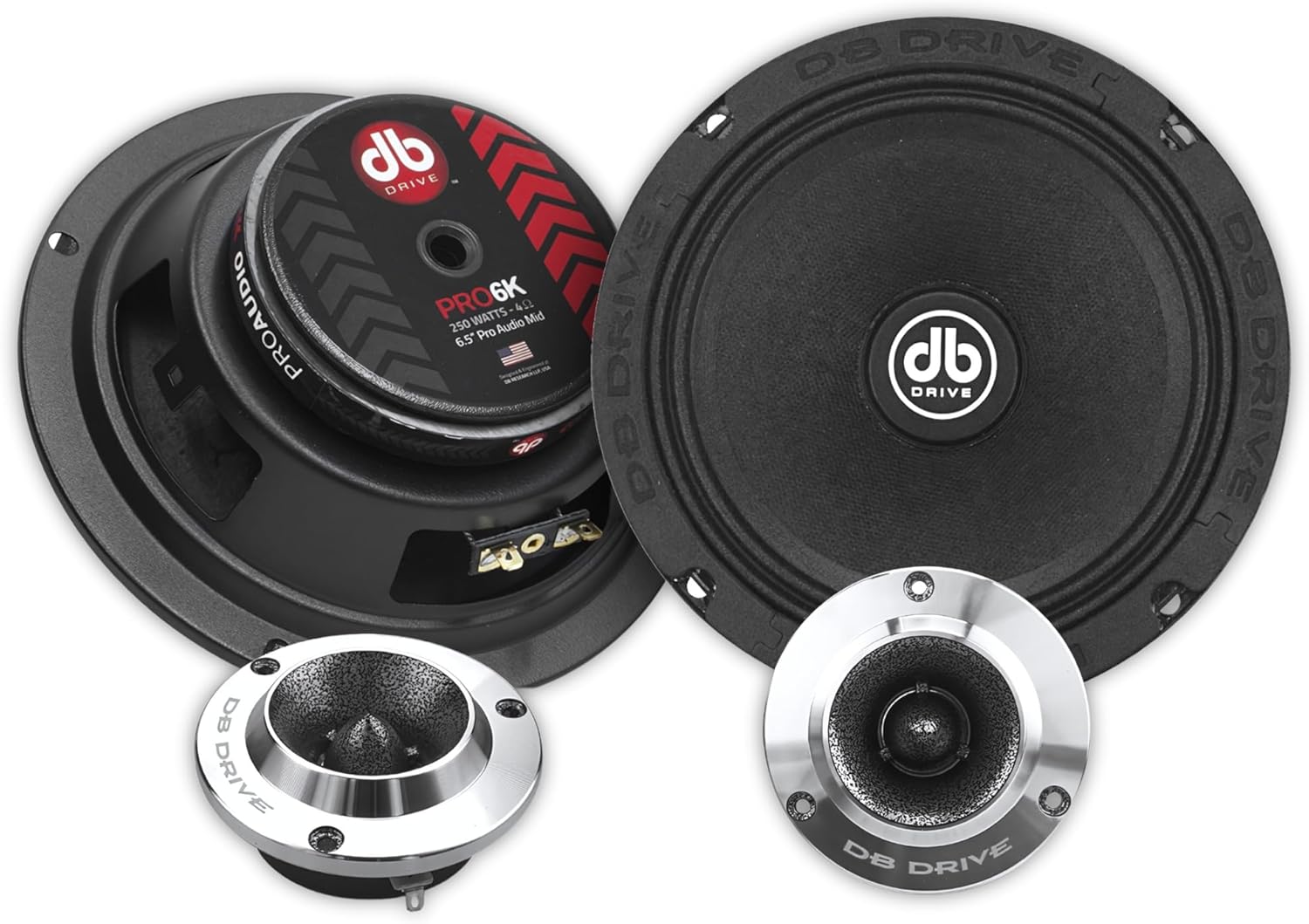
Image: The complete Db Drive PRO6K speaker set, showcasing two 6.5-inch mid-range speakers and two 1-inch aluminum tweeters.
Key Features
- 6.5" half-ranges designed for high SPL and competitive performance
- Sturdy paper cone with ribbed fabric wrap
- Stamped steel basket for durability
- Barium ferrite magnet ensures efficiency and sound quality
- PRO Audio 1" aluminum tweeter optimizes treble
- 99.3dB sensitivity for clear, powerful sound
- Compatible with high-performance systems in tight spaces
What's in the Box
The Db Drive PRO6K Media Set includes the following components:
- Speakers (6.5-inch mid-range)
- Tweeters (1-inch aluminum)
- Cones
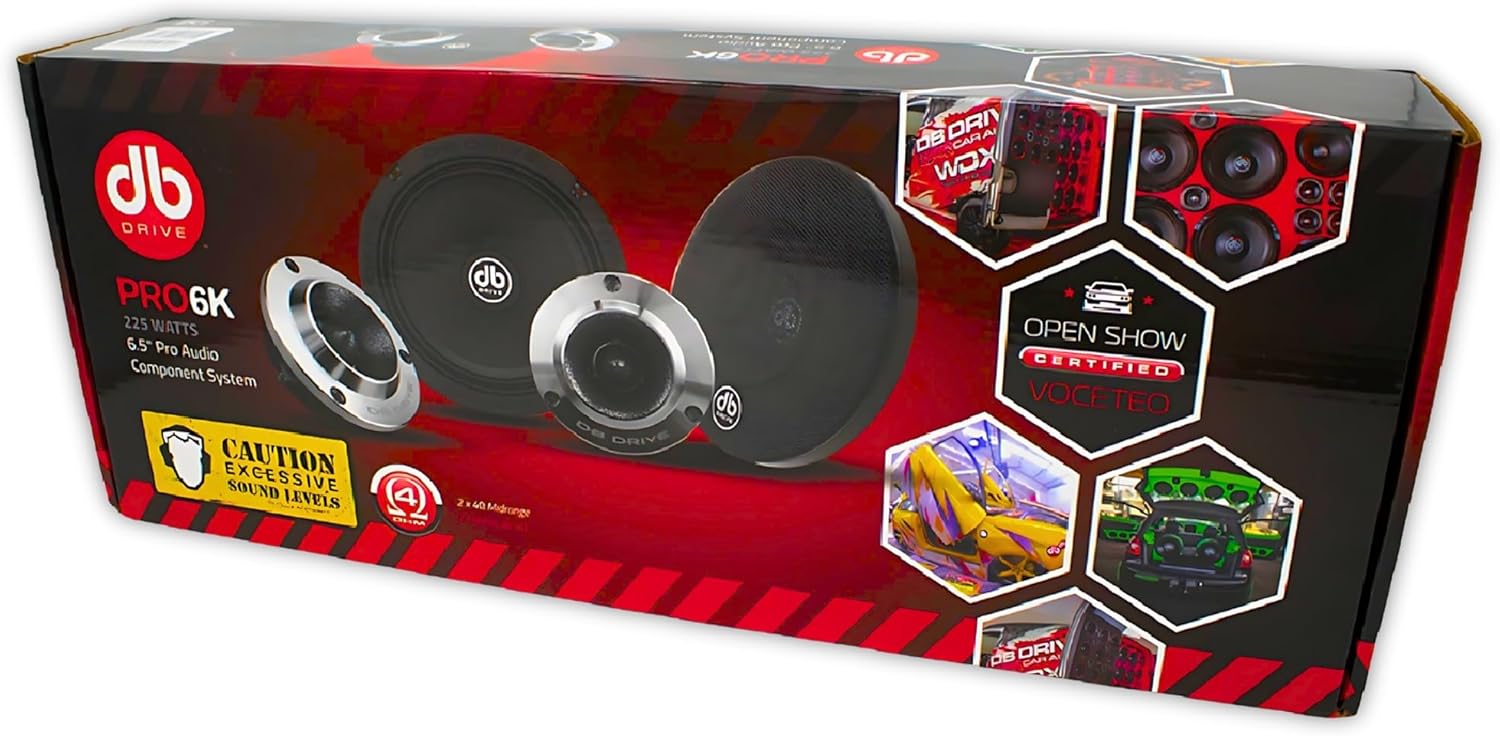
Image: The retail packaging for the Db Drive PRO6K Media Set, showing the included components.
Setup and Installation
Proper installation is crucial for optimal performance and longevity of your Db Drive PRO6K speakers. It is recommended that installation be performed by a qualified professional.
General Guidelines
- Power Disconnection: Before beginning any installation, disconnect the vehicle's battery to prevent electrical shorts or damage.
- Mounting Location: Identify suitable mounting locations for the 6.5-inch mid-range speakers and 1-inch tweeters. Ensure there is sufficient depth and clearance. The speakers are designed for flush mount applications.
- Wiring: Connect the speakers to your amplifier or head unit using appropriate gauge speaker wire. Pay close attention to polarity (+ and -) to ensure correct phase. The PRO6K speakers have an impedance of 4 Ohm.
- Secure Mounting: Securely mount the speakers using the provided hardware. Ensure they are firmly in place to prevent vibrations and rattles.
- Tweeter Installation: Install the 1-inch aluminum tweeters in a location that provides optimal sound staging, typically at ear level or angled towards the listening position.
- Testing: Once all connections are made and speakers are mounted, reconnect the battery and test the system at a low volume before gradually increasing it.
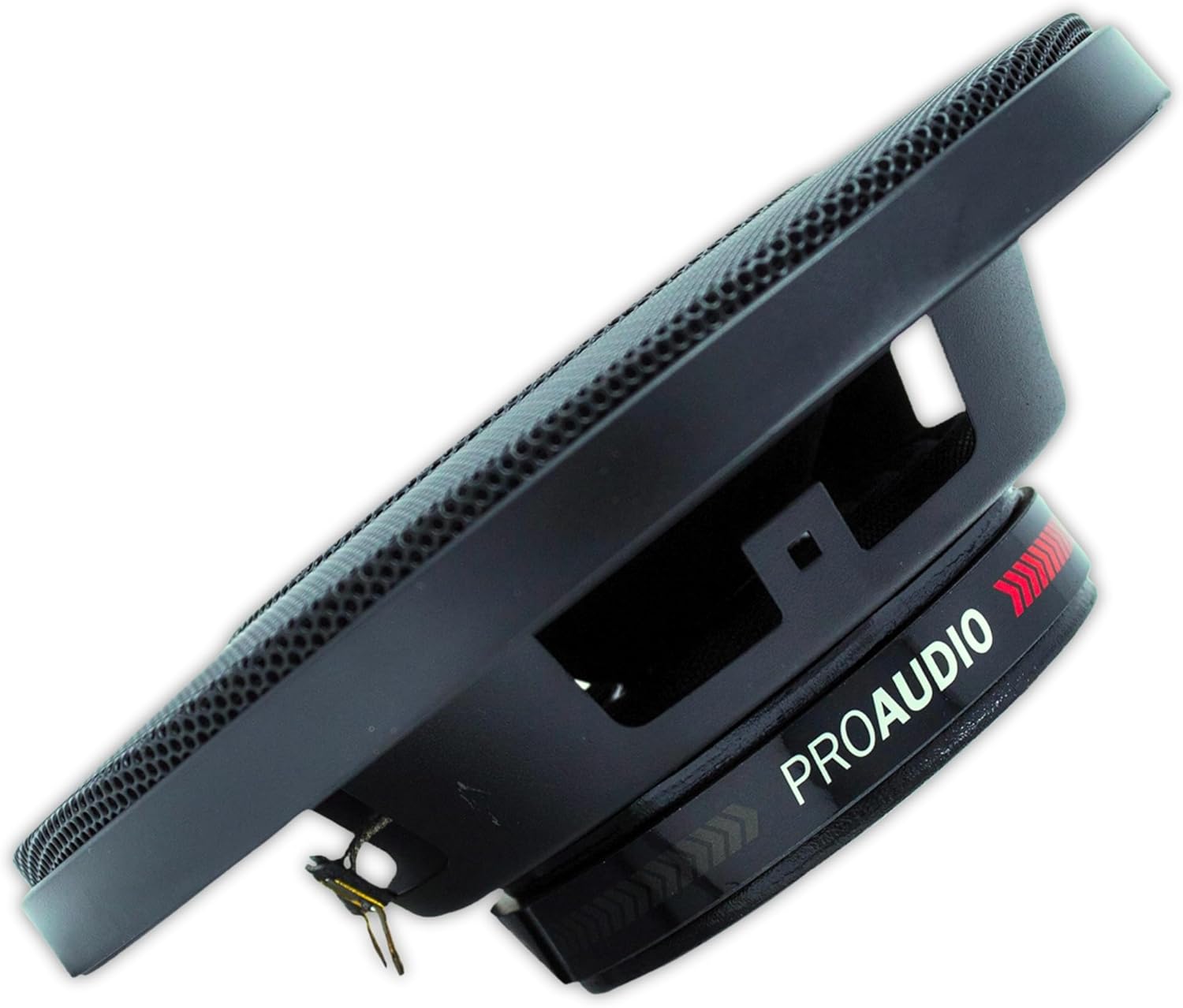
Image: Side view of the PRO6K mid-range speaker, highlighting the sturdy stamped steel basket and connection terminals.
Operating Instructions
The Db Drive PRO6K Media Set is designed for high-performance audio. To ensure optimal sound quality and speaker longevity, follow these operating guidelines:
- Power Handling: These speakers have a maximum output power of 225 Watts RMS. Ensure your amplifier's output matches or is slightly below this rating to prevent damage.
- Volume Control: Avoid prolonged listening at extremely high volumes, especially if distortion is audible. Distortion can damage speakers.
- Equalization: Adjust your audio system's equalizer settings to achieve your desired sound profile. Start with flat settings and make small adjustments.
- Break-in Period: Allow a short break-in period (typically 10-20 hours of normal use) for the speaker components to loosen up and reach their full acoustic potential.

Image: Front view of the 6.5-inch PRO6K mid-range speaker, showing the paper cone and DB Drive logo.
Maintenance and Care
Regular care will help maintain the performance and appearance of your Db Drive PRO6K speakers.
- Cleaning: Use a soft, dry cloth to gently wipe down the speaker cones and surrounds. Avoid using harsh chemicals or abrasive cleaners.
- Environmental Protection: While designed for car audio, these speakers are rated for indoor use. Protect them from excessive moisture, direct sunlight, and extreme temperatures. They are not waterproof.
- Inspection: Periodically inspect speaker wires and connections for any signs of wear, fraying, or corrosion.

Image: Angled view of the PRO6K mid-range speaker, showcasing the ribbed fabric surround and paper cone.
Troubleshooting
If you encounter issues with your Db Drive PRO6K Media Set, refer to the following common problems and solutions:
| Problem | Possible Cause | Solution |
|---|---|---|
| No Sound | Loose wiring, incorrect polarity, amplifier off/faulty, head unit issue. | Check all speaker wire connections for tightness and correct polarity. Ensure amplifier is powered on and functioning. Verify head unit output. |
| Distorted Sound | Amplifier gain too high, speaker overpowering, damaged speaker, poor signal source. | Reduce amplifier gain. Ensure amplifier power matches speaker RMS rating. Check speaker cones for physical damage. Use a high-quality audio source. |
| Weak Bass | Incorrect speaker phase, inadequate enclosure, low-pass filter setting. | Verify correct speaker polarity. Ensure speakers are properly sealed in their mounting location. Adjust low-pass filter on amplifier/head unit. |
| No Treble | Damaged tweeter, high-pass filter setting, incorrect tweeter wiring. | Check tweeter connections. Adjust high-pass filter on amplifier/head unit. Inspect tweeter for damage. |
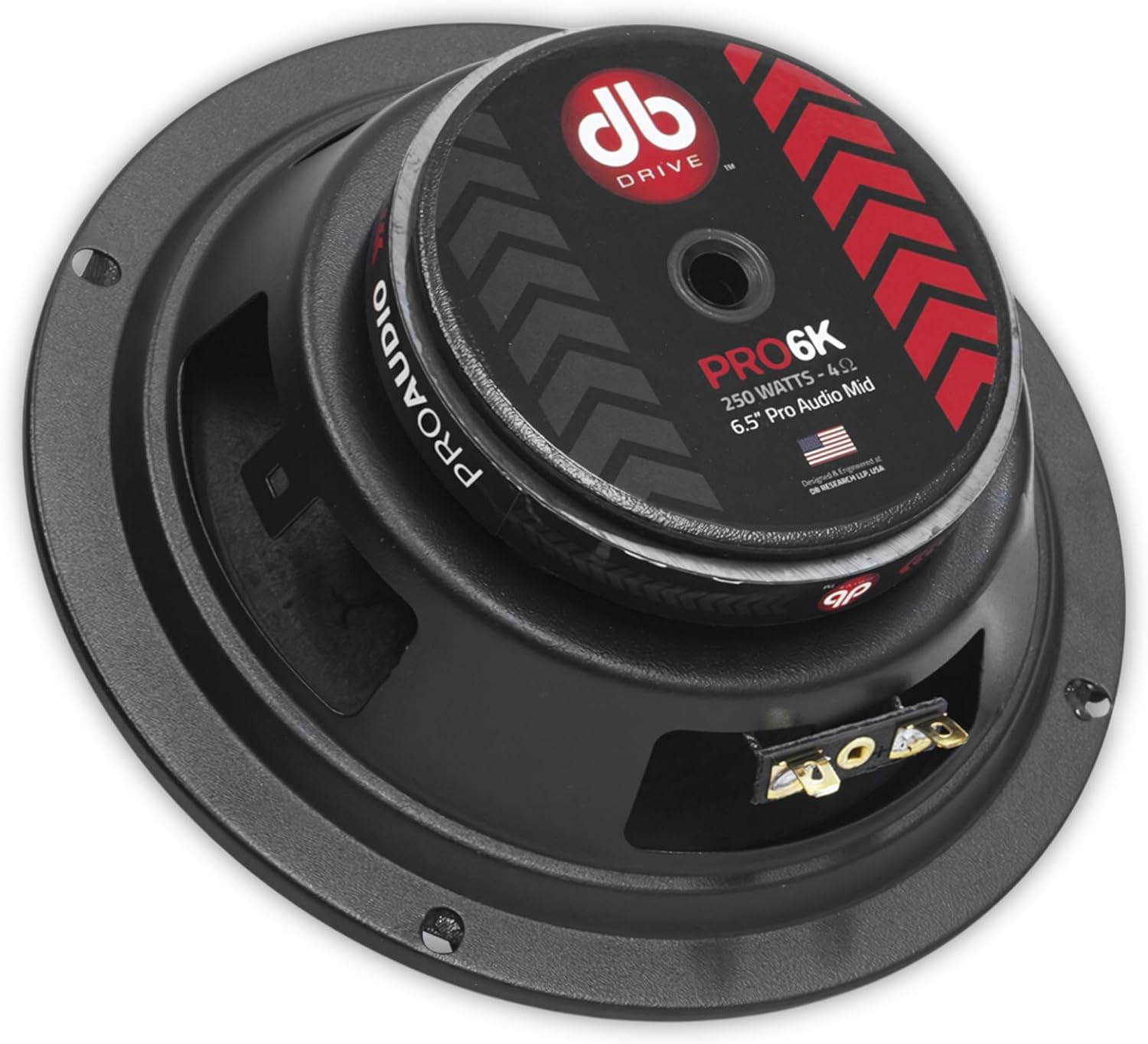
Image: Rear view of the PRO6K mid-range speaker, showing the magnet structure and "PROAUDIO" branding.
Specifications
Detailed technical specifications for the Db Drive PRO6K Media Set:
| Feature | Detail |
|---|---|
| Model Name | PRO6k |
| Speaker Type | Coaxial Speakers (Open Show Mid-range) |
| Speaker Size | 6.5 Inches |
| Tweeter Diameter | 1 Inch |
| Material | Paper Cone, Ribbed Fabric Surround, Stamped Steel Basket |
| Impedance | 4 Ohm |
| Speaker Maximum Output Power | 225 Watts RMS |
| Sensitivity | 99.3dB |
| Frequency Response | 90 Hz |
| Mounting Type | Flush Mount |
| Item Weight | 8.25 pounds (for the set) |
| Manufacturer | DB Drive |
| Is Waterproof | No |

Image: Top-down view of the PRO6K mid-range speaker, showing the central DB Drive logo and cone.
Warranty Information
The Db Drive PRO6K Media Set comes with a Limited Warranty. For specific terms, conditions, and duration of the warranty, please refer to the warranty card included with your product or contact DB Drive customer support directly.
Keep your proof of purchase for any warranty claims.
Customer Support
For technical assistance, troubleshooting beyond this manual, or warranty inquiries, please contact DB Drive customer support.
You can typically find contact information on the manufacturer's official website or on the product packaging.

Image: Two 1-inch PRO Audio aluminum tweeters from the Db Drive PRO6K set, designed for optimal high-frequency sound.
Ask a question about this manual
Ask about setup, troubleshooting, compatibility, parts, safety, or missing instructions. Manuals+ will review the question and use this page’s manual context to help answer it.