
LiitoKala Lii-500
LiitoKala Lii-500 Smart Universal Charger
Instruction Manual
Model: Lii-500
1. Introduction
The LiitoKala Lii-500 is an intelligent universal battery charger designed for various rechargeable battery types, including 1.2V Ni-MH/Ni-CD and 3.7V Li-Ion batteries. It features an LCD display to monitor charging parameters, multiple charging current options, and advanced safety protections. Additionally, it offers a 5V USB output for use as a power bank.
2. Package Contents
- 1 x LiitoKala Lii-500 Smart Universal Charger
- 1 x 12V DC Power Adapter
- 1 x Car Charger Adapter
- 1 x User Manual
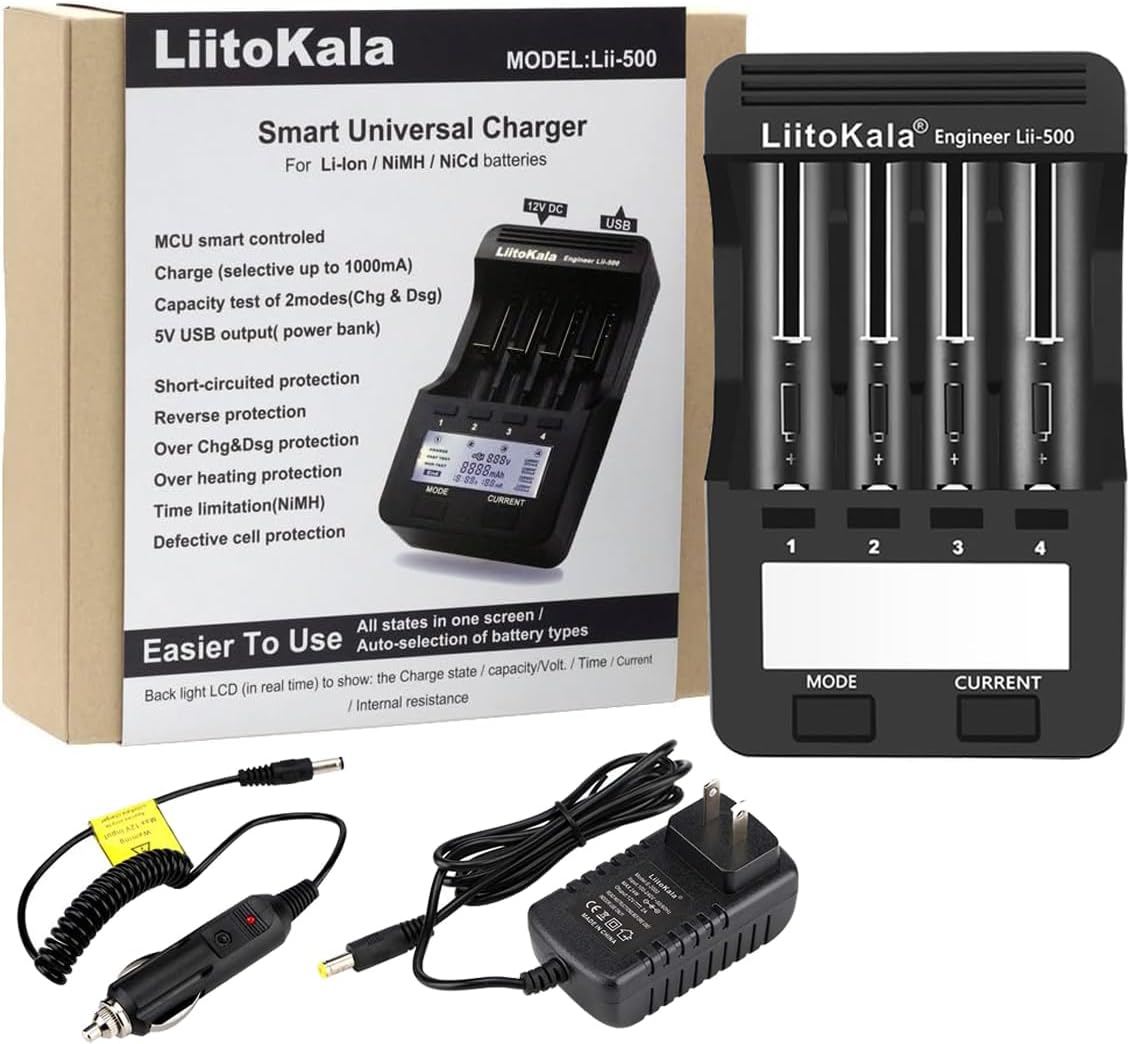
Image: LiitoKala Lii-500 Smart Universal Charger, its retail box, AC power adapter, and car charger adapter.
3. Features
- MCU smart controlled charging process.
- Selectable charge currents: 300mA, 500mA, 700mA, and 1000mA.
- Capacity test with 2 modes: Charge (Chg) and Discharge (Dsg).
- 5V USB output function for use as a power bank.
- Short-circuited protection.
- Reverse battery protection.
- Overcharge and over-discharge protection.
- Overheating protection.
- Time limitation for NiMH batteries.
- Defective cell protection.
- LCD display shows voltage (V), current (mA), time (h), and capacity (mAh) for each slot.
4. Setup
- Connect Power: Plug the 12V DC power adapter into the charger's DC 12V input port and then into a wall outlet. Alternatively, use the car charger adapter for in-vehicle charging.
- Insert Batteries: Carefully insert compatible rechargeable batteries into the charger slots. Ensure correct polarity (+/-) to avoid damage. The charger supports 1.2V Ni-MH/Ni-CD (AA, AAA, C, SC) and 3.7V Li-Ion batteries (18650, 26650, 18490, 17670, 17500, 17355, 16340, 14500, 10440).

Image: The LiitoKala Lii-500 charger with various batteries inserted into its four slots, demonstrating the LCD display showing battery information.
Video: An overview of the LiitoKala Lii-500 Battery Charger, demonstrating its features and how to insert batteries.
5. Operating Instructions
5.1. Charging Mode
Upon inserting a battery, the charger will automatically detect the battery type and enter the charging mode. The LCD will display the battery's voltage, current, and elapsed time. You can adjust the charging current by pressing the 'CURRENT' button. The charger offers 300mA, 500mA, 700mA, and 1000mA options. For optimal battery life, it is recommended to use lower charging currents when time permits.

Image: The charger's display in 'CHARGE' mode, showing the current voltage, accumulated mAh, and elapsed time for a battery being charged.
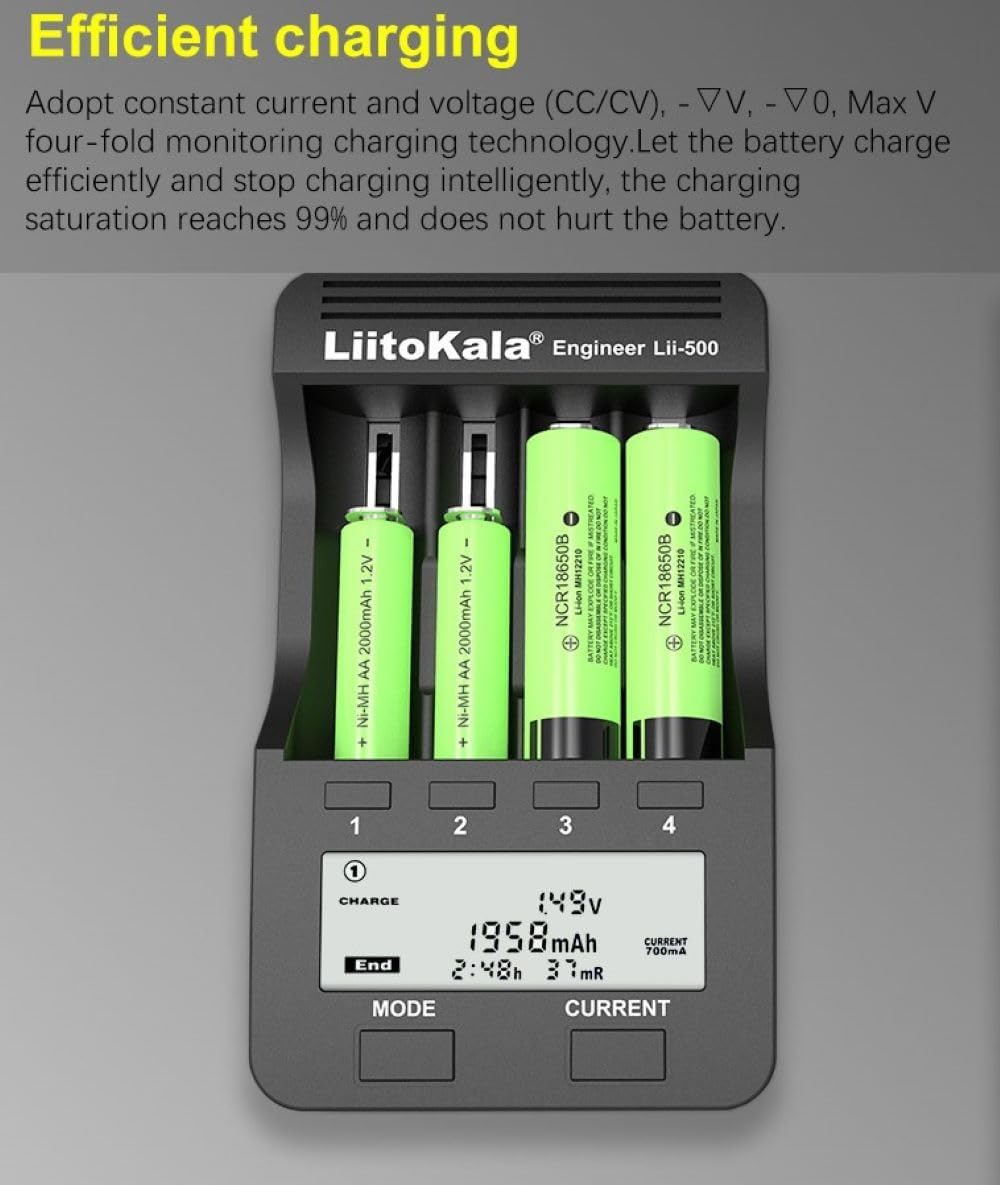
Image: Illustration of the efficient charging process, highlighting constant current/voltage (CC/CV) monitoring for optimal battery health.
5.2. Capacity Test (NOR TEST / FAST TEST)
The Lii-500 offers two modes for testing battery capacity: 'NOR TEST' and 'FAST TEST'.
- NOR TEST: This mode first fully charges the battery, then discharges it to measure its actual capacity, and finally recharges it. This provides a precise capacity reading. To activate, long-press the 'MODE' button until 'NOR TEST' appears, then press 'CURRENT' to select the desired current.
- FAST TEST: This mode quickly discharges and then recharges the battery to estimate its capacity. It's faster but less precise than NOR TEST. To activate, long-press the 'MODE' button until 'FAST TEST' appears, then press 'CURRENT' to select the desired current.
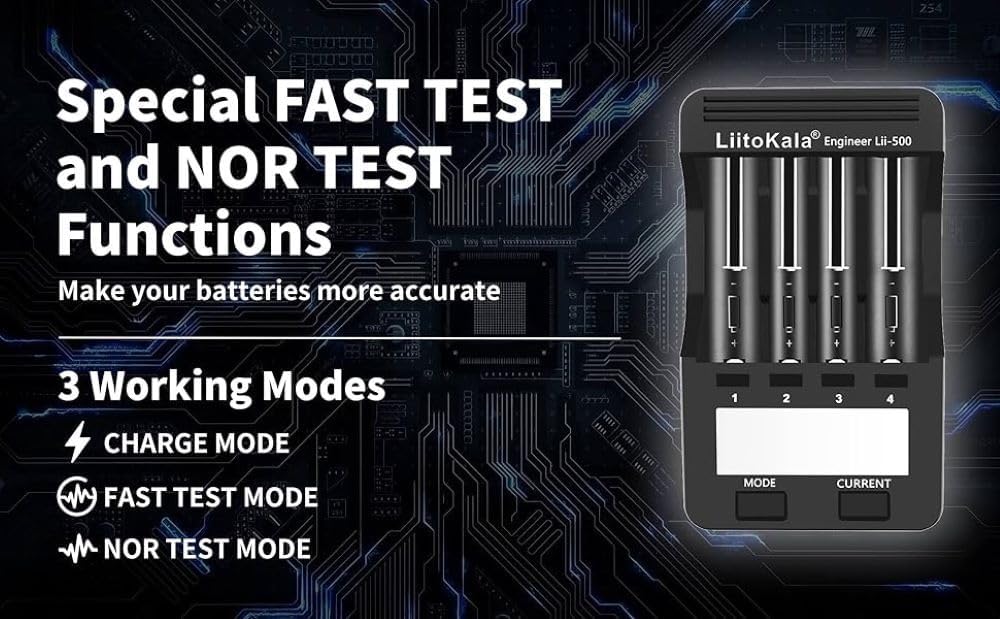
Image: Graphic illustrating the 'FAST TEST' and 'NOR TEST' functions of the charger, designed for accurate battery capacity measurement.

Image: The charger's LCD display showing 'NOR TEST' in progress, indicating the measured capacity and elapsed time.
Image: A visual explanation of how the 'NOR TEST' mode accurately calculates the true capacity of a battery through a charge-discharge-charge cycle.
5.3. Power Bank Function (5V USB Output)
The Lii-500 can also function as a power bank. When batteries are inserted and the charger is powered, you can connect a USB device to the 'OUT: 5V' USB port to charge it. This feature is useful for charging smartphones, tablets, or other USB-powered devices on the go.

Image: The charger highlighting its 5V USB output port for charging external devices and its compatibility with car charging.
6. Safety Precautions
- Always ensure correct battery polarity when inserting into the charger.
- Do not attempt to charge non-rechargeable batteries.
- Keep the charger away from water, moisture, and high temperatures.
- Do not disassemble or modify the charger.
- If the charger displays a 'NULL' error or indicates a defective cell, remove the battery and inspect it.
- Use only the supplied AC adapter and car adapter.
7. Specifications
| Specification | Value |
|---|---|
| Brand | LiitoKala |
| Product Dimensions | 1.42"D x 3.78"W x 6.38"H |
| Item Weight | 15.5 Ounces |
| Output Voltage | 4.2 Volts (DC) |
| Input Voltage | 12 Volts |
8. Troubleshooting
- Charger not turning on: Ensure the power adapter is securely connected to both the charger and the power outlet. Check if the outlet is functional.
- Battery not charging: Verify that the battery is inserted with correct polarity. Ensure the battery type is compatible with the charger. The battery might be defective if the charger displays 'NULL'.
- USB output not working: Ensure the charger is powered and has at least one charged battery inserted. Check the USB cable and the device being charged.
- Overheating: The charger has built-in overheating protection. If it feels excessively hot, disconnect it from power and remove batteries. Allow it to cool down before resuming use. Ensure adequate ventilation.
9. Warranty and Support
LiitoKala offers a 12-month warranty for the Lii-500 Smart Universal Charger. For any questions, technical support, or warranty claims, please contact LiitoKala customer service through their official channels or the retailer from whom the product was purchased. Please retain your proof of purchase for warranty validation.
Ask a question about this manual
Ask about setup, troubleshooting, compatibility, parts, safety, or missing instructions. Manuals+ will review the question and use this page’s manual context to help answer it.