
1. Introduction
The BONAOK Q78 Karaoke Microphone is a versatile 4-in-1 device designed for entertainment. It functions as a wireless microphone, a portable Bluetooth speaker, and an MP3 player. Featuring dynamic LED lights and an adjustable echo effect, it enhances your singing experience. This manual provides detailed instructions for setup, operation, maintenance, and troubleshooting to ensure optimal performance.
2. Key Features
- 4-in-1 Functionality: Operates as a wireless microphone, portable Bluetooth speaker, and MP3 player.
- Dynamic LED Lights: 27 colorful LED lights flicker with music rhythm, intensifying with higher volume. Long press the 'M' button to toggle LED lights.
- Enhanced Sound Quality: Features a multi-layer denoising head, powerful stereo speaker, and professional buttons for an optimal audio experience.
- Easy Connectivity: Connects easily via Bluetooth with memory function for automatic reconnection. Supports TF card plug and play (TF card not included).
- Portable Design: Lightweight aluminum construction for easy transport and use anywhere.
3. Package Contents
Please check the package to ensure all items are present:
- BONAOK Q78 Microphone
- Charging Cable
- Giftable Box (Note: This color variant does not include a black case)
4. Setup Guide
4.1. Charging the Microphone
Before first use, fully charge the microphone. Connect the provided charging cable to the microphone's charging port and a compatible USB power source. The indicator light will show charging status.

Image: The BONAOK Q78 microphone showing its charging indicator and long-lasting battery life of up to 10 hours.
4.2. Power On/Off
Press and hold the power button (usually marked with a power symbol) located on the control panel to turn the microphone ON or OFF.
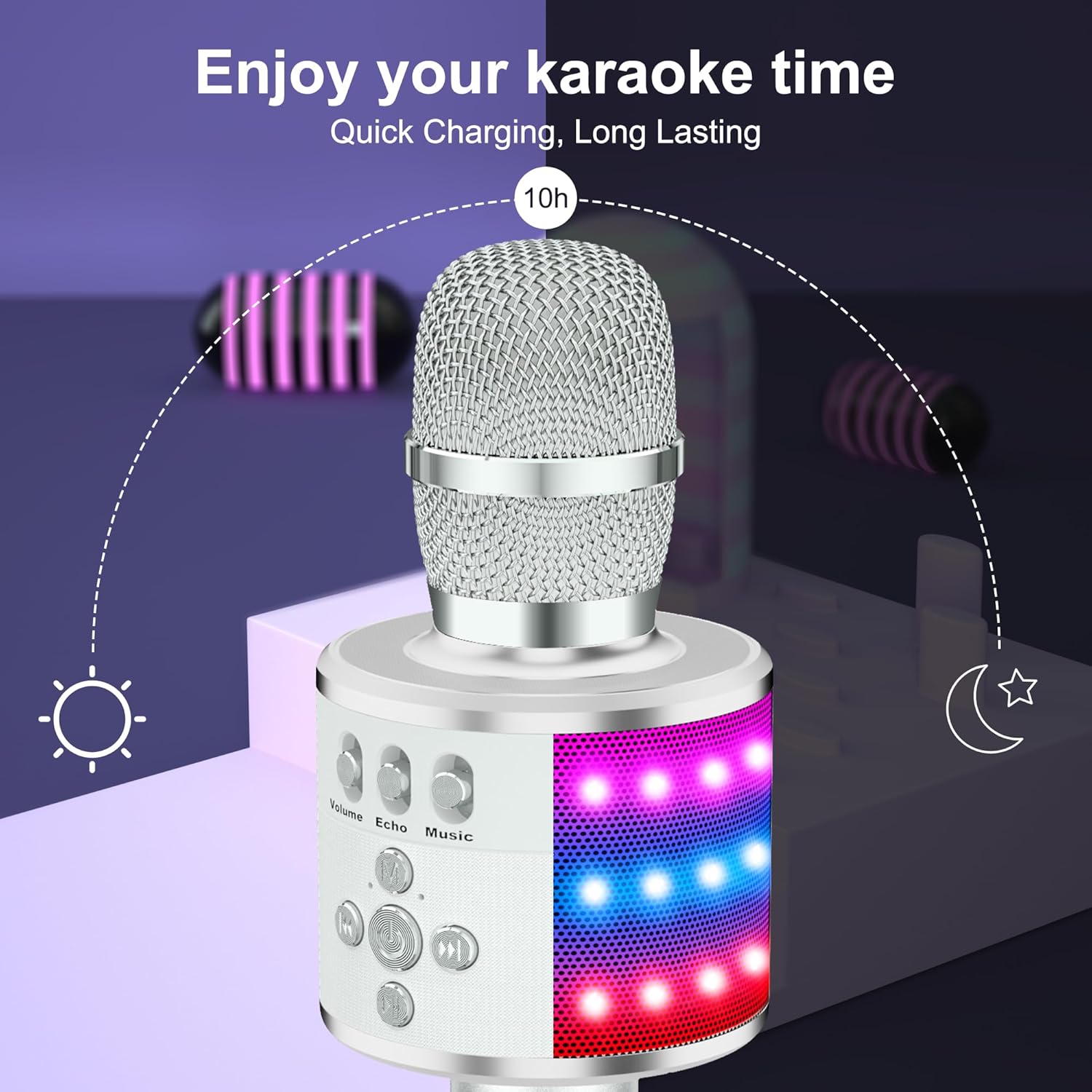
Image: A detailed diagram of the BONAOK Q78 microphone's control panel, highlighting the power button, volume, echo, music controls, and various ports.
4.3. Bluetooth Pairing
- Turn on the microphone. It will enter Bluetooth pairing mode automatically.
- On your smartphone, tablet, or PC, enable Bluetooth and search for available devices.
- Select "Q78" from the list of devices to connect. A voice prompt will confirm successful pairing.
- The microphone has a memory function and will automatically connect to the last paired device when turned on.
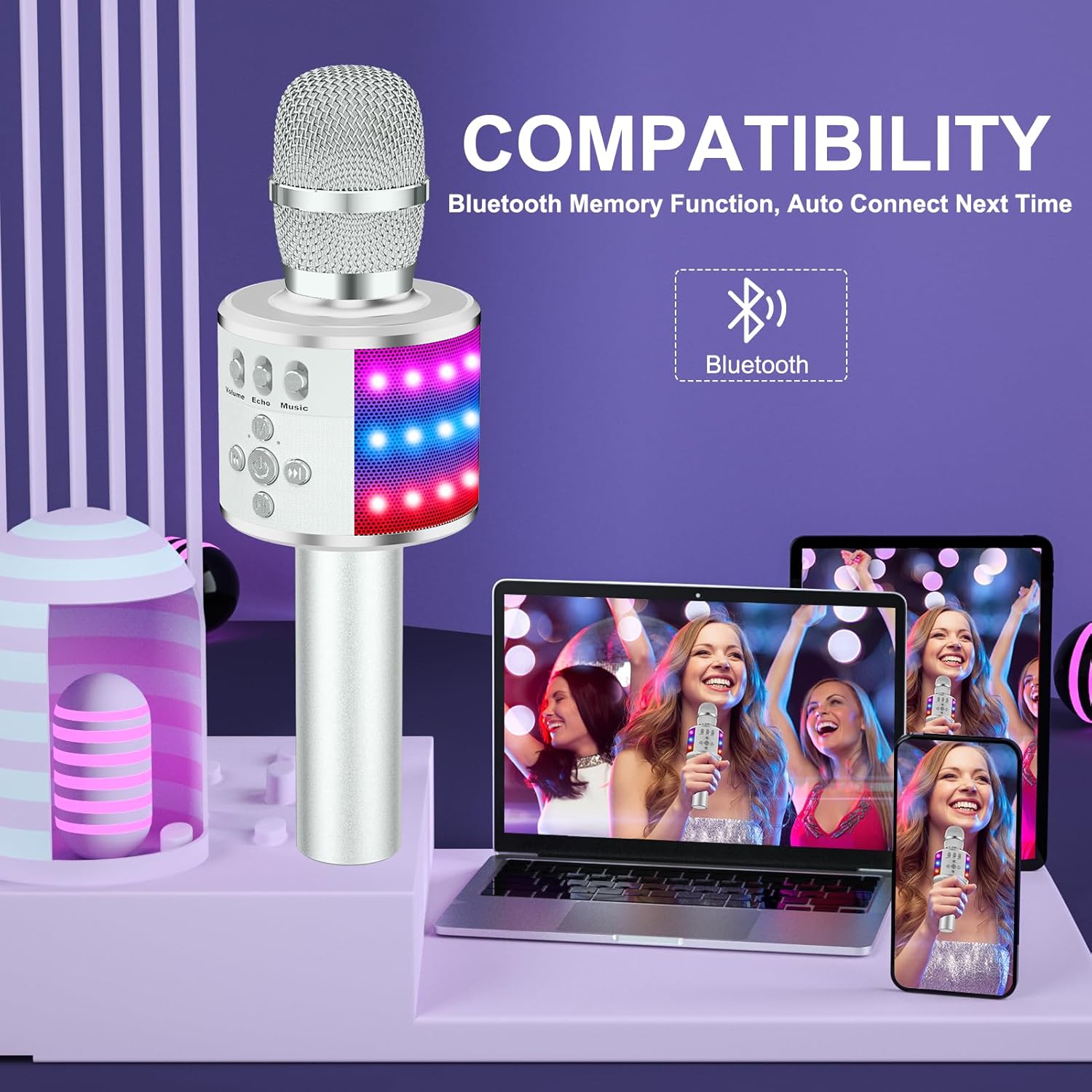
Image: The BONAOK Q78 microphone wirelessly connected via Bluetooth to a smartphone, demonstrating its compatibility.
4.4. TF Card Playback
Insert a TF card (not included) with your favorite MP3 music files into the designated slot on the microphone. The microphone will automatically detect and play the music from the card.
4.5. Aux Connection
The microphone supports a 3.5mm audio jack connection for devices without Bluetooth. Use a compatible audio cable (not included) to connect your device to the microphone's AUX port.
5. Operating Instructions
5.1. Adjusting Sound Effects
Use the dedicated sliders and buttons on the microphone's control panel to adjust:
- Volume: Adjusts the microphone's vocal output volume.
- Echo: Controls the echo effect level for your voice.
- Music: Adjusts the volume of the background music playing from your connected device or TF card.
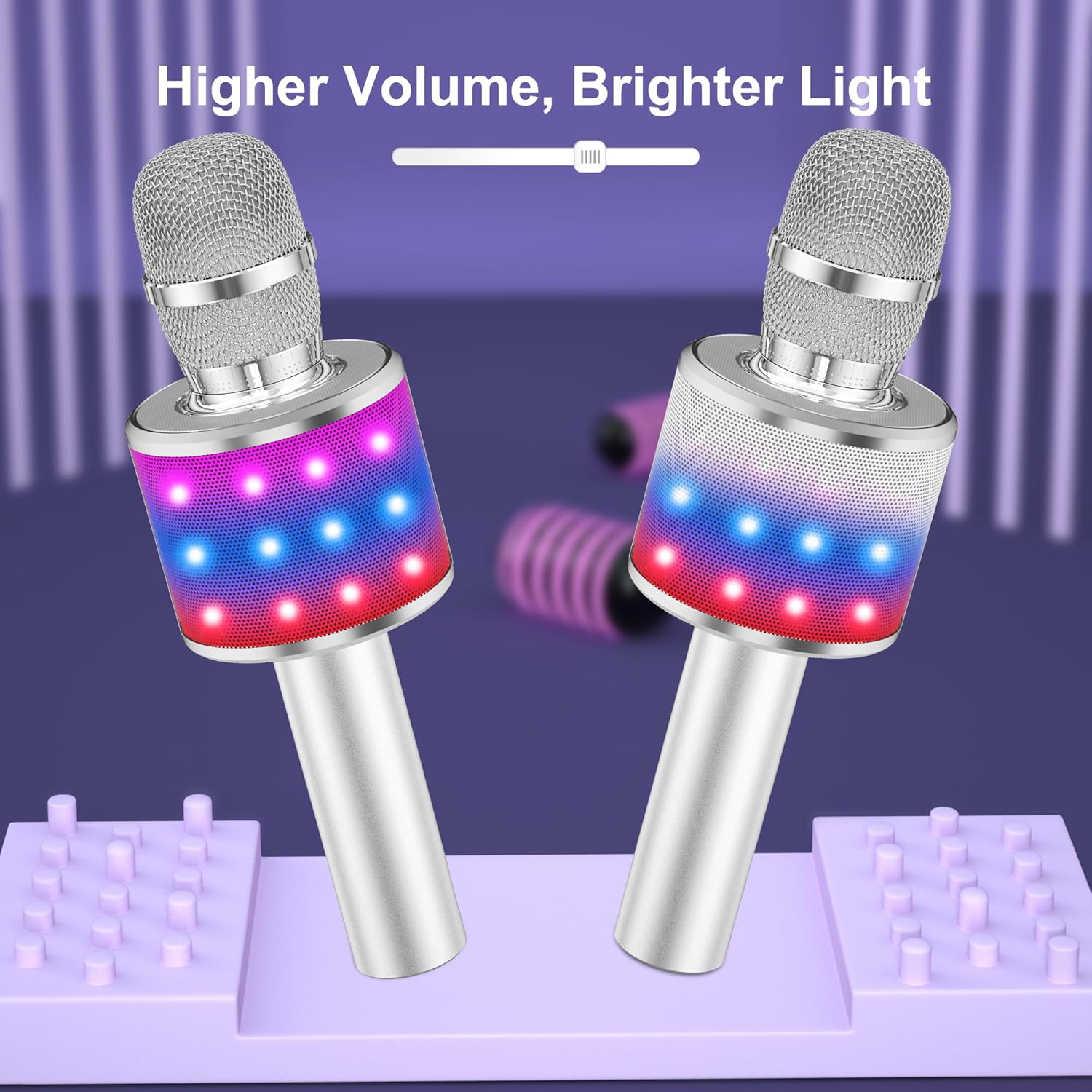
Image: Two BONAOK Q78 microphones demonstrating how LED lights become brighter with increased volume, creating a dynamic visual effect.
5.2. Controlling LED Lights
The microphone features dynamic LED lights that react to the music. To turn the LED lights ON or OFF, long press the 'M' button on the control panel.
5.3. Singing with Music
Once connected to a music source (Bluetooth or TF card), play your desired song. The microphone will mix your voice with the music, allowing you to sing along. Adjust the vocal and music volumes to your preference for a balanced sound.
6. Maintenance
- Cleaning: Use a soft, dry cloth to clean the microphone's exterior. Do not use liquid cleaners or abrasive materials.
- Storage: Store the microphone in a cool, dry place away from direct sunlight and extreme temperatures.
- Battery Care: To prolong battery life, avoid fully discharging the battery frequently. Charge it regularly, even if not in use for extended periods.
7. Troubleshooting
| Issue | Possible Solution |
|---|---|
| Microphone won't turn on | Ensure the battery is charged. Connect to a power source and try again. |
| No sound from microphone | Check microphone volume. Ensure it's not muted. Verify proper Bluetooth connection. |
| Cannot connect via Bluetooth | Ensure microphone is in pairing mode. Turn off and on Bluetooth on your device. Move closer to the microphone. |
| LED lights not working | Long press the 'M' button to toggle the LED lights. |
| Poor sound quality/feedback | Adjust echo and volume levels. Ensure microphone is not too close to the speaker. |
8. Technical Specifications
| Feature | Detail |
|---|---|
| Model Name | Q78 |
| Item Model Number | BKBS001AP |
| Brand | BONAOK |
| Connectivity Technology | Bluetooth |
| Microphone Form Factor | Handheld |
| Power Source | Battery Powered |
| Material | Aluminum |
| Item Weight | 12 ounces (340 Grams) |
| Product Dimensions | 3.86 x 4.25 x 11.02 inches |
| Audio Sensitivity | 3 Decibels |
| Signal-to-Noise Ratio | 120 dB |
| Frequency Response | 10 KHz |
| Compatible Devices | PC, Smartphone, Tablet |
| Connector Type | 3.5 mm Jack |
| Polar Pattern | Unidirectional |
9. Warranty & Support
BONAOK provides a 24-month hassle-free warranty for the Q78 Karaoke Microphone. If you encounter any issues or have questions, please do not hesitate to contact customer support.
- US Support: supportus@bonaok.com
- EU Support: supporteu@bonaok.com


