
Introduction
This manual provides essential instructions for the safe and efficient operation of your SYLVANIA PROSCAN Elite Portable CD Player Boombox, Model SRCD261. Please read this manual thoroughly before using the device and retain it for future reference.
Safety Information
- Do not expose this appliance to rain or moisture.
- Do not block any ventilation openings.
- Ensure proper power source connection (AC adapter or C batteries).
- Avoid placing the unit near heat sources such as radiators, heat registers, stoves, or other apparatus (including amplifiers) that produce heat.
- Use only attachments/accessories specified by the manufacturer.
- Unplug this apparatus during lightning storms or when unused for long periods.
- Refer all servicing to qualified service personnel.
Package Contents
Verify that all items listed below are included in your package:
- PROSCAN Elite Portable CD Player Boombox (SRCD261)
- AC Power Adapter
- User Manual (this document)
Product Overview
The SYLVANIA PROSCAN Elite Portable CD Player Boombox features a top-loading CD player, AM/FM radio tuner, and an auxiliary input for connecting external audio devices. It includes built-in stereo speakers and a clear LED display.
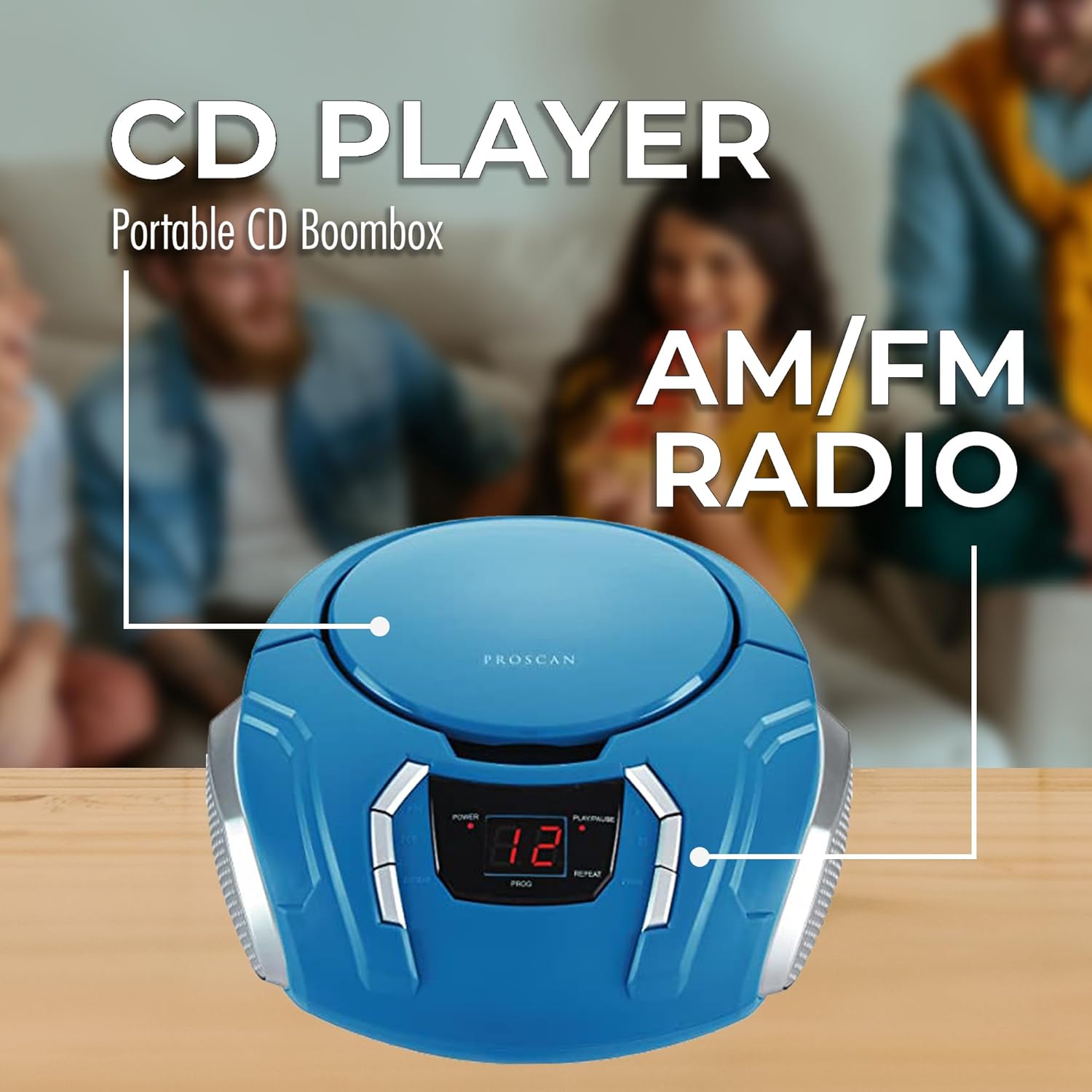
Image: Front view of the PROSCAN Elite Portable CD Player Boombox, highlighting the central LED display and control buttons for power, play/pause, skip, program, and repeat functions. The top-loading CD compartment is visible.
Key components include:
- CD Compartment: Top-loading for compact discs.
- LED Display: Shows track number, radio frequency, and mode.
- Control Buttons: Power, Play/Pause, Stop, Skip/Search, Program, Repeat.
- Function Selector: Switch between CD, AM, FM, and AUX modes.
- Tuning Knob: For adjusting radio frequency.
- Volume Control: Rotary knob for adjusting audio output.
- Auxiliary Input (AUX IN): 3.5mm jack for connecting external audio sources.
- AC Power Input: For connecting the AC adapter.
- Battery Compartment: Located on the bottom for C-size batteries.
- Telescopic Antenna: For FM radio reception.
Setup
Power Connection
Your boombox can be powered by either the included AC adapter or C-size batteries.
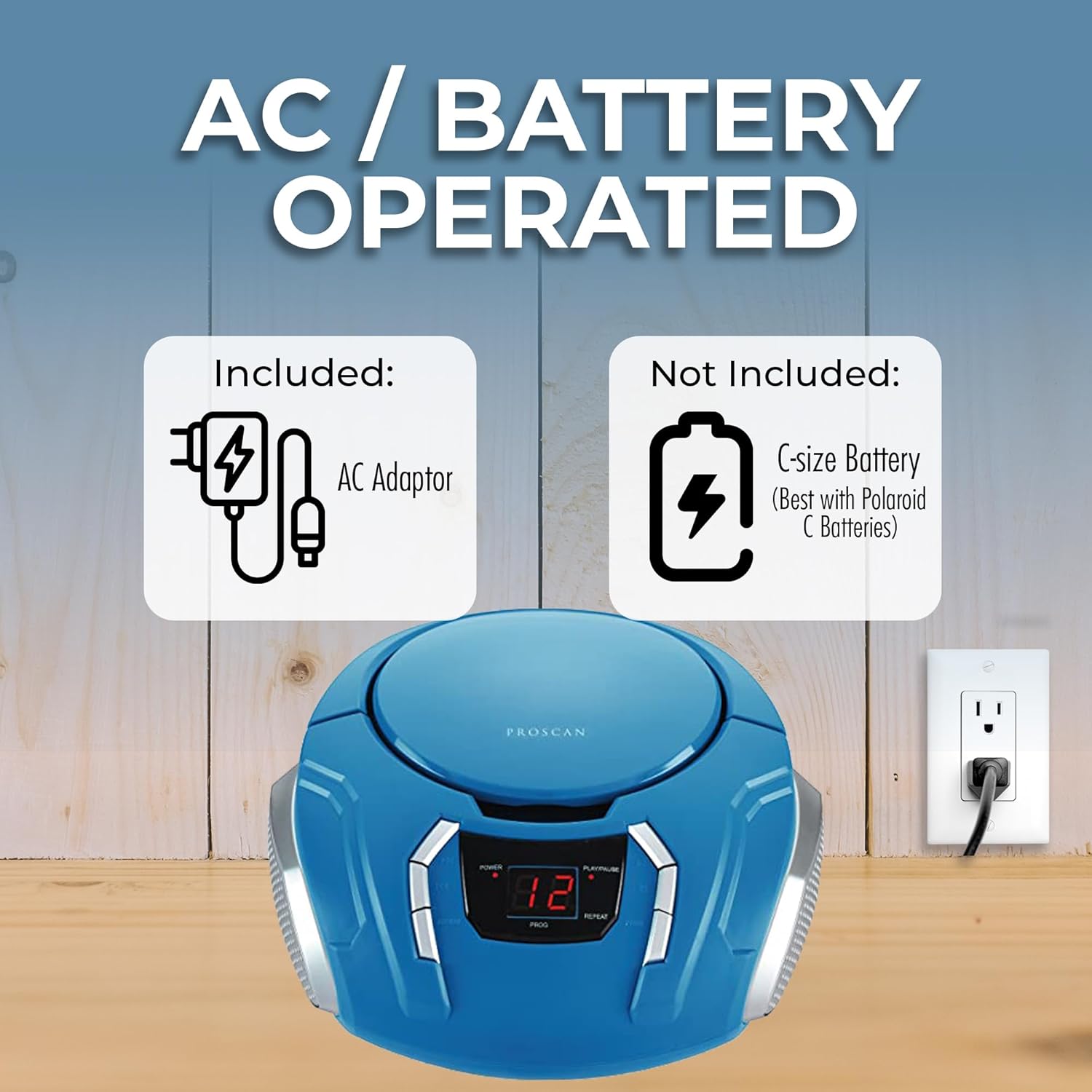
Image: The PROSCAN Elite Portable CD Player Boombox with illustrations of the included AC adapter and the C-size battery compartment (batteries not included). An electrical outlet is also shown, indicating AC power option.
Using AC Power:
- Insert the small end of the AC adapter into the DC IN jack located on the back of the boombox.
- Plug the other end of the AC adapter into a standard AC wall outlet (120V, 60Hz).
- Ensure the boombox is placed on a stable, flat surface.
Using Battery Power:
- Ensure the AC adapter is disconnected from the boombox.
- Open the battery compartment cover located on the bottom of the unit.
- Insert 6 x C-size batteries (not included) according to the polarity markings (+ and -) inside the compartment.
- Close the battery compartment cover securely.
Note: When the AC adapter is connected, battery power is automatically disconnected. Remove batteries if the unit will not be used for an extended period to prevent leakage.
Operating Instructions
CD Playback
- Press the POWER button to turn on the unit.
- Set the FUNCTION selector to "CD".
- Open the CD compartment door by gently lifting it.
- Place a CD (label side up) onto the center spindle and gently press down until it clicks into place.
- Close the CD compartment door. The total number of tracks will appear on the LED display.
- Press the PLAY/PAUSE button (►/‖) to start playback. The current track number will be displayed.
- To pause playback, press the PLAY/PAUSE button (►/‖) again. Press it once more to resume.
- To stop playback, press the STOP button (■).
- To skip to the next track, press the SKIP FORWARD button (►►).
- To skip to the previous track, press the SKIP BACKWARD button (◄◄).
- To search quickly through a track, press and hold the SKIP FORWARD or SKIP BACKWARD button during playback.
- Repeat Function: Press the REPEAT button once to repeat the current track. Press it again to repeat all tracks on the CD. Press a third time to cancel.
- Program Function: While in STOP mode, press the PROGRAM button. "01" will flash on the display. Use the SKIP FORWARD/BACKWARD buttons to select a desired track. Press PROGRAM again to confirm. Repeat for up to 20 tracks. Press PLAY/PAUSE to start programmed playback.
Radio Operation (AM/FM)
- Press the POWER button to turn on the unit.
- Set the FUNCTION selector to "AM" or "FM".
- Extend the telescopic antenna for optimal FM reception. For AM reception, rotate the unit for best signal.
- Rotate the TUNING knob to select your desired radio station. The frequency will be displayed on the LED screen.
- Adjust the VOLUME knob to your preferred listening level.
Auxiliary Input (AUX IN)
The AUX IN jack allows you to connect an external audio device (e.g., smartphone, tablet, MP3 player) to play audio through the boombox speakers.
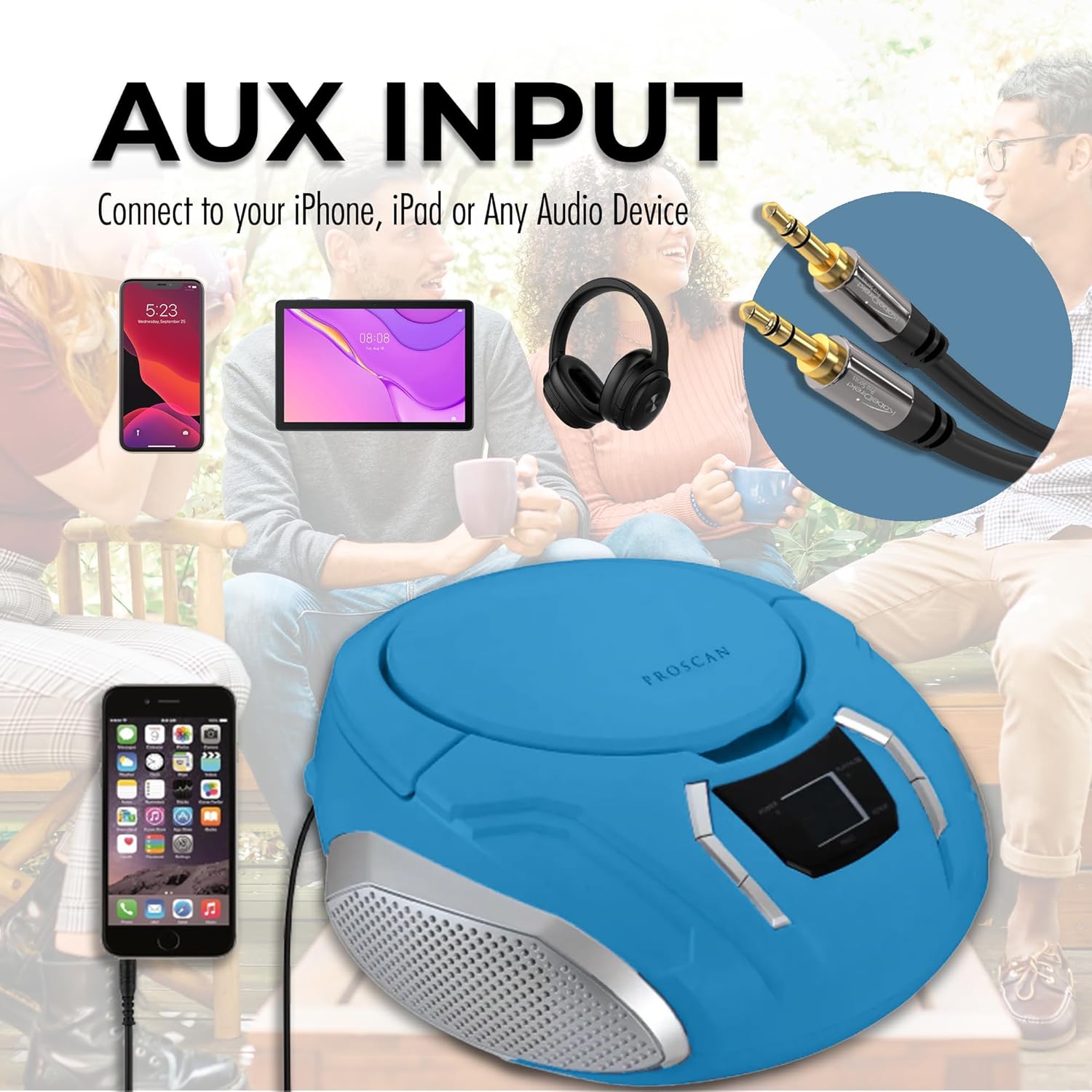
Image: The PROSCAN Elite Portable CD Player Boombox shown with an auxiliary input cable connected to a smartphone, demonstrating how to use the AUX IN feature. Headphones and a tablet are also depicted as compatible devices.
- Press the POWER button to turn on the unit.
- Set the FUNCTION selector to "AUX".
- Connect one end of a 3.5mm audio cable (not included) to the AUX IN jack on the boombox.
- Connect the other end of the audio cable to the headphone jack or audio output of your external device.
- Start playback on your external device.
- Adjust the volume on both your external device and the boombox for optimal sound.
Maintenance
Cleaning the Unit
- Wipe the exterior of the unit with a soft, damp cloth. Do not use abrasive cleaners or solvents.
- For the CD lens, use a specialized CD lens cleaner disc. Do not touch the lens directly.
Storage
- If storing the unit for an extended period, remove all batteries to prevent leakage.
- Store the unit in a cool, dry place away from direct sunlight and extreme temperatures.
Troubleshooting
| Problem | Possible Cause | Solution |
|---|---|---|
| No Power | AC adapter not connected properly; Batteries depleted or incorrectly inserted. | Check AC adapter connection; Replace batteries or ensure correct polarity. |
| No Sound | Volume too low; Incorrect function mode selected; External device not playing (AUX mode). | Increase volume; Select correct function (CD/AM/FM/AUX); Ensure external device is playing and its volume is up. |
| CD Skips or Does Not Play | CD dirty or scratched; CD inserted incorrectly; Unit is vibrating. | Clean CD with a soft cloth; Reinsert CD label side up; Place unit on a stable surface. |
| Poor Radio Reception | Antenna not extended (FM); Unit position (AM); Interference. | Extend FM telescopic antenna; Rotate unit for better AM reception; Move away from other electronic devices. |
Specifications
- Model: SRCD261
- Power Source: AC 120V ~ 60Hz or 6 x C-size batteries (DC 9V)
- Supported Audio Formats: CD, CD-R/RW, MP3 (via AUX)
- Radio Frequencies: AM 530 - 1710 kHz, FM 88 - 108 MHz
- Speakers: 2 built-in stereo speakers
- Connectivity: Auxiliary Input (3.5mm)
- Dimensions (L x W x H): Approximately 9.75 x 5.25 x 10 inches (24.77 x 13.34 x 25.4 cm)
- Weight: Approximately 2.85 lbs (1.29 kg)
Warranty and Support
This product is covered by a 90-day warranty from the date of purchase. This warranty covers manufacturing defects in materials and workmanship under normal use.
For technical support, warranty claims, or service inquiries, please contact the manufacturer's customer service. Refer to your purchase documentation or the manufacturer's website for contact information.
Please have your model number (SRCD261) and proof of purchase available when contacting support.


