
Introduction
This manual provides detailed instructions for the safe installation, operation, and maintenance of the Juno Trac-Lites R600L Series LED Trac Head. The R600L Series fixtures are designed for use with Juno Trac-Lites and Trac-Master™ track and system components, offering reliable performance and consistent color quality.

Figure 1: Juno Trac-Lites R600L Integral LED Cone Trac Head, illustrating its adjustable rotation (350°) and tilt (90°).
Safety Information
Please read and understand all instructions before installing or operating this product. Failure to follow these instructions may result in electric shock, fire, or other hazards that could cause property damage or personal injury.
- WARNING: Risk of electric shock. Disconnect power at the fuse or circuit breaker before installation or servicing.
- Installation must be performed by a qualified electrician in accordance with all national and local electrical codes.
- Do not install on a track system that is not compatible with Juno Trac-Lites or Trac-Master components.
- Ensure the voltage supply (120V) matches the fixture's requirements.
- Do not attempt to modify the fixture. There are no user-serviceable parts inside.
- Keep flammable materials away from the fixture during operation.
Package Contents
Verify that all components are present before beginning installation:
- 1 x Juno R600L G2 LED Trac Head (White, Regular Flood, 2700K)
- Instruction Manual (this document)
Setup and Installation
The Juno R600L G2 LED Trac Head is designed for easy installation onto compatible Juno track systems.
- Power Disconnection: Before any installation, ensure the power supply to the track system is turned OFF at the circuit breaker.
- Fixture Orientation: Align the trac head connector with the track slot. The polarity tab on the connector should align with the track's polarity groove.
- Insert and Twist: Insert the trac head into the track slot. Once fully inserted, twist the fixture 90 degrees clockwise to lock it into place.
- Secure Connection: Ensure the fixture is securely seated and locked into the track.
- Adjust Direction: The trac head can be rotated 350 degrees horizontally and tilted 90 degrees vertically to direct light as needed.
- Power Reconnection: Restore power to the track system at the circuit breaker.
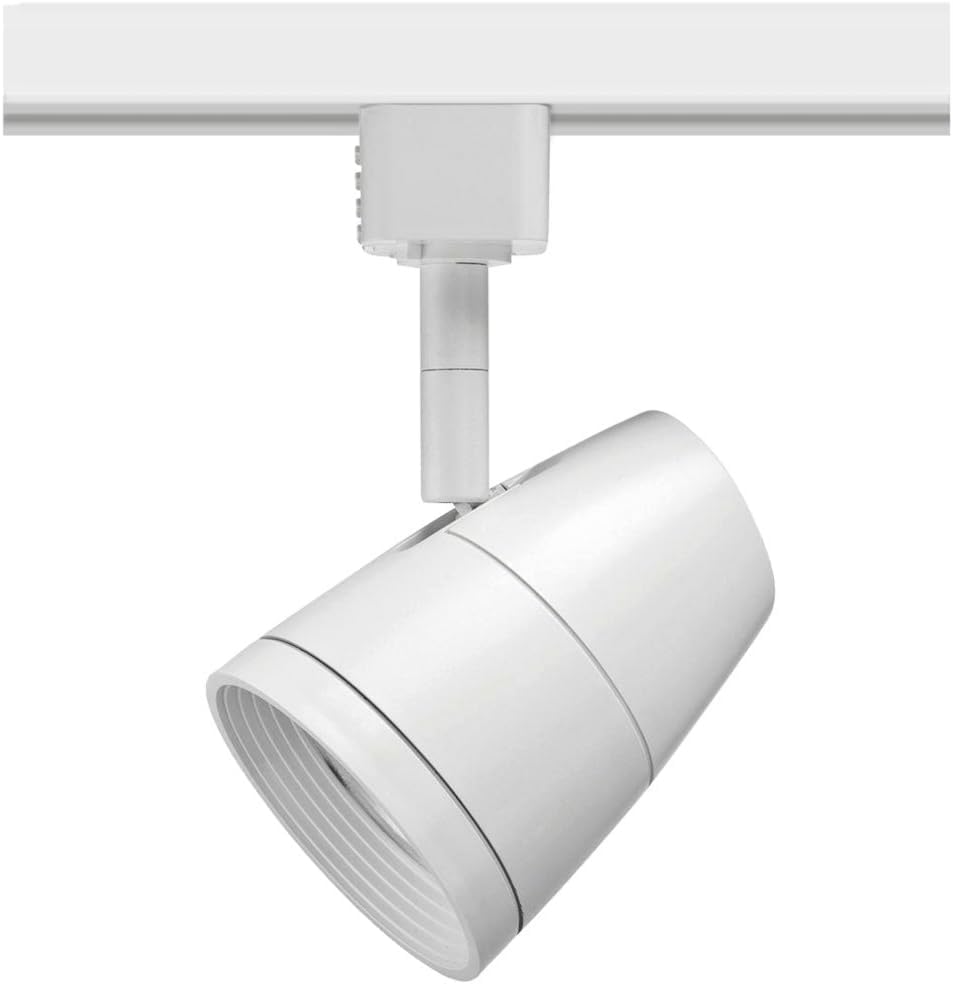
Figure 2: The Juno R600L G2 LED Trac Head securely installed on a track system.

Figure 3: Product dimensions for the Juno R600L G2 LED Trac Head, showing length, width, and height measurements.
Operating Instructions
The Juno R600L G2 LED Trac Head is designed for straightforward operation.
- Power On/Off: Control the fixture using the wall switch connected to your track lighting system.
- Dimming: This fixture features phase dimming capability. For optimal performance, use high-quality, factory-approved dimmers. Consult the dimmer manufacturer's instructions for compatibility and installation.
- Light Direction Adjustment: Manually adjust the fixture's position by rotating it horizontally up to 350 degrees and tilting it vertically up to 90 degrees to achieve desired light coverage.
- Color Temperature: This specific model provides a 2700K (Soft White) color temperature. Other models in the R600L G2 series may offer different color temperatures (3000K Warm White, 3500K Neutral White, 4000K Cool White).

Figure 4: The Juno R600L G2 LED Trac Head features an integral driver and is available in multiple color temperatures, including 2700K, 3000K, 3500K, and 4000K.

Figure 5: Visual guide demonstrating different color temperatures (2700K, 3000K, 3500K, 4000K) and their appearance in a display setting.
Maintenance
The Juno R600L G2 LED Trac Head requires minimal maintenance.
- Cleaning: Ensure power is off before cleaning. Wipe the fixture with a soft, dry cloth. Do not use abrasive cleaners or solvents, as these may damage the finish or electrical components.
- LED Longevity: The integrated LED array is designed for long life and does not require bulb replacement.
- Inspection: Periodically inspect the fixture and track for any signs of damage or loose connections.
Troubleshooting
If you experience issues with your Juno R600L G2 LED Trac Head, refer to the following common problems and solutions:
| Problem | Possible Cause | Solution |
|---|---|---|
| Fixture does not light up. | No power to the track; fixture not properly seated; faulty wiring. | Check circuit breaker. Ensure fixture is twisted and locked into the track. Consult a qualified electrician for wiring issues. |
| Light flickers or dims inconsistently. | Incompatible dimmer; loose connection; voltage fluctuations. | Verify dimmer compatibility. Check fixture connection to track. Consult an electrician if voltage issues are suspected. |
| Fixture is loose on the track. | Not properly locked into place. | Ensure the fixture is fully inserted and twisted 90 degrees clockwise to lock. |
If troubleshooting steps do not resolve the issue, contact customer support.
Specifications
| Brand | Juno |
| Model Name | R600L G2 |
| Part Number | R600L G2 27K 80CRI PDIM FL WH |
| Color | White |
| Material | Alloy Steel |
| Style | 2700K (Regular Flood Gen 2) |
| Light Fixture Form | Floodlight |
| Product Dimensions | 3.02"L x 3.02"W x 6.31"H |
| Indoor/Outdoor Usage | Indoor |
| Power Source | Corded Electric |
| Special Feature | Dimmable (Phase Dimming) |
| Light Source Type | LED |
| Finish Type | Matte White |
| Voltage | 120 Volts |
| Light Color | White (2700 Kelvin) |
| Wattage | 9.5 watts |
| Brightness | 850 Lumens |
| Efficiency | 89.7 lumens/Watt |
| Certifications | UL and C-UL Listed, DesignLights Consortium Qualified |
| Item Weight | 14 ounces |
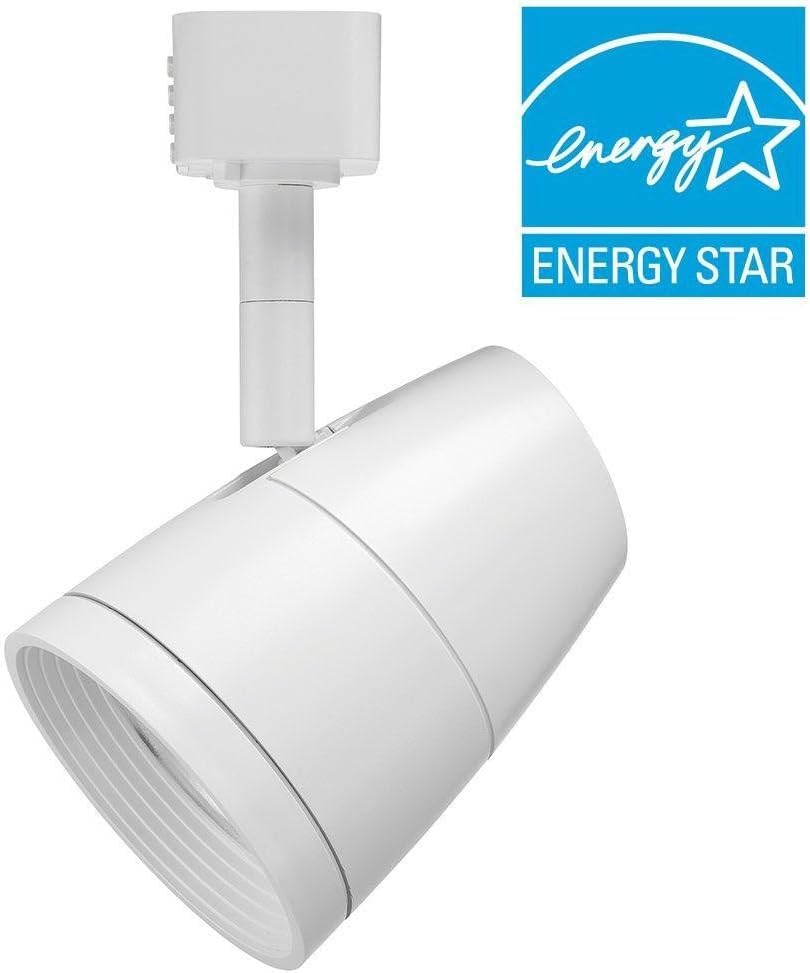
Figure 6: The Juno R600L G2 LED Trac Head displaying the Energy Star logo, indicating energy efficiency.
Warranty
The Juno R600L G2 LED Trac Head comes with a limited 1-year warranty from the date of purchase. This warranty covers defects in materials and workmanship under normal use. It does not cover damage resulting from improper installation, accident, misuse, abuse, or unauthorized modifications. For warranty claims, please retain your proof of purchase and contact customer support.
Customer Support
For technical assistance, troubleshooting beyond this manual, or warranty inquiries, please contact Juno Lighting customer support. Refer to the official Juno Lighting website for the most current contact information.
Online Resources: Visit the Juno Store on Amazon


