
Introduction
This manual provides essential instructions for the installation, operation, and maintenance of your Kenmore 9911 Refrigerator Water Filter. Proper installation and regular replacement ensure optimal performance and water quality. This filter is designed for Kenmore side-by-side refrigerators with a front-cassette filter system.
Important Safety Information
Please read all instructions carefully before installing or using the water filter. Keep this manual for future reference.
- The Kenmore 9911 water filter is NSF certified (42, 53, 372, and 401) to reduce various impurities.
- It effectively reduces parasites, lead, chlorine taste and odor, volatile organic compounds (VOCs), and certain pesticides and pharmaceuticals.
- Do not use with water that is microbiologically unsafe or of unknown quality without adequate disinfection before or after the system.
- Systems certified for cyst reduction may be used on disinfected waters that may contain filterable cysts.
Product Overview
The Kenmore 9911 Refrigerator Water Filter is a genuine replacement part designed to maintain the quality of your drinking water and ice. It is compatible with specific Kenmore side-by-side refrigerator models.
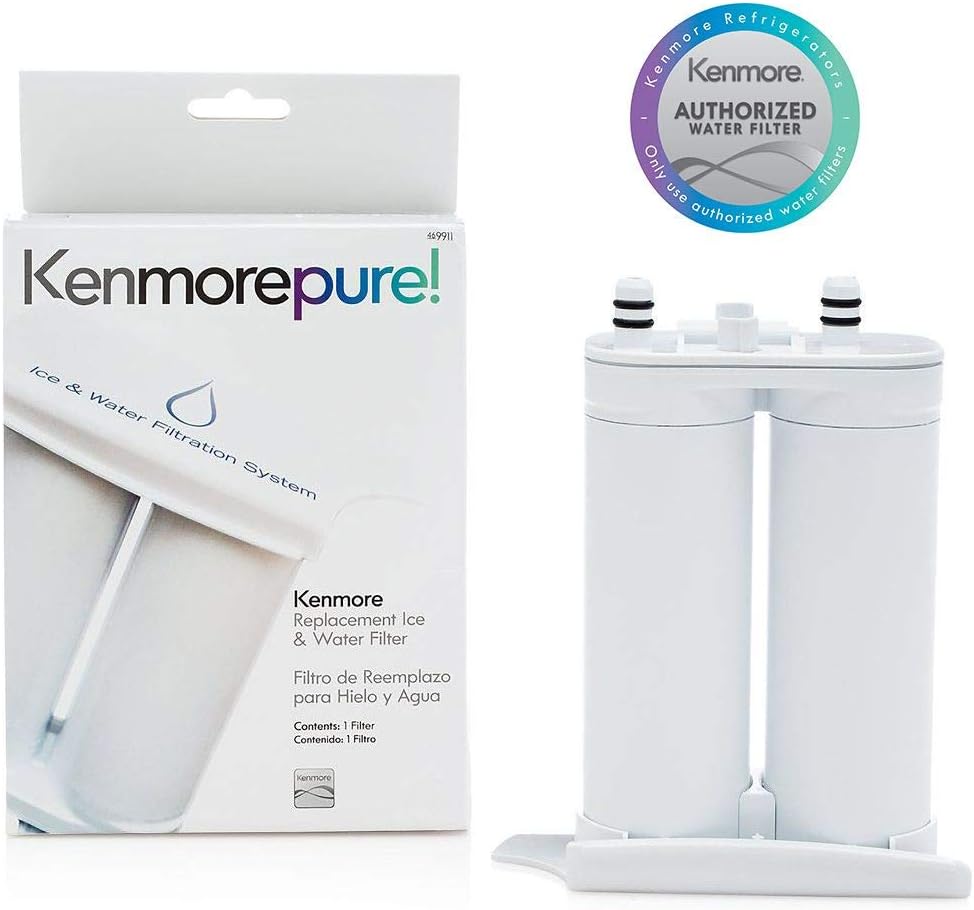
Image: Kenmore 9911 Refrigerator Water Filter shown in its retail packaging, highlighting the product's branding and model number.
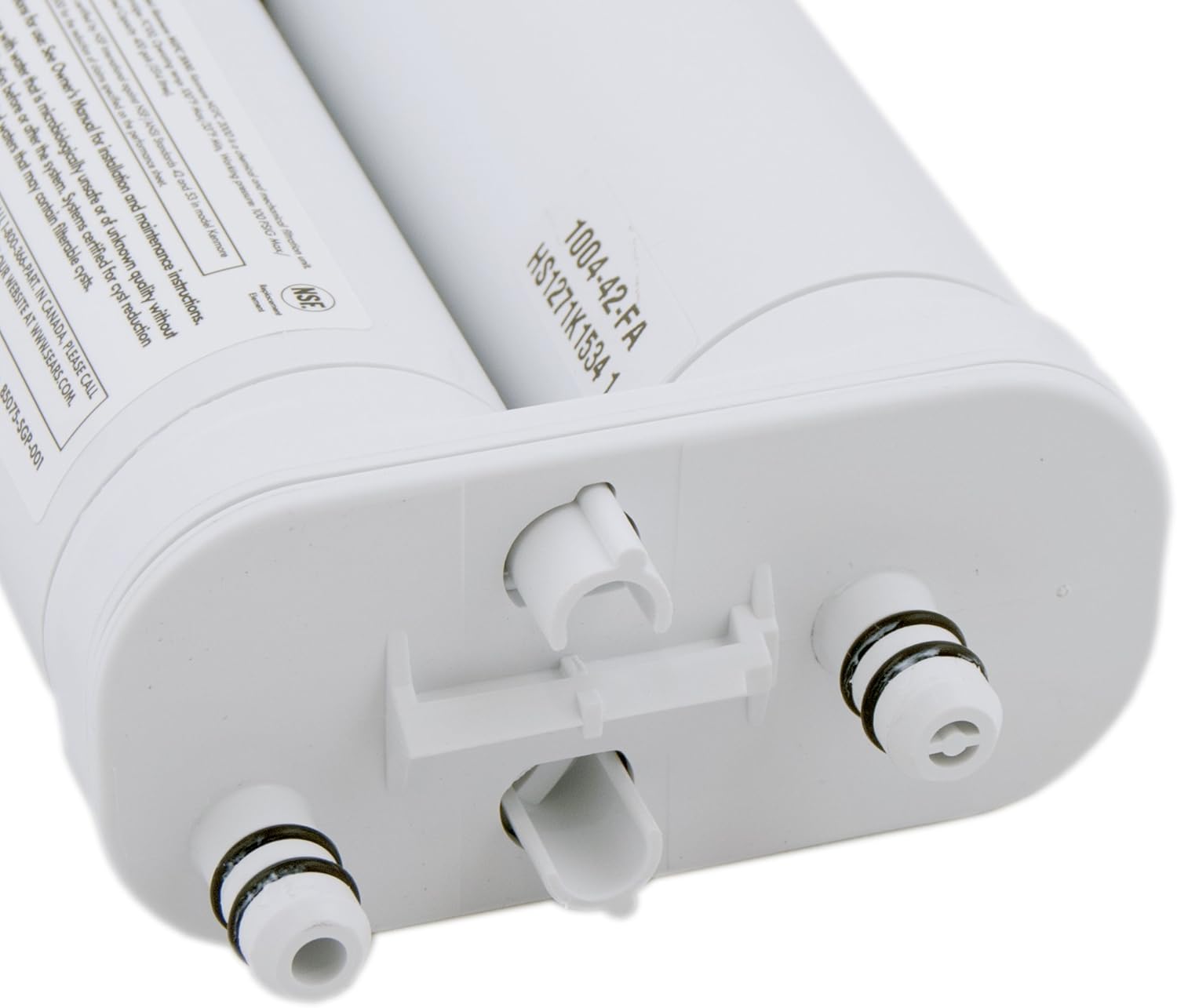
Image: A detailed view of the Kenmore 9911 water filter, showcasing its design and connection points.
Key features include:
- NSF certified for reduction of various contaminants.
- Designed for Kenmore side-by-side refrigerators with front-cassette filters.
- Easy to install and replace.
Specifications
| Feature | Detail |
|---|---|
| Brand | Kenmore |
| Model Number | 9911 |
| Part Number | 9911 |
| Previous Part Numbers | 240396401, 240396402, 240396403 |
| Product Dimensions | 2.2"D x 5.3"W x 7.8"H |
| Item Weight | 6 ounces |
| Color | White |
| Material | Lead (referring to what it filters, not the filter material itself) |
| External Testing Certification | NSF (42, 53, 372, 401) |
| Product Benefits | Improves water quality and safety |
| Unit Count | 1.0 Count |
Installation Instructions
Follow these steps to properly install your new Kenmore 9911 water filter. No need to turn off the water supply to the refrigerator before changing the filter.

Image: A graphic emphasizing the importance of checking your refrigerator's model number to ensure compatibility before purchasing or installing a new filter.
- Locate the Filter: The Kenmore 9911 filter is typically located in a front-cassette compartment within your side-by-side refrigerator.
- Prepare for Removal: Open the filter compartment cover. It's advisable to place a towel or small container underneath the filter housing to catch any residual water that may drip during removal.
- Remove the Old Filter: Grasp the filter and twist it counter-clockwise (usually a quarter turn) until it releases from the housing. Pull the old filter straight out.
- Prepare the New Filter: Remove the protective caps from the ends of the new filter. Inspect the O-rings on the new filter to ensure they are present and in good condition.
- Insert the New Filter: Align the new filter with the filter housing. Push the filter firmly into the housing and twist it clockwise until it locks into place. You should feel it click or stop. Close the filter compartment cover.
- Flush the System: Proceed to the Operating section for instructions on flushing the new filter.
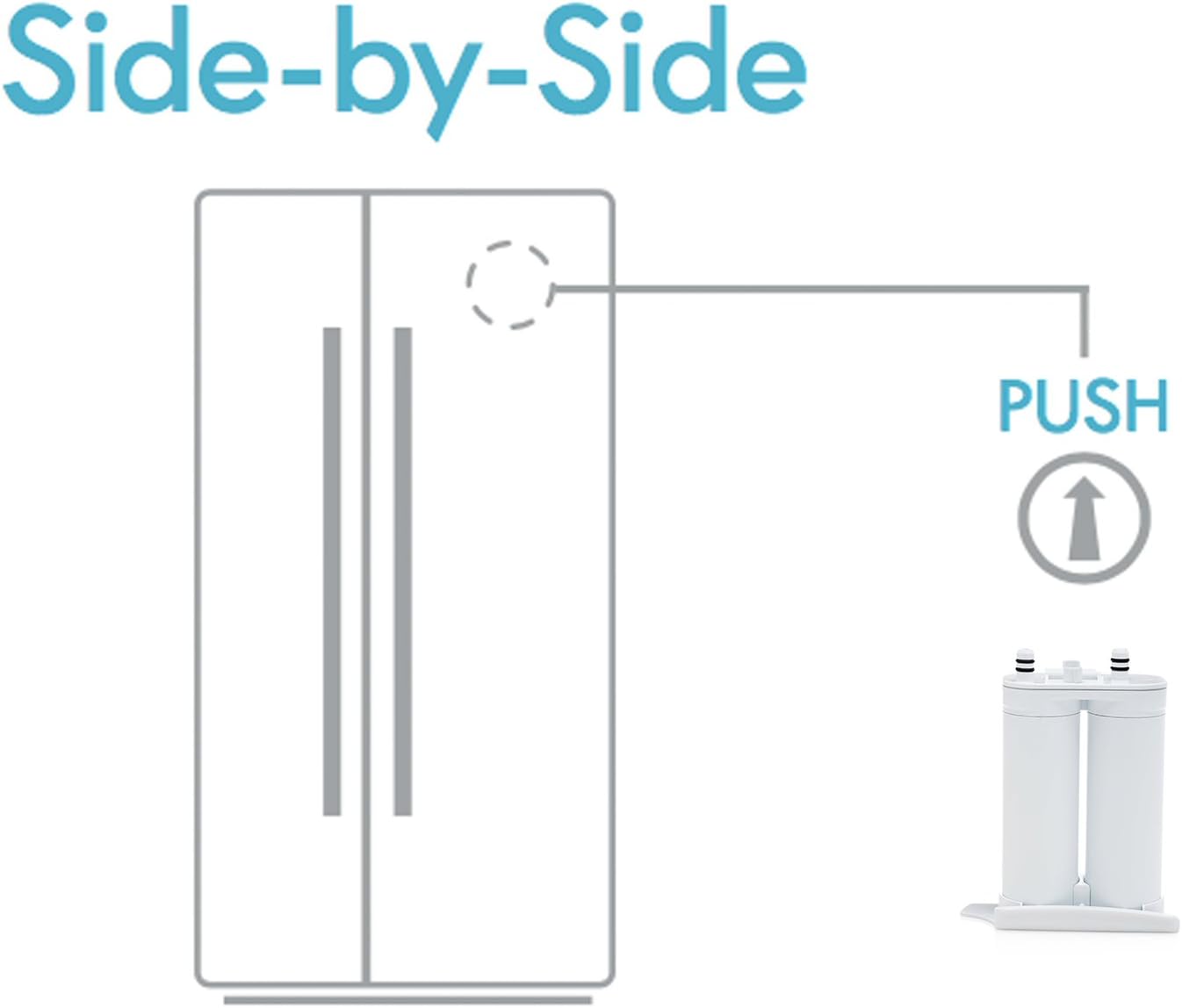
Image: A diagram illustrating the typical location of the water filter in a side-by-side refrigerator, usually in the upper right section of the fresh food compartment.
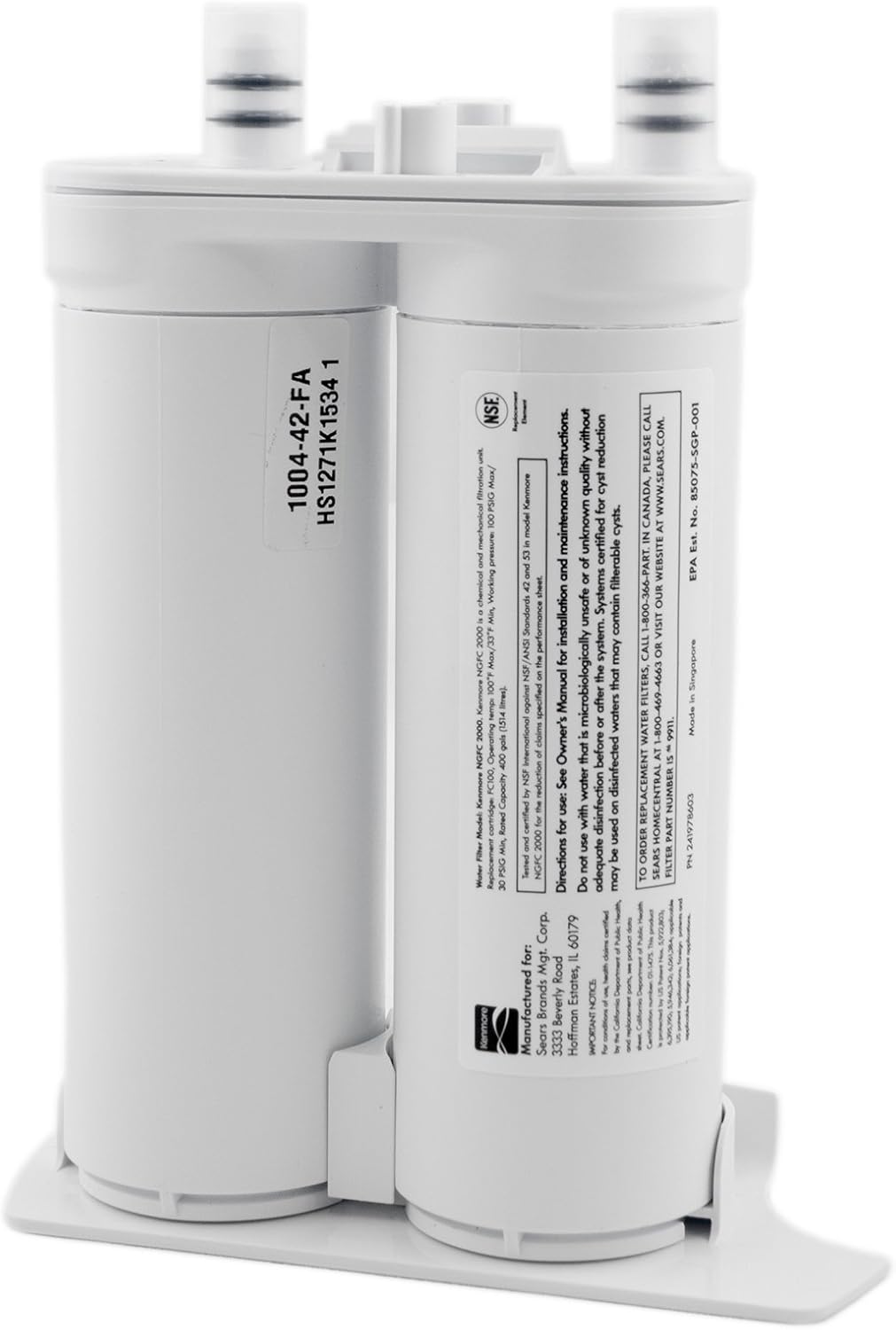
Image: A close-up view of the filter's top, showing the two connection points with black O-rings, which are crucial for a watertight seal.
Video: Kenmore Refrigerator Water Filter Installation
Video: This video demonstrates the process of installing a Kenmore refrigerator water filter, showing how to remove the old filter and insert the new one into the designated compartment.
Operating the New Filter (Flushing)
After installing a new water filter, it is crucial to flush the system to remove any trapped air and loose carbon particles from the filter media. This ensures optimal water flow and taste.
- Dispense Water: Dispense at least 4 gallons (approximately 15 liters) of water through the refrigerator's water dispenser.
- Discard Initial Water: The first few gallons of water may appear cloudy or contain black carbon particles. This is normal and harmless. Discard this water.
- Check for Clear Water: Continue dispensing water until it runs clear and free of air bubbles.
- Reset Filter Indicator: If your refrigerator has a filter change indicator light, reset it according to your refrigerator's specific instructions (usually by pressing and holding a 'Filter Reset' button for a few seconds).
Maintenance
Regular maintenance of your water filter is essential for consistent water quality and to prevent potential issues.
- Replacement Schedule: Replace the Kenmore 9911 water filter every 6 months, or more often if water flow slows noticeably or if water taste/odor returns.
- Filter Indicator: Pay attention to your refrigerator's filter change indicator light, if equipped. It will typically turn red or illuminate when a replacement is due.
- Storage: Store new, unused filters in a cool, dry place away from direct sunlight.
Troubleshooting
If you encounter issues after installing your new filter, refer to the following common problems and solutions:
- Water Leakage:
- Ensure the filter is fully seated and twisted clockwise until it locks.
- Check the O-rings on the filter for any damage or misalignment.
- Slow Water Flow:
- This often indicates a clogged or expired filter. Replace the filter if it's been more than 6 months since the last change.
- Ensure the filter was properly flushed after installation (refer to Operating section).
- Cloudy Water or Black Particles:
- This is usually normal for the first few gallons after installation due to loose carbon particles. Continue flushing the system until water runs clear.
- Unusual Taste or Odor:
- Ensure the filter is properly installed and flushed.
- If the issue persists, the filter may be expired or defective. Replace the filter.
Warranty and Support
For specific warranty information or technical support regarding your Kenmore 9911 Refrigerator Water Filter, please refer to the documentation included with your refrigerator or contact Kenmore customer service directly. Always use genuine Kenmore replacement parts to ensure compatibility and maintain warranty coverage.


