
Introduction
The Salter Compact Digital Bathroom Scales are designed for accurate body weight measurement in a modern, compact form. This manual provides essential information for the safe and effective use of your scales.
Key features include a toughened glass platform, an easy-to-read digital display, and step-on technology for instant readings. The scales measure weight in kilograms (kg), stones (st), and pounds (lb).

Image: Salter Compact Digital Bathroom Scale displaying "0.0 kg" and featuring a "15 Year Guarantee" logo.
Safety Information
Please read all safety instructions before use. Keep the scales on a firm, flat surface. Do not use on soft surfaces like carpet, as this may affect accuracy. The glass platform can be slippery when wet.
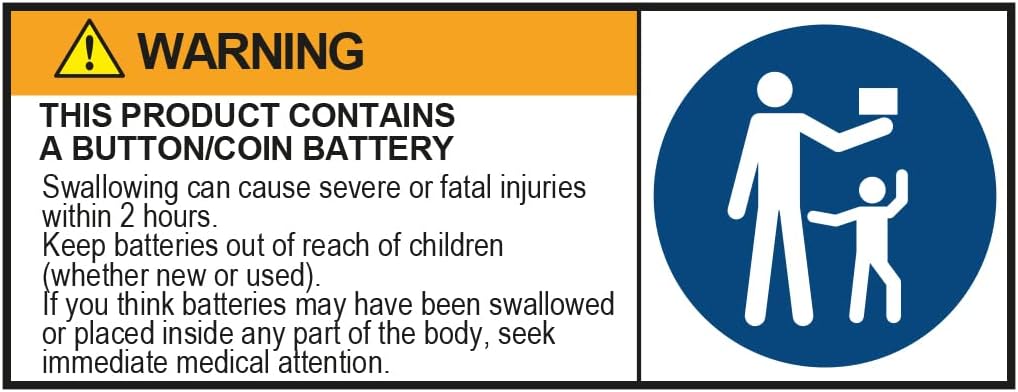
Image: Warning label indicating the product contains a button/coin battery. It advises that swallowing can cause severe injuries, to keep batteries out of reach of children, and to seek immediate medical attention if swallowed or placed inside the body.
Warning: This product contains a button/coin battery. Swallowing can cause severe or fatal injuries within 2 hours. Keep batteries out of reach of children (whether new or used). If you think batteries may have been swallowed or placed inside any part of the body, seek immediate medical attention.
Setup
- Battery Installation: The scales require 1 CR2 battery, which is included. Open the battery compartment on the underside of the scales and insert the battery, ensuring correct polarity.
- Placement: Place the scales on a hard, flat surface. Avoid carpets or uneven flooring for accurate readings.
- Unit Selection: On the underside of the scales, locate the switch to toggle between measurement units: kilograms (kg), stones (st), or pounds (lb). Select your preferred unit before first use.
- Initial Calibration: For first use or if the scales have been moved, gently tap the platform with your foot to turn them on. Wait for "0.0" to appear on the display before stepping on.

Image: The Salter Compact Digital Bathroom Scale showing "0.0 st" on its display, positioned on a tiled floor.
Operating Instructions
- Step-On Feature: Ensure the scales are on a hard, flat surface. Simply step directly onto the platform. The scales will automatically turn on and display your weight.
- Reading Your Weight: Stand still on the platform until your weight is displayed and stabilizes. The digital LCD provides a clear reading.
- Automatic Shut-Off: The scales will automatically turn off after a few seconds of inactivity to conserve battery life.
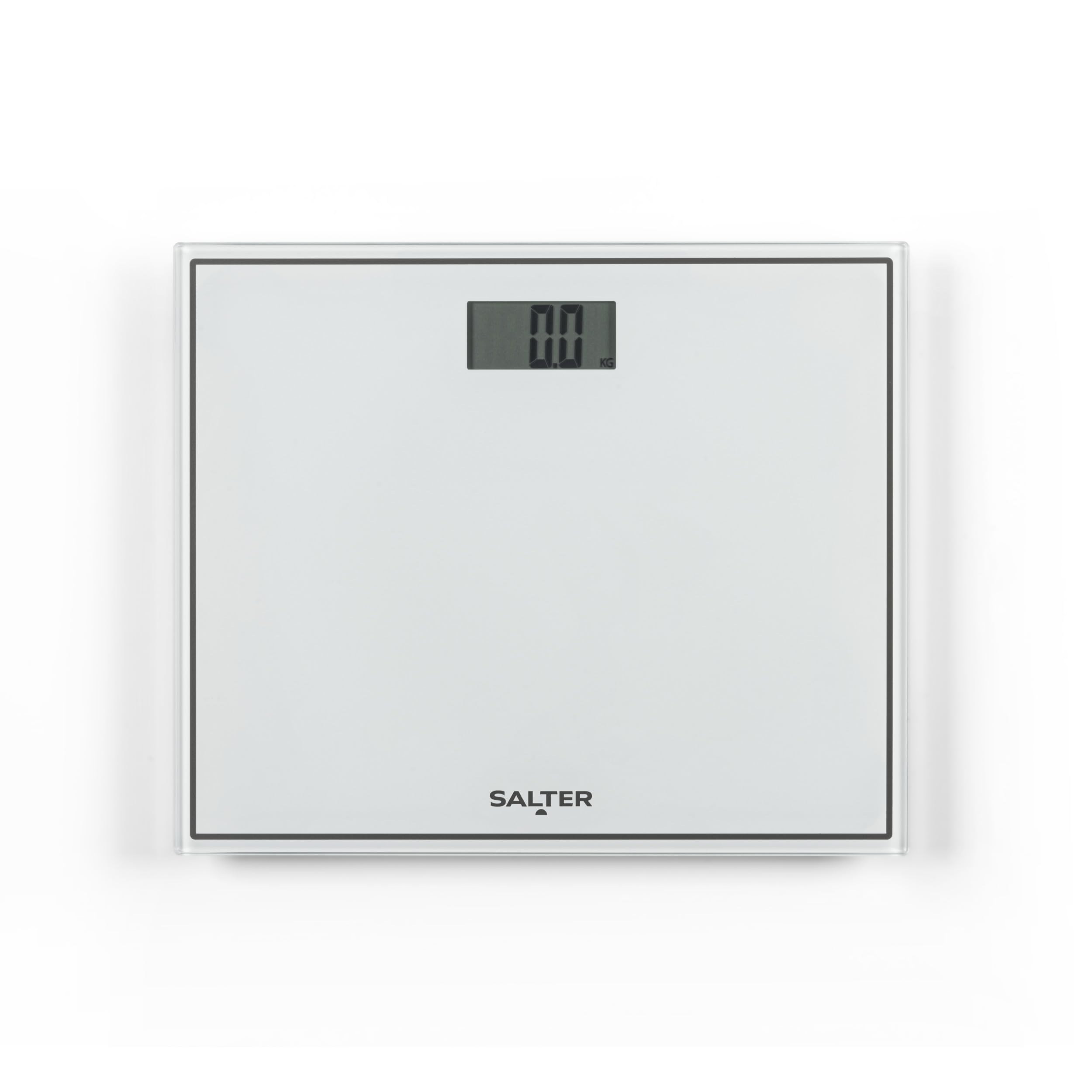
Image: A person's feet, wearing white sneakers, standing on the Salter Compact Digital Bathroom Scale, demonstrating its use.
Maintenance
- Cleaning: Wipe the scales with a damp cloth and mild detergent. Do not use abrasive cleaners or immerse the scales in water.
- Storage: Store the scales in a dry place. Their compact design allows for easy storage, such as in a cabinet.
- Battery Replacement: If the display shows a "Lo" indicator, replace the CR2 battery.

Image: The Salter Compact Digital Bathroom Scale placed on a shelf inside a white bathroom cabinet, demonstrating convenient storage.
Troubleshooting
| Problem | Solution |
|---|---|
| "Lo" displayed | Battery is low. Replace the CR2 battery. |
| "Err" displayed | Weight capacity exceeded. The maximum weight is 150 kg / 330 lb / 23 st 8 lb. |
| Inaccurate readings |
|
| Scales do not turn on | Check battery installation and replace if necessary. |
Specifications
- Model Number: 9207 WHCFEU12
- Brand: Salter
- Product Dimensions: 4.65 x 3.88 x 0.39 inches; 2.82 Pounds
- Display Type: LCD
- Power Source: 1 x CR2 battery (included)
- Color: White
- Recommended Use: Bodyweight measurement for humans, adults

Image: A graphic detailing the maximum weight capacity of the scales: 150 kg, 23 st 8 lb, and 330 lb, along with measurement divisions of 0.1 kg, 1/4 lb, and 1/4 lb.
Warranty
The Salter Compact Digital Bathroom Scales come with a 15-year manufacturer's guarantee. This warranty covers defects in materials and workmanship under normal use. Please retain your proof of purchase for warranty claims.
For full terms and conditions, please refer to the official Salter website or contact customer support.
Support
If you require further assistance or have questions not covered in this manual, please contact Salter customer support. Contact details can typically be found on the product packaging or the official Salter website.
Manufacturer: FKA Brands Ltd


