
1. Product Overview
This manual provides instructions for the Retevis K-head 2-pin earhook earpiece, designed for use with compatible two-way radios. These earpieces offer clear audio transmission and reception, featuring a comfortable C-type earhook design and an integrated Push-to-Talk (PTT) microphone.
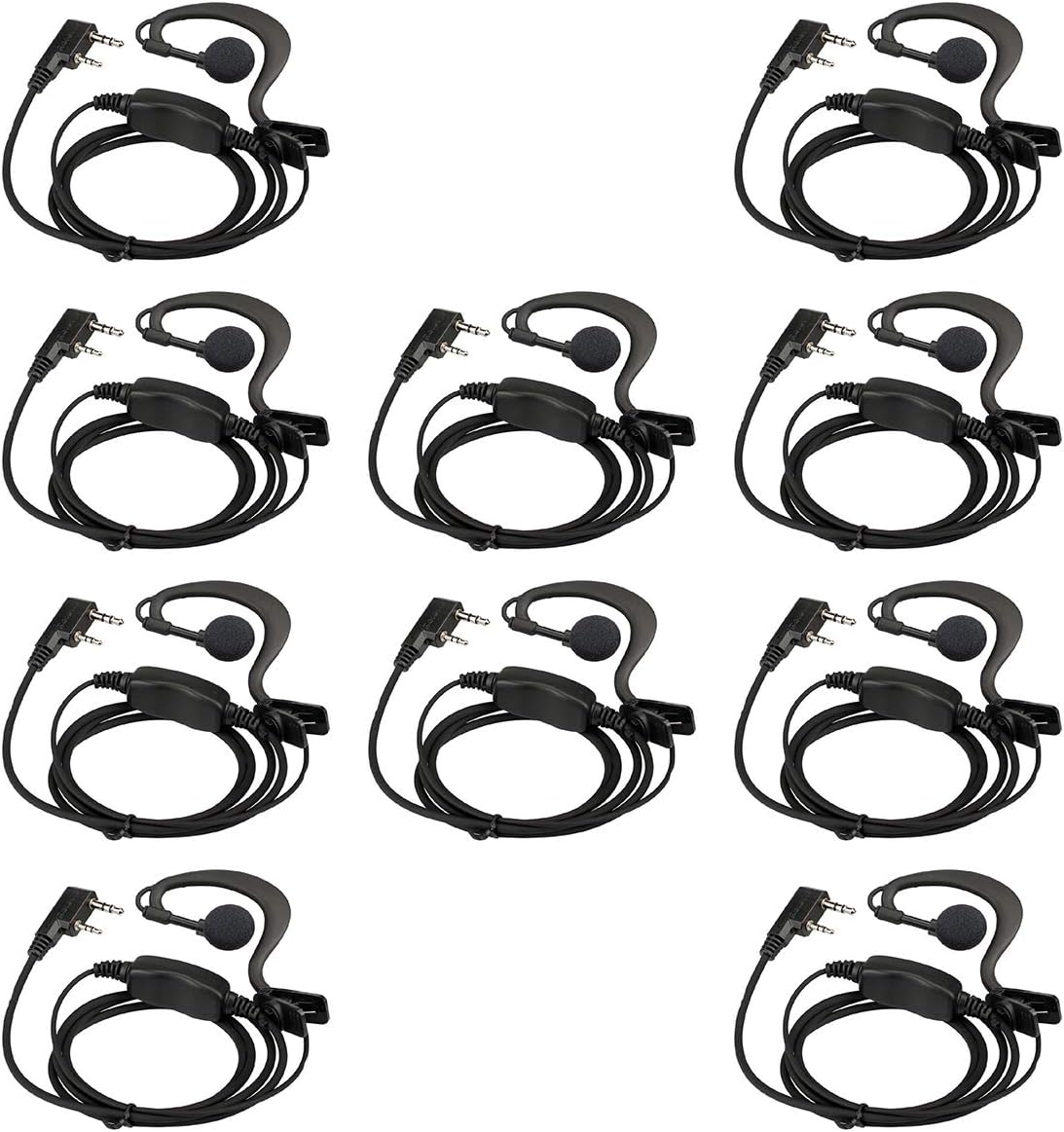
Image: A set of ten Retevis earhook earpieces, showcasing the quantity included in the package.
2. Setup and Compatibility
The Retevis earhook earpiece features a K-head 2-pin connector for broad compatibility with various two-way radio models.
2.1 Compatible Radios
This earpiece is compatible with radios featuring a K-head 2-pin jack, including but not limited to:
- Retevis: RT22, RT21, RT68, RT68H, H777, H777H, RT27, RT86, RT86A, RT86S
- Pxton
- Baofeng: BF-888S, BF-T26, UV-5R, UV-82
- Kenwood
2.2 Connecting the Earpiece
- Locate the 2-pin audio jack on your compatible two-way radio.
- Align the K-head 2-pin connector of the earpiece with the radio's jack.
- Gently push the connector firmly into the radio's jack until it is securely seated. Do not force the connection.

Image: The Retevis earhook earpiece connected to a two-way radio, demonstrating proper attachment.

Image: A detailed view of the K-head 2-pin connector, highlighting its design for compatibility.
2.3 Earpiece Fit
The C-type earhook design is intended for comfortable and secure placement. It can be worn on either the left or right ear.

Image: A close-up of the C-type earhook, illustrating its ergonomic shape for comfortable wear.

Image: A person wearing the earhook earpiece, demonstrating how it fits securely on the ear.
3. Operating Instructions
The earpiece allows for hands-free communication with your two-way radio.
3.1 Push-to-Talk (PTT) Button and Microphone
The earpiece features an inline PTT button and microphone. To transmit, press and hold the PTT button. Release the button to listen.
- PTT Button: Press and hold to transmit your voice. Release to receive.
- Microphone: Ensure the microphone is positioned clearly to pick up your voice. The remote clip allows you to attach it to your collar or clothing for optimal voice capture.

Image: A detailed view of the inline PTT button and microphone, indicating their functions.
3.2 Audio Quality
The earpiece is designed to deliver clear sound quality for effective communication.
4. Maintenance and Care
Proper care will extend the lifespan of your earpiece.
- Cleaning: Wipe the earpiece and cable with a soft, dry cloth. Avoid using harsh chemicals or abrasive cleaners.
- Storage: Store the earpiece in a clean, dry place when not in use. Avoid extreme temperatures.
- Cable Management: Avoid sharp bends or excessive pulling on the cable to prevent internal damage. The tangle-free cable feature helps maintain its integrity.
5. Troubleshooting
If you encounter issues with your earpiece, try the following steps:
- No Audio / Intermittent Audio:
- Ensure the earpiece connector is fully and securely inserted into the radio's jack.
- Unplug the earpiece and plug it back in firmly.
- Check the radio's volume settings.
- Test the earpiece with another compatible radio, if available, to determine if the issue is with the earpiece or the radio.
- Microphone Not Transmitting:
- Ensure the PTT button is fully pressed when speaking.
- Verify the microphone is not obstructed and is positioned correctly.
- Earpiece Discomfort:
- Adjust the earhook for a more comfortable fit. The C-type design is flexible.
6. Specifications
| Feature | Detail |
|---|---|
| Model Name | EEK004 |
| Connectivity Technology | Wired |
| Headphones Jack | Kenwood 2 Pin |
| Earpiece Shape | Hook (C-type Earhook) |
| Material | Rubber |
| Color | Black |
| Item Weight | 10.4 ounces (for 10 units) |
| Product Dimensions | 5.91 x 4.72 x 0.67 inches (packaging) |
| Cable Feature | Tangle Free |
| Control Method | Touch (PTT button) |
| Water Resistance Level | Not Water Resistant |
7. What's in the Box
Your package includes:
- 10 x Retevis C-type Earhook Walkie Talkie Earpiece
8. Warranty and Support
For product support, warranty information, or further assistance, please contact Retevis customer service or visit the official Retevis website. You can also visit the Retevis Store on Amazon for more information and contact options.


