
Nespresso EN85BAE
Contents
Nespresso Essenza Mini Espresso Machine User Manual
Model: EN85BAE
Introduction
The Nespresso Essenza Mini machine offers a compact design without compromising on taste or quality. It is intuitive and easy to use, designed to create the perfect cup of coffee every time.
This model includes the Aeroccino 3 Milk Frother, which provides smooth, finely textured hot or cold fresh milk froth for your coffee recipes in seconds, without noise or vibration. The Aeroccino 3 also heats milk for lattes or cappuccinos.

Figure 1: Nespresso Essenza Mini Espresso Machine with Aeroccino 3 Milk Frother.
Setup
Follow these steps to set up your Nespresso Essenza Mini Espresso Machine:
- Unpack the Machine: Carefully remove all components from the packaging. Ensure all parts, including the machine, Aeroccino 3, water tank, drip tray, and capsule container, are present and undamaged.
- Place the Machine: Position the machine on a clean, stable, and level surface. Ensure there is adequate space around the machine for ventilation and access to the water tank.
- Fill the Water Tank: Remove the water tank from the back of the machine. Rinse it with fresh drinking water and fill it to the MAX level. Place the water tank back onto the machine.
- Initial Rinse (First Use or After Long Inactivity):
- Place a container (at least 20.3 oz capacity) under the coffee outlet.
- Press either the Espresso or Lungo button. The machine will start dispensing water.
- Repeat this process two to three times to thoroughly rinse the internal system.
- Plug In: Connect the power cord to a grounded electrical outlet. The Espresso and Lungo buttons will begin to blink, indicating the machine is heating up. They will glow steadily when ready (approximately 25-30 seconds).

Figure 2: Water tank located at the back of the machine.
Operating Instructions
Your Nespresso Essenza Mini is designed for simple and efficient coffee preparation:
- Power On: Ensure the machine is plugged in and the Espresso and Lungo buttons are steadily lit. If not, press either button to turn on the machine and allow it to heat up.
- Insert Capsule: Lift the lever completely. Insert a Nespresso OriginalLine capsule into the capsule slot. Close the lever firmly.
- Place Cup: Place your desired cup under the coffee outlet.
- Brew Coffee:
- For Espresso (40 ml / 1.35 oz): Press the Espresso button (smaller cup icon).
- For Lungo (110 ml / 3.7 oz): Press the Lungo button (larger cup icon).
- Eject Capsule: After brewing, lift the lever to eject the used capsule into the internal capsule container. Close the lever.
- Energy Saving: The machine features an eco-mode for low energy consumption after 3 minutes of inactivity. It will automatically switch off after 9 minutes of inactivity to conserve energy.

Figure 3: Top view of the machine with coffee buttons.
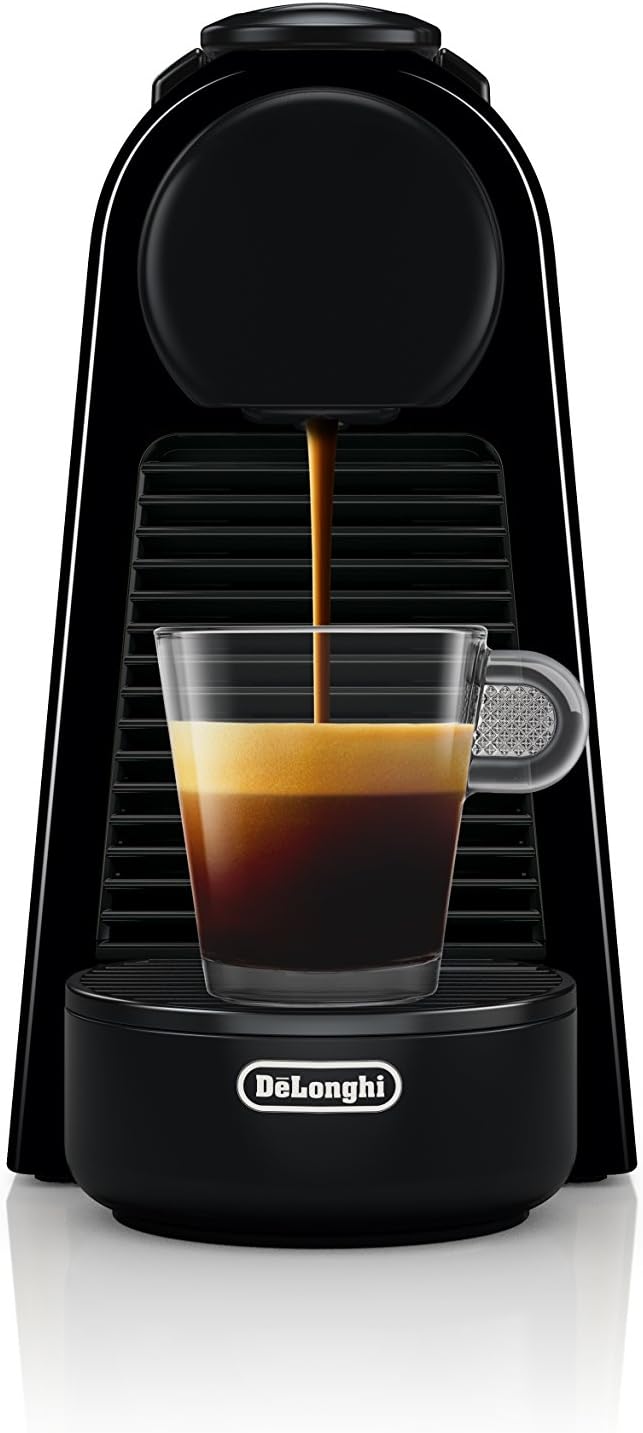
Figure 4: Coffee being dispensed from the machine.
Maintenance
Regular cleaning and maintenance ensure optimal performance and longevity of your machine:
- Daily Cleaning:
- Drip Tray and Used Capsule Container: Empty and rinse the drip tray and used capsule container daily with warm water. Dry thoroughly.
- Water Tank: Rinse the water tank with fresh drinking water.
- Machine Exterior: Wipe the machine's exterior with a damp cloth. Do not immerse the machine in water.

Figure 5: Removable drip tray for easy cleaning.
- Descaling: Descale your machine regularly, especially in areas with hard water. Descaling removes mineral deposits that can affect machine performance and coffee quality. Refer to the full user manual for detailed descaling instructions and recommended descaling solutions.
- Capsule Recycling: Nespresso offers a recycling program for its aluminum capsules. Collect your used capsules and return them to a Nespresso boutique or designated collection point.
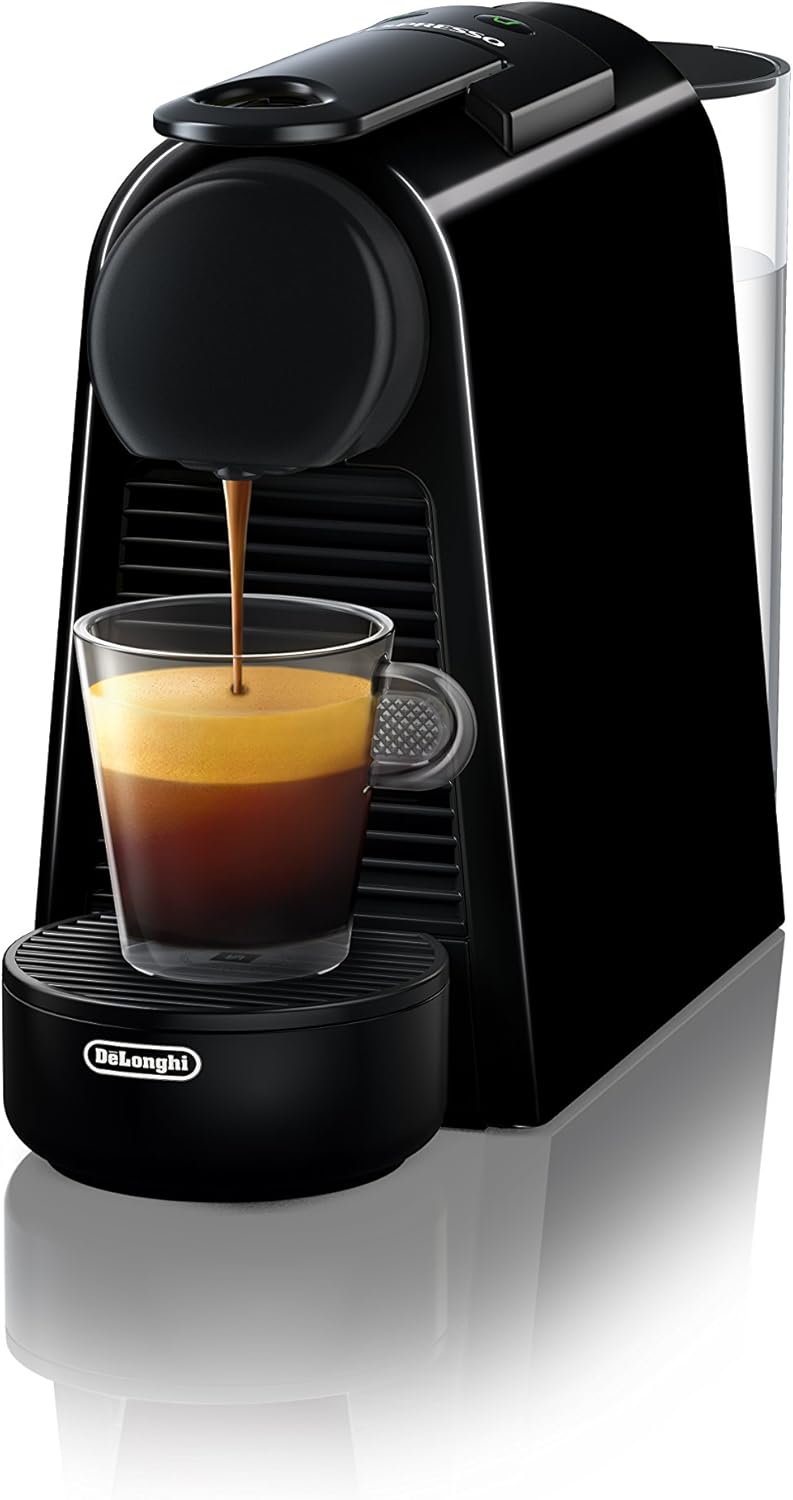
Figure 6: Used capsule container for easy removal and emptying.
Troubleshooting
If you encounter issues with your Nespresso Essenza Mini, refer to the following common problems and solutions:
| Problem | Possible Cause | Solution |
|---|---|---|
| No coffee, no water flow. | Empty water tank; air bubble in system; machine needs descaling. | Fill water tank; prime the machine by running water without a capsule; descale the machine. |
| Coffee is not hot enough. | Cold cup; machine needs descaling. | Pre-heat cup with hot water; descale the machine. |
| Water leaking from machine. | Water tank not correctly positioned; drip tray full. | Ensure water tank is seated properly; empty and clean drip tray. |
| Buttons blinking irregularly. | Machine error or descaling alert. | Refer to the full user manual for specific blinking patterns and their meanings. |
For more detailed troubleshooting, please consult the official Nespresso Essenza Mini User Manual (PDF).
Specifications
- Brand: Nespresso
- Model Name: Nespresso Essenza Mini
- Model Number: EN85BAE
- Color: Black
- Product Dimensions: 4.3"D x 12.8"W x 8.1"H
- Item Weight: 4.35 pounds
- Pump Pressure: 19 bar
- Water Tank Capacity: 20.3 ounces (approx. 0.6 liters)
- Coffee Maker Type: Espresso Machine
- Filter Type: Reusable (for capsule system)
- Special Feature: Programmable cup sizes, Energy Saving
- UPC: 044387003858
Warranty and Support
For warranty information, product registration, or further assistance, please visit the official Nespresso website or contact Nespresso customer support.
You can also refer to the comprehensive Nespresso Essenza Mini User Manual (PDF) for detailed instructions and support.
For additional accessories or coffee capsules, visit the Nespresso Store on Amazon.
Ask a question about this manual
Ask about setup, troubleshooting, compatibility, parts, safety, or missing instructions. Manuals+ will review the question and use this page’s manual context to help answer it.