
1. Introduction
This manual provides comprehensive instructions for the safe and efficient installation, operation, and maintenance of the Wolf SM1-2 Solar Panel, Model 2745867. This solar panel is designed to integrate with Wolf WRS control systems, enhancing the energy efficiency of your heating or HVAC setup. Please read this manual thoroughly before any installation or operation.
2. Important Safety Information
WARNING: This product is a safety-critical component. Installation, assembly, maintenance, initial operation, repairs, and all other inspections must be performed exclusively by an authorized specialist or authorized specialized personnel, such as certified installation companies.
- Always disconnect power to the WRS control system before performing any work on the solar panel or associated wiring.
- Ensure all electrical connections are secure and comply with local electrical codes.
- Wear appropriate personal protective equipment (PPE) during installation and maintenance.
- Do not attempt to modify the solar panel or its components. Unauthorized modifications can lead to hazards and void the warranty.
- Keep children and unauthorized personnel away from the installation area.
3. Package Contents
Upon unpacking, please verify that all components are present and undamaged. If any items are missing or damaged, contact your supplier immediately.
- Wolf SM1-2 Solar Panel (Model 2745867)
- Mounting hardware (specific to installation type, may be sold separately)
- Connection cables for WRS control system
- User Manual (this document)
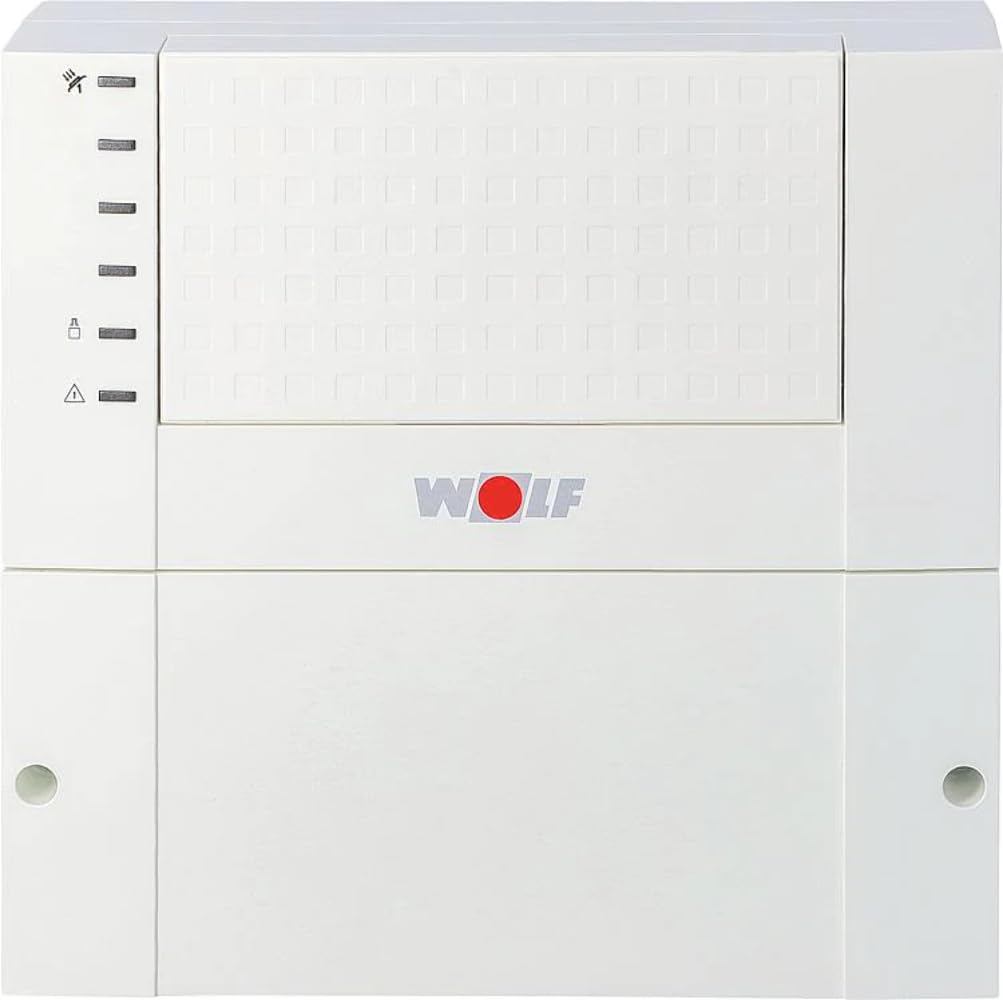
Figure 1: Wolf SM1-2 Solar Panel, Model 2745867. This image shows the front view of the solar panel, typically dark blue or black, with visible solar cells and a frame.
4. Setup and Installation
Installation of the Wolf SM1-2 Solar Panel requires specialized knowledge and should only be performed by a qualified professional. This section provides a general overview; refer to detailed installation diagrams and local regulations for specific guidance.
4.1 Site Selection
- Choose a location with maximum sun exposure throughout the day, free from shading by trees or buildings.
- Ensure the mounting surface is structurally sound and can support the weight of the solar panel and withstand local wind/snow loads.
4.2 Mounting the Solar Panel
- Securely attach the mounting hardware to the chosen surface according to the manufacturer's instructions for the specific mounting system.
- Carefully lift and position the solar panel onto the mounting structure.
- Fasten the solar panel to the mounting hardware, ensuring it is stable and correctly angled for optimal solar gain.
4.3 Electrical Connection to WRS Control System
- Ensure the WRS control system is powered off and isolated from the main electrical supply.
- Connect the solar panel's output cables to the designated input terminals on the WRS control system. Refer to the WRS control system manual for specific wiring diagrams.
- Verify all connections are tight and properly insulated.
- Once all connections are secure, restore power to the WRS control system.
- Perform initial system checks as outlined in the WRS control system manual to confirm proper communication and operation with the solar panel.
5. Operating Instructions
The Wolf SM1-2 Solar Panel operates passively, converting sunlight into energy for your WRS control system. Its operation is largely managed by the WRS control unit itself.
- Once correctly installed and connected, the solar panel will automatically begin generating power when exposed to sunlight.
- Monitor the WRS control system display for indicators of solar energy contribution and system status.
- The WRS system will optimize the use of solar energy based on its programming and current demands.
6. Maintenance
Regular maintenance ensures optimal performance and longevity of your Wolf SM1-2 Solar Panel. All maintenance should be performed by qualified personnel.
6.1 Cleaning
- Periodically inspect the solar panel surface for dirt, dust, leaves, or other debris.
- Clean the panel surface with a soft brush or cloth and clean water. Avoid abrasive cleaners or harsh chemicals.
- For stubborn dirt, a mild, non-abrasive cleaning solution designed for solar panels can be used.
- Clean during cooler parts of the day to prevent thermal shock to the panel.
6.2 Inspections
- Annually inspect the mounting hardware for signs of corrosion, loosening, or damage.
- Check all visible wiring and connections for wear, fraying, or damage.
- Ensure proper ventilation around the panel and control system.
- Any repairs or replacements of components must be carried out by an authorized specialist.
7. Troubleshooting
This section outlines common issues and potential solutions. For complex problems, always contact a qualified technician.
| Problem | Possible Cause | Solution |
|---|---|---|
| No power generation / Low output |
|
|
| WRS system error related to solar input |
|
|
8. Specifications
| Feature | Detail |
|---|---|
| Manufacturer | Wolf |
| Model Number | 2745867 (SM1-2) |
| ASIN | B06ZY6PW2X |
| Batteries Included | No |
| Batteries Required | No |
| Spare Parts Availability | Information unavailable |
| Product Status | Still in production |
9. Warranty and Support
For warranty information, technical support, or service inquiries, please contact your authorized Wolf dealer or visit the official Wolf website. Ensure you have your product model number (2745867) and purchase details available when contacting support.
Note: Warranty may be voided if installation or repairs are not performed by authorized personnel.


