
1. Introduction
The EOZ One Wireless Bluetooth Earphones offer a premium audio experience with powerful bass and clear mid-highs, delivered by 9mm electro-dynamic drivers and aptX technology. Crafted from fine leather and aluminum, these earphones combine elegant design with advanced functionality. This manual provides detailed instructions for the proper use and care of your EOZ One earphones.
2. Package Contents
Please verify that all items listed below are included in your package:
- EOZ One Earphones
- USB Fast Charging Cable
- Memory Foam Ear Tips (Sizes S, M, L)
- Silicon Ear Tips (Sizes S, M, L)
- Leather Carrying Pouch
- EOZ Member Card
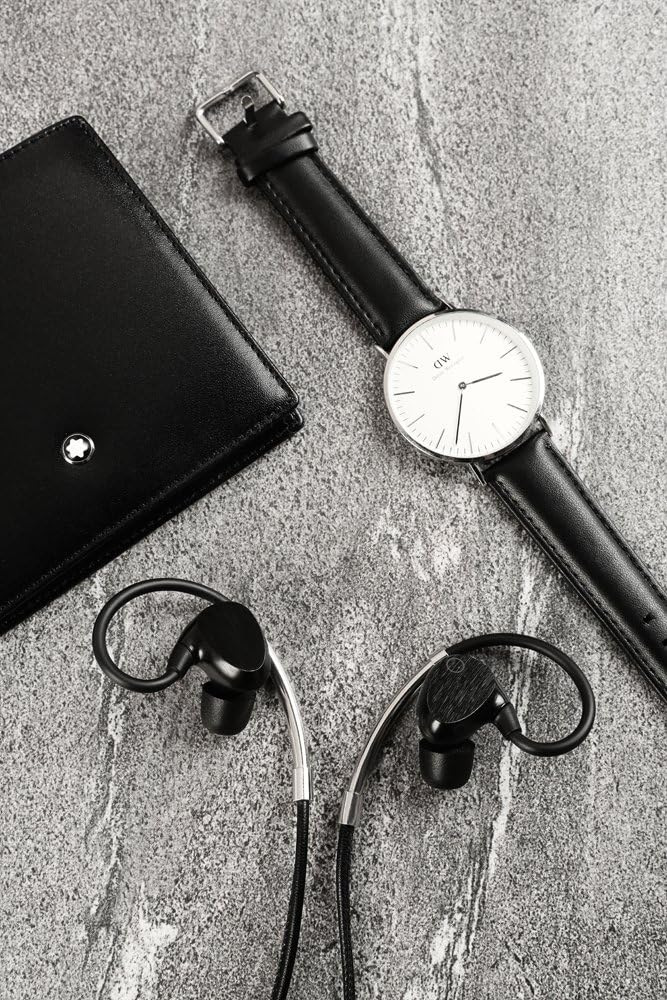
Image: EOZ One Earphones displayed with their included accessories, such as the leather carrying pouch, USB charging cable, and various sizes of ear tips.
3. Product Features
- Premium Materials: Constructed with high-quality leather and aluminum for durability and aesthetic appeal.
- Superior Sound: Equipped with 9mm electro-dynamic drivers and aptX technology for high-resolution audio, powerful bass, and clear mid-highs.
- Comfortable Fit: Features around-ear ergonomic design and includes both memory foam and silicon ear tips for a secure and comfortable fit.
- Long Battery Life: Up to 9 hours of audio playback on a single charge.
- Fast Charging: Fully charges in less than 90 minutes.
- IPX4 Water and Dust Resistant: Designed to withstand splashes and light dust exposure, making them suitable for various activities.
- Integrated Controls: Manage music playback, answer calls, and activate voice commands directly from the inline remote.

Image: A woman with wet hair wearing the EOZ One earphones, demonstrating their water resistance feature (IPX4).
4. Setup
4.1. Charging the Earphones
Before first use, fully charge your EOZ One earphones. A full charge takes less than 90 minutes.
- Connect the small end of the provided USB charging cable to the charging port on the inline remote of your earphones.
- Connect the larger end of the USB cable to a USB power source (e.g., computer USB port, USB wall adapter).
- The LED indicator on the remote will illuminate during charging and change color or turn off when charging is complete.
4.2. Bluetooth Pairing
To connect your EOZ One earphones to a Bluetooth-enabled device:
- Ensure the earphones are turned off.
- Press and hold the multi-function button on the inline remote until the LED indicator flashes blue and red alternately, indicating pairing mode.
- On your device (smartphone, tablet, computer), enable Bluetooth and search for available devices.
- Select "EOZ One" from the list of found devices.
- Once connected, the LED indicator on the earphones will flash blue periodically or turn solid blue.
5. Operating the Earphones
5.1. Wearing the Earphones
For optimal sound quality and comfort, ensure the earphones are worn correctly with the ear hooks positioned over your ears.

Image: A woman wearing the EOZ One earphones, showing the side profile and how the ear hooks fit.

Image: A woman wearing the EOZ One earphones, showing the back profile and the cable routing.
Experiment with the different sizes of memory foam and silicon ear tips to find the best fit for your ears. A proper seal is crucial for bass response and noise isolation.
5.2. Inline Remote Controls
The inline remote provides convenient control over your audio and calls.

Image: A detailed view of the EOZ One earphones, highlighting the inline remote control with its buttons.
| Button/Action | Function |
|---|---|
| Multi-function Button (Center) |
|
| Volume + | Press once: Increase volume |
| Volume - | Press once: Decrease volume |
6. Maintenance
6.1. Cleaning
Regular cleaning helps maintain the performance and hygiene of your earphones.
- Wipe the earphones and inline remote with a soft, dry, lint-free cloth.
- For ear tips, remove them from the earphones and clean with a mild soap solution if necessary, then rinse thoroughly and allow to air dry completely before reattaching.
- Do not use abrasive cleaners, alcohol, or chemical solvents.
6.2. Storage
When not in use, store your EOZ One earphones in the provided leather carrying pouch to protect them from dust, scratches, and tangles.
7. Troubleshooting
If you encounter issues with your EOZ One earphones, refer to the following common solutions:
| Problem | Possible Solution |
|---|---|
| No power/Won't turn on | Charge the earphones fully. Ensure the charging cable is securely connected. |
| Cannot pair with device | Ensure earphones are in pairing mode (flashing blue/red). Turn off and on Bluetooth on your device. Move earphones closer to the device. Clear previous Bluetooth connections on your device. |
| No sound/Low volume | Increase volume on both earphones and connected device. Ensure earphones are properly paired. Check ear tip fit for a good seal. |
| Sound cuts out/Intermittent connection | Move closer to the connected device. Avoid obstacles between earphones and device. Reduce interference from other wireless devices. |
| Microphone not working | Ensure earphones are connected for calls. Check microphone settings on your device. |
If the issue persists after trying these solutions, please contact customer support.
8. Specifications
| Feature | Detail |
|---|---|
| Model Number | EO-1103 |
| Connectivity Technology | Bluetooth |
| Driver Size | 9mm Electro-dynamic |
| Battery Life | Up to 9 hours |
| Charging Time | Less than 90 minutes |
| Water Resistance Rating | IPX4 |
| Weight | 18 grams |
| Materials | Aluminium, Leather |
| Control Type | Voice Control, Inline Remote |
9. Warranty and Support
9.1. Warranty Information
The EOZ One Wireless Bluetooth Earphones come with a 1 Year Local (Singapore) Manufacturer Warranty from the date of purchase. This warranty covers manufacturing defects and workmanship under normal use. It does not cover damage caused by misuse, accidents, unauthorized modifications, or normal wear and tear.
Please retain your proof of purchase for warranty claims.
9.2. Customer Support
For technical assistance, warranty claims, or further inquiries, please contact EOZ Audio customer support through their official website or the retailer where the product was purchased.