Introduction
The SCS Sentinel KeyGate Key Selector is a wired key switch designed for controlling gate motorization systems. It provides a secure and reliable method to trigger the opening or closing of an electric gate without the need for a remote control. This manual provides essential information for the proper installation, operation, and maintenance of your KeyGate Key Selector.

Image: The KeyGate Key Selector, a black, circular device with a central keyhole, accompanied by two silver mechanical keys.
Package Contents
Verify that all items are present in the package:
- 1 x Wired Key Selector
- 2 x Mechanical Keys
- Necessary screws for assembly
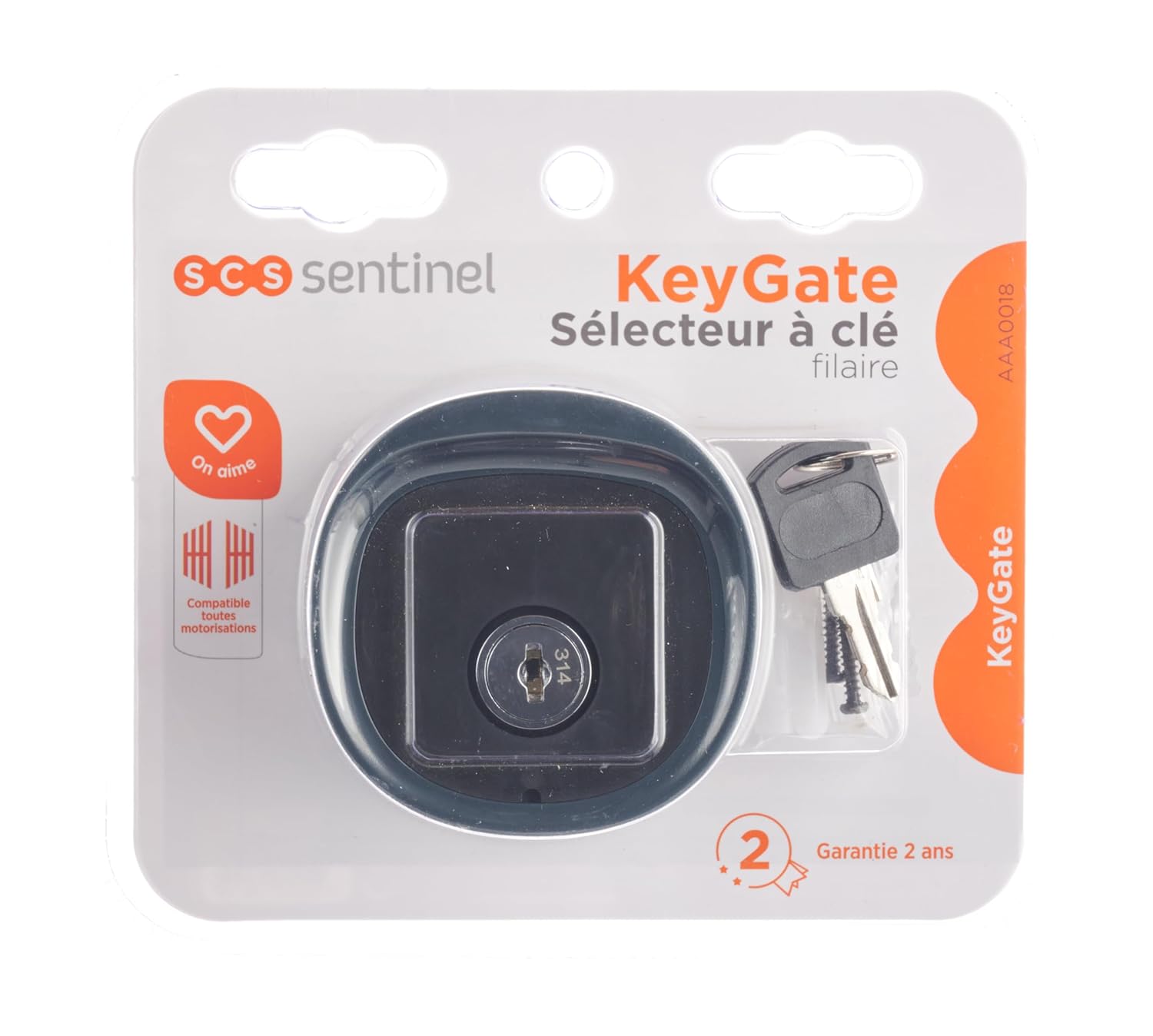
Image: The KeyGate Key Selector displayed in its retail blister packaging, showing the device, keys, and branding.
Features
- Wired Key Selector: Provides a direct, secure connection for gate control.
- Universal Compatibility: Designed to be compatible with all types of gate motorization systems.
- Simple Installation: Engineered for straightforward setup.
- Anti-Theft Design: Features a vandal-proof key switch for enhanced security.
- IP44 Weather Resistance: Protected against solid objects larger than 1mm and splashing water from any direction, suitable for outdoor use.
- Polarity-Free Wiring: Simplifies electrical connection with 2 wires without polarity.
- Adjustable Opening: Allows for total or partial gate opening, ideal for pedestrian access.
Specifications
| Attribute | Detail |
|---|---|
| Model Number | KeyGate (AAA0018) |
| Brand | SCS Sentinel |
| Product Dimensions (L x W x H) | 2.8 x 1.69 x 2.87 inches |
| Weight | 4.02 ounces |
| Operation Mode | ON-OFF |
| Operating Voltage | 120 Volts (AC) |
| Contact Type | Normally Open |
| Connector Type | Plug In |
| Terminal | Spaten |
| Circuit Type | 1-way |
| Mounting Type | Wall Mounted |
| Actuator Type | Push Button (Key Operated) |
| IP Rating | IP44 |
| UPC/EAN | 3760074138159 |
Installation
The KeyGate Key Selector is designed for wall-mounted installation and features a simple, polarity-free wired connection. Always ensure power is disconnected before beginning installation.
1. Site Selection
Choose a suitable location near your gate motorization system that is easily accessible but secure. The device is IP44 rated, making it suitable for outdoor environments, but avoid direct exposure to extreme weather conditions if possible.
2. Mounting
- Mark the desired mounting points on the wall using the key selector as a template.
- Drill pilot holes at the marked locations.
- Secure the key selector to the wall using the provided screws. Ensure it is firmly attached.
3. Wiring Connection
The KeyGate Key Selector uses a 2-wire connection without polarity, simplifying the wiring process to your gate motorization control unit. Refer to your gate motorization system's manual for specific input terminals.
- Identify the control input terminals on your gate motorization system (e.g., "Open/Close" or "Command" terminals).
- Connect the two wires from the KeyGate Key Selector to these terminals. Since the connection is polarity-free, the order of the wires does not matter.
- Ensure all connections are secure and properly insulated.

Image: A side view of the KeyGate Key Selector, revealing the internal wiring terminals where the two control wires are connected.
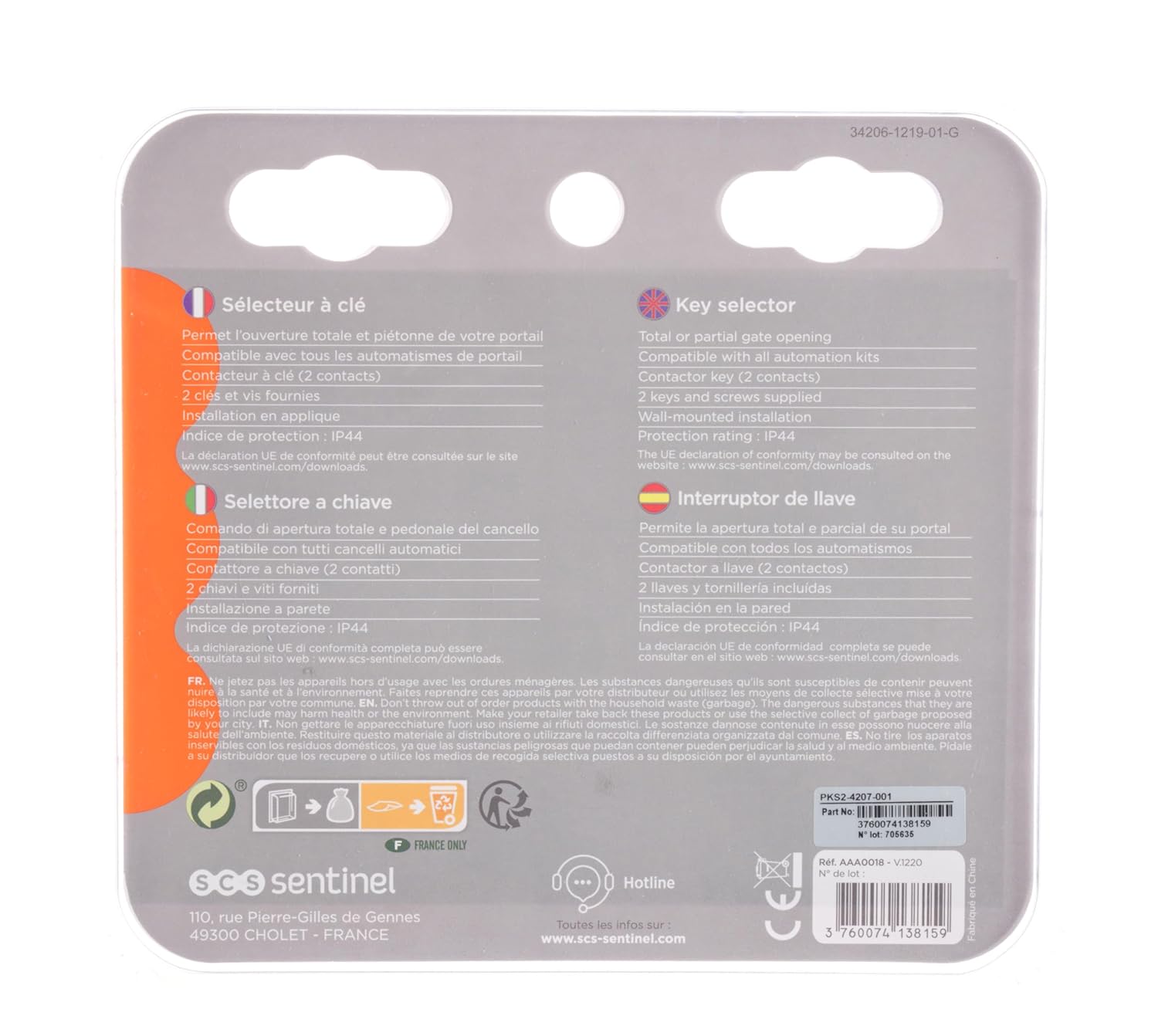
Image: The reverse side of the KeyGate Key Selector packaging, displaying product information in multiple languages and the UPC barcode.
Operation
Once installed and wired correctly, operating the KeyGate Key Selector is straightforward:
- Insert one of the provided mechanical keys into the keyhole of the KeyGate Key Selector.
- Turn the key to activate the gate motorization. The direction or duration of the turn may correspond to specific actions (e.g., full open, partial open, close) depending on how your gate motorization system is configured.
- Remove the key after operation. The key selector is designed to be anti-theft, meaning the key should be removed after use to prevent unauthorized operation.
The key selector can be configured for total or partial gate opening, which is particularly useful for pedestrian access. Consult your gate motorization system's manual for details on configuring these opening modes.
Maintenance
The SCS Sentinel KeyGate Key Selector is designed for durability and requires minimal maintenance. Follow these guidelines to ensure its longevity:
- Cleaning: Periodically wipe the exterior of the key selector with a soft, damp cloth to remove dust and dirt. Do not use abrasive cleaners or solvents.
- Keyhole Care: If the keyhole becomes stiff, a small amount of graphite lubricant can be applied. Avoid oil-based lubricants as they can attract dust.
- Inspection: Regularly inspect the wiring connections for any signs of wear, corrosion, or damage. Ensure all screws remain tight.
- Weather Protection: Although IP44 rated, protecting the unit from prolonged direct exposure to heavy rain or extreme temperatures can extend its lifespan.
Troubleshooting
If you encounter issues with your KeyGate Key Selector, consider the following common troubleshooting steps:
- Gate Does Not Respond:
- Check if the gate motorization system is powered on and functioning correctly.
- Verify all wiring connections between the key selector and the gate control unit are secure and intact.
- Ensure the key is fully inserted and turned correctly.
- Key Is Stiff or Hard to Turn:
- Apply a small amount of graphite lubricant to the keyhole.
- Ensure the key is clean and free of debris.
- Intermittent Operation:
- Inspect wiring for loose connections or damaged insulation.
- Check for any environmental factors (e.g., moisture ingress) that might affect the internal components.
If problems persist after attempting these steps, contact SCS Sentinel customer support or a qualified technician.
Warranty and Support
SCS Sentinel products are designed for reliability and performance. For information regarding warranty coverage, technical support, or replacement parts, please refer to the official SCS Sentinel website or contact their customer service department. Keep your purchase receipt as proof of purchase for warranty claims.
For more information, visit the SCS Sentinel official website.


