
1. Product Overview
The BTF-LIGHTING WS2811 Diffused Digital RGB LED Pixel String Light is an individually addressable LED lighting solution designed for various decorative and functional applications. Each pixel contains a WS2811 IC, allowing for independent control of color and brightness. The string features 50 LED pixels, is IP68 waterproof, and operates on DC 5V.

Image 1.1: Overview of the BTF-LIGHTING WS2811 LED Pixel String Light.
2. Key Features
- Individual Addressability: Each LED pixel can be controlled independently, allowing for custom colors and animations. Compatible with controllers like T-1000S or K-1000C, Arduino, FastLED library, and Raspberry Pi.
- Vibrant Color Display: Offers 256 brightness levels and full 24-bit color display for rich and dynamic lighting effects.
- Cuttable Design: Pixels can be cut individually without affecting the functionality of other pixels, providing flexibility in installation length.
- IP68 Waterproof Rating: Weatherproof silicone encapsulation protects each LED pixel, making it suitable for outdoor and even underwater use. Note: Connectors are not waterproof.
- Extendable: Equipped with two 3-pin JST SM connectors for easy extension and connection of multiple strings.
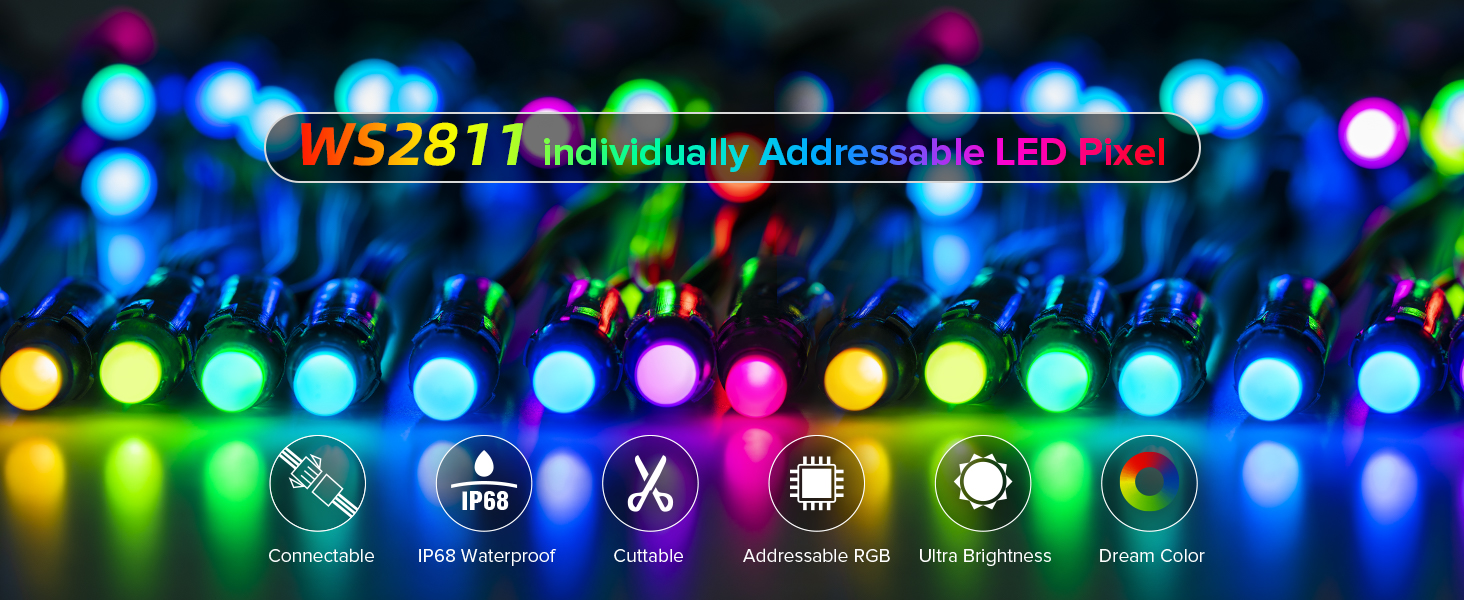
Image 2.1: Visual representation of key features including connectable, IP68 waterproof, cuttable, addressable RGB, ultra brightness, and dream color capabilities.
3. Product Details and Dimensions
Each pixel in the string light is designed for optimal performance and durability. The internal Smart WS2811 IC manages individual LED control, while the F8 RGB LED bead ensures bright and consistent illumination.

Image 3.1: Detailed view of a single WS2811 LED pixel, showing the internal Smart WS2811 IC, F8 RGB LED chip, and precise dimensions (e.g., 33.0 mm total length, 12.5 mm LED height).

Image 3.2: Close-up of the Smart WS2811 IC embedded within the LED pixel, highlighting its compact design.
4. Installation and Wiring
Proper installation and wiring are crucial for the safe and effective operation of your LED pixel string lights. Ensure all connections are secure and follow the provided diagrams.
4.1 Basic Wiring Diagram
Connect the LED pixel string to a compatible 5V power adapter and an SPI controller. The data line from the controller connects to the data input of the first LED pixel. Ensure correct polarity for +5V, Data, and GND connections.

Image 4.1: Basic wiring diagram illustrating connections between the LED string, power adapter, and SPI controller. Note the 20AWG pure copper wire and the 70mm/2.8in spacing between pixels.
4.2 Series Connection Wiring
For longer installations, multiple LED strings can be connected in series. It is recommended to add voltage wires to avoid voltage drop over extended lengths, especially when using multiple strings. The output voltage of the power supply must match the LED light's requirements (DC 5V).

Image 4.2: Diagram showing two methods for series connection: one with a single power supply and controller, and another with distributed power supplies to mitigate voltage drop.
Video 4.1: An official BTF-Lighting video demonstrating the connection and basic functionality of WS2811 LED string lights, including DC5V and DC12V variants.
5. Controller Compatibility
These WS2811 LED pixel string lights are compatible with a wide range of programmable controllers, allowing for diverse lighting effects and integration into smart home systems. Controllers are sold separately.
- SP630E+RB3 Bluetooth Controller
- DR03W WiFi SPI RGB Controller
- SP611E Bluetooth Music Controller
- ESP8266/ESP32 WLED WiFi Controller
- Raspberry Pi 3
- UNO R3 (Arduino)
- K-1000C

Image 5.1: A selection of recommended controllers compatible with WS2811 LED pixel lights, including Bluetooth, WiFi, and programmable options like Raspberry Pi and Arduino.

Image 5.2: Illustration of a DIY LED project setup, demonstrating the use of controllers and open-source software for various lighting effects.

Image 5.3: Examples of mobile application interfaces (Tuya Smart/BanlanX APP) for controlling LED lights, showing dynamic/static modes and color selection.
6. Operating Instructions
Once connected to a compatible controller, you can customize the lighting effects of your WS2811 pixel string lights.
6.1 Brightness Control
Adjust the brightness from 0% to 100% using your chosen controller. This allows you to set the perfect ambiance for any occasion.
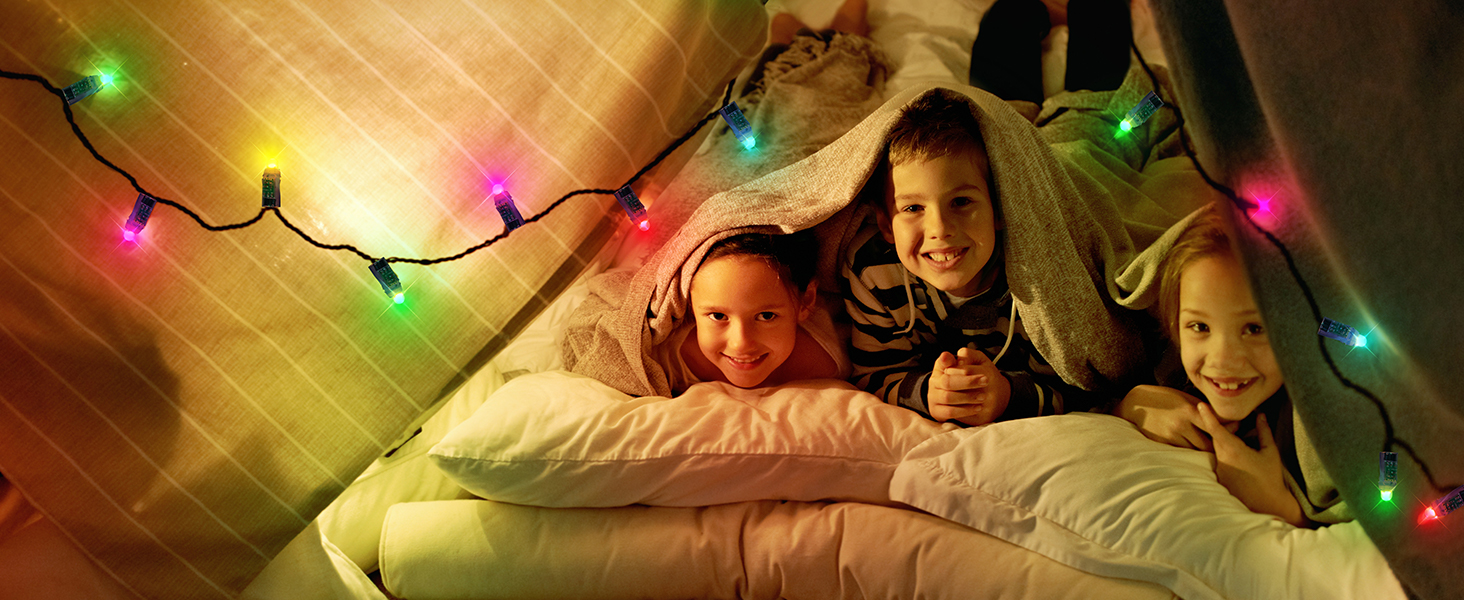
Image 6.1: Visual demonstration of brightness levels from 0% to 100% in various indoor settings, showcasing the versatility of the LED lights.
6.2 Color Modes and Effects
Utilize your controller to select static colors, dynamic color modes, and adjust chasing color speeds. Many controllers also offer DIY options to create custom lighting effects.
Video 6.1: An official BTF-Lighting video showcasing various color changes and effects of the WS2811 LED strip, including brightness adjustment and dynamic modes via remote control.
7. Waterproofing and Durability
The WS2811 LED pixel string lights are designed with an IP68 waterproof rating, ensuring protection against dust and immersion in water. This makes them suitable for both indoor and outdoor applications, even in challenging weather conditions.

Image 7.1: Visual details highlighting the IP68 waterproof silicone housing, the individually addressable nature of each LED, and the extendable design with JST SM connectors.
8. Technical Specifications
| Specification | Value |
|---|---|
| Brand | BTF-LIGHTING |
| Model Number | 12MMWS28115V68G |
| Color | Green (wire color) |
| Voltage | 5 Volts |
| Wattage | 15.00 Watts |
| Light Source Type | LED |
| Light Color | RGB |
| Number of Light Sources | 50 |
| Indoor/Outdoor Usage | Outdoor |
| Special Feature | Waterproof |
| Water Resistance Level | Waterproof |
| Power Source | Corded Electric |
| Control Method | Remote (with compatible controller) |
| Connectivity Technology | Wi-Fi (with compatible controller) |
| Material | FPCB |
| Item Dimensions | 5.5 x 3.1 x 3.9 inches (packaging) |
9. Safety Precautions
- Ensure the power supply voltage matches the product's specified voltage (DC 5V). Incorrect voltage can damage the LEDs.
- Do not exceed the maximum current rating of your power supply and controller when connecting multiple strings.
- While the LED pixels are IP68 waterproof, the connectors are not. Ensure connectors are protected from moisture if used outdoors.
- Avoid bending the wires sharply or applying excessive force to the LED pixels, as this may damage internal components.
- Disconnect power before making any connections or adjustments.
- Keep out of reach of children.
10. Troubleshooting
- Lights not turning on: Check power supply connection, ensure correct voltage, verify controller connection and functionality.
- Incorrect colors or flickering: Ensure data line is correctly connected to the controller and the first pixel. Check for loose connections. Verify controller settings match the WS2811 IC type.
- Partial string not lighting up: If only a section of the string is affected, check the connections between the working and non-working sections. A damaged pixel might interrupt the data signal; individual pixels can be cut out and bypassed if necessary.
- Lights are dim at the end of a long string: This indicates voltage drop. Consider adding additional power injection points along the string or using a thicker gauge wire for power distribution.
11. Maintenance
To ensure the longevity of your LED pixel string lights:
- Cleaning: Gently wipe the LED pixels with a soft, damp cloth. Avoid abrasive cleaners or solvents.
- Storage: When not in use, store the lights in a cool, dry place, away from direct sunlight and extreme temperatures. Coil them loosely to prevent wire damage.
- Inspection: Periodically inspect the wires and connections for any signs of wear, damage, or corrosion.
12. Warranty and Support
For warranty information and technical support, please refer to the product packaging or contact BTF-LIGHTING customer service directly. Keep your purchase receipt for any warranty claims.